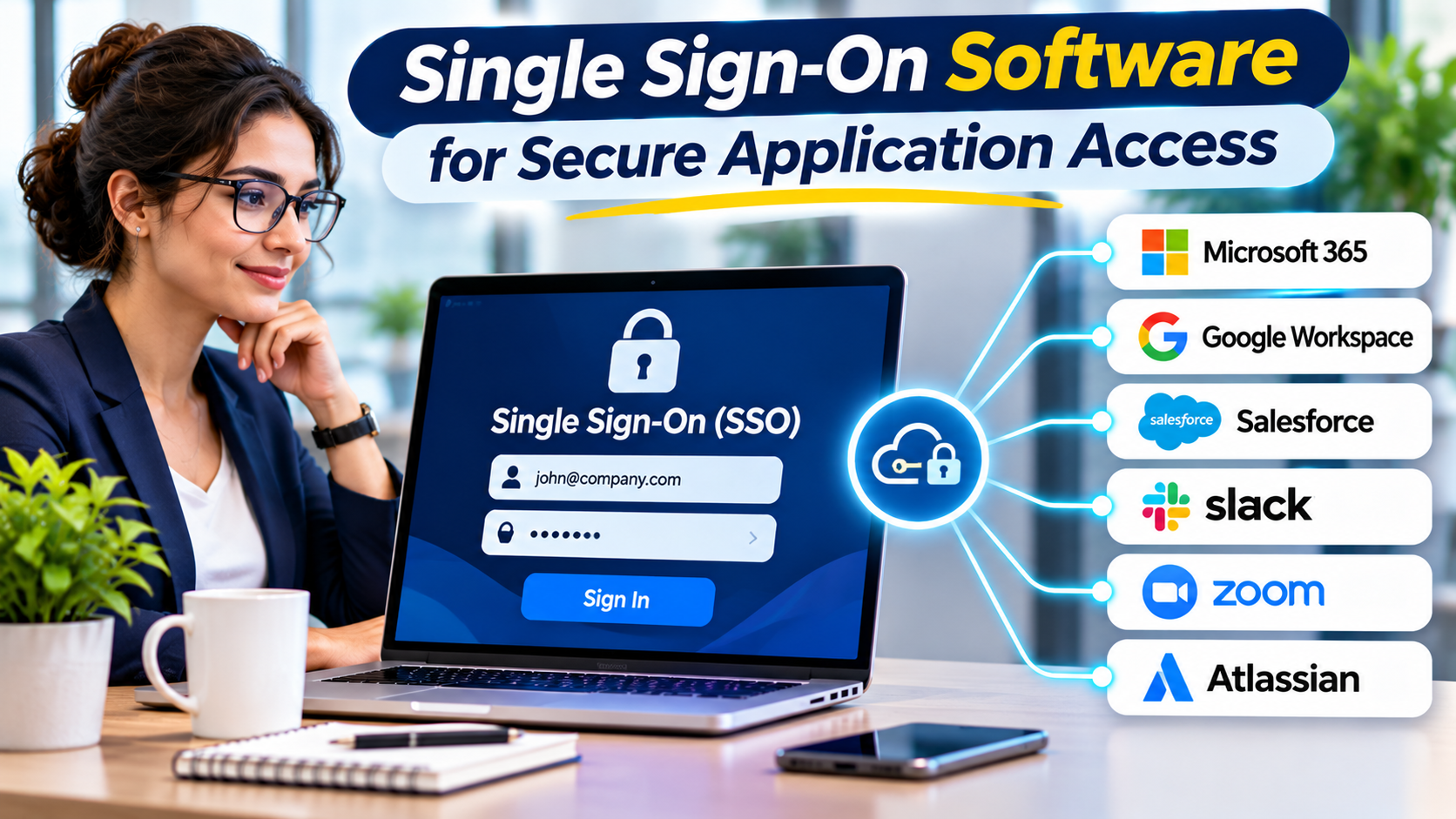
Employees rarely work in one application. A typical workday may involve email, project management software, customer records, financial systems, and collaboration tools.
When every application requires separate credentials, users face repeated sign-ins while IT teams manage fragmented authentication policies.
Single Sign-On (SSO) addresses this problem by allowing users to authenticate through a trusted identity provider and access multiple connected applications.
However, SSO is more than a convenience feature. Its design affects security, availability, incident response, and the organization’s dependence on its identity infrastructure.
What Is Single Sign-On?
Single Sign-On is an authentication approach that enables users to access multiple applications through a shared identity authentication process.
Instead of maintaining an independent password for every connected service, users authenticate with an identity provider that establishes their identity for participating applications.
Common SSO benefits include:
- Fewer repeated sign-in prompts
- Centralized authentication policies
- Reduced reliance on application-specific passwords
- Consistent multifactor authentication enforcement
- Improved employee onboarding
- Simplified authentication monitoring
- More manageable access administration
SSO does not automatically provide access to every application. Users must still have the appropriate accounts and permissions.
How Single Sign-On Works
A typical federated SSO process involves three parties:
The user: The person attempting to access an application.
The identity provider (IdP): The service responsible for authenticating the user.
The service provider or relying party: The application accepting the identity provider’s authentication result.
A simplified authentication flow works as follows:
- A user opens a business application.
- The application redirects the user to a trusted identity provider.
- The identity provider checks whether the user has an active authentication session.
- If necessary, the user authenticates and completes required security checks.
- The identity provider issues an appropriate authentication response.
- The application validates that response and establishes its own session.
The exact process depends on the protocol and application architecture.
Importantly, an application session may remain active independently of the identity provider session. Signing out of one system does not necessarily terminate every connected application session.
SAML vs. OpenID Connect
Two important technologies used in enterprise SSO are Security Assertion Markup Language (SAML) and OpenID Connect (OIDC).
SAML
SAML is widely used for browser-based enterprise application federation.
It exchanges authentication information through structured security assertions.
Many established enterprise SaaS products support SAML integrations.
OpenID Connect
OpenID Connect is an identity layer built on OAuth 2.0.
It is commonly used in modern web and mobile application authentication.
OIDC provides identity information through standardized tokens and protocol flows.
Which Should You Choose?
| Consideration | SAML | OpenID Connect |
|---|---|---|
| Common use | Enterprise browser SSO | Modern web and mobile applications |
| Core format | XML-based assertions | JSON-based tokens and messages |
| Ecosystem | Established enterprise integrations | Modern application development |
| Main selection factor | Application compatibility | Application architecture and compatibility |
Neither protocol is inherently the correct choice for every environment.
The safest implementation is one that follows the relevant standards, validates responses correctly, and uses well-maintained integration libraries.
Leading Single Sign-On Platforms
Microsoft Entra ID
Microsoft Entra ID supports single sign-on across Microsoft services and numerous third-party applications.
It is a natural evaluation candidate for organizations using Microsoft 365 and Azure.
Advantages to evaluate: Integration with Microsoft identity infrastructure, application access policies, and centralized administration.
Limitations to consider: Feature licensing, policy complexity, and dependence on the wider Microsoft identity environment.
Okta
Okta provides workforce single sign-on and authentication services for organizations using multiple SaaS applications.
It is relevant to businesses that need an identity provider spanning different software vendors.
Advantages to evaluate: Application integrations, centralized authentication, and workforce identity features.
Limitations to consider: Subscription structure, provisioning requirements, and integration maintenance.
Ping Identity
Ping Identity supports enterprise federation and authentication scenarios.
It is worth evaluating for organizations with complex application environments and specialized identity requirements.
Advantages to evaluate: Federation capabilities and flexibility for enterprise identity architectures.
Limitations to consider: Implementation effort and the technical skills needed to maintain the chosen configuration.
JumpCloud
JumpCloud offers SSO alongside directory and device management capabilities.
It can be useful for businesses managing mixed operating systems and distributed employee devices.
Advantages to evaluate: Coordinated identity and device workflows.
Limitations to consider: Application coverage and suitability for specialized enterprise identity requirements.
OneLogin
OneLogin provides single sign-on and workforce identity capabilities.
It is relevant to organizations seeking a centralized authentication experience across business applications.
Advantages to evaluate: Application connectivity and access administration.
Limitations to consider: Verify supported integrations, licensing, and lifecycle requirements.
Keycloak
Keycloak is an open-source identity platform supporting SSO through standards such as OpenID Connect and SAML.
It is relevant to organizations developing applications or seeking self-managed authentication infrastructure.
Advantages to evaluate: Deployment control, standards-based integration, and customization.
Limitations to consider: Organizations must manage infrastructure, upgrades, availability, monitoring, and security maintenance.
Why SSO Should Be Combined With MFA
Single Sign-On reduces the number of independent authentication experiences, but it also increases the importance of protecting the central identity account.
If an attacker compromises that account, multiple connected applications may become accessible.
Multifactor authentication adds another layer of protection.
For sensitive environments, phishing-resistant authentication methods such as FIDO2 security keys and appropriately configured passkeys deserve particular consideration.
Organizations should also enforce conditional access policies where supported and review high-risk authentication activity.
SSO and MFA are complementary controls, not alternatives.
Security Risks That Require Attention
Identity Provider Compromise
The identity provider becomes a critical security dependency.
Administrative access, configuration changes, signing credentials, and authentication policies require strong protection.
Session Management
Applications may maintain sessions after the initial SSO authentication.
Organizations should understand session expiration, token handling, revocation, and logout behavior.
Misconfigured Federation
Incorrect redirect settings, weak token validation, or inappropriate trust relationships can create vulnerabilities.
Use supported integrations and validate configurations against vendor documentation.
Availability Dependencies
An identity provider outage may prevent users from starting new application sessions.
Business continuity plans should address emergency access and recovery procedures.
Incomplete Deprovisioning
Disabling access at the identity provider does not always remove application accounts or terminate existing sessions immediately.
Provisioning and deprovisioning processes must be tested separately.
How to Choose the Right SSO Platform
Start with application compatibility rather than vendor popularity.
Inventory the applications employees use and identify supported authentication protocols.
Then assess these areas:
Identity infrastructure: Determine whether existing directories and identity providers can support the deployment.
Authentication security: Evaluate MFA, phishing-resistant methods, and conditional access capabilities.
Provisioning: Confirm whether user accounts and group memberships can be managed through supported integrations.
User experience: Test sign-in behavior across desktop browsers, mobile devices, and remote environments.
Administration: Review policy management, troubleshooting tools, reporting, and audit logs.
Availability: Understand recovery options and operational dependencies.
Cost: Include licensing, implementation, integration maintenance, and support requirements.
A short pilot involving representative applications often reveals more useful information than a feature checklist alone.
A Practical SSO Rollout Plan
Phase 1: Application Discovery
Identify the applications that employees use most frequently.
Document their authentication methods, account ownership, and business importance.
Phase 2: Identity Preparation
Confirm that user records are accurate and that duplicate identities are resolved.
Establish clear rules for authentication and account ownership.
Phase 3: Pilot Deployment
Integrate a small group of applications.
Test sign-in, MFA, account provisioning, session behavior, and recovery procedures.
Phase 4: Security Enforcement
Apply appropriate authentication requirements to sensitive applications and privileged users.
Monitor failures and investigate unusual sign-in activity.
Phase 5: Wider Adoption
Expand to additional applications in manageable groups.
Provide employees with clear instructions and maintain support procedures.
Phase 6: Continuous Review
Regularly examine application integrations, access policies, inactive accounts, and authentication events.
Common SSO Implementation Mistakes
Assuming SSO replaces access management: Authentication and authorization remain distinct responsibilities.
Ignoring application sessions: Disabling central authentication may not immediately terminate every existing session.
Skipping recovery planning: Identity infrastructure outages can disrupt business operations.
Using weak central authentication: Consolidated access requires appropriately strong authentication controls.
Treating every integration as identical: Applications differ in protocol support, session handling, and provisioning behavior.
Frequently Asked Questions
Is SSO more secure than separate passwords?
SSO can improve security by centralizing authentication and reducing password fragmentation. Its actual security depends on configuration, MFA, session controls, and identity provider protection.
Does SSO eliminate passwords?
Not necessarily. Some implementations still use passwords at the identity provider. Passwordless authentication can reduce that dependence.
Is SSO the same as IAM?
No. SSO is an authentication capability, while IAM covers a broader set of identity and access management functions.
Can small businesses use SSO?
Yes. SSO can be valuable to smaller organizations, particularly when employees use multiple cloud applications. The appropriate solution depends on existing systems, cost, and administrative capacity.
Does SSO automatically remove access when an employee leaves?
Not always. Central sign-in restrictions, application account deprovisioning, and active session termination are separate concerns that require testing.
Final Thoughts
Single Sign-On can make application access easier for employees while helping IT teams enforce consistent authentication controls.
Microsoft Entra ID, Okta, Ping Identity, JumpCloud, OneLogin, and Keycloak offer different approaches for organizations with different infrastructure and operational needs.
The strongest SSO strategy begins with application compatibility, protects the identity provider with strong authentication, and addresses lifecycle management and recovery from the beginning.
When implemented carefully, SSO becomes more than a convenient login experience. It becomes an important component of a reliable identity security architecture.