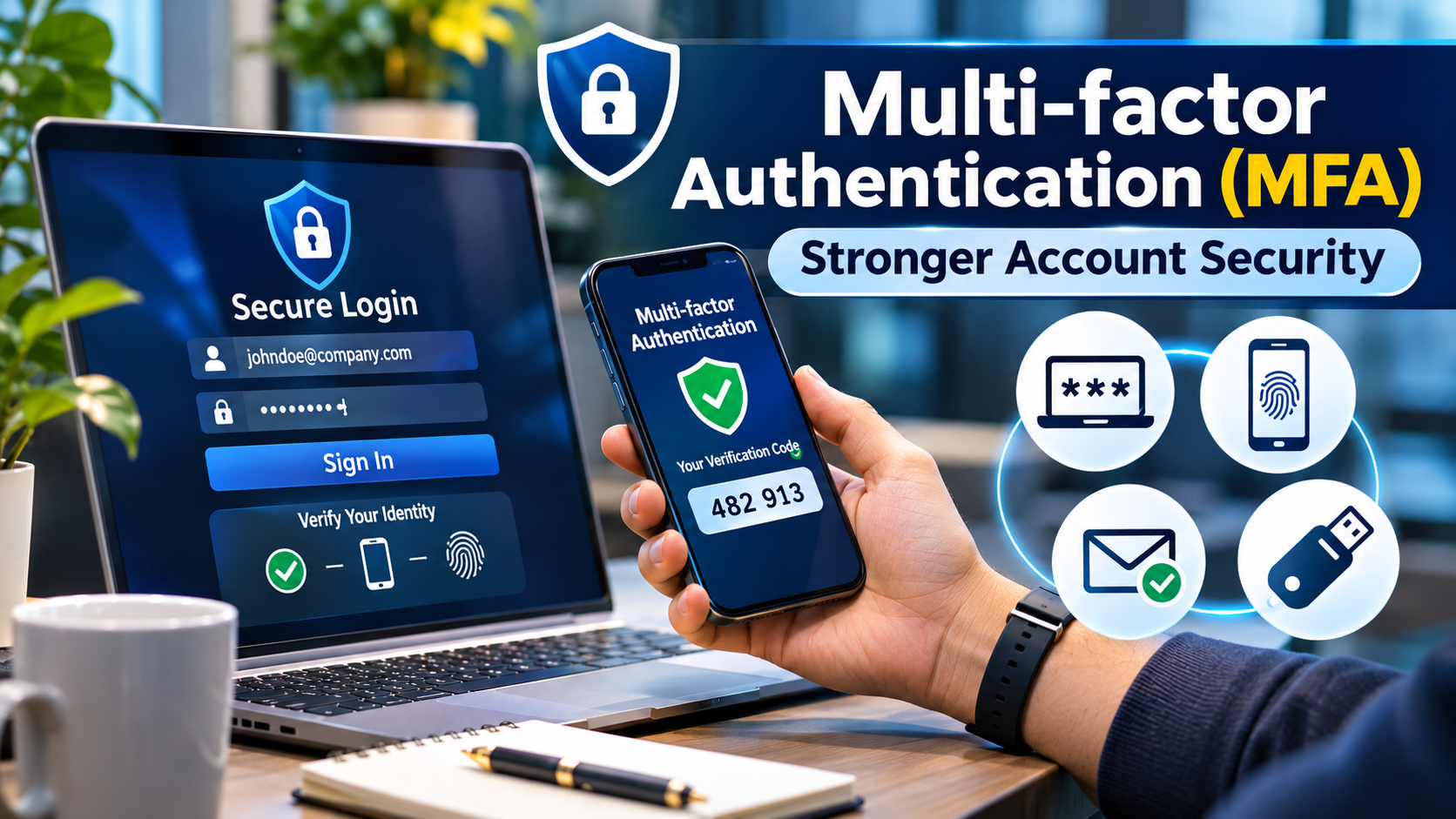
Passwords remain a common way to protect digital accounts, but they are vulnerable to phishing, credential theft, reuse, and automated attacks. Even a carefully chosen password can become compromised when a user enters it into a convincing fraudulent website.
Multi-factor authentication (MFA) reduces dependence on passwords by requiring additional evidence before granting access.
However, not every MFA method offers the same protection. A one-time code sent by SMS, an approval notification on a smartphone, and a FIDO2 security key provide different levels of resistance to attacks.
Choosing MFA therefore requires more than enabling a second login step. Organizations must consider authentication strength, application compatibility, user experience, recovery procedures, and operational resilience.
What Is Multi-factor Authentication?
Multi-factor authentication verifies an identity using evidence from at least two different authentication factor categories.
The three traditional categories are:
- Something you know: A password or PIN.
- Something you have: A registered security key, authenticator device, or phone.
- Something you are: A biometric characteristic, such as a fingerprint.
Using two passwords does not constitute MFA because both belong to the same factor category.
Similarly, an application that asks for a password and a security question is not necessarily providing genuine multifactor protection.
Why MFA Matters
An attacker who steals a password should not automatically gain access to the associated account.
MFA creates an additional authentication requirement that can prevent some forms of unauthorized access.
It is particularly important for:
- Employee accounts accessing business applications
- Administrative and privileged accounts
- Remote access systems
- Cloud infrastructure management
- Financial and customer information
- Email and collaboration services
- Developer repositories and production environments
MFA is not a complete account security strategy. Attackers may still exploit phishing, session theft, social engineering, or weaknesses in recovery processes.
The objective is to select methods that reduce the most relevant risks.
Understanding the Main MFA Methods
SMS One-Time Passcodes
SMS authentication sends a temporary code to a registered telephone number.
It is widely accessible because users generally do not need specialized hardware or software.
However, SMS authentication can be vulnerable to phishing, telephone number takeover, and weaknesses in telecommunications processes.
It may be useful when stronger alternatives are unavailable, but it should not automatically be the preferred method for high-risk accounts.
Authenticator Application Codes
Time-based one-time passwords (TOTP) are generated by applications such as Microsoft Authenticator or Google Authenticator.
They do not depend on receiving an SMS message.
However, users can still be tricked into entering these codes on phishing websites.
Push Notifications
Push-based MFA sends an authentication request to a registered device.
Users approve or reject the request.
This can improve convenience, but poorly designed implementations may be vulnerable to repeated approval requests or social engineering.
Number matching and contextual information can reduce some of these risks.
Hardware Security Keys
FIDO2-compatible security keys can provide phishing-resistant authentication by binding authentication to the legitimate service.
They are particularly valuable for administrators and users with access to sensitive systems.
Organizations must account for device enrollment, replacements, and recovery.
Passkeys
Passkeys use public-key cryptography and can provide phishing-resistant authentication.
Depending on implementation, they may be synchronized through a credential provider or bound to a particular device.
A passkey can support passwordless authentication, although the overall security of the account still depends on enrollment and recovery controls.
Comparing MFA Methods
| Method | Phishing resistance | Main consideration |
|---|---|---|
| SMS code | Limited | Telephone number security |
| TOTP code | Limited | Code phishing |
| Push approval | Varies | Approval fatigue and social engineering |
| FIDO2 security key | Strong | Hardware distribution and recovery |
| Passkey | Strong when correctly implemented | Device and account recovery |
Authentication strength should be evaluated alongside usability and recovery.
MFA Platforms Worth Evaluating
Microsoft Entra ID
Microsoft Entra ID provides authentication and access controls for workforce environments.
Organizations using Microsoft 365 and Azure may find its authentication capabilities relevant to existing identity infrastructure.
Evaluate supported authentication methods, conditional access requirements, licensing, and recovery processes.
Cisco Duo
Cisco Duo focuses on multifactor authentication and access security.
It is worth evaluating for organizations seeking authentication protection across business applications and remote access environments.
Important considerations include device support, application integrations, and administrative controls.
Okta
Okta offers workforce authentication capabilities, including multiple authentication methods and policy controls.
It is relevant to organizations with diverse SaaS applications and centralized identity requirements.
Buyers should examine supported authenticators, licensing, and application compatibility.
Ping Identity
Ping Identity supports enterprise authentication and access management requirements.
It may suit organizations with complex identity environments or specialized authentication workflows.
Implementation architecture and policy management deserve particular attention.
RSA ID Plus
RSA ID Plus provides identity and authentication capabilities for enterprise access scenarios.
It may be relevant to organizations with demanding authentication requirements and established RSA infrastructure.
Evaluate authentication methods, deployment requirements, and integration compatibility.
Keycloak
Keycloak is an open-source identity platform with configurable authentication capabilities.
It is relevant to organizations that want to operate their own identity services.
The trade-off is responsibility for deployment, upgrades, availability, and security maintenance.
How to Select an MFA Platform
The most important decision is not which vendor offers the longest feature list.
It is whether the platform can enforce appropriate authentication for the applications and identities that matter.
Prioritize Phishing Resistance
Use phishing-resistant methods for privileged accounts and sensitive workflows wherever feasible.
Examine Application Coverage
Verify support for cloud applications, VPNs, remote access, administrative interfaces, and legacy systems.
Plan Account Recovery
A strong authentication method can be undermined by weak recovery procedures.
Test lost-device scenarios, identity verification, and emergency access.
Evaluate User Experience
Authentication requirements should reflect risk without creating unnecessary interruptions.
Repeated challenges may encourage unsafe workarounds.
Review Logging and Monitoring
Security teams need visibility into failed authentication attempts, enrollment changes, suspicious activity, and recovery events.
Implementing MFA Effectively
Begin with privileged users and high-risk applications.
Inventory existing authentication methods and identify systems that cannot support modern authentication directly.
Introduce phishing-resistant methods where possible.
Provide users with clear enrollment instructions and register appropriate backup authenticators.
Test device loss and recovery before expanding deployment.
Finally, monitor authentication failures, help desk requests, and suspicious enrollment changes.
Common MFA Mistakes
Treating all second factors as equally secure: Different methods resist different attacks.
Ignoring recovery: Weak recovery can bypass strong authentication.
Allowing unlimited push requests: Repeated prompts can enable approval fatigue attacks.
Failing to protect enrollment: Unauthorized registration of a new authenticator can compromise an account.
Assuming MFA prevents every attack: Session theft and compromised endpoints remain important risks.
Frequently Asked Questions
Is MFA the same as two-factor authentication?
Two-factor authentication is a form of MFA that uses two distinct factor categories.
Can MFA stop phishing?
Some MFA methods can be phished. Properly implemented FIDO2 authentication and passkeys offer stronger phishing resistance.
Is SMS authentication better than no MFA?
SMS authentication can provide additional protection compared with password-only access, although stronger methods are preferable for sensitive accounts.
Should every employee use MFA?
Organizations should protect workforce access with appropriate authentication requirements, prioritizing stronger methods according to risk.
Final Thoughts
Multi-factor authentication is one of the most important controls for reducing password-related account compromise.
Yet the quality of protection depends on the authentication method, application integration, enrollment security, and recovery process.
Microsoft Entra ID, Cisco Duo, Okta, Ping Identity, RSA ID Plus, and Keycloak offer different approaches to implementing authentication controls.
The best strategy is to make phishing-resistant authentication practical for users while maintaining secure, reliable access to business systems.