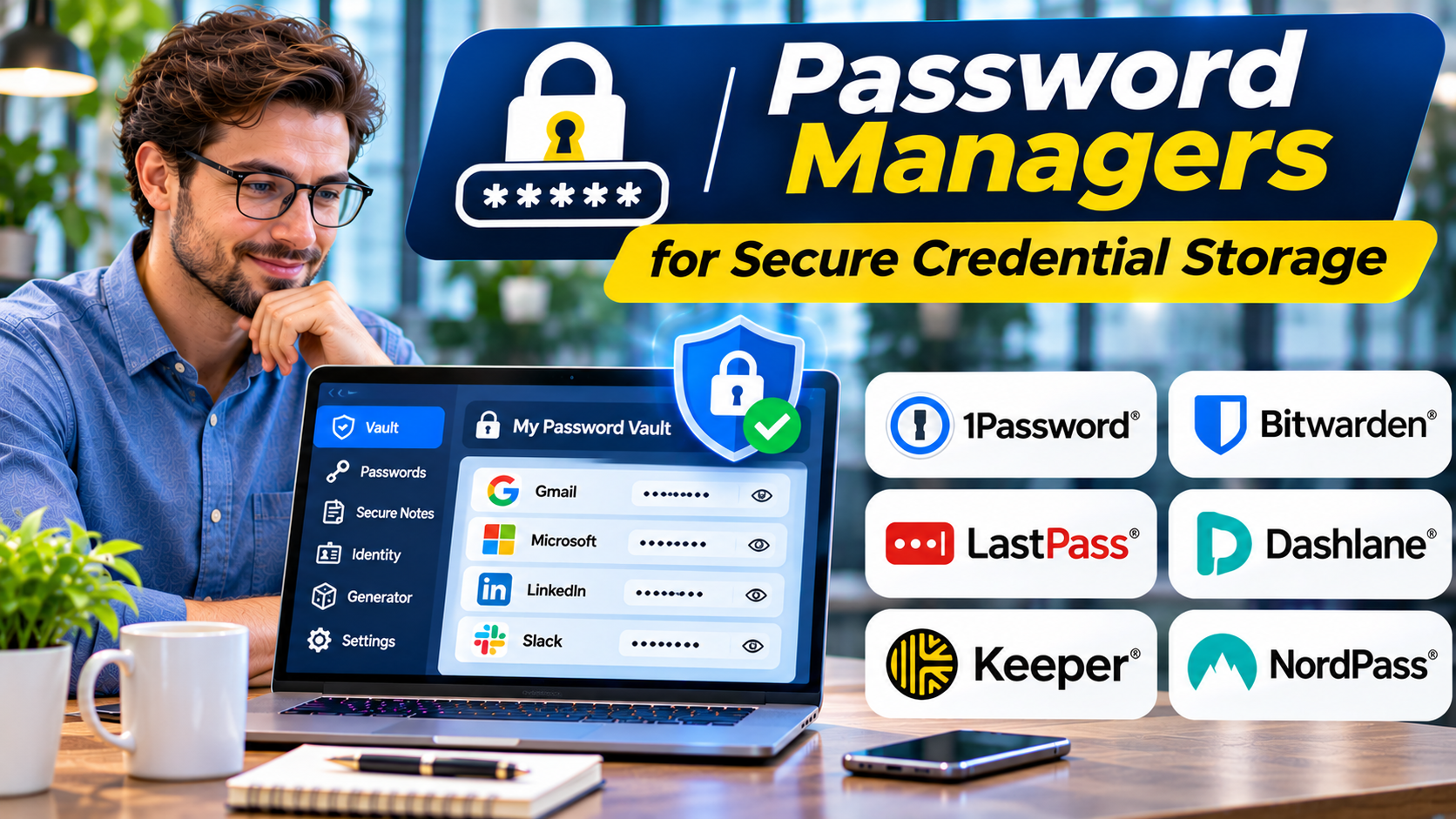
Using a unique password for every account is an important security practice. Remembering dozens of long, random passwords, however, is unrealistic for most people.
The result is often password reuse, predictable variations, or credentials stored in insecure locations.
Password managers address this problem by storing credentials in an encrypted vault and helping users generate and retrieve strong passwords.
For organizations, they can also support controlled credential sharing, employee onboarding, and administrative oversight.
But selecting a password manager requires careful consideration of encryption architecture, recovery options, platform compatibility, and the consequences of losing access to the vault.
What Is a Password Manager?
A password manager is software that stores and organizes authentication credentials, typically within an encrypted vault.
Common capabilities include:
- Generating strong, unique passwords
- Storing login credentials
- Autofilling supported websites and applications
- Synchronizing vaults across devices
- Sharing credentials securely
- Organizing passwords and sensitive notes
- Identifying weak or reused passwords
- Supporting passkeys in compatible environments
Business-focused products may also provide administrative policies, access controls, reporting, and integration with identity systems.
How Password Managers Protect Credentials
Many password managers encrypt vault information before storing or synchronizing it.
The details vary by product.
Some systems use a master password and additional cryptographic material to derive encryption keys. Others support device-based authentication or specialized recovery arrangements.
The phrase zero knowledge is frequently used in marketing, but buyers should examine the actual security architecture rather than relying on the label.
Important questions include:
- Where does encryption occur?
- Who can decrypt vault contents?
- How are encryption keys derived and protected?
- What happens when a user forgets the master password?
- Can administrators recover business vault access?
- What metadata remains visible to the service provider?
A secure design must balance confidentiality with realistic recovery needs.
Why Browser Password Storage Is Not Always Enough
Modern browsers offer useful built-in password management features.
For individuals with straightforward requirements, these may be sufficient.
Dedicated password managers become more attractive when users need cross-platform synchronization, shared vaults, advanced organization, or business administration.
The distinction is not that browser password storage is inherently insecure.
The better choice depends on the user’s devices, threat model, sharing needs, and account recovery preferences.
Password Managers Worth Evaluating
1Password
1Password offers password and credential management for individuals, families, and organizations.
It supports encrypted vaults, credential sharing, and business administration features.
Its security architecture includes an account password and an additional Secret Key.
Relevant strengths: Cross-device access, business sharing, and structured vault management.
Considerations: Subscription costs, recovery policies, and integration requirements.
Bitwarden
Bitwarden offers password management across personal and business use cases.
Its ecosystem includes open-source components and options for organizations seeking greater deployment control.
Relevant strengths: Cross-platform support, transparent software development, and organizational credential management.
Considerations: Self-hosting introduces operational responsibilities, and features differ across service offerings.
Dashlane
Dashlane provides password management with features aimed at both individuals and businesses.
It emphasizes browser-based access and credential security workflows.
Relevant strengths: Credential management, password health features, and administrative capabilities.
Considerations: Evaluate supported platforms, subscription tiers, and deployment requirements.
Keeper
Keeper provides password management and enterprise credential security capabilities.
It is relevant to organizations requiring controlled sharing and administrative policies.
Relevant strengths: Business administration, credential sharing, and security-focused management features.
Considerations: Confirm which capabilities are included in the intended subscription and any additional modules.
Proton Pass
Proton Pass offers encrypted password management within Proton’s broader privacy-oriented software ecosystem.
It is relevant to users who prioritize privacy-focused services and credential management.
Relevant strengths: Encrypted vault functionality, password generation, and integration with related Proton services.
Considerations: Review organizational features, platform compatibility, and recovery arrangements.
KeePassXC
KeePassXC is an open-source password manager centered on locally managed encrypted databases.
It is relevant to users who prefer direct control over their credential files.
Relevant strengths: Local vault control, offline operation, and independence from a mandatory hosted synchronization service.
Considerations: Users must manage backups, synchronization, and recovery themselves.
Comparing Password Manager Approaches
| Product | General approach | Important evaluation area |
|---|---|---|
| 1Password | Hosted encrypted vault service | Account recovery and business sharing |
| Bitwarden | Hosted or self-managed options | Deployment and administration |
| Dashlane | Cloud-based password management | Browser workflows and plan features |
| Keeper | Personal and enterprise credential management | Administrative controls |
| Proton Pass | Privacy-oriented encrypted vault | Ecosystem and feature coverage |
| KeePassXC | Locally managed encrypted database | Backup and synchronization |
No product should be selected solely because it offers the most features.
The most appropriate option is the one users can operate securely and consistently.
Password Managers and Passkeys
Passkeys are changing how people authenticate.
Instead of entering a traditional password, users authenticate through public-key cryptography.
Some password managers can store and synchronize passkeys, allowing them to work across supported devices and applications.
This does not make password managers obsolete.
Many services still require passwords, and organizations continue to manage credentials for systems that do not support passkeys.
A useful password manager should fit the organization’s transition toward stronger authentication.
What Businesses Should Evaluate
Secure Sharing
Employees sometimes need access to shared service credentials.
A business password manager should support controlled sharing without requiring credentials to be copied into email or chat messages.
Employee Offboarding
Administrators need processes for removing access when employees leave.
Revoking vault access is important, but shared passwords may also require rotation.
Administrative Visibility
Business administrators may need reporting on adoption, security policies, and access assignments.
That visibility should be balanced against employee privacy and vault confidentiality.
Integration With Identity Systems
Single sign-on and directory integration can simplify employee access.
However, buyers must verify supported integrations and understand recovery dependencies.
Recovery and Business Continuity
Organizations should establish documented procedures for account recovery, emergency access, and vault ownership.
How to Migrate to a Password Manager
Begin by selecting a platform that supports the required devices and applications.
Create a strong account password and enable appropriate multifactor authentication.
Import existing credentials using supported migration tools.
Review imported entries for duplicates and outdated information.
Replace reused passwords with unique, randomly generated credentials.
Protect critical accounts first, including email, financial services, identity providers, and administrator accounts.
Create reliable recovery arrangements and remove unencrypted export files after migration.
Common Password Manager Mistakes
Using a weak vault password: The primary authentication method deserves strong protection.
Ignoring recovery options: Losing vault access can create serious disruption.
Leaving exported credentials unprotected: Migration files may contain sensitive information in readable form.
Sharing one account among employees: Individual accounts provide clearer access ownership and revocation.
Assuming synchronization replaces backup planning: Recovery requirements depend on the product and deployment model.
Frequently Asked Questions
Are password managers safe?
Well-designed password managers can improve credential security, but no software is risk-free. Security depends on architecture, configuration, device protection, and user behavior.
What happens if a password manager is compromised?
The impact depends on the type of compromise and the product’s cryptographic design. Encrypted vault contents may remain protected, but account credentials, devices, or metadata could still be at risk.
Can password managers store passkeys?
Many modern password managers support passkeys, although compatibility varies by product and platform.
Is an open-source password manager automatically more secure?
No. Open-source code can support independent inspection, but security also depends on implementation, maintenance, configuration, and operational practices.
Final Thoughts
Password managers make strong, unique credentials practical.
1Password, Bitwarden, Dashlane, Keeper, Proton Pass, and KeePassXC offer different combinations of usability, administration, privacy, and deployment control.
For individuals, the priority is a trustworthy tool that works consistently across their devices.
For businesses, secure sharing, lifecycle management, recovery, and administrative policies become equally important.
The best password manager is not simply the one with the strongest feature list. It is the one that helps users maintain secure habits without introducing unnecessary operational risk.