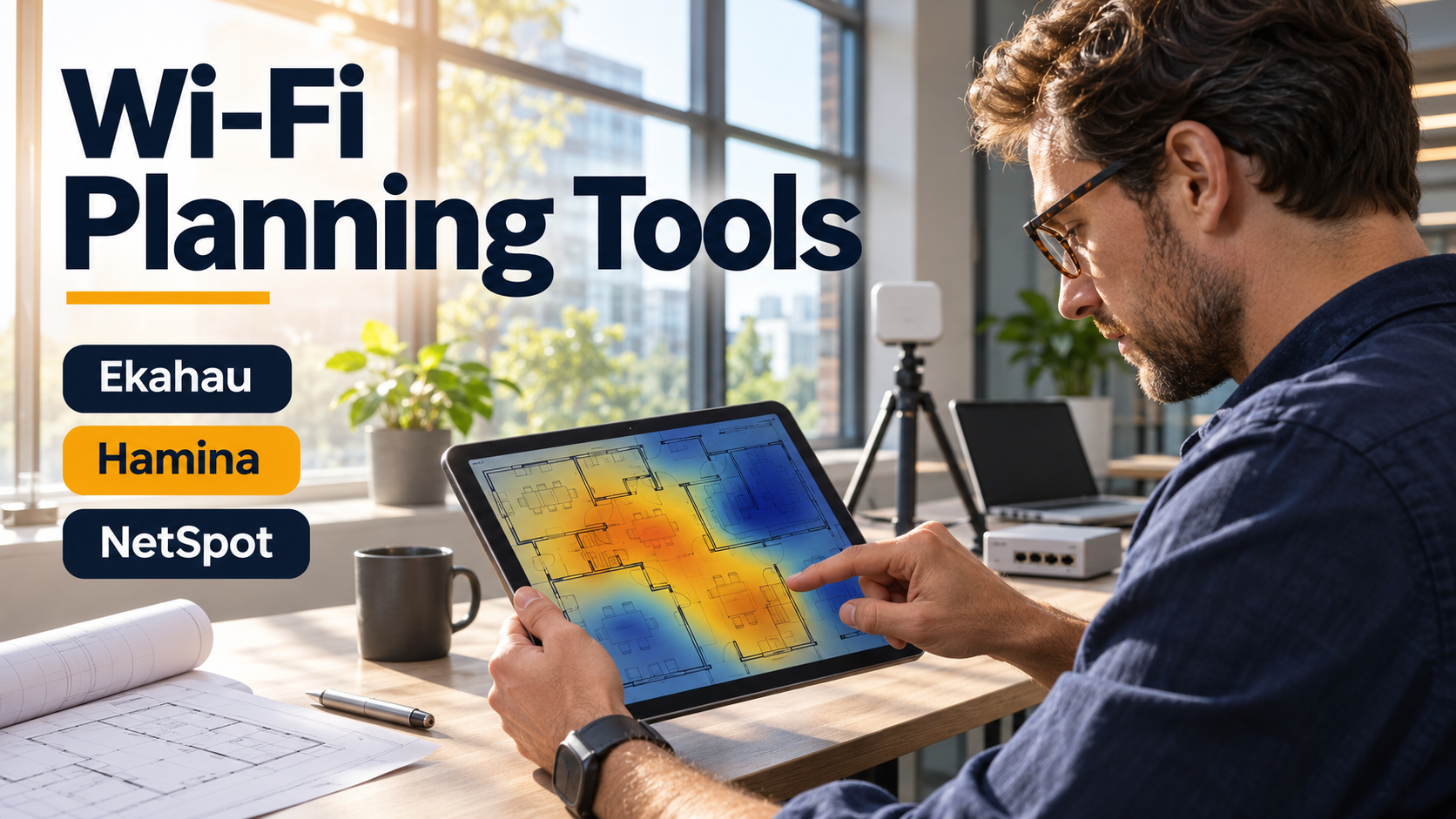
An office heatmap shows a strong signal in every meeting room. During the Monday all-hands, calls still freeze. The plan may have answered whether a signal could reach the room. The failure concerns how much usable airtime is available when dozens of clients compete for it.
Wi-Fi planning tools help teams predict coverage, assess access point placement, and measure the installed network. They are most useful when the plan starts with what people and devices need to do in each space.
Model a busy room and a difficult client
Bring in a scaled floor plan and mark the spaces that matter. Include dense rooms, corridors used for roaming, and places where devices sit near shelving, equipment, or thick walls. Verify mounting heights and cable access. An access point shown at the ideal location on the plan may be impossible to install there.
Choose representative client devices early. A handheld scanner, a laptop, and a voice handset can behave differently in the same spot. Evaluate the supported bands and channels, where clients are expected to roam, and whether the access point can hear the client’s transmissions well enough for the application to work.
A predictive design estimates radio behavior from the floor plan, materials, antenna patterns, and other inputs. A survey measures conditions at the site. An active test with representative devices adds evidence about application performance under those conditions. Use the three together for locations where an installation mistake would be costly.
Match the planning tool to the work
Ekahau AI Pro supports predictive design and analysis of survey data. It is worth evaluating for enterprise projects where the team needs to revise designs and validate them in the field. Account for the survey equipment and licenses required by the workflow you intend to use.
Hamina Network Planner is a cloud-based design option. It fits teams looking to build and revise plans in a shared workflow. Use a real site to check how the tool handles floor plans, obstruction details, and changes when the installer discovers a mounting constraint. Hamina Network Planner
NetSpot offers predictive planning in supported editions and platforms. It is worth considering for a smaller office or a focused coverage investigation. Check that the edition you choose produces the survey or design reports you need. NetSpot predictive survey documentation
Walk the network before accepting the installation
Once access points are installed, verify the locations and channels actually in use. Walk the routes that matter with a representative client. Test the busiest room during realistic load and repeat the tests around the obstacles that were hardest to model. Log roaming behavior and application performance alongside signal readings.
If the model and survey disagree, check the physical installation and update the model before adding access points. More radios can increase contention when channel reuse is already tight. Keep the corrected plan and the measured results together so the next layout change starts from evidence about the building as it exists.