Software delivery becomes difficult when every release depends on manual steps.
Developers merge code, someone runs tests, another person prepares deployment files, and an operations engineer updates production.
A missed configuration or forgotten command can turn a routine release into an outage.
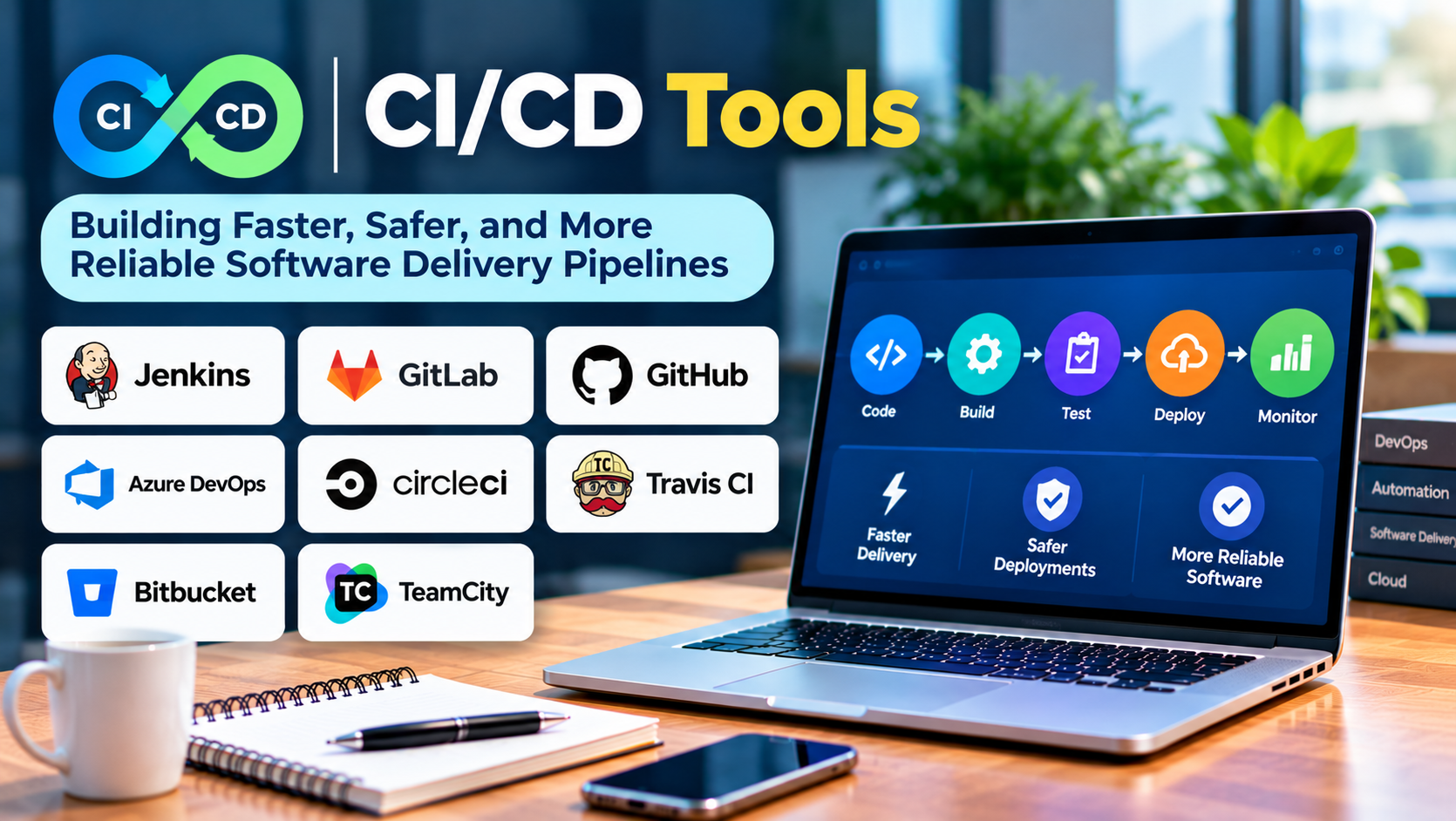
Continuous integration and continuous delivery help teams replace these fragile processes with repeatable automation.
CI/CD tools provide the infrastructure for running builds, tests, security checks, and deployments.
However, the best CI/CD platform is not necessarily the one with the most features. It is the one that fits the team’s development workflow and makes releases easier to understand and control.
What Is CI/CD?
CI/CD refers to continuous integration and continuous delivery or continuous deployment.
These practices automate important stages of software development and release.
Continuous Integration
Continuous integration encourages developers to merge changes frequently into a shared codebase.
Automated pipelines build the application and run checks after code changes.
This helps teams detect integration problems early.
Continuous Delivery
Continuous delivery keeps software in a state where it can be released through a controlled process.
The pipeline automates build, testing, and packaging activities, while production deployment may still require approval.
Continuous Deployment
Continuous deployment extends automation by releasing qualifying changes to production without a separate manual approval step.
It requires reliable testing, monitoring, and recovery practices.
Not every organization needs continuous deployment.
For some applications, controlled releases with formal approval remain appropriate.
How a CI/CD Pipeline Works
A typical pipeline begins when a developer pushes code or opens a pull request.
The system then performs a sequence of checks.
These may include:
- Retrieving source code
- Installing dependencies
- Compiling or building the application
- Running unit tests
- Executing integration tests
- Performing security and quality checks
- Creating a deployable artifact
- Publishing the artifact
- Deploying to a testing or production environment
- Verifying deployment health
The exact stages depend on the application and release requirements.
A simple website may need only a few steps.
A regulated enterprise application may require extensive testing, approvals, and deployment records.
CI/CD Tools to Consider
GitHub Actions
GitHub Actions provides workflow automation integrated with GitHub repositories.
Teams define workflows using configuration files stored alongside their source code.
It supports build, test, and deployment automation through hosted or self-hosted runners.
Best suited for: Teams already using GitHub for source code collaboration.
Strengths: Repository integration, reusable actions, and a broad automation ecosystem.
Limitations: Workflow permissions, third-party actions, runner security, and usage costs require management.
GitHub Actions is often a convenient choice when development already happens inside GitHub.
GitLab CI/CD
GitLab CI/CD provides pipeline automation integrated with GitLab.
It supports pipeline configuration, jobs, stages, runners, and deployment workflows.
Best suited for: Organizations using GitLab for source code management and DevOps workflows.
Strengths: Integrated development lifecycle and configurable pipelines.
Limitations: Runner management, platform administration, and feature availability vary by deployment and plan.
GitLab CI/CD is particularly relevant when organizations want development and delivery workflows within one platform.
Jenkins
Jenkins is an open-source automation server.
It supports CI/CD pipelines through plugins, integrations, and pipeline configuration.
Jenkins provides considerable flexibility and can run in self-managed environments.
Best suited for: Teams needing customization or integration with established infrastructure.
Strengths: Extensibility, broad integration options, and deployment control.
Limitations: Plugin maintenance, upgrades, security configuration, and infrastructure management can require substantial effort.
Jenkins is powerful, but its flexibility comes with operational responsibility.
CircleCI
CircleCI provides continuous integration and delivery capabilities.
It supports automated build and testing workflows with configuration-based pipelines.
Best suited for: Engineering teams seeking a dedicated CI/CD platform.
Strengths: Developer-focused automation and configurable execution environments.
Limitations: Usage costs, environment compatibility, and platform-specific configuration should be evaluated.
Azure Pipelines
Azure Pipelines is part of Azure DevOps.
It supports automated builds, tests, and deployment workflows across different technology stacks.
Best suited for: Organizations using Azure DevOps or Microsoft-oriented development environments.
Strengths: Integration with Azure DevOps services and support for varied application platforms.
Limitations: Pipeline configuration, service connections, permissions, and licensing require attention.
TeamCity
TeamCity is a CI/CD platform developed by JetBrains.
It provides build automation, configuration management, and reporting capabilities.
Best suited for: Teams seeking a dedicated build management platform with structured administration.
Strengths: Build configuration features and integration with development tools.
Limitations: Deployment model, licensing, and administration requirements should be assessed.
Buildkite
Buildkite provides CI/CD orchestration with an architecture that can use agents running in customer-managed infrastructure.
It is relevant to organizations seeking control over build execution environments.
Best suited for: Engineering teams with specialized infrastructure or security requirements.
Strengths: Flexible execution architecture and control over build infrastructure.
Limitations: Agent management and infrastructure operations remain important responsibilities.
Argo CD
Argo CD is a declarative GitOps continuous delivery tool for Kubernetes.
It uses Git-based desired state to manage application deployment configurations.
Best suited for: Kubernetes teams adopting GitOps deployment practices.
Strengths: Declarative delivery and visibility into differences between desired and actual cluster state.
Limitations: It is not a complete replacement for general-purpose CI tools that compile and test application code.
Argo CD often complements a CI system rather than replacing it.
CI/CD Tool Comparison
| Tool | Main orientation | Important consideration |
|---|---|---|
| GitHub Actions | GitHub workflow automation | Runner and action security |
| GitLab CI/CD | Integrated DevOps pipelines | Platform and runner management |
| Jenkins | Extensible automation server | Plugin and infrastructure maintenance |
| CircleCI | Dedicated CI/CD service | Usage and execution costs |
| Azure Pipelines | Azure DevOps automation | Service connections and governance |
| TeamCity | Build and pipeline management | Licensing and administration |
| Buildkite | Flexible pipeline execution | Agent infrastructure |
| Argo CD | Kubernetes GitOps delivery | Requires complementary CI capabilities |
What Makes a Reliable CI/CD Pipeline?
Fast Feedback
Developers should learn quickly when changes break builds or tests.
Run fast checks early and reserve expensive tests for appropriate stages.
Repeatable Builds
The same source code and controlled dependencies should produce predictable results.
Pin important tool versions and manage build environments consistently.
Secure Credentials
Pipelines often need access to registries, cloud services, and deployment environments.
Use protected secrets and narrowly scoped permissions.
Avoid embedding credentials in source code or logs.
Controlled Deployments
Production deployments should include appropriate authorization, health checks, and rollback procedures.
Automating deployment does not eliminate the need for operational safeguards.
Observable Results
Teams should understand why a pipeline failed.
Clear logs, test reports, and deployment records reduce troubleshooting time.
CI/CD Security Risks
CI/CD systems often have access to sensitive source code and production infrastructure.
This makes them attractive targets.
Risks include compromised dependencies, malicious pipeline changes, excessive runner permissions, and exposed secrets.
Organizations should review third-party actions and plugins, protect pipeline configuration, and limit credential access.
Self-hosted runners also require isolation and maintenance.
A secure pipeline is part of the software supply chain, not merely a build script.
How to Choose a CI/CD Platform
Begin with your source code hosting environment.
An integrated solution may reduce configuration and maintenance.
Next, evaluate deployment targets.
A team deploying containers to Kubernetes has different requirements from one releasing desktop applications.
Consider build workload, parallel execution, infrastructure control, compliance, and total cost.
Run a pilot that includes a real application, automated tests, artifact publishing, and a controlled deployment.
Measure the operational effort required to maintain the pipeline.
Common CI/CD Mistakes
One mistake is automating an unreliable manual process without improving it first.
Another is creating a pipeline with too many slow checks.
Teams also sometimes allow production deployment credentials to be accessible from untrusted build jobs.
Finally, organizations may focus on deployment frequency without measuring failure rates or recovery time.
Faster releases are valuable only when teams can maintain reliability.
Final Thoughts
CI/CD tools help organizations turn software delivery into a repeatable engineering process.
GitHub Actions, GitLab CI/CD, Jenkins, CircleCI, Azure Pipelines, TeamCity, Buildkite, and Argo CD serve different needs.
The best platform fits the development ecosystem, supports secure automation, and provides clear feedback when something fails.
Successful CI/CD is not about removing every manual decision. It is about automating repeatable work while keeping important risks under control.
Frequently Asked Questions
What is the difference between CI and CD?
Continuous integration focuses on integrating and testing code changes. Continuous delivery or deployment extends automation toward software releases.
Is Jenkins free?
Jenkins is open-source software. Organizations still incur infrastructure, maintenance, and operational costs.
Can GitHub Actions deploy to cloud platforms?
Yes. It can support cloud deployment workflows through appropriate integrations, credentials, and configuration.
Is Argo CD a CI tool?
Argo CD primarily focuses on GitOps continuous delivery for Kubernetes. It is commonly used alongside CI systems.