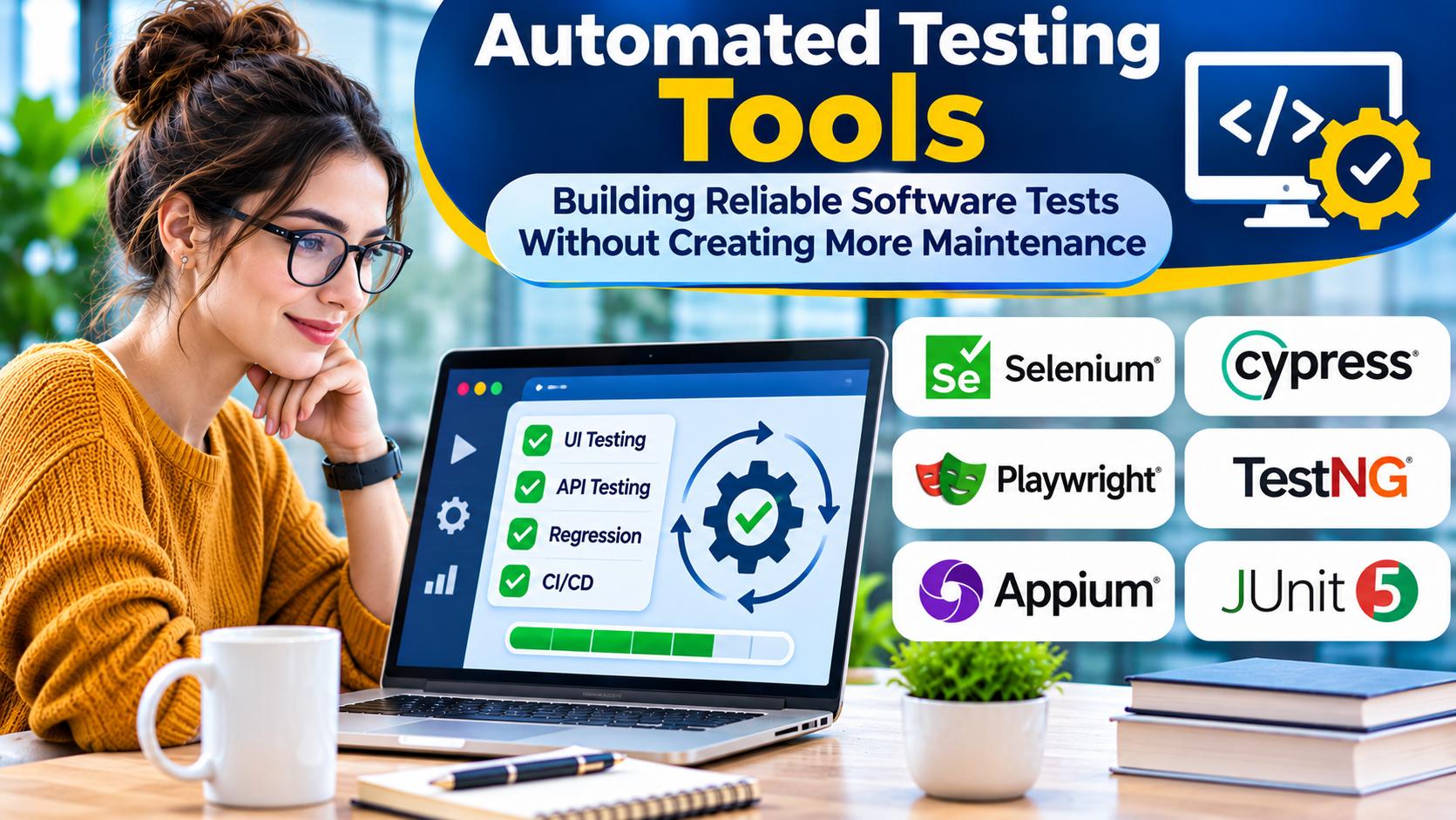
Automated testing promises faster releases and fewer defects.
Yet many teams discover that their test suites become slow, unreliable, and expensive to maintain.
Tests fail because of timing problems. Interface changes break selectors. Test environments produce inconsistent results. Engineers spend more time investigating failures than improving software.
The solution is not simply choosing a more powerful automation tool.
It is selecting tools that match the application and designing tests that provide trustworthy feedback.
What Are Automated Testing Tools?
Automated testing tools execute predefined checks against software with limited manual intervention.
They help verify that applications behave as expected after code changes.
Automation can cover several levels of testing:
- Unit tests for individual functions and components
- Integration tests for interactions between services
- API tests for request and response behavior
- End-to-end tests for complete user workflows
- Mobile application tests
- Regression tests for previously working functionality
Each level has different speed, complexity, and maintenance characteristics.
Why Test Automation Matters
Manual testing remains useful for exploration, usability evaluation, and situations requiring human judgment.
However, repeating the same checks after every code change consumes valuable time.
Automation helps teams execute repeatable checks consistently.
It can also support continuous integration by detecting problems before changes reach production.
The greatest value comes from selecting the right checks to automate.
A small, reliable suite that covers important risks can be more useful than thousands of fragile tests.
Automated Testing Tools to Consider
Selenium
Selenium is an open-source browser automation project.
Its WebDriver ecosystem supports browser automation using several programming languages.
Selenium is widely relevant to teams that need cross-browser testing and flexible integration with existing development environments.
Strengths: Browser support, language options, and a broad ecosystem.
Limitations: Teams must manage test structure, synchronization, browser environments, and supporting infrastructure.
Selenium is suitable for organizations that need substantial control over browser automation.
Playwright
Playwright is a browser automation framework developed by Microsoft.
It supports automated browser testing with capabilities such as locators, assertions, and browser-context management.
Playwright is useful for teams building modern web applications and seeking an integrated testing workflow.
Strengths: Browser automation, debugging tools, and automatic waiting behavior for supported operations.
Limitations: Reliable tests still require sound selectors, isolated data, and careful scenario design.
Cypress
Cypress provides tools for testing web applications.
Its development experience includes interactive execution and debugging capabilities.
Cypress is particularly relevant to frontend teams that want accessible browser testing workflows.
Strengths: Developer-focused experience and useful debugging features.
Limitations: Browser, architecture, and workflow requirements should be checked against current product support.
Appium
Appium is an open-source automation framework used for mobile and other application environments through supported drivers.
It is relevant when teams need to automate native or hybrid mobile application behavior.
Strengths: Extensible architecture and support for mobile automation ecosystems.
Limitations: Device configuration, platform dependencies, and test stability can increase maintenance effort.
Robot Framework
Robot Framework is an open-source automation framework with a keyword-driven approach.
It supports test automation through libraries and extensions.
Robot Framework can be useful when teams want readable test cases and reusable automation keywords.
Strengths: Keyword-based structure and extensibility.
Limitations: Poorly designed keyword libraries can hide complexity and make debugging harder.
Katalon
Katalon offers a commercial testing platform with automation capabilities for different application testing needs.
It is relevant to organizations seeking a more integrated testing environment.
Strengths: Centralized tooling and workflows that can reduce the need to assemble multiple components.
Limitations: Licensing, supported technologies, and long-term platform dependency require evaluation.
Tricentis Tosca
Tricentis Tosca is a commercial test automation platform.
It emphasizes model-based automation and enterprise testing workflows.
It can be relevant to organizations with complex business applications and formal testing processes.
Strengths: Enterprise-oriented automation and test management capabilities.
Limitations: Commercial cost, training, and implementation complexity should be assessed.
How to Choose an Automated Testing Tool
Match the Tool to the Application
A browser automation framework is not automatically suitable for testing native mobile applications.
An API testing framework may be faster and more reliable for validating backend business rules than a browser-based test.
Start with application architecture rather than tool popularity.
Consider the Team’s Skills
Code-based frameworks offer flexibility but require programming expertise.
Low-code and keyword-driven approaches may improve accessibility for some teams.
However, abstraction does not eliminate technical complexity.
Evaluate who will create, review, troubleshoot, and maintain the tests.
Evaluate Debugging
When a test fails, engineers need to understand why.
Useful capabilities include logs, screenshots, traces, network inspection, and clear error messages.
Debugging quality can have a greater effect on productivity than the number of supported features.
Check CI/CD Integration
Automated tests should run reliably in the team’s delivery environment.
Evaluate command-line execution, reporting formats, parallel execution, environment configuration, and failure handling.
Calculate Maintenance Cost
A free tool can become expensive if tests require constant repair.
Commercial platforms may reduce some setup work but introduce licensing and vendor dependencies.
Compare total ownership costs rather than purchase price alone.
Build a Sustainable Test Automation Strategy
Automate at the Lowest Useful Level
Test business logic with unit tests when possible.
Use integration tests to verify service boundaries.
Reserve end-to-end tests for important workflows that require multiple components.
This reduces execution time and limits unnecessary dependencies.
Use Stable Test Data
Tests should create, control, or reset the data they depend on.
Shared data can produce unpredictable failures when tests run in parallel.
Avoid Fixed Delays
Hard-coded waits make tests slower and less reliable.
Use condition-based synchronization and framework-supported waiting mechanisms.
Keep Tests Independent
One test should not depend on another test having run successfully.
Independent tests are easier to execute, parallelize, and diagnose.
Review Flaky Tests
A flaky test produces inconsistent results without a corresponding application change.
Track these failures and investigate their causes.
Do not simply rerun failures until the pipeline passes.
Where AI-Assisted Testing Fits
AI-assisted features can help generate test ideas, suggest selectors, or support maintenance workflows.
However, generated tests still need human review.
A test can execute successfully while checking the wrong behavior.
Teams should evaluate AI-assisted automation based on accuracy, maintainability, data handling, and the ability to understand generated results.
Final Thoughts
Automated testing tools are most valuable when they improve confidence in software changes.
Selenium, Playwright, Cypress, Appium, Robot Framework, Katalon, and Tricentis Tosca address different testing needs.
The right choice depends on application technology, team skills, maintenance requirements, and delivery workflows.
Reliable automation comes from thoughtful test design supported by appropriate tools—not from automating every possible interaction.
Frequently Asked Questions
Which automated testing tool is best for web applications?
Playwright, Selenium, and Cypress are common options. Their suitability depends on browser requirements, language preferences, and test architecture.
Can automated testing replace manual testing?
No. Exploratory testing, usability evaluation, and human judgment remain important.
What causes flaky automated tests?
Common causes include timing problems, shared test data, unstable environments, and brittle selectors.
Should every test run before every deployment?
Not necessarily. Teams often use fast checks for immediate feedback and run larger suites at appropriate stages.