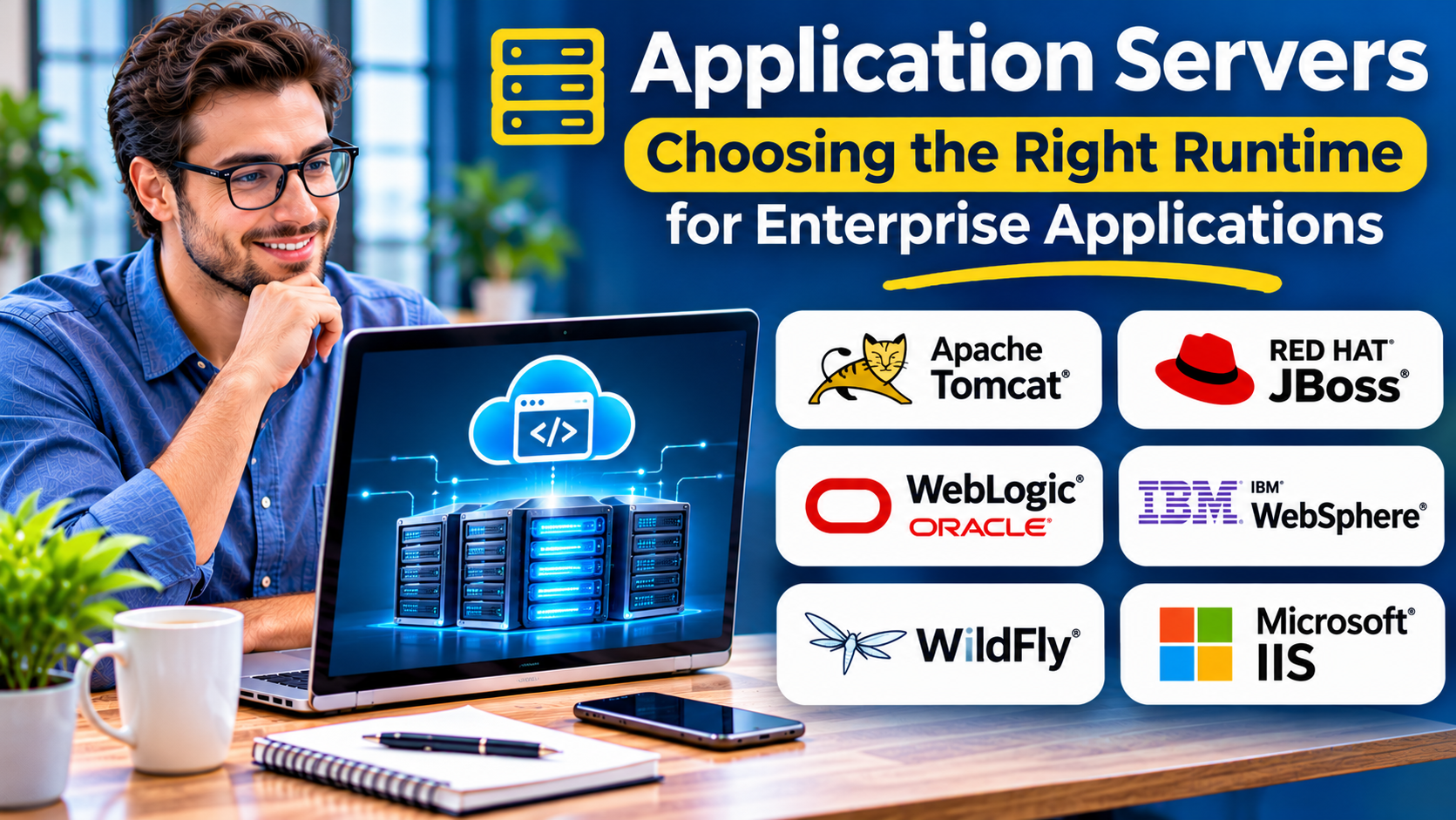
An application can have clean code and still fail under real-world demand. Slow database calls, poorly managed connections, and unreliable deployments can turn a useful business system into a source of frustration.
Application servers help address these problems by providing an environment where application code can run, communicate with other systems, and use shared infrastructure services.
However, the term application server covers different technologies. A Jakarta EE application server, a Java servlet container, and a Node.js runtime do not provide identical capabilities.
Understanding those differences is essential before choosing a platform.
What Is an Application Server?
An application server is software that hosts application logic and provides services needed to execute applications.
Depending on its architecture, it may handle:
- HTTP requests and application routing
- Database connection management
- Authentication and authorization
- Transaction coordination
- Application deployment and lifecycle management
- Messaging and integration
- Resource pooling and concurrency
- Monitoring and operational administration
Some application servers implement enterprise specifications. Others provide a smaller runtime that developers extend with frameworks and libraries.
The right choice depends on what the application needs from its hosting environment.
Application Server vs. Web Server
Web servers and application servers perform related but different roles.
A web server primarily handles HTTP traffic, static resources, TLS termination, and request forwarding.
An application server executes application logic and may provide additional enterprise services.
For example, NGINX can serve as a reverse proxy in front of a Java application running on WildFly.
The reverse proxy handles incoming connections and routing. WildFly runs the business application.
These responsibilities can also overlap. Modern frameworks and runtimes often include embedded HTTP servers, making a separate application server unnecessary for some projects.
Application Server Platforms Worth Understanding
WildFly
WildFly is an open-source application server associated with the Jakarta EE ecosystem.
It supports enterprise Java applications and provides services for transactions, security, messaging, and application management.
WildFly is particularly relevant when an organization needs a standards-based environment for Java enterprise workloads.
Consider it when: Your applications depend on Jakarta EE capabilities or established enterprise Java deployment patterns.
Trade-off: Its administration and runtime configuration may be more involved than using a lightweight framework with an embedded server.
Red Hat JBoss Enterprise Application Platform
Red Hat JBoss EAP is a commercially supported enterprise application platform.
It targets organizations that require managed support, predictable maintenance arrangements, and enterprise deployment practices.
Its relationship to the broader WildFly ecosystem makes it relevant to organizations evaluating supported enterprise Java environments.
Consider it when: Commercial support and enterprise lifecycle management matter more than minimizing platform complexity.
Trade-off: Subscription obligations and supported-version requirements should be evaluated before adoption.
Eclipse GlassFish
Eclipse GlassFish is an open-source Jakarta EE application server.
It is closely associated with the development and implementation of Jakarta EE specifications.
GlassFish can be useful for developers exploring standards-based enterprise Java applications and organizations evaluating Jakarta EE compatibility.
Consider it when: Standards alignment and Jakarta EE functionality are important.
Trade-off: Assess its operational ecosystem and support options against your production requirements.
Open Liberty
Open Liberty is a modular Java application runtime.
Its feature-based configuration allows teams to enable capabilities required by their applications rather than treating every enterprise service as mandatory.
Open Liberty supports modern Java development practices and container-oriented deployments.
Consider it when: You want a configurable enterprise Java runtime with an emphasis on modularity.
Trade-off: Teams must understand feature configuration and application compatibility.
Apache Tomcat
Apache Tomcat is a Java servlet container rather than a complete Jakarta EE application server.
It implements web-related Java specifications and is widely used for Java web applications.
Tomcat is often suitable when frameworks and application libraries provide services that a full enterprise application server would otherwise supply.
Consider it when: Your application needs a servlet-based runtime without a complete enterprise platform.
Trade-off: Additional capabilities may require separate libraries, services, or infrastructure.
Oracle WebLogic Server
Oracle WebLogic Server is a commercial application server designed for enterprise Java workloads.
It is relevant to organizations operating established Oracle middleware environments or applications with WebLogic-specific dependencies.
Consider it when: Existing enterprise systems, vendor support requirements, or application compatibility favor WebLogic.
Trade-off: Licensing, administration, and migration costs deserve careful evaluation.
How to Choose an Application Server
Start With Application Compatibility
Identify the programming language, framework, runtime version, and specifications your application requires.
A Jakarta EE application may need services that a basic servlet container does not provide.
A Spring Boot application may run effectively with an embedded server.
Choosing an application server before identifying these requirements creates unnecessary migration risk.
Examine Deployment Architecture
Determine whether applications will run on virtual machines, physical servers, containers, or a managed cloud platform.
Container-based deployment may favor lightweight configuration, automated startup, and externalized state.
Traditional enterprise environments may place greater value on centralized administration and established operational tooling.
Evaluate Security
Review how the runtime handles authentication, authorization, TLS, secrets, and security updates.
Application-server security also depends on deployment practices.
A secure runtime cannot compensate for exposed administrative interfaces or poorly managed credentials.
Test Performance With Your Workload
Avoid choosing a platform solely because of published throughput claims.
Performance depends on application code, database access, network latency, JVM configuration, and infrastructure resources.
Use representative workloads to measure latency, resource consumption, and stability.
Understand the Full Cost
An open-source application server may have no license fee, but it still requires maintenance.
Commercial platforms may add licensing or subscription expenses while providing vendor support.
Compare the total cost of deployment, monitoring, upgrades, troubleshooting, and staff training.
Common Application Server Mistakes
One frequent mistake is deploying a full enterprise runtime when a simpler application framework would meet the requirement.
Another is treating an application server as a substitute for application architecture.
Connection leaks, inefficient database queries, and poorly designed services remain problems regardless of the runtime.
Organizations also underestimate upgrade planning. Framework versions, Java releases, dependencies, and application-server support policies must remain compatible.
A Practical Evaluation Process
Begin with a small application that represents your production requirements.
Deploy it on two or three compatible runtimes.
Measure startup behavior, request latency, memory use, database connection handling, and recovery after failure.
Next, test operational tasks such as certificate replacement, configuration changes, application rollback, and security updates.
Document the results before selecting a platform.
This approach reveals practical differences that feature comparisons often miss.
Final Thoughts
Application servers remain important where applications need reliable runtime services, enterprise integration, and predictable operations.
WildFly, GlassFish, Open Liberty, JBoss EAP, WebLogic, and Tomcat serve different requirements.
The strongest choice is not necessarily the platform with the longest feature list. It is the runtime that supports your application architecture without introducing unnecessary complexity.
Frequently Asked Questions
Is Apache Tomcat a full application server?
Tomcat is primarily a servlet container. It supports Java web applications but does not provide the complete set of services associated with a full Jakarta EE application server.
Are application servers still needed with containers?
Yes. Containers package and run applications, but they do not automatically replace the application runtime or its services.
Can an application run without a traditional application server?
Yes. Many applications use embedded HTTP servers, standalone runtimes, or managed cloud services.
Which application server is best for Java?
The answer depends on framework compatibility, required enterprise services, deployment architecture, and support expectations.