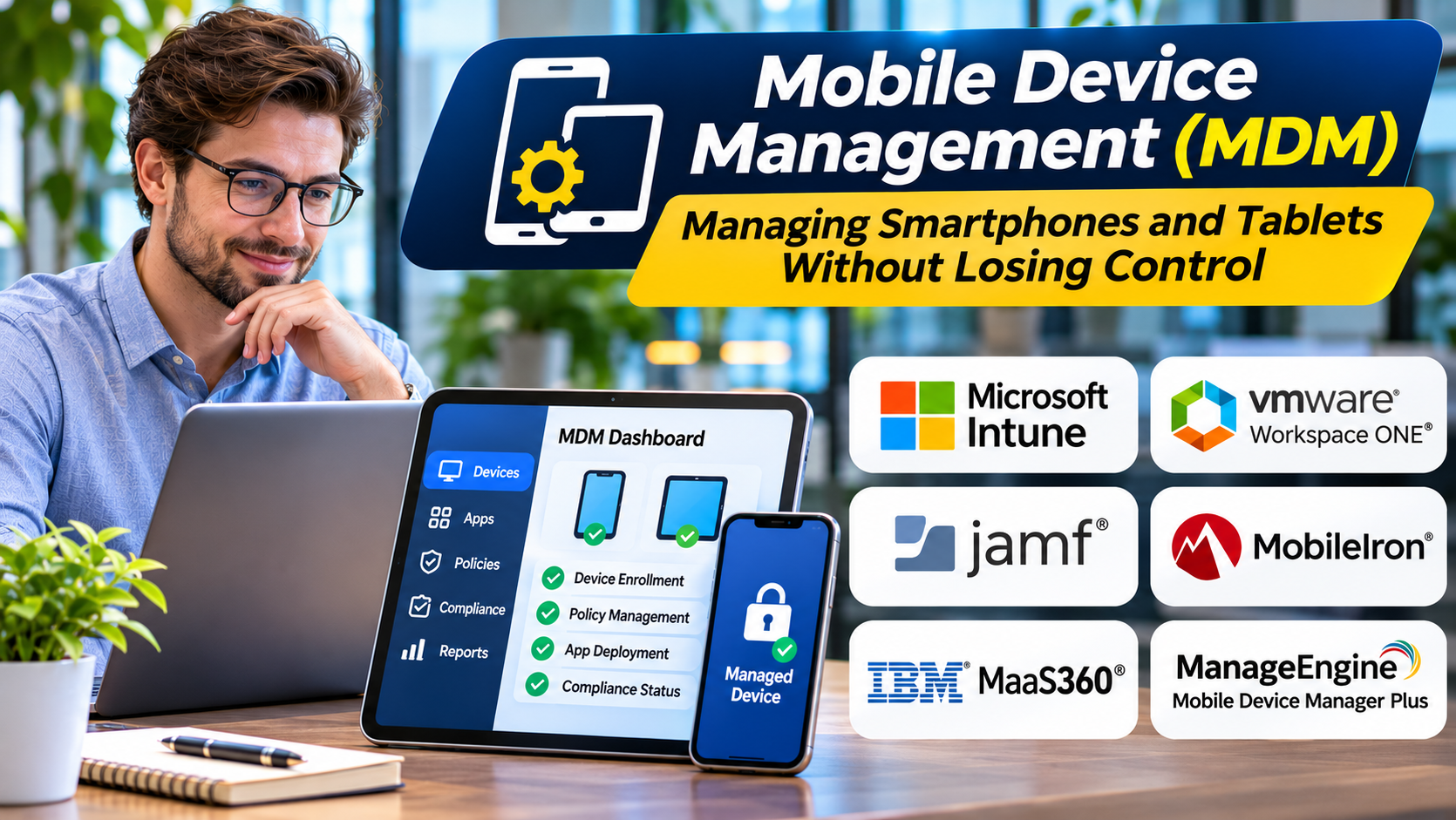
Smartphones and tablets have become essential business tools.
Employees use them for communication, authentication, field operations, customer service, and access to company applications.
These devices also create administrative challenges.
IT teams need to configure settings, deploy applications, protect business information, and respond when devices are lost.
Mobile device management provides a structured way to handle these responsibilities.
What Is Mobile Device Management?
Mobile device management is technology used to administer supported mobile devices through centralized policies and management services.
An MDM platform can help organizations enroll devices, configure settings, distribute applications, and enforce selected security requirements.
Available controls depend on the operating system, ownership model, and enrollment method.
Common MDM functions include:
- Device enrollment
- Configuration profiles
- Application management
- Password and security policies
- Device inventory
- Compliance reporting
- Remote lock or wipe capabilities
- Certificate and network configuration
- Device retirement
How MDM Works
Devices are enrolled into a management environment.
The management platform communicates with supported operating system management frameworks.
Administrators define policies and assign them to devices or users.
The platform then applies supported configurations and reports relevant device information.
Apple and Android use different management architectures.
Organizations must account for these differences when designing policies.
MDM Platforms to Consider
Microsoft Intune
Microsoft Intune provides mobile device and application management capabilities.
It is relevant to organizations already using Microsoft identity and productivity services.
Jamf Pro
Jamf Pro specializes in Apple device management.
It may be suitable for organizations with substantial iPhone, iPad, and Mac deployments.
Kandji
Kandji provides Apple device management and automation capabilities.
It is worth evaluating for teams focused on Apple fleet administration.
IBM MaaS360
IBM MaaS360 provides mobile and unified endpoint management functionality.
It is relevant to organizations requiring centralized management across supported devices.
ManageEngine Mobile Device Manager Plus
ManageEngine Mobile Device Manager Plus supports mobile device administration and related application and security workflows.
It may appeal to organizations seeking dedicated MDM functionality.
SOTI MobiControl
SOTI MobiControl supports enterprise mobility management, including specialized device environments.
It is worth evaluating for operational and frontline device deployments.
Company-Owned Versus Personal Devices
Ownership affects which controls are appropriate.
Company-owned devices may support stronger management policies and supervised configurations.
Personally owned devices require greater attention to employee privacy.
Organizations should clearly explain what information administrators can access and which actions are permitted.
The correct management approach depends on the enrollment model and applicable platform capabilities.
Important MDM Features
Automated Enrollment
Automated enrollment can simplify large device deployments.
Application Distribution
IT teams should be able to deploy approved applications through supported methods.
Security Policies
Policies may address screen locks, encryption requirements, and configuration restrictions.
Compliance Reporting
Administrators need visibility into devices that do not meet organizational requirements.
Lost Device Response
Supported remote actions can help organizations respond to lost or stolen devices.
Integration With Identity Systems
Identity integration can connect device compliance with application access decisions.
MDM Implementation Challenges
Employee Privacy
Personal devices should not be treated exactly like company-owned equipment.
Platform Differences
Management features vary across Apple and Android environments.
Enrollment Friction
Complicated enrollment can reduce adoption.
Policy Conflicts
Overly restrictive settings may interfere with legitimate business activities.
Device Retirement
Organizations need reliable procedures for removing management and business data when devices leave service.
How to Choose an MDM Platform
Identify the device operating systems and ownership models.
Determine whether the organization needs dedicated mobile management or broader unified endpoint management.
Evaluate enrollment methods.
Test required configuration policies.
Review application deployment and removal.
Assess administrator permissions and audit capabilities.
Test lost-device and employee offboarding scenarios.
Finally, evaluate licensing and ongoing support costs.
Frequently Asked Questions
Can MDM track employee locations?
Some management configurations and device platforms support location-related functions, but availability and restrictions vary. Organizations must consider privacy and legal requirements.
Can MDM remotely erase a device?
Many platforms support certain wipe actions, depending on device ownership and enrollment type.
Is MDM required for every business phone?
Not necessarily. The decision depends on data sensitivity, device ownership, and operational requirements.
What is the difference between MDM and MAM?
MDM manages device-level configurations. Mobile application management focuses on controlling supported business applications and their data.
Final Thoughts
Mobile device management helps organizations maintain control over business mobility.
The best MDM strategy balances security, usability, privacy, and operational simplicity.
Organizations should choose tools based on their actual devices and enrollment requirements.
Clear policies and careful testing are just as important as platform capabilities.