An online course can look polished and still fail to teach effectively.
Long presentations, passive videos, and repetitive quizzes may deliver information without helping learners apply it.
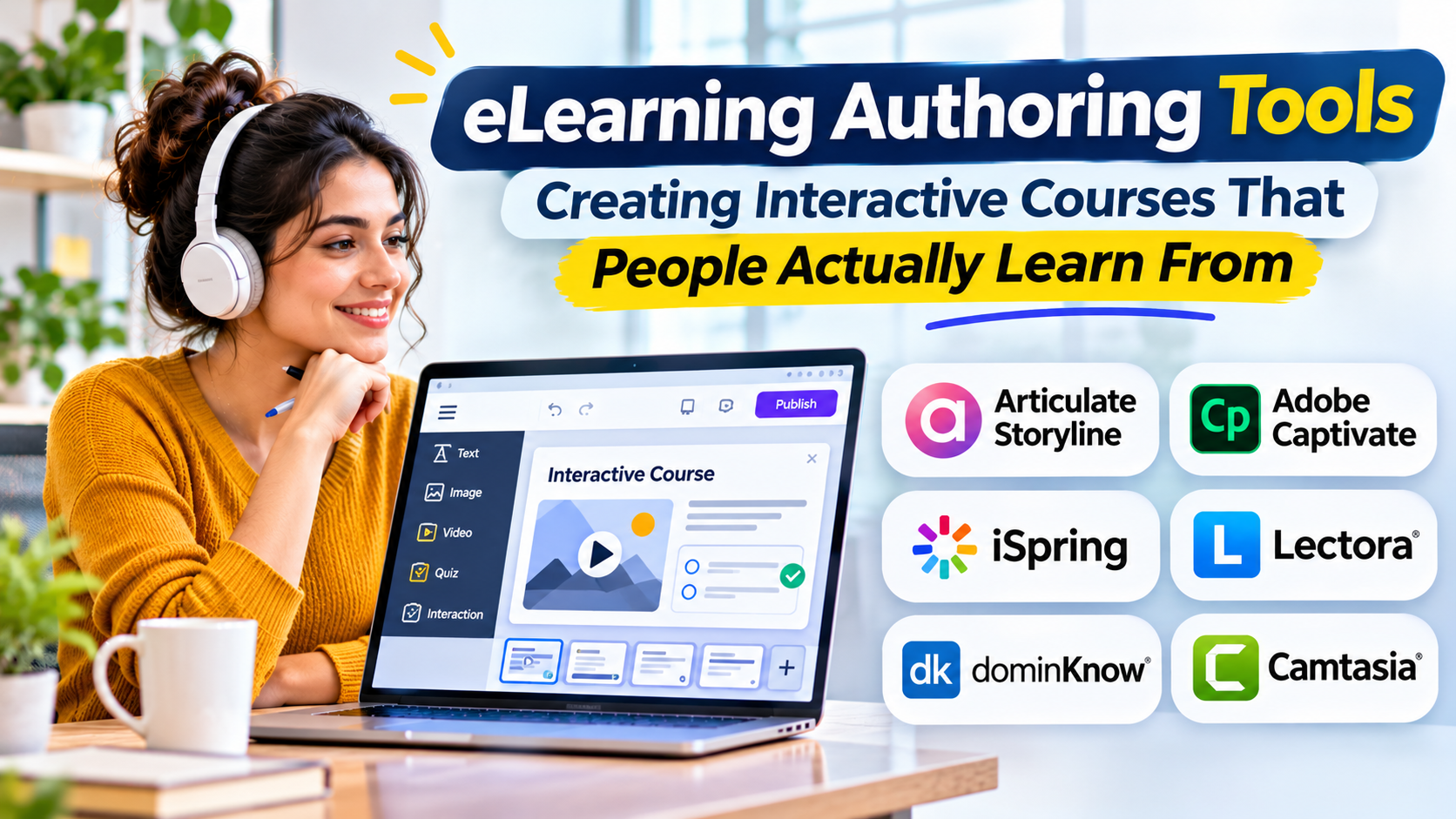
eLearning authoring tools give instructional designers and training teams the ability to build structured digital learning experiences.
The right tool depends on what learners need to do, how content will be delivered, and how often courses must change.
What Are eLearning Authoring Tools?
eLearning authoring tools are applications used to create digital instructional content.
They help authors combine text, images, video, audio, assessments, interactions, and branching scenarios into learning modules.
Some tools focus on responsive courses that work across devices. Others support detailed simulations, software demonstrations, or complex interactions.
Unlike a learning management system, which manages training delivery and learner records, an authoring tool primarily creates the content.
Main Categories of Authoring Tools
Rapid authoring tools
Rapid tools help teams create courses using templates and predefined interactions.
They are useful for onboarding, product education, and frequently updated training.
Advanced interactive authoring tools
These tools provide greater control over variables, branching, animations, and learning scenarios.
They suit projects where learners must practice decisions rather than simply read information.
Software simulation tools
Simulation-focused tools capture application workflows and create guided demonstrations or practice exercises.
They are useful for training employees on complex software.
Collaborative cloud authoring tools
Cloud-based tools support distributed content teams, shared reviews, and coordinated updates.
Their value increases when several authors and reviewers contribute to the same training program.
eLearning Authoring Tools Worth Exploring
Articulate 360
Articulate 360 includes Storyline and Rise, which serve different authoring needs.
Storyline supports detailed interactive course development, while Rise focuses on responsive, block-based content creation.
Organizations should assess whether they need both approaches or can standardize on one.
Adobe Captivate
Adobe Captivate is associated with interactive learning content and software-oriented training.
It may suit instructional designers developing application demonstrations and structured learning experiences.
Teams should evaluate the capabilities of the specific product version they plan to use.
iSpring Suite
iSpring Suite provides a PowerPoint-centered approach to course authoring.
It can be relevant to organizations converting existing presentation-based training into online learning.
However, teams should determine whether their instructional requirements extend beyond slide-based workflows.
Elucidat
Elucidat is a cloud-based authoring platform designed for collaborative content production.
It may appeal to organizations managing course creation across multiple teams.
Governance, content reuse, review processes, and publishing workflows are important evaluation areas.
H5P
H5P is an open technology for creating interactive educational content.
It supports a range of interactive activities and can be used within compatible learning environments.
Its flexibility is useful, but organizations must evaluate hosting, integration, maintenance, and content management requirements.
What Makes an Authoring Tool Effective?
The most important capability is not the number of interactions available.
It is whether the tool helps authors create learning experiences that achieve measurable instructional objectives.
Important considerations include:
- Responsive layouts for mobile learning.
- Accessible navigation and content.
- Assessment and feedback options.
- Support for relevant LMS publishing standards.
- Review and collaboration workflows.
- Content reuse and version management.
- Localization and translation support.
- Long-term editability of source projects.
Understanding SCORM and xAPI
SCORM is commonly used to package and communicate learning activity information to compatible learning management systems.
xAPI supports recording a broader range of learning experiences through statements stored in a learning record store.
Neither standard automatically guarantees that a course will work correctly in every learning environment.
Teams should test published content using the actual LMS and reporting configuration.
How to Choose the Right Tool
Begin with the learning outcomes.
If learners only need short informational lessons, a responsive rapid authoring tool may be sufficient.
If they must practice complex decisions, evaluate branching scenarios and detailed interaction controls.
For software training, prioritize realistic application demonstrations.
Also consider the skills of the people who will maintain the content. A powerful authoring environment can become expensive when every small update requires a specialist.
A Better Course Development Workflow
Start by defining what learners should be able to do after completing the course.
Design activities that help them practice those skills.
Create a short prototype before building the complete program.
Test the prototype with representative learners, including people using assistive technologies where relevant.
Review whether the course measures understanding rather than simply recording completion.
Final Thoughts
eLearning authoring tools are most valuable when they support effective instructional design.
The right platform helps teams produce accurate, accessible, engaging content without creating unnecessary maintenance work.
Choose the tool around the learning experience, not the other way around.