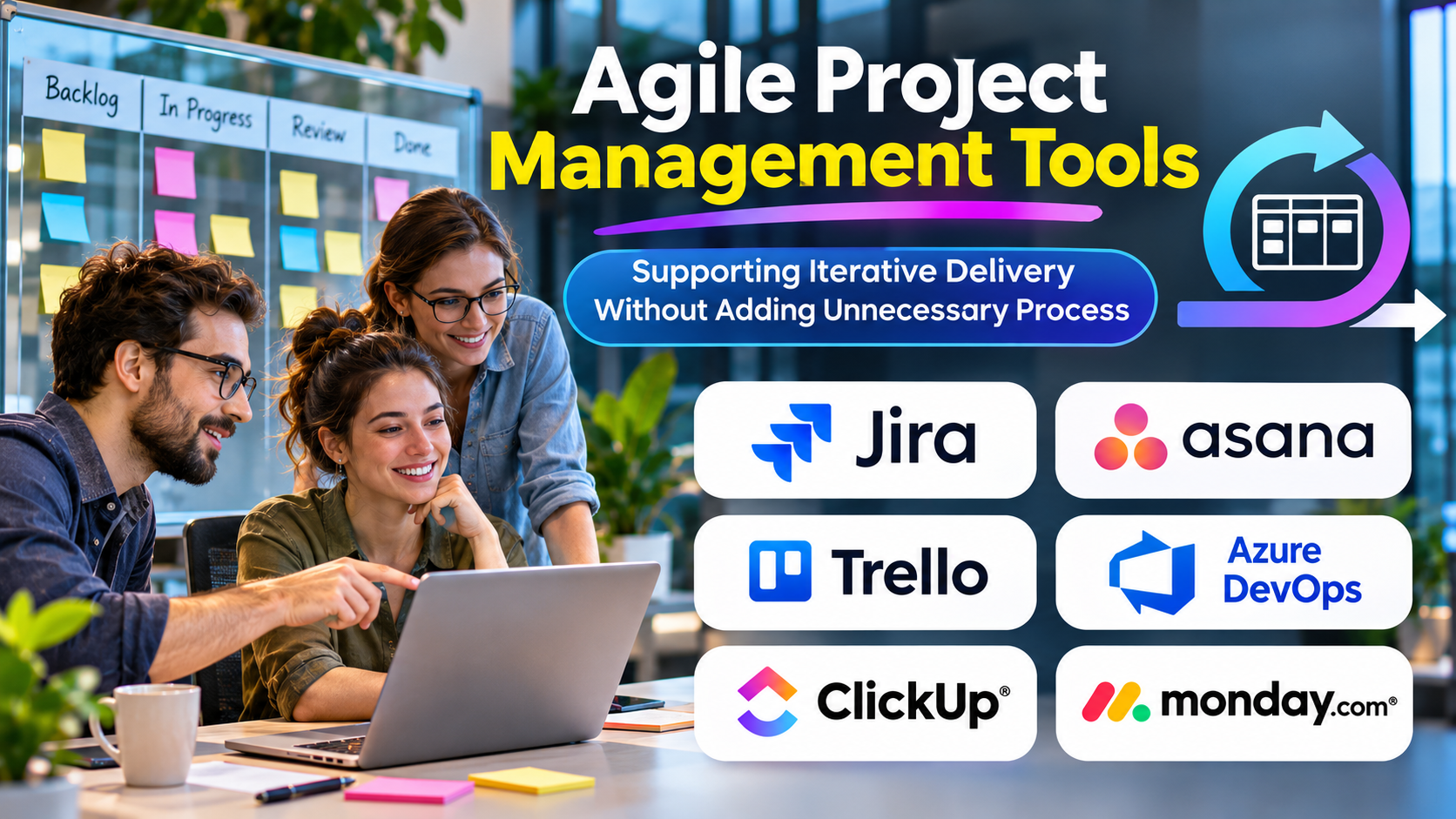
Agile teams work in environments where priorities evolve, feedback arrives continuously, and requirements cannot always be defined completely at the beginning.
Managing this uncertainty requires visibility, collaboration, and the ability to adjust plans.
Agile project management tools help teams organize backlogs, coordinate iterations, track work, and inspect delivery performance.
However, software alone does not make a team Agile.
The real value comes from supporting continuous improvement and effective collaboration.
What Are Agile Project Management Tools?
Agile project management tools support iterative and incremental approaches to delivering work.
They commonly provide backlogs, boards, sprint planning, issue tracking, reporting, and collaboration features.
Some platforms focus on software development, while others support Agile practices across product management, marketing, and business operations.
Agile tools should make it easier to respond to change without losing accountability.
Understanding Agile Project Management
Agile is an approach built around adaptability, collaboration, and delivering useful outcomes incrementally.
Different teams apply Agile principles through frameworks and methods such as Scrum and Kanban.
Scrum
Scrum organizes work around defined accountabilities, events, artifacts, and short delivery cycles called sprints.
Teams use sprint planning, daily coordination, reviews, and retrospectives to inspect and adapt their work.
Kanban
Kanban emphasizes visualizing work, managing flow, and limiting work in progress.
It is often useful for teams handling continuous incoming requests.
Hybrid approaches
Some organizations combine iterative delivery with fixed milestones, governance requirements, or external deadlines.
The appropriate tool should support the chosen working model without forcing unnecessary complexity.
Agile Project Management Platforms to Consider
Jira
Jira provides issue tracking, Scrum boards, Kanban boards, and configurable workflows.
It is widely associated with software development and technical project coordination.
Its flexibility is valuable, but complex configuration can increase administrative effort.
Azure DevOps
Azure DevOps includes Azure Boards for work tracking alongside development lifecycle capabilities.
It is particularly relevant to engineering teams working within Microsoft’s development ecosystem.
Linear
Linear focuses on issue tracking and product development workflows.
Its streamlined approach can appeal to teams seeking a focused environment for managing software work.
ClickUp
ClickUp offers configurable task and project management capabilities that can support Agile workflows.
Teams should assess whether its flexibility improves their process or introduces unnecessary configuration.
Asana
Asana supports collaborative project management and iterative work organization.
It may be useful for nontechnical teams applying Agile principles.
Trello
Trello offers visual boards that can support lightweight Agile workflows.
It is especially useful when teams value straightforward task visibility over advanced engineering analytics.
Comparing Agile Tooling Approaches
| Platform | Main strength | Important consideration |
|---|---|---|
| Jira | Configurable software workflows | Administrative complexity |
| Azure DevOps | Development lifecycle integration | Ecosystem requirements |
| Linear | Focused product development workflow | Specialized workflow fit |
| ClickUp | Flexible work management | Configuration effort |
| Asana | Cross-functional collaboration | Agile reporting requirements |
| Trello | Simple visual task management | Advanced planning limitations |
Essential Features for Agile Teams
Backlog management
Teams should be able to organize, refine, and prioritize upcoming work.
Sprint planning
Scrum teams need tools for selecting work and monitoring progress during a sprint.
Visual boards
Boards should make work status and bottlenecks easy to understand.
Work-in-progress limits
Kanban-oriented teams benefit from controls that discourage excessive simultaneous work.
Reporting
Useful metrics may include cycle time, throughput, sprint goal achievement, and delivery predictability.
Integrations
Development teams may need connections to repositories, CI/CD systems, documentation, and communication tools.
Choosing Between Scrum and Kanban Tools
A Scrum team typically needs sprint management, backlog refinement, and support for iterative planning.
A Kanban team may prioritize continuous flow, work-in-progress limits, and cycle-time analysis.
Some organizations require both approaches across different teams.
The tool should support the team’s actual practices rather than dictate them.
Avoiding Misleading Agile Metrics
Velocity, story points, and completed issue counts can provide planning information.
However, they are not reliable measures of individual employee productivity.
Teams that optimize solely for completed tickets may fragment work unnecessarily or overlook quality.
Better evaluation considers customer outcomes, delivery reliability, defects, and team sustainability.
Implementing Agile Software Successfully
Begin with a simple workflow.
Define how work enters the backlog, how priorities are established, and what completion means.
Configure the tool around these agreements.
Introduce additional fields, automation, and reporting only when a specific need becomes clear.
Review the system regularly and remove practices that create unnecessary administrative work.
Common Mistakes
One common mistake is assuming that creating sprints automatically makes a team Agile.
Another is using dashboards to impose rigid delivery targets that discourage adaptation.
Organizations may also overconfigure workflows, making routine changes unnecessarily difficult.
Agile software should support learning and responsiveness rather than become a mechanism for excessive control.
Frequently Asked Questions
Is Jira required for Agile development?
No. Agile practices can be supported by many tools, including simple boards and lightweight task systems.
Can nontechnical teams use Agile tools?
Yes. Marketing, design, operations, and other teams can use iterative planning where appropriate.
Are Scrum and Kanban interchangeable?
No. They have different structures and practices, although teams may combine compatible elements.
Conclusion
Agile project management tools are valuable when they make priorities, progress, and obstacles visible.
The right platform should support the team’s delivery approach while remaining easy to maintain.
Effective Agile delivery depends on collaboration, feedback, and continuous improvement—not the sophistication of the software interface.