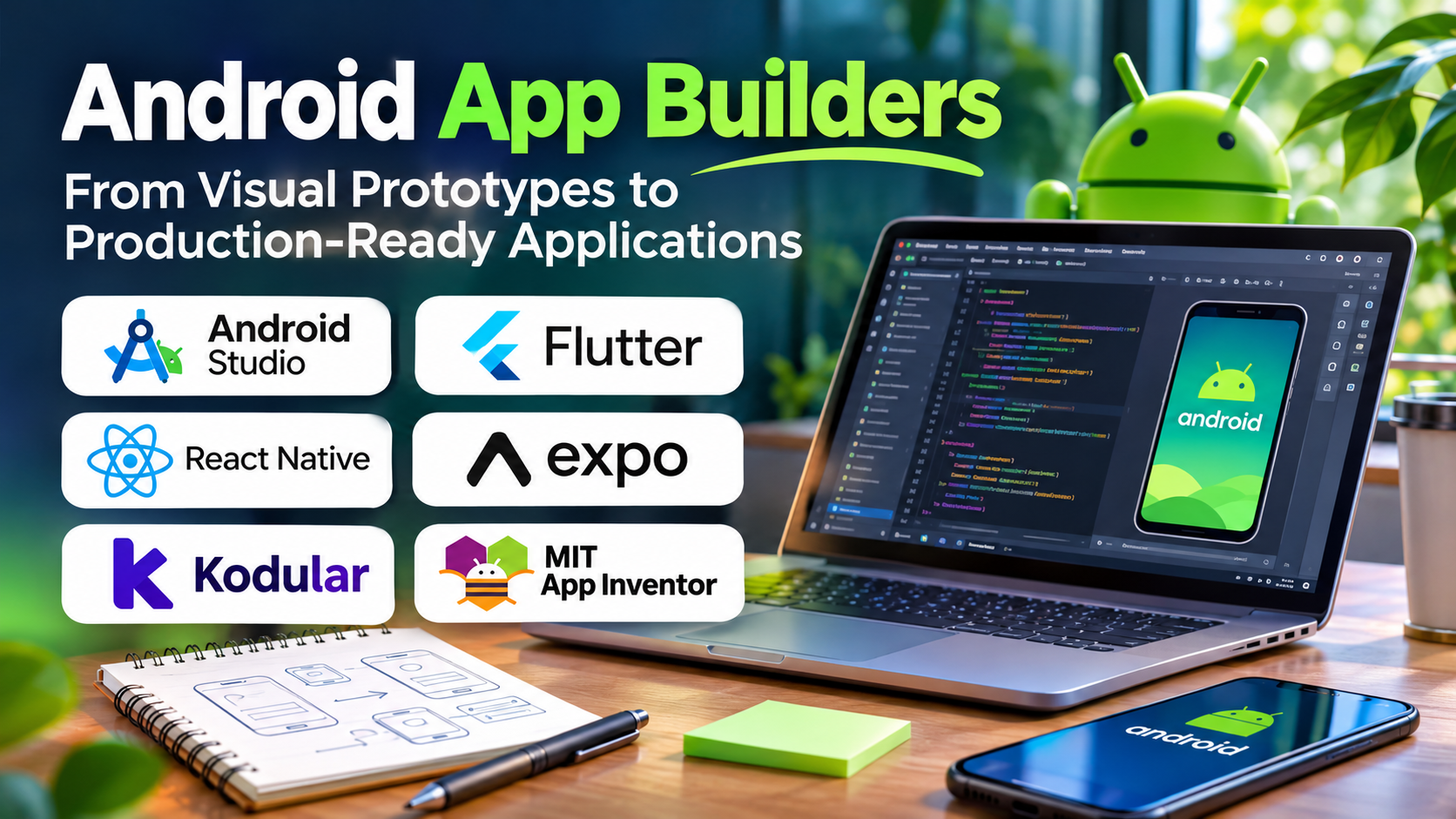
Creating an Android application no longer requires every project to begin with a traditional programming environment.
Visual app builders allow entrepreneurs, educators, and business teams to create applications using configurable components and workflow logic.
Meanwhile, professional Android development tools remain essential for applications requiring extensive customization, performance optimization, and advanced device capabilities.
The challenge is identifying which approach matches the application’s actual requirements.
A tool that is excellent for demonstrating an idea may not be suitable for maintaining a complex production application.
What Are Android App Builders?
Android app builders are tools that simplify the creation of applications intended to run on Android devices.
They may provide drag-and-drop interface design, event-driven logic, data connections, reusable components, and application packaging.
Some builders are almost entirely visual.
Others generate source code or combine visual editing with conventional programming.
The term also overlaps with Android development frameworks and integrated development environments, but these categories are not identical.
When Visual Android Builders Make Sense
Visual builders are particularly useful for applications with relatively predictable workflows.
Examples include simple directories, educational applications, appointment interfaces, internal forms, and early-stage prototypes.
They can help users validate whether an application is useful before investing in more complex engineering.
However, application security, testing, user experience, and store compliance remain important regardless of the development method.
Android App Building Tools
MIT App Inventor
MIT App Inventor provides a visual, block-based programming environment.
It is particularly useful for education, experimentation, and introducing application development concepts.
Users can construct interfaces and define application behavior through connected programming blocks.
Its educational accessibility is a major strength, although complex commercial applications may require more advanced tools.
Kodular
Kodular provides a visual application-building environment based on component-oriented and block-based development.
It can support Android application prototypes and relatively straightforward applications.
Prospective users should review its current service availability, component support, publishing conditions, and commercial terms.
Thunkable
Thunkable offers visual application development capabilities for mobile experiences.
Its cross-platform orientation may appeal to teams interested in both Android and iOS.
However, platform-specific functionality and advanced integrations should be evaluated before selecting it for a production application.
FlutterFlow
FlutterFlow provides visual application development using Flutter-based technology.
It supports interface construction, data integrations, and configurable application logic.
It can be relevant for teams that want visual development with opportunities to extend the application through code.
Its suitability depends on the complexity of the application and the development team’s ability to maintain the resulting project.
Android Studio
Android Studio is the official IDE for Android development.
It supports Kotlin, Java, debugging, testing, profiling, and application packaging.
Although it is not a no-code builder, it is an important alternative when visual tools cannot meet technical requirements.
Tool Comparison
| Tool | Development style | Typical use |
|---|---|---|
| MIT App Inventor | Block-based | Learning and simple applications |
| Kodular | Visual components and blocks | Android-oriented app creation |
| Thunkable | Visual cross-platform | Mobile prototypes and applications |
| FlutterFlow | Visual Flutter development | More customizable mobile projects |
| Android Studio | Code-based | Professional Android engineering |
Understand Android Publishing Requirements
Building an application and distributing it are separate tasks.
Google Play distribution involves developer account requirements, application signing, package formats, privacy disclosures, testing obligations, and policy compliance.
Requirements can change over time.
Developers should consult current Google Play documentation rather than relying on older tutorials.
Some visual builders may simplify packaging, but they cannot guarantee store approval.
Device Features and Permissions
Android applications may require access to cameras, location services, notifications, Bluetooth, or local storage.
These features are subject to platform APIs and permission rules.
Before choosing a builder, verify that it supports the exact capabilities your application requires.
A generic statement that a platform supports device integrations is not enough.
Test the required feature on a real device.
Data Storage and Backend Services
Simple applications may store limited information locally.
More complex applications require cloud databases, authentication, synchronization, or backend APIs.
Firebase and other backend services can support these requirements.
However, connecting an application to a database is only the beginning.
Developers must configure access controls, validation, error handling, and data recovery procedures.
Performance and Scalability
An application that works with ten test records may behave differently with thousands of records and many simultaneous users.
Visual builders can introduce constraints around data operations, custom logic, and application architecture.
Evaluate performance using realistic data and devices.
Pay particular attention to startup speed, navigation responsiveness, network failures, and memory consumption.
Ownership and Maintainability
Before adopting an Android app builder, investigate what happens if you stop paying for the service.
Can you export application data?
Can you access source code?
Can another developer maintain the application?
Can you rebuild and publish updates independently?
These questions are particularly important for commercial applications expected to remain available for years.
A Sensible Development Workflow
Begin with a clearly defined application objective.
Create the essential screens and map the main user journey.
Implement one complete workflow, including data storage and error handling.
Test the application on real Android devices.
Then assess security, accessibility, publishing requirements, and maintenance.
Only expand the application after confirming that the chosen platform can support its next stage.
Frequently Asked Questions
Can I build an Android app without coding?
Yes. Visual builders can create certain Android applications without traditional programming, although complex projects may require code.
Is Android Studio necessary?
Not for every application. However, it provides greater control for professional Android development.
Can apps made with visual builders be published on Google Play?
Some can, provided they meet current platform and store requirements.
Which Android builder is best for beginners?
MIT App Inventor is a useful educational starting point. Other tools may be more appropriate for commercial workflows.
Final Thoughts
Android app builders make application development more approachable, but simplicity should not come at the expense of reliability.
Choose a visual platform when its capabilities match the product’s requirements.
Choose conventional development when greater architectural control, device integration, or long-term flexibility is necessary.
The best decision is the one that supports both the initial release and the application’s continued maintenance.