Choosing a content management system often looks like a design decision. Teams compare templates, editing screens, and website demonstrations.
The consequences become clearer later.
A marketing department wants to publish without developer assistance. A developer needs reliable deployment workflows. A security team wants controlled extensions. An ecommerce manager needs products and content to work together.
The CMS must accommodate these competing needs long after the website launches.
That makes CMS selection an architectural and operational decision, not merely a publishing preference.
What Is a Content Management System?
A content management system is software that helps users create, organize, edit, manage, and publish digital content.
Most website-oriented CMS platforms provide some combination of:
- Content editing and publishing.
- Media management.
- User permissions.
- Page and content organization.
- Templates or presentation controls.
- Search and navigation.
- Extension or integration mechanisms.
- Revision management.
Some systems provide a complete website-building environment. Others focus on structured content that applications retrieve through APIs.
The distinction matters because not every CMS is designed for the same publishing model.
The Main Types of CMS
Traditional CMS
A traditional CMS commonly combines content administration with website presentation.
Editors manage content, while themes or templates determine how it appears.
This approach can reduce development work for conventional websites.
Headless CMS
A headless CMS manages content separately from the application presenting it.
Developers retrieve structured content through APIs and build the user-facing experience independently.
This can support multiple channels but requires more frontend responsibility.
Hybrid CMS
Hybrid systems combine traditional content management capabilities with API-based delivery.
They can be useful when an organization needs familiar page editing alongside more flexible application development.
Website builders with CMS capabilities
Website builders may provide hosting, visual design, and content management within a managed service.
These can simplify operations, although customization and portability vary.
Leading CMS Platforms
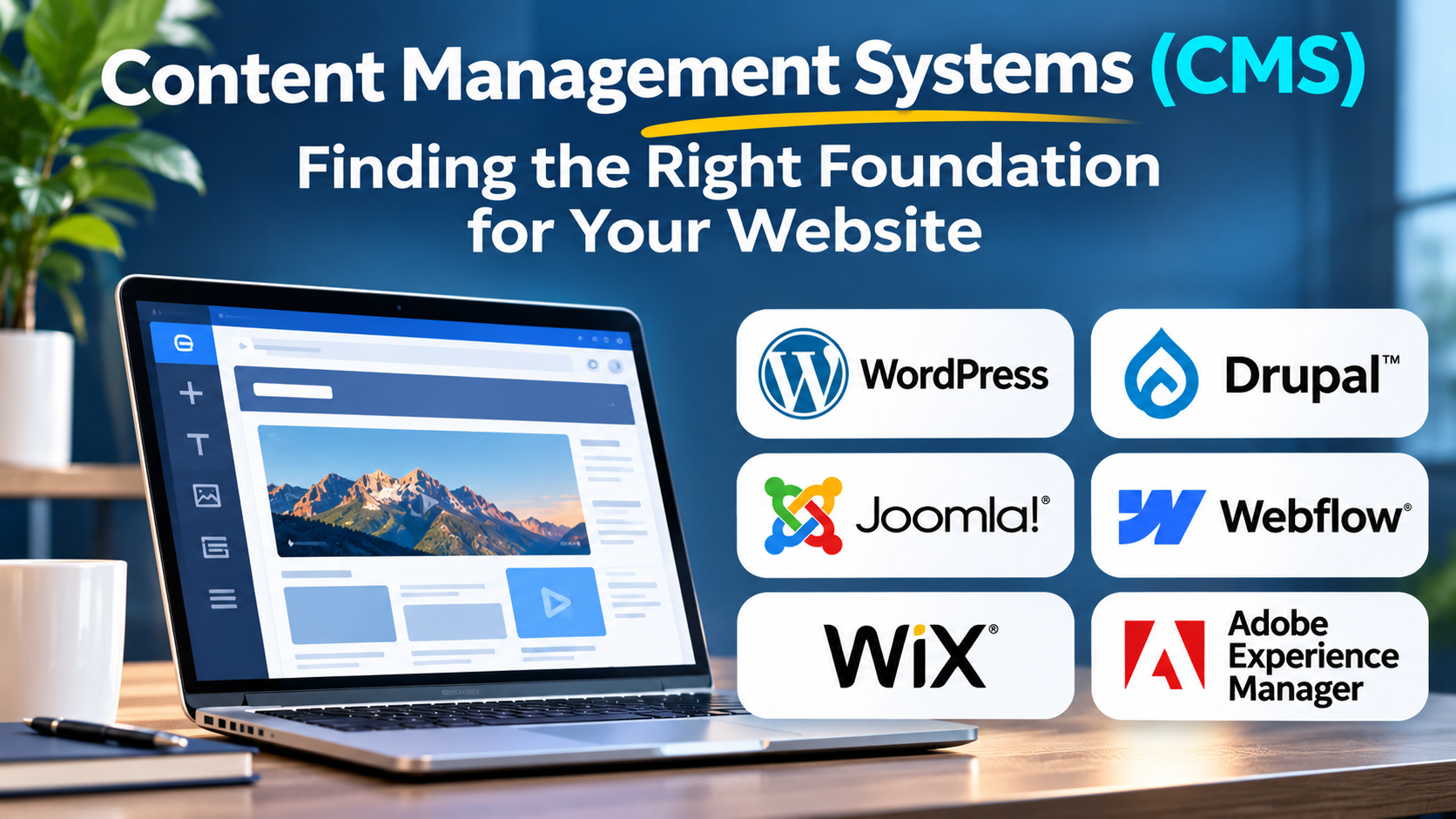
WordPress
WordPress is an open-source publishing platform with a substantial ecosystem of themes, plugins, and development resources.
It is especially relevant for blogs, editorial publications, company websites, and extensible content-driven projects.
Its flexibility comes with operational responsibilities. Plugin quality, updates, hosting, backups, and security configuration require attention.
Drupal
Drupal is an open-source CMS known for structured content modeling, permissions, and extensibility.
It is worth evaluating for complex websites with multiple content types, sophisticated editorial requirements, and substantial governance needs.
The trade-off is that implementation and maintenance often require specialist expertise.
Joomla
Joomla provides open-source website content management with templates, extensions, and administrative features.
It can suit organizations seeking a traditional CMS with configurable site structures.
Buyers should assess extension compatibility, development support, and long-term maintenance requirements.
Webflow
Webflow combines visual website design with managed publishing capabilities.
It is attractive to design-led teams that want substantial control over website presentation without maintaining a conventional self-hosted CMS stack.
Its managed environment can simplify operations, but teams should assess portability, content limits, and customization requirements.
Wix
Wix provides managed website creation and content management tools.
It can be suitable for smaller businesses and teams prioritizing rapid setup and straightforward administration.
Organizations with complex integration or infrastructure requirements should carefully examine platform constraints.
Adobe Experience Manager
Adobe Experience Manager supports enterprise content and digital experience management.
It is relevant to large organizations with complex content operations, digital asset requirements, and broader experience-management initiatives.
Its enterprise scope introduces procurement, integration, and implementation considerations that may be unnecessary for simpler websites.
Comparing CMS Options
| Platform | Particularly relevant for | Main consideration |
|---|---|---|
| WordPress | Publishing and extensible websites | Plugin and hosting governance |
| Drupal | Complex structured content | Development expertise |
| Joomla | Configurable traditional websites | Ecosystem and maintenance |
| Webflow | Design-led managed websites | Platform flexibility |
| Wix | Straightforward business websites | Advanced customization limits |
| Adobe Experience Manager | Enterprise content operations | Implementation complexity |
These distinctions are starting points, not universal rankings.
Content Modeling Matters More Than It First Appears
A website may begin with articles and landing pages. Later, it might need product guides, author profiles, comparison tables, downloadable resources, and multilingual content.
If all information is stored as unstructured page content, reuse becomes difficult.
Structured content models define reusable entities and their relationships.
For example, a software publication might create separate content types for:
- Articles.
- Software products.
- Vendors.
- Categories.
- Authors.
- Comparison criteria.
A well-designed content model makes it easier to update shared information consistently.
It also improves the ability to reuse content across different pages and applications.
SEO Capabilities to Evaluate
A CMS should allow editors or administrators to manage important search-related elements.
These include page titles, meta descriptions, canonical URLs, redirects, structured data, XML sitemaps, and indexing controls.
However, the existence of an SEO plugin or settings panel does not guarantee good search performance.
Search visibility also depends on useful content, technical accessibility, site architecture, internal linking, and performance.
A CMS should support these practices without making routine optimization unnecessarily difficult.
Security and Maintenance
Content management platforms are frequent targets because they power publicly accessible websites.
A secure deployment requires more than choosing a reputable product.
Organizations should establish update procedures, role-based access, backups, recovery testing, extension reviews, and monitoring.
Self-hosted platforms provide substantial control but also place more responsibility on the operating team.
Managed services transfer some infrastructure responsibilities to the provider, although customers still need to manage users, permissions, and content practices.
Understanding Total Cost
The cost of a CMS includes much more than its license.
Consider hosting, implementation, design, development, integrations, extensions, migration, training, support, and maintenance.
Open-source software can reduce licensing expenses without eliminating operating costs.
A managed platform may carry recurring subscription charges while reducing infrastructure administration.
The right comparison is total cost over the expected life of the website.
When Should You Change Your CMS?
Migration becomes worth considering when the existing platform repeatedly blocks important business requirements.
Examples include poor editorial workflows, difficult integrations, excessive maintenance, inadequate content modeling, or unacceptable performance constraints.
Before migrating, determine whether the problem originates in the CMS itself or in the current implementation.
A poorly configured website does not automatically require a new platform.
Frequently Asked Questions
Which CMS is best for blogging?
WordPress is a widely used option for editorial publishing, but the best choice depends on workflow, technical resources, and hosting preferences.
Is an open-source CMS free?
The software may be available without licensing fees, but hosting, development, maintenance, and support can still create significant costs.
Can a CMS improve SEO?
A CMS can provide the technical controls needed for SEO. Search performance still depends on content quality and implementation.
What is the difference between a CMS and a website builder?
A CMS focuses on managing content. A website builder typically combines content management with visual design and managed site creation, although the categories overlap.
Final Perspective
The best content management system is the one that supports the organization’s publishing process without creating unnecessary technical or operational friction.
A simple website may benefit from an integrated managed platform. A complex publication may need structured content and extensibility. An enterprise may require governance and integration across many teams.
Selecting the right CMS means understanding not only what the website needs today, but also how content, people, and technology will evolve.