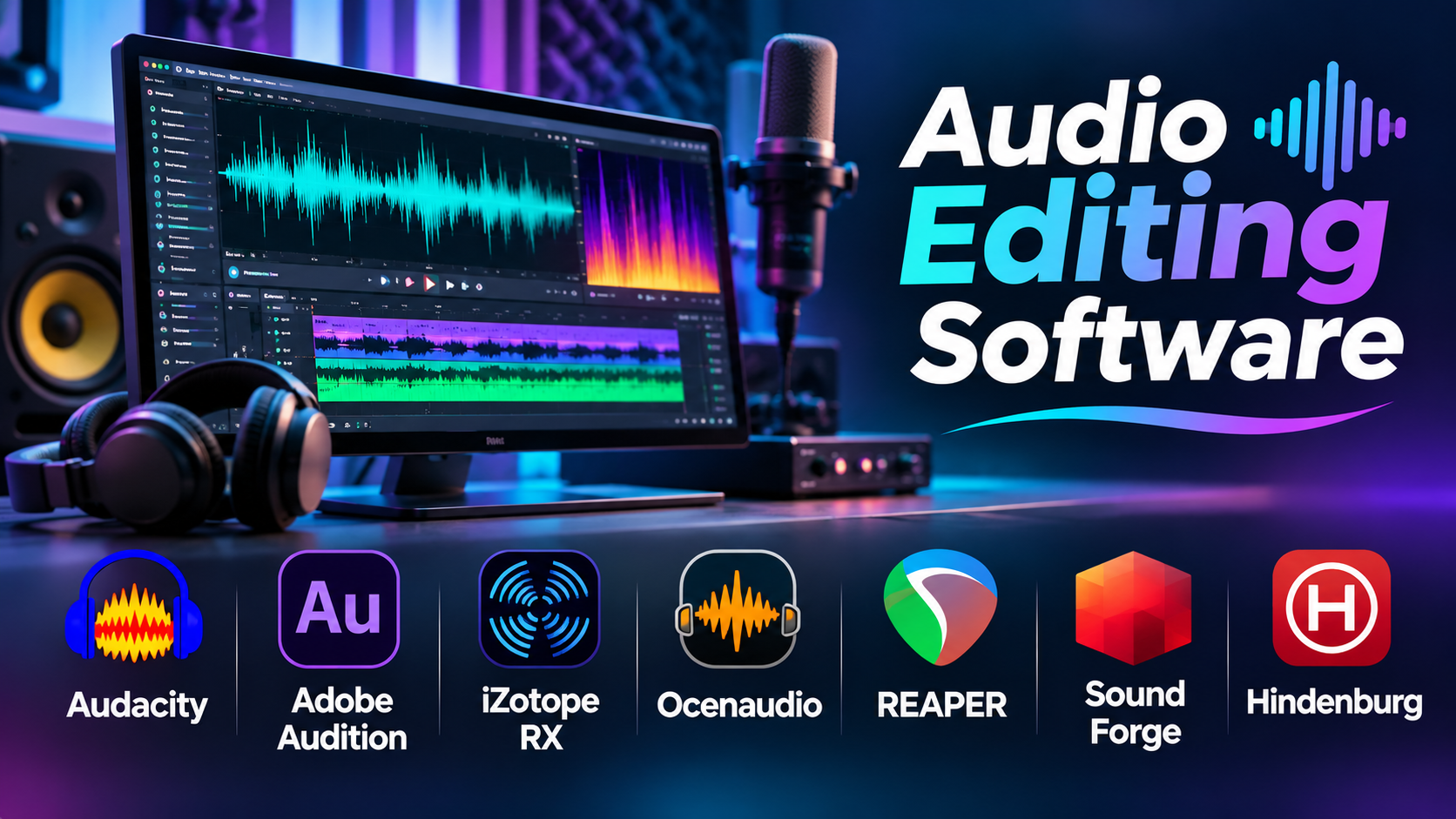
A recording can contain excellent dialogue and still be difficult to listen to.
Background noise, uneven volume, long pauses, mouth clicks, and inconsistent microphone levels can distract listeners. In a podcast, these problems may make a conversation feel tiring. In a video, they can reduce the impact of an otherwise strong production.
Audio editing software helps solve these issues. It allows creators to cut recordings, repair unwanted sounds, adjust levels, and prepare files for publication.
The challenge is choosing the right kind of editor. A simple waveform application, a specialist restoration tool, and a full digital audio workstation are designed for different jobs.
Audio Editing, Mixing, and Mastering: Understanding the Differences
Audio editing focuses on changing recorded material.
Common tasks include removing mistakes, shortening pauses, trimming clips, and repairing unwanted sounds.
Mixing combines multiple audio sources into a balanced result. A podcast mix may contain several voices, music, and sound effects.
Mastering prepares the finished audio for distribution. It may involve final tonal adjustments, dynamics processing, loudness management, and format checks.
Some applications handle all three tasks. Others specialize in one area.
Understanding these differences helps prevent unnecessary software purchases.
Three Main Types of Audio Editing Software
Waveform Editors
Waveform editors are well suited to editing individual recordings.
They often provide precise cutting, noise reduction, normalization, and file conversion.
Audacity and Ocenaudio are examples.
Multitrack Audio Editors
Multitrack applications allow users to combine separate recordings on a timeline.
They are useful for interviews, podcasts, radio production, and sound design.
Adobe Audition and REAPER can support these workflows.
Specialist Audio Restoration Tools
Restoration software focuses on identifying and reducing specific recording problems.
Examples include clicks, hum, clipping, unwanted background noise, and other audio artifacts.
iZotope RX is a prominent example.
Specialist restoration tools can complement a conventional editor rather than replace it.
Audio Editing Software Comparison
| Software | Primary Focus | Suitable Users | Key Consideration |
|---|---|---|---|
| Audacity | Free waveform and multitrack editing | Beginners, educators, podcasters | Less specialized production workflow |
| Adobe Audition | Audio editing and post-production | Media teams, podcasters | Subscription |
| iZotope RX | Audio repair and restoration | Sound editors, post-production teams | Specialized workflow and edition differences |
| Ocenaudio | Straightforward waveform editing | Casual and intermediate users | Limited complex multitrack production |
| REAPER | Flexible multitrack audio production | Editors, sound designers, engineers | Configuration and learning |
| Sound Forge | Detailed audio editing and processing | Audio professionals | Edition and platform considerations |
| Hindenburg | Spoken-word audio production | Journalists and podcasters | More specialized than general music production |
Audacity: An Accessible Starting Point
Audacity is a free, open-source audio editor available on major desktop operating systems.
It supports recording, waveform editing, multitrack projects, effects, and common audio export formats.
For someone producing a simple podcast, Audacity can handle many essential tasks.
A creator can import a voice recording, remove mistakes, adjust volume, reduce steady background noise, and export the finished episode.
Its accessibility makes it useful in education and personal production.
Main advantage: No conventional license fee and a substantial set of basic editing tools.
Main limitation: Users managing demanding post-production sessions may prefer an application with more specialized routing, automation, and collaboration workflows.
Adobe Audition: Editing and Mixing for Media Production
Adobe Audition combines waveform editing with multitrack production.
It includes tools for recording, dialogue cleanup, effects processing, mixing, and audio restoration.
Audition is particularly relevant to teams already working with Adobe Premiere Pro.
A video editor can use Audition for detailed sound work while maintaining a workflow connected to Adobe’s production environment.
Its multitrack capabilities are useful when combining dialogue, music, narration, and effects.
Main advantage: Strong integration with media production workflows.
Main limitation: Ongoing subscription costs and a broader interface than some users need.
iZotope RX: Specialist Audio Restoration
iZotope RX focuses on repairing and improving recorded audio.
Its restoration tools address problems such as clicks, hum, unwanted noise, and damaged or inconsistent recordings.
Spectral editing is particularly important.
Instead of working only with a waveform, users can inspect audio energy across time and frequency.
This can help isolate certain unwanted sounds.
For example, a brief electronic beep may appear as a distinct frequency pattern that can be targeted more precisely than with a simple volume adjustment.
However, restoration is not unlimited.
Severe distortion, overlapping voices, or missing audio information may be impossible to recover completely.
Main advantage: Specialized repair capabilities.
Main limitation: It is not a complete replacement for every multitrack production workflow, and features vary by edition.
Ocenaudio: Simple Editing Without a Complex Production Setup
Ocenaudio provides a streamlined waveform editing environment.
It supports common editing operations, effects, and audio analysis.
For users who mainly need to trim recordings, adjust levels, and process individual files, a simpler interface can save time.
Main advantage: Straightforward workflow for individual audio files.
Main limitation: It is not designed around the same complex multitrack production requirements as a full DAW.
REAPER: Flexible Audio Editing and Production
REAPER is a digital audio workstation with extensive editing capabilities.
It supports multitrack recording, routing, automation, effects, and detailed audio manipulation.
Its flexibility makes it relevant to podcast production, sound design, dialogue editing, and music work.
For technically inclined users, customization and scripting can support repeatable production tasks.
Main advantage: Broad capabilities and configurable workflows.
Main limitation: Its depth may require more initial setup than a basic waveform editor.
Sound Forge: Detailed Waveform Editing
Sound Forge is a long-established audio editing product family.
It focuses on recording, editing, processing, and preparing audio files.
Depending on the edition, it can support detailed waveform work and audio mastering tasks.
Main advantage: Focused audio processing environment.
Main limitation: Buyers should verify current edition differences, supported operating systems, and included processing tools.
Hindenburg: Built Around Spoken-Word Production
Hindenburg focuses on workflows used by journalists, storytellers, and podcasters.
Its tools are designed to support spoken-word editing and production rather than general-purpose music composition.
This distinction matters for users who spend most of their time arranging interviews and narration.
Main advantage: A workflow oriented toward voice-driven content.
Main limitation: Music producers requiring extensive MIDI instruments and composition features may prefer a general DAW.
How to Clean Up a Voice Recording
Consider a podcast recorded in a home office.
The recording contains a steady fan noise, inconsistent volume, and several unwanted pauses.
A practical workflow would look like this.
Step 1: Preserve the Original Recording
Create a backup before editing.
Whenever possible, use a lossless source format such as WAV.
Step 2: Remove Unwanted Sections
Cut recording mistakes, accidental interruptions, and unnecessary silence.
Avoid removing every pause. Natural speech needs breathing room.
Step 3: Address Background Noise
Use a suitable noise reduction tool.
Apply processing carefully. Excessive reduction can make voices sound metallic or unnatural.
Step 4: Improve Tonal Balance
Equalization can reduce unwanted low-frequency rumble and improve speech clarity.
The appropriate settings depend on the microphone, speaker, and recording environment.
Step 5: Control Dynamic Range
Compression can reduce large differences between loud and quiet passages.
Overcompression can make a recording sound flat or tiring.
Step 6: Check Loudness
Measure the finished audio using appropriate loudness tools.
Different distribution platforms and delivery specifications may have different requirements.
Step 7: Listen to the Export
Review the actual exported file on headphones and ordinary speakers.
Check for clipping, abrupt edits, missing words, and unexpected changes in level.
Important Technical Concepts
Sample Rate
Sample rate describes how frequently an analog signal is sampled during digital recording.
Common production rates include 44.1 kHz and 48 kHz.
Video production often uses 48 kHz audio.
Bit Depth
Bit depth affects the precision of digital audio samples.
Recording and processing workflows commonly use 24-bit audio or floating-point representations.
Lossless and Lossy Formats
WAV and FLAC can preserve audio without perceptual compression losses.
MP3 and AAC use lossy compression to reduce file size.
Keep high-quality source and working files whenever possible.
Non-Destructive Editing
Non-destructive workflows preserve the original recording while storing edits and processing decisions separately.
This makes revisions safer.
When Is AI Audio Cleanup Useful?
AI-assisted tools can help reduce noise, isolate speech, and improve intelligibility.
They can be valuable when working with imperfect recordings.
However, automated cleanup can also introduce artifacts or remove sounds that belong in the recording.
Sensitive interviews and confidential recordings also raise privacy questions when uploaded to cloud services.
Always review the processed result rather than assuming automated output is correct.
How to Choose Audio Editing Software
For simple voice recording and basic editing, Audacity or Ocenaudio may be sufficient.
For media production involving multiple tracks, Adobe Audition or REAPER can provide more flexibility.
For difficult restoration work, iZotope RX deserves consideration.
For spoken-word journalism and podcasting, Hindenburg offers a specialized approach.
Sound Forge is worth evaluating for detailed waveform editing and processing.
Choose based on the problems you encounter most often, not the largest feature list.
Frequently Asked Questions
Can free audio editing software produce professional sound?
Yes. Professional results depend heavily on recording quality, editing decisions, and monitoring.
What is the difference between Audacity and a DAW?
Audacity focuses on recording and editing audio. A full DAW generally provides broader tools for music production, MIDI, routing, automation, and complex mixing.
Can software completely remove background noise?
Not always. Noise reduction can improve recordings, but severe or overlapping noise may leave artifacts.
Is audio editing software useful for video creators?
Yes. Clean dialogue and balanced sound are important for videos, documentaries, tutorials, and advertisements.
Should beginners buy audio restoration software?
Usually not immediately. First learn recording technique and basic editing. Specialist restoration tools become more valuable when difficult repair tasks occur regularly.
Conclusion
Audio editing software should solve real recording problems while preserving the natural character of the sound.
Audacity and Ocenaudio cover many everyday needs. Adobe Audition and REAPER support broader production workflows. iZotope RX specializes in repair, while Hindenburg focuses on spoken-word storytelling.
Good recordings begin with careful microphone placement and a controlled environment. Editing software improves the result, but it cannot replace sound recording fundamentals.