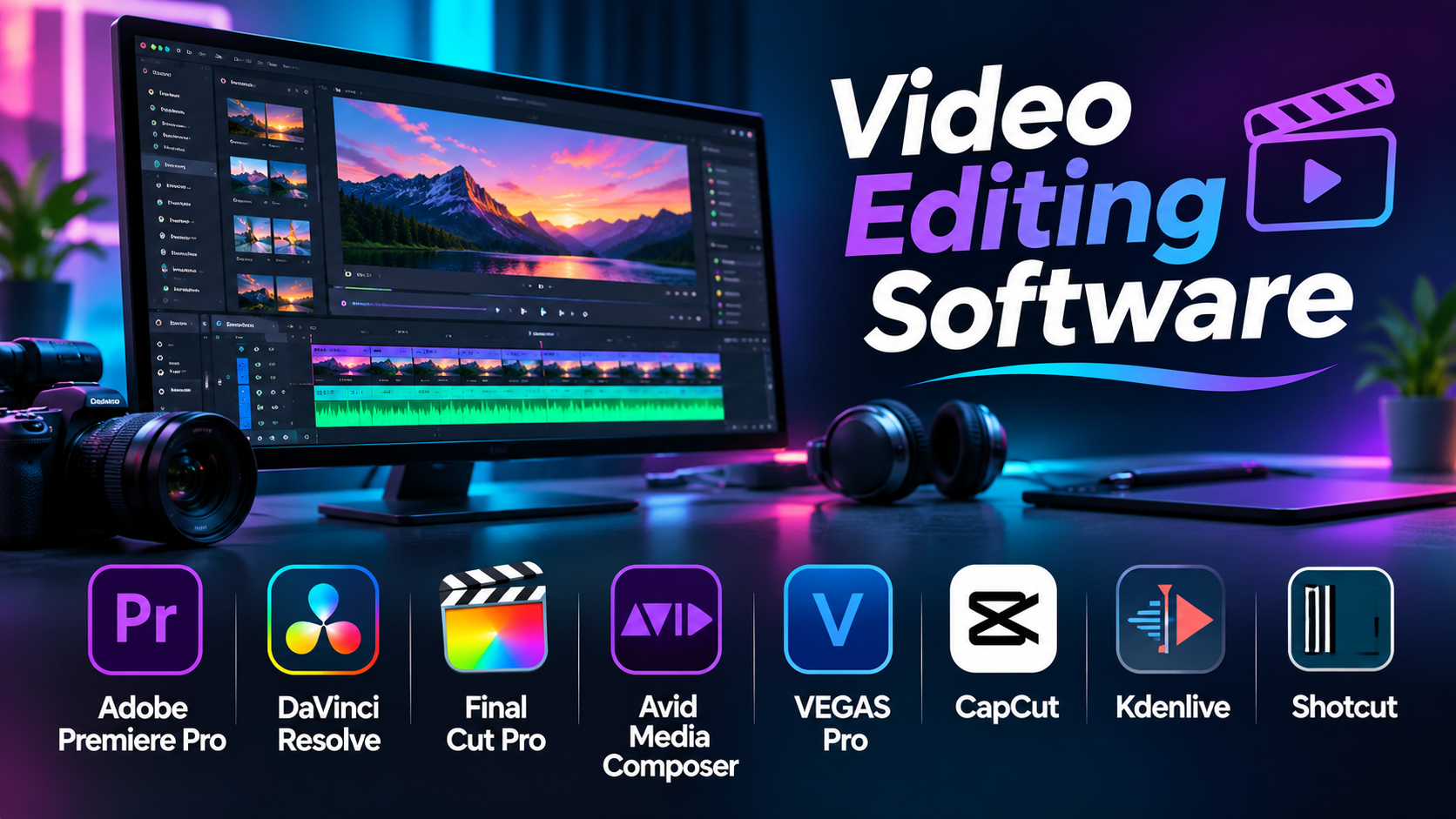
A video editing project can become complicated long before the final export. A creator may need to organize hundreds of clips, synchronize audio, add captions, correct colors, and deliver several versions of the same video.
The editing application sits at the center of this process. When it fits the workflow, production feels manageable. When it does not, even simple changes can take too much time.
Video editing software ranges from simple mobile applications to professional systems used in film and television. The important differences involve workflow design, media support, collaboration, and long-term flexibility.
This guide explains how leading editors compare and how to choose one without paying for features you will rarely use.
What Video Editing Software Actually Does
Video editing software allows users to arrange, trim, combine, and modify video clips to produce a finished project.
Most applications provide a timeline where video, audio, titles, graphics, and effects can be organized.
More advanced systems also support:
- Multicamera editing.
- Proxy media and optimized playback.
- Color correction and grading.
- Audio mixing and synchronization.
- Motion graphics and visual effects.
- Subtitles and accessibility features.
- Collaborative editing.
- Professional export and interchange formats.
Not every project needs all these capabilities.
A short social media video may require only trimming, captions, and music. A documentary may require multicamera synchronization, extensive media organization, and a carefully managed post-production pipeline.
Start With the Type of Video You Produce
The most useful way to compare editing software is to examine the work it must handle.
Social Media and Short-Form Video
Creators publishing vertical videos often prioritize speed, automatic captions, templates, and simple exports.
A complex professional timeline may be unnecessary for this work.
YouTube and Educational Content
These projects benefit from reliable timelines, screen recording support, audio cleanup, graphics, and repeatable editing workflows.
Ease of revision matters because creators often produce content regularly.
Documentary and Film Production
Long-form editing requires stronger media organization, dependable playback, multicamera support, and project interchange.
Collaboration with colorists and sound engineers may also be essential.
Commercial and Agency Production
Agencies frequently need branded graphics, several aspect ratios, approval workflows, and efficient delivery of multiple versions.
Professional Post-Production
Large productions may require shared storage, media management, specialized codecs, and integration with finishing systems.
These requirements can outweigh the importance of individual creative effects.
Video Editing Software Compared
| Software | Primary Strength | Suitable Workflow | Main Trade-Off |
|---|---|---|---|
| Adobe Premiere Pro | Broad professional editing ecosystem | Agencies, creators, production teams | Subscription and resource requirements |
| DaVinci Resolve | Editing, grading, audio, and effects together | Filmmaking and post-production | Learning curve |
| Final Cut Pro | Streamlined Mac editing | Independent creators and Mac studios | Apple platform dependency |
| Avid Media Composer | Structured professional media workflows | Film, television, collaborative editing | Training and workflow complexity |
| VEGAS Pro | Integrated Windows editing | Independent video production | Less common in some facility pipelines |
| CapCut | Fast social content production | Short-form creators | Less suited to complex finishing |
| Kdenlive | Open-source desktop editing | Budget-conscious creators | Workflow and feature differences from commercial editors |
| Shotcut | Accessible open-source editing | Basic and intermediate projects | Less specialized collaboration tooling |
Adobe Premiere Pro: A Flexible Professional Editing Environment
Adobe Premiere Pro is widely used for online content, advertising, corporate video, and professional production.
Its timeline supports multiple video and audio tracks, detailed trimming, effects, color adjustments, and flexible media organization.
One of its main advantages is integration with the Adobe ecosystem.
Editors can work with After Effects for motion graphics and Adobe Audition for specialized audio tasks.
This can be useful when a project contains complex titles, animations, and sound requirements.
Premiere Pro also provides proxy workflows, multicamera editing, captions, and collaboration-related capabilities.
Where it makes sense: Teams producing varied content that frequently moves between editing, graphics, and other Adobe applications.
What to consider: Subscription costs, plugin dependencies, and hardware requirements can increase the total cost of ownership.
DaVinci Resolve: One Environment for Editing and Finishing
DaVinci Resolve combines several post-production disciplines in one application.
Its Edit and Cut pages support different editing styles. The Color page handles grading, Fusion supports visual effects and compositing, and Fairlight provides advanced audio tools.
This structure can reduce the need to transfer projects between unrelated applications.
For example, a filmmaker can edit a short film, grade it, mix dialogue, and prepare delivery files within the same project.
The free version is capable enough for many substantial projects.
DaVinci Resolve Studio provides additional features for more demanding production needs.
Where it makes sense: Filmmakers and editors who want strong finishing capabilities alongside conventional editing.
What to consider: The application can be demanding on hardware, and mastering its separate workspaces requires practice.
Final Cut Pro: Efficient Editing Within the Apple Ecosystem
Final Cut Pro is designed around Apple’s hardware and software environment.
Its magnetic timeline differs from traditional track-based editing.
Instead of requiring every edit to be managed through fixed track relationships, the timeline helps maintain connections between clips and related elements.
This approach can make some editing tasks faster, especially after users become familiar with it.
Final Cut Pro also supports multicamera editing, color adjustments, media organization, and optimized workflows on compatible Mac systems.
Where it makes sense: Mac-based video creators, independent editors, and small production studios.
What to consider: Teams working across Windows and macOS may find its platform restrictions inconvenient.
Avid Media Composer: Designed for Structured Editing Workflows
Avid Media Composer is associated with professional film and television editing.
Its strengths include detailed trimming, media management, project organization, and workflows used in larger production environments.
For long-form projects, consistent media handling and collaboration practices can be more valuable than visual simplicity.
Media Composer is particularly relevant when editors need to exchange work with established post-production facilities.
Where it makes sense: Broadcast, film, and professional collaborative editing.
What to consider: The workflow may feel less approachable to beginners, and teams should account for training and infrastructure requirements.
VEGAS Pro: An Alternative for Windows-Based Creators
VEGAS Pro provides video editing, audio tools, effects, and color adjustments within a Windows-oriented application.
Its timeline-based approach can suit editors producing marketing videos, online content, and independent productions.
Users who prefer working with one main desktop application may appreciate its integrated toolset.
Where it makes sense: Windows creators who want substantial editing features without adopting a large multi-application workflow.
What to consider: Verify compatibility with any external post-production partners before committing to it.
CapCut: Built Around Fast Content Creation
CapCut focuses on accessible video creation, especially for social and short-form formats.
It offers editing tools, text effects, templates, captions, and other creator-oriented features.
Its appeal comes from reducing the time between importing footage and publishing a finished video.
However, convenience does not automatically make it the right application for complex post-production.
Where it makes sense: Social media creators, marketing teams, and users producing frequent short videos.
What to consider: Some features depend on the selected plan, platform, internet access, or service availability. Cloud processing also deserves attention when handling confidential material.
Kdenlive and Shotcut: Open-Source Editing Alternatives
Kdenlive and Shotcut are established open-source video editors.
Both provide timeline editing and common post-production tools without requiring a conventional commercial subscription.
Kdenlive is worth considering for creators who need a more developed multitrack editing workflow.
Shotcut offers a practical environment for straightforward editing and format conversion tasks.
Neither should be dismissed simply because it is free.
However, users should test media compatibility, project stability, effects, and export requirements against their own workloads.
Open-source software can reduce licensing expenses, but training and troubleshooting still require time.
The Editing Features That Matter More Than Templates
Timeline Performance
A timeline must remain responsive when handling real footage.
Test playback, scrubbing, trimming, and effects using the formats you normally record.
Proxy Editing
High-resolution footage can be difficult to edit directly.
Proxy workflows use smaller or easier-to-decode media while preserving a connection to the original footage.
This can improve editing responsiveness without sacrificing final output quality.
Media Organization
Searchable bins, metadata, labels, and consistent naming are essential for large projects.
Poor organization can waste more time than slow rendering.
Audio Capabilities
Dialogue clarity, music levels, synchronization, and loudness control all affect the finished video.
An editor with limited audio tools may require a separate audio application.
Color Management
When footage comes from multiple cameras, reliable color handling becomes important.
Look beyond basic filters and check whether the application supports your camera formats and output requirements.
Project Interchange
A project may need to move between editors, colorists, sound engineers, and motion graphics artists.
Support for common interchange formats can help, but no interchange method guarantees perfect preservation of every effect.
The Hidden Costs of Video Editing
The software license is only one part of the budget.
Other costs can include:
- Faster processors and graphics hardware.
- Additional RAM.
- High-speed storage.
- Backup systems.
- Paid effects and plugins.
- Cloud collaboration services.
- Stock media.
- Training.
- Time spent converting incompatible projects.
A cheaper editor may become expensive if it creates repeated delays.
Likewise, an expensive professional application may be unnecessary for basic social videos.
How to Test an Editor Before Committing
Choose a representative project rather than a simple sample clip.
Include multiple camera formats, dialogue, music, graphics, and at least one demanding effect.
Complete the entire workflow from import to final export.
Pay attention to:
- How quickly media can be organized.
- Whether playback remains smooth.
- How easy it is to make revisions.
- Whether audio and color tools meet your needs.
- How reliably the project saves and reopens.
- Whether exported files match delivery specifications.
For collaborative work, test project handoff as well.
Common Video Editing Mistakes
Choosing Based Only on Popularity
A widely used editor is not necessarily the most efficient option for your projects.
Ignoring Source Media Formats
Camera codecs, variable frame-rate recordings, and unusual audio formats can cause workflow problems.
Overusing Effects
Transitions and visual effects should support the story rather than distract from it.
Neglecting Backups
Project files do not necessarily contain the original video and audio media.
A complete backup strategy must preserve both.
Failing to Test Exports
A successful timeline preview does not guarantee a correct final file.
Always inspect the delivered video, including sound, captions, frame rate, and color.
Which Video Editor Fits Your Work?
Choose Premiere Pro when broad creative integration and professional editing flexibility are priorities.
Consider DaVinci Resolve when color, audio, and finishing are central to your workflow.
Choose Final Cut Pro when you work primarily on Mac and value its editing approach.
Evaluate Avid Media Composer for structured film and television production.
Consider VEGAS Pro for integrated Windows editing, CapCut for fast short-form creation, and Kdenlive or Shotcut for open-source desktop workflows.
Frequently Asked Questions
What is the best video editing software for beginners?
The answer depends on the type of video. CapCut and Shotcut can suit straightforward projects, while DaVinci Resolve offers room to learn more advanced production skills.
Is free video editing software good enough for YouTube?
Yes. Many creators can produce professional-looking videos using free editing tools.
Does video editing require a powerful graphics card?
Not always. Requirements depend on resolution, codecs, effects, and the application. Demanding footage can benefit significantly from capable GPU hardware.
Can I move projects between different video editors?
Sometimes. XML, AAF, EDL, and other interchange methods can transfer parts of a project, but complex effects and transitions may need rebuilding.
Is cloud editing better than desktop editing?
Cloud workflows can simplify access and collaboration. Desktop applications often provide more direct control over local media and specialized hardware. The better approach depends on the project.
Conclusion
The right video editing software is the one that makes your regular production work reliable and efficient.
Professional tools such as Premiere Pro, DaVinci Resolve, Final Cut Pro, and Avid Media Composer address different production needs. Simpler and open-source alternatives can be more appropriate for smaller projects.
Test the complete workflow before choosing. Timeline responsiveness, media compatibility, audio quality, and dependable exports matter far more than an impressive list of effects.