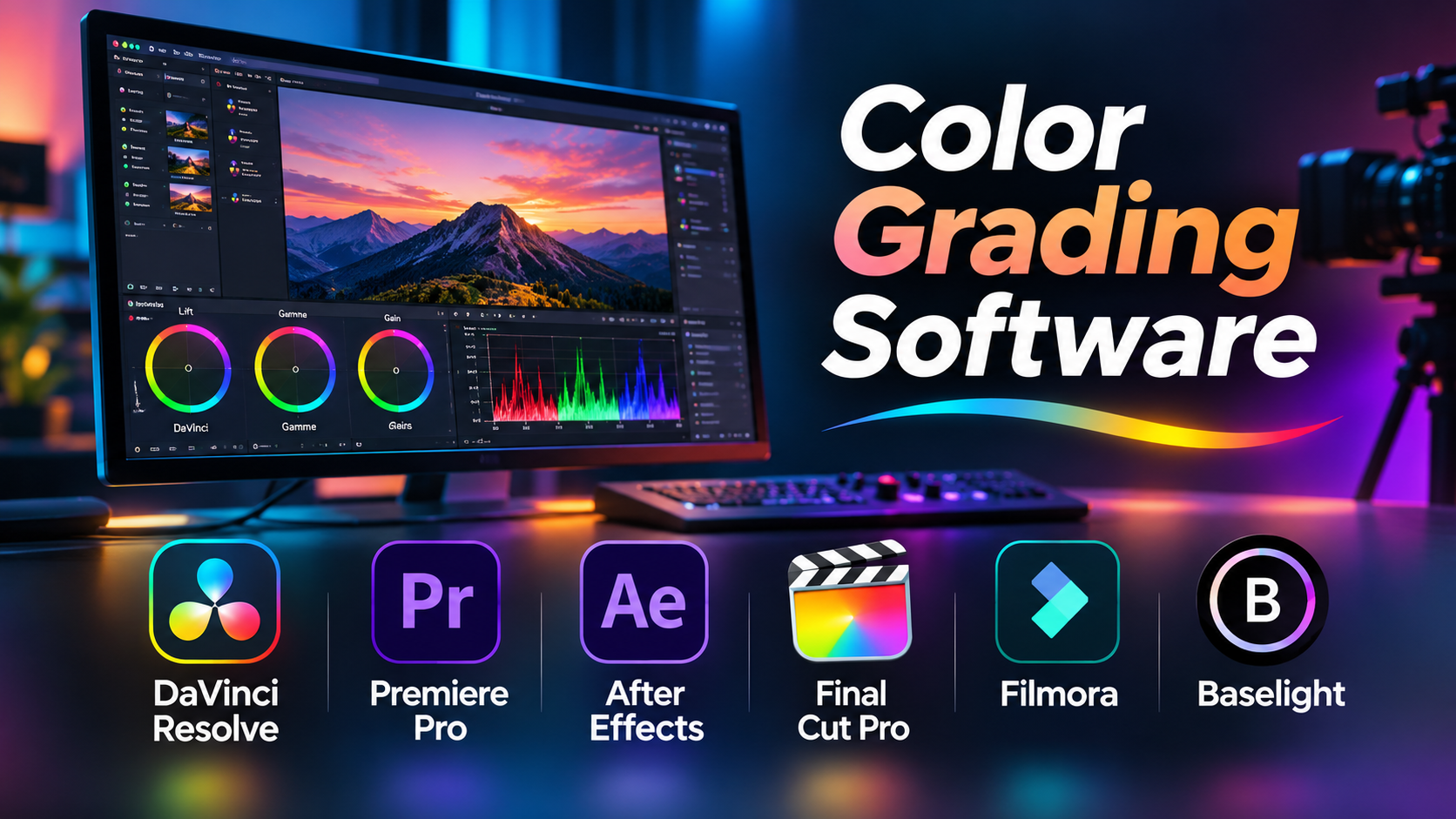
Two shots can be filmed with the same camera, on the same day, and still look completely different. One may have warm skin tones and rich shadows. The other may look flat, cool, or overly bright.
Color grading software helps filmmakers and editors solve this problem. It can bring shots into visual balance, create a consistent look, and shape the mood of a story.
But not every color grading tool serves the same purpose. Some are built for dedicated colorists working on feature films. Others are designed for video editors, YouTube creators, or small production teams.
The right choice depends on your footage, editing workflow, hardware, and delivery requirements.
Color Correction and Color Grading Are Not the Same
These terms are often used together, but they describe different tasks.
Color correction makes footage technically consistent. It includes adjusting exposure, white balance, contrast, and unwanted color casts.
Color grading shapes the creative appearance of footage. It can make a scene feel warm and nostalgic, cold and dramatic, or natural and realistic.
For example, imagine editing a travel documentary. Footage recorded during sunrise may have a strong orange cast, while afternoon footage appears neutral.
Color correction helps make both shots look balanced. Color grading then creates a shared visual style across the documentary.
A professional workflow usually needs both.
What Matters Most in Color Grading Software?
1. Primary and Secondary Color Controls
Primary corrections affect the overall image. Common adjustments include lift, gamma, gain, contrast, saturation, and color temperature.
Secondary corrections target specific areas or colors. For example, an editor may adjust the sky without changing skin tones.
Look for reliable masks, qualifiers, and tracking tools if your projects need detailed adjustments.
2. Color Management
Modern cameras can record footage using different log profiles and color spaces.
A good color management workflow helps convert footage into the appropriate working and delivery spaces.
This becomes especially important when mixing footage from several cameras or producing HDR content.
3. Scopes and Monitoring
Computer displays do not always show color accurately.
Waveform monitors, RGB parade displays, vectorscopes, and histograms help editors evaluate images more objectively.
For critical work, calibrated monitoring is just as important as the software itself.
4. Tracking and Masking
A moving subject may require a correction that follows its position throughout a shot.
Tracking and masking tools can isolate faces, backgrounds, windows, or other image regions.
Advanced systems make these adjustments more manageable, although difficult shots may still need manual refinement.
5. Workflow Compatibility
Color grading rarely happens in isolation.
Editors may need to exchange projects through XML, AAF, EDL, or other supported formats. Compatibility varies between applications.
Before choosing software, test a complete round trip between editing, grading, and final delivery.
Leading Color Grading Software Worth Considering
DaVinci Resolve: A Dedicated Color Workflow Within a Complete Editor
DaVinci Resolve combines editing, color grading, visual effects, and audio post-production.
Its Color page is particularly important for professional grading workflows.
Colorists can build corrections using nodes. This makes it possible to separate technical transforms, creative adjustments, and targeted corrections.
Resolve also provides scopes, tracking, qualifiers, Power Windows, and color management tools.
Where it stands out: Complex grading workflows, camera matching, HDR finishing, and projects requiring detailed control.
Important trade-off: Its advanced features take time to learn. High-resolution footage and demanding effects can also require capable hardware.
A free version is available, while DaVinci Resolve Studio adds further capabilities.
Adobe Premiere Pro: Color Work Inside the Editing Timeline
Adobe Premiere Pro includes the Lumetri Color system.
Editors can adjust exposure, white balance, curves, color wheels, and selected colors without leaving their editing application.
This approach is useful for creators who want to finish projects quickly without moving footage between different programs.
Premiere Pro also integrates with other Adobe applications, including After Effects.
Where it stands out: Video editing teams that need efficient correction and creative grading within one timeline.
Important trade-off: Dedicated colorists working on complex grades may prefer Resolve’s node-based approach and specialized finishing environment.
Premiere Pro is generally offered through subscription plans.
Final Cut Pro: Color Grading for Mac-Based Production
Final Cut Pro provides built-in color wheels, curves, hue and saturation adjustments, and support for color-managed workflows.
Its magnetic timeline makes it attractive to editors who value a streamlined editing process.
For Mac-based creators, the ability to edit and grade in the same application can reduce unnecessary project transfers.
Where it stands out: Independent filmmakers, content creators, and Mac-focused production teams.
Important trade-off: Final Cut Pro is tied to Apple’s ecosystem, which can limit cross-platform collaboration.
Baselight: Specialist Color Finishing for High-End Production
Baselight from FilmLight is a professional color grading and finishing system.
It is designed for demanding film, television, and post-production environments.
Its grading architecture, color science, and workflow integration make it relevant to facilities handling complex finishing work.
Where it stands out: Specialist colorists and professional post-production facilities.
Important trade-off: The system’s cost, infrastructure needs, and learning requirements may be excessive for smaller creators.
VEGAS Pro: Editing and Color Tools in One Application
VEGAS Pro provides video editing and color adjustment capabilities within a Windows-based workflow.
It supports practical color correction tasks and creative finishing without requiring a separate dedicated grading application.
Where it stands out: Windows editors producing online videos, promotional content, and independent projects.
Important trade-off: Users needing specialist color pipeline controls should compare its capabilities with dedicated grading systems.
Color Grading Software Comparison
| Software | Main Strength | Suitable Users | Main Consideration |
|---|---|---|---|
| DaVinci Resolve | Detailed node-based grading | Colorists and filmmakers | Learning curve |
| Adobe Premiere Pro | Integrated editing and grading | Editors and content teams | Subscription model |
| Final Cut Pro | Mac-focused editing workflow | Apple-based creators | Platform limitation |
| Baselight | Specialist finishing environment | Post-production facilities | Professional infrastructure |
| VEGAS Pro | Integrated Windows workflow | Independent editors | Less specialized grading environment |
These tools serve different production needs. The comparison is based on workflow suitability, not a universal performance ranking.
Understanding LUTs Before Using Them
A Look-Up Table, or LUT, maps input color values to output values.
LUTs can serve different purposes.
A technical LUT may help convert camera footage from a log representation into a display-oriented image. A creative LUT may apply a particular visual style.
However, LUTs are not automatic corrections for every shot.
A LUT designed for one camera profile may produce poor results when applied to footage recorded using another profile.
For consistent results:
- Identify the footage’s actual color space and transfer characteristics.
- Apply the appropriate color management or technical transform.
- Correct exposure and white balance.
- Apply creative adjustments.
- Check skin tones, highlights, and shadow detail.
- Review the final image on suitable displays.
Avoid stacking technical transforms accidentally. Double conversion can create excessive contrast or unnatural colors.
SDR, HDR, and Why Delivery Matters
Standard Dynamic Range and High Dynamic Range workflows have different requirements.
HDR can preserve a wider range of brightness and color information, but it requires suitable monitoring, project settings, and export decisions.
Simply increasing brightness does not produce a reliable HDR master.
For professional delivery, confirm:
- Required color space and transfer function.
- Mastering display requirements.
- Output codec and bit depth.
- Broadcast or streaming specifications.
- Whether separate SDR and HDR versions are needed.
Incorrect output settings can undermine an otherwise excellent grade.
Hardware Requirements and Hidden Costs
Color grading performance depends on more than the processor.
GPU capability, video memory, system RAM, storage speed, and media codecs can all affect responsiveness.
A color-accurate monitor is also important.
For demanding work, consider external video monitoring hardware and calibration equipment.
The real cost of a grading setup may include software, hardware upgrades, storage, monitoring, training, and technical support.
A free application does not necessarily mean a free professional workflow.
A Practical Test Before Choosing Software
Use a short project containing difficult footage.
Include an underexposed shot, mixed lighting, skin tones, and footage from two different cameras.
Then complete the following tasks:
- Normalize the footage.
- Match the shots.
- Adjust a specific color without affecting the whole image.
- Track a moving subject.
- Create a consistent creative look.
- Export using your intended delivery settings.
Measure how much manual work is required and whether the output meets your expectations.
This test reveals more than a long feature checklist.
Common Color Grading Mistakes
Grading Before Fixing Exposure
Creative adjustments are harder to control when the underlying image has major exposure or white balance problems.
Trusting an Uncalibrated Display
An image that looks correct on one screen may look very different elsewhere.
Applying LUTs Without Understanding Their Purpose
Technical and creative LUTs should not be treated as interchangeable.
Ignoring Color Management
Mixed camera formats can create inconsistent results if their color characteristics are interpreted incorrectly.
Overprocessing Skin Tones
Strong saturation, sharpening, or contrast can make people look unnatural.
Which Color Grading Software Should You Choose?
For dedicated color grading and detailed finishing, DaVinci Resolve is a strong starting point.
For editors already working in Adobe applications, Premiere Pro offers a practical integrated workflow.
For Mac-based creators, Final Cut Pro keeps editing and color work closely connected.
For high-end finishing facilities, Baselight deserves specialist evaluation.
For Windows editors seeking an integrated solution, VEGAS Pro is another option.
The best choice is the application that supports your actual footage, collaboration needs, and delivery requirements.
Frequently Asked Questions
Is free color grading software suitable for professional work?
Yes. DaVinci Resolve’s free version provides substantial grading capabilities. However, some advanced functions and workflows require Studio.
Do beginners need a dedicated color grading application?
Not necessarily. Many video editors include enough color controls for everyday projects.
Can color grading repair badly recorded footage?
It can improve many problems, but severely clipped highlights, missing detail, and poor source quality may not be recoverable.
Is a LUT the same as a color grade?
No. A LUT applies a predefined mapping. A complete grade considers the specific footage, creative intent, and delivery conditions.
Is HDR grading necessary for YouTube videos?
Not always. SDR remains suitable for many online projects. HDR should be used when the production and delivery workflow supports it correctly.
Conclusion
Color grading software should help you create consistent, intentional images without making production unnecessarily complicated.
DaVinci Resolve and Baselight offer specialist grading environments. Premiere Pro, Final Cut Pro, and VEGAS Pro make sense when color work is closely connected to editing.
Before investing, test real footage, verify color management, and confirm your output requirements.
A reliable workflow and accurate monitoring matter more than the number of creative presets available.