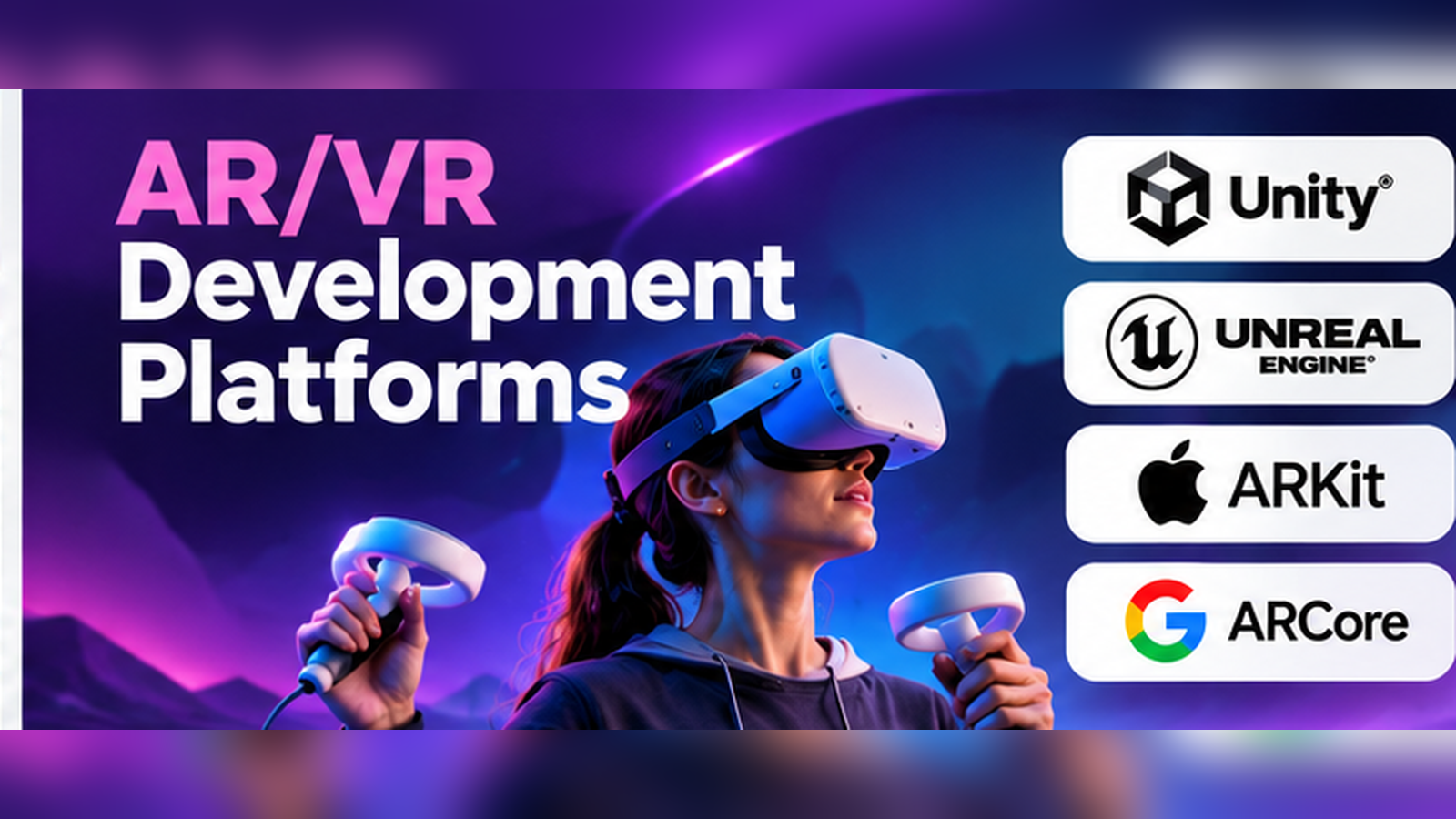
A virtual reality training application and an augmented reality shopping experience may both use 3D content, but they have very different technical needs.
A VR training application must create a convincing virtual environment. It needs reliable headset tracking, natural interaction, and smooth performance. An AR shopping application must place digital products in a real room, keep them stable as the camera moves, and work across supported mobile devices.
These differences affect which development platform a team should choose.
Unity, Unreal Engine, Apple ARKit, Google ARCore, and other extended reality technologies all support immersive development. Yet they serve different roles. Some provide complete application engines. Others offer device tracking, interaction libraries, or native development frameworks.
Understanding those roles helps teams avoid unnecessary complexity and select tools that fit their users, hardware, and budget.
AR, VR, and Mixed Reality: Why the Difference Matters
Augmented reality (AR) places digital content in a view of the physical world. Users can see virtual objects alongside their real surroundings.
Virtual reality (VR) creates an immersive digital environment, typically viewed through a headset.
Mixed reality (MR) blends physical and digital experiences, often allowing virtual content to respond to the surrounding environment.
Extended reality (XR) is a broad term covering these technologies.
The distinction affects application architecture.
An AR application may need camera access, surface detection, and environmental tracking. A VR application needs headset pose tracking, controller or hand input, and carefully designed locomotion.
Mixed reality applications may require additional features such as scene understanding, passthrough, and spatial anchors.
The most suitable platform depends on which of these capabilities are essential.
The Core Technologies Behind AR/VR Development
Most immersive applications combine several technical layers.
Rendering engines display 3D environments, materials, lighting, and animations.
Tracking systems estimate device position, orientation, and movement.
Interaction frameworks allow users to select, grab, move, and manipulate virtual objects.
Spatial understanding systems identify surfaces, environmental geometry, and useful locations for placing content.
Runtime interfaces connect applications to supported hardware.
Development tools provide debugging, profiling, packaging, and deployment workflows.
A development platform may provide several of these layers, but few products handle every requirement equally well.
Major AR/VR Development Platforms
Unity: Flexible Development Across Multiple XR Devices
Unity is a real-time development engine used for games, interactive applications, simulations, and immersive experiences.
Its XR ecosystem includes AR Foundation, XR Interaction Toolkit, XR Hands, and other packages.
AR Foundation provides a common development layer for supported mobile AR technologies. XR Interaction Toolkit helps developers build interactions involving objects, controllers, and user interfaces.
Unity is particularly useful when a project needs interactive 3D content and must support more than one hardware platform.
For example, a training company may want to deliver similar learning experiences across several headset models. Unity can help reuse application logic and content, although device-specific testing remains necessary.
Advantages
- Established real-time 3D development workflow.
- Support for interactive AR, VR, and mixed reality applications.
- Tools for animation, physics, UI, and asset management.
- A broad ecosystem of learning resources and extensions.
Limitations
Projects can become complex when multiple XR packages and vendor-specific extensions are involved. Rendering quality and frame rate depend heavily on optimization.
Developers must also check the licensing requirements of the Unity edition and platform packages they plan to use.
Unity is a practical option for teams seeking flexibility, especially when cross-device deployment is a major requirement.
Official website: https://unity.com/
Unreal Engine: High-Fidelity Immersive Environments
Unreal Engine is a real-time 3D engine developed by Epic Games.
It is used in games, visualization, simulation, and interactive experiences.
Unreal supports XR development, including head-mounted experiences through OpenXR. Its Blueprint visual scripting system allows teams to create substantial application behavior without writing every interaction in C++.
This can help designers and technical artists participate directly in development.
Unreal is especially relevant for immersive applications where detailed environments, sophisticated materials, and visual realism matter.
Architectural visualization, design reviews, and complex simulations are examples.
However, visual quality must be balanced against hardware limits. A scene that performs well on a desktop GPU may require substantial changes to run smoothly on a standalone headset.
Advantages
- Sophisticated real-time rendering capabilities.
- Blueprint visual scripting and C++ development.
- Strong tools for animation and complex scenes.
- Suitable for visually demanding interactive environments.
Limitations
Unreal projects can require considerable hardware resources and specialist expertise. Mobile and standalone XR optimization can be demanding.
Teams should review Epic’s licensing terms for their specific commercial use.
Official website: https://www.unrealengine.com/
Apple ARKit and RealityKit: Native Apple Spatial Experiences
Apple provides several frameworks for augmented reality and spatial applications.
ARKit supplies capabilities related to tracking, sensing, and understanding the physical environment.
RealityKit supports rendering, simulation, scene organization, and interaction with 3D content.
These technologies can be used with Apple’s native development tools, including Swift and Xcode.
They are particularly relevant when an application targets iPhone, iPad, or Apple Vision Pro.
A product visualization application built for Apple’s ecosystem may benefit from direct access to native platform capabilities.
Advantages
- Native integration with supported Apple hardware.
- Access to platform-specific tracking and spatial features.
- Integration with Apple’s application development ecosystem.
- Suitable for native interfaces combined with immersive content.
Limitations
These frameworks are centered on Apple platforms. Teams seeking broad support across unrelated headset and mobile ecosystems may need a different development approach.
Hardware support and permissions also vary by device and operating system.
Official documentation: https://developer.apple.com/augmented-reality/
Google ARCore: Mobile AR for Supported Android Devices
Google ARCore provides capabilities for developing augmented reality experiences.
Its core functions include motion tracking, environmental understanding, and lighting-related information.
ARCore is useful for applications that place digital objects in physical environments.
For example, a furniture retailer could use supported AR capabilities to help customers visualize a chair in their room.
Developers can use ARCore through supported development frameworks and native Android workflows.
Advantages
- Relevant for Android-based mobile AR.
- Supports tracking and environmental understanding.
- Can be integrated into interactive 3D applications.
- Useful for product visualization and location-aware experiences.
Limitations
Not all Android devices offer the same AR capabilities. Developers must check device support and test under different lighting and environmental conditions.
ARCore is not a complete replacement for a rendering engine or application development framework.
Official website: https://developers.google.com/ar
Meta XR SDKs: Building for Meta Quest
Meta provides development tools for applications targeting supported Quest devices.
Its SDK ecosystem includes features for headset integration, controller input, hand interactions, and mixed reality experiences.
Meta’s Interaction SDK offers components for building common immersive interactions.
These tools can reduce the amount of custom code required for certain device-specific behaviors.
They are particularly relevant for Quest-focused training applications, games, and interactive simulations.
Advantages
- Access to Quest-specific capabilities.
- Tools for common controller and hand interactions.
- Integration paths with established development engines.
- Documentation and examples for supported devices.
Limitations
Vendor-specific features can reduce portability. A feature built around one headset’s capabilities may not behave the same way on another device.
Teams should decide which interactions must work across devices and which can remain platform-specific.
Official developer website: https://developers.meta.com/
Godot Engine: An Open-Source XR Alternative
Godot is a free and open-source game engine supporting 2D and 3D development.
Its XR capabilities include OpenXR integration.
Godot is worth considering for teams that value source-code access, flexible licensing, and an independent development ecosystem.
It can be suitable for prototypes, research applications, and selected immersive projects.
However, developers should verify the maturity of each required XR feature and the support available for their target devices.
A smaller ecosystem of specialized integrations may require more custom engineering.
Official website: https://godotengine.org/
WebXR: Immersive Experiences Through the Browser
WebXR is a web API for building immersive experiences in supported browsers and devices.
It is not a complete game engine.
Instead, developers typically combine it with web technologies and 3D frameworks.
WebXR can be attractive for experiences where reducing installation friction is important.
Examples include interactive demonstrations, lightweight product experiences, and browser-based training.
Its main limitations involve browser compatibility, hardware support, performance, and access to advanced device features.
Official reference: https://developer.mozilla.org/en-US/docs/Web/API/WebXR_Device_API
Which Platform Fits Which Project?
| Project requirement | Platforms to evaluate |
|---|---|
| Cross-device VR training | Unity, Unreal Engine |
| High-fidelity VR visualization | Unreal Engine |
| Native Apple spatial application | ARKit, RealityKit |
| Android mobile AR | ARCore, Unity |
| Meta Quest application | Unity or Unreal with Meta XR tools |
| Open-source XR prototype | Godot |
| Browser-based immersive experience | WebXR with a suitable 3D framework |
These are starting points, not universal rankings.
Performance Is a Product Requirement, Not a Final Optimization Step
Immersive applications must respond quickly to user movement.
Poor frame rates, delayed tracking, and unstable interactions can reduce comfort and usability.
Teams should set performance targets early and measure them on actual hardware.
Important factors include rendering resolution, polygon complexity, lighting, shader cost, physics processing, and asset loading.
For mobile and standalone headsets, power consumption and thermal behavior also matter.
A visually impressive desktop prototype does not guarantee a comfortable headset experience.
Designing Natural XR Interactions
Traditional applications rely heavily on keyboards, mice, and touchscreens.
Immersive applications use controllers, hand tracking, gaze, gestures, and spatial movement.
This creates new design challenges.
For example, grabbing a virtual object should provide clear feedback. A user should understand when an object can be selected, whether it is being held, and how to release it.
Interfaces should also avoid placing important controls outside comfortable viewing areas.
Accessibility deserves attention. Not every user can stand, make precise gestures, or tolerate continuous movement in VR.
Good XR design provides alternatives where practical.
How to Evaluate an AR/VR Development Platform
Before committing to a platform, create a small application that tests the project’s most difficult requirement.
A useful pilot should answer these questions:
- Does the application run reliably on the target hardware?
- Are the required tracking and interaction features available?
- Can the team reuse assets and application logic?
- Is the debugging workflow efficient?
- Can performance targets be achieved?
- What vendor-specific dependencies will the application introduce?
- What are the licensing, distribution, and maintenance costs?
A short technical prototype can reveal problems that product demonstrations may not expose.
Common Development Mistakes
Choosing a platform only for visual quality
Rendering is important, but interaction reliability and hardware performance may matter more.
Assuming cross-platform means identical functionality
Different devices offer different sensors, input systems, and runtime capabilities.
Testing only in an editor
Headset performance, tracking, and comfort must be tested on real devices.
Building complex interactions too early
Start with basic navigation, selection, and object manipulation. Add advanced features only after the core experience works.
Ignoring content production costs
3D modeling, animation, sound, interaction design, and testing can require as much effort as application programming.
Frequently Asked Questions
Is Unity or Unreal better for VR?
Both are capable development engines. Unity may be attractive for teams focused on flexible cross-device workflows. Unreal is worth considering when high-fidelity rendering and its production tools are central requirements.
Can AR applications work without a headset?
Yes. Many AR applications run on supported smartphones and tablets.
Is WebXR suitable for commercial projects?
It can be, provided the target browsers and devices support the required features. Compatibility and performance testing are essential.
Do developers need to learn C++?
Not necessarily. Different platforms support C#, Swift, JavaScript, visual scripting, or other approaches. The required language depends on the chosen development stack.
Conclusion
AR/VR development platforms should be selected around the experience being built, the hardware users will own, and the team’s development capabilities.
Unity offers a flexible XR ecosystem. Unreal Engine is a strong candidate for visually demanding environments. Apple’s frameworks support native spatial applications, while ARCore serves supported Android AR workflows. Meta’s SDKs add device-focused capabilities, Godot provides an open-source alternative, and WebXR supports browser-based experiences.
The most reliable decision comes from building and testing a focused prototype. A platform that performs well on the intended hardware and supports the required interactions is more valuable than one with the longest feature list.