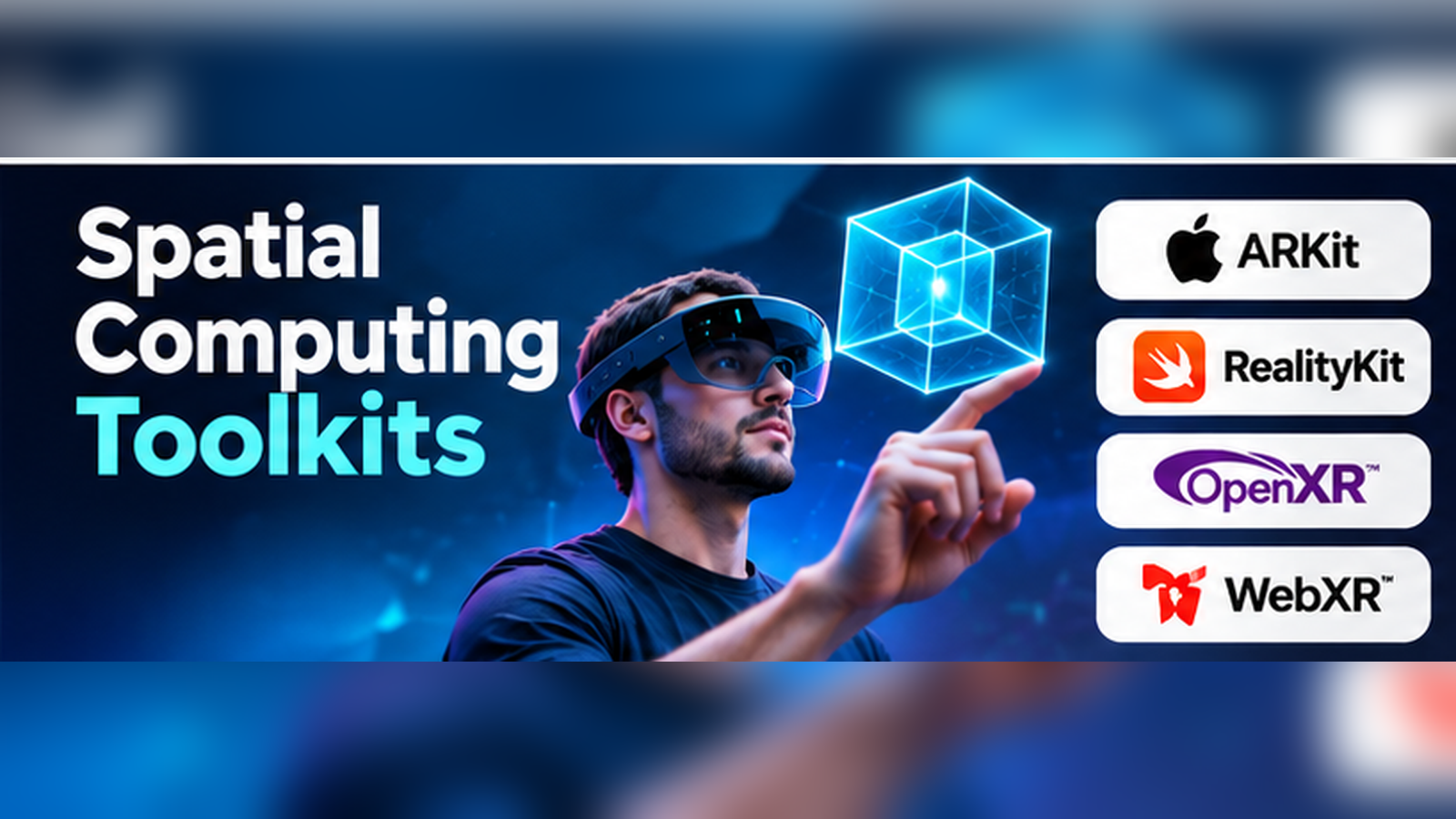
Imagine a technician wearing a mixed reality headset while inspecting industrial equipment. A digital instruction appears beside the correct component. As the technician moves, the instruction stays in place.
That experience requires much more than displaying a 3D object.
The application must understand the position of the headset, track movement, place content in a stable coordinate system, and respond to user input.
Spatial computing toolkits provide the technical foundation for these capabilities.
They help developers build applications that connect digital content to physical environments. The same technologies support immersive training, product visualization, navigation, robotics, and collaborative design.
However, the term spatial computing toolkit covers several types of software. Some toolkits manage device tracking. Others provide rendering, interaction, or cross-platform interfaces.
This article explains how the main technologies fit together and how to choose an appropriate development stack.
What Is Spatial Computing?
Spatial computing describes systems that use information about physical or virtual space to support digital interaction.
A spatial application may understand where a device is located, where a surface begins, or how a user moves their hands.
It may also position virtual objects within a real environment.
The key difference from a conventional interface is that location, orientation, depth, and physical relationships become part of the application.
Spatial computing can include augmented reality, virtual reality, mixed reality, and certain forms of robotics and computer vision.
Not every spatial application needs a headset. Some run on smartphones, tablets, or specialized industrial devices.
The Building Blocks of a Spatial Application
Tracking and coordinate systems
A spatial application must represent positions and orientations.
Developers often work with local coordinate systems, world coordinate systems, and transforms that describe how objects relate to one another.
Errors in coordinate handling can cause virtual objects to appear in the wrong place or move unexpectedly.
Anchors
Anchors help associate digital content with a position in the environment.
An application might attach an instruction label to a specific area of a machine.
Anchor behavior depends on the platform and supported hardware.
Scene understanding
Some devices can identify surfaces, planes, meshes, or other environmental information.
This allows virtual objects to respond to the surrounding space.
Rendering
Rendering systems display 3D objects, materials, lighting, shadows, and animations.
A tracking SDK may provide spatial data without offering a complete rendering system.
Interaction
Spatial applications need input methods that fit the device.
These may include gestures, hand tracking, controllers, gaze, or conventional touch input.
Persistence and synchronization
Some applications need virtual content to remain associated with a location across sessions.
Collaborative applications may also need several users to see related content in consistent positions.
These features require careful handling of spatial data, identity, networking, and privacy.
Important Spatial Computing Toolkits
Apple ARKit
ARKit provides tracking and environmental sensing capabilities for supported Apple devices.
Developers use it to obtain information about device movement and spatial relationships.
Its capabilities vary by device and operating system.
ARKit is especially relevant when an application needs native access to Apple’s spatial sensing features.
For example, an iPad application might use supported tracking capabilities to place a virtual product within a room.
On visionOS, ARKit provides access to supported spatial data through a platform-specific application model.
Best fit: Native Apple applications that need spatial tracking and scene information.
Main consideration: Developers must understand hardware capabilities, permissions, and the privacy requirements associated with environmental data.
Official documentation: https://developer.apple.com/documentation/arkit/
Apple RealityKit
RealityKit is a 3D rendering and simulation framework designed for Apple’s application ecosystem.
It provides tools for scenes, entities, components, animation, physics, and interaction.
RealityKit and ARKit often work together, but they solve different problems.
ARKit supplies sensing and tracking capabilities. RealityKit helps represent and render interactive digital content.
This distinction is important for application architecture.
A developer creating a spatial learning application may use RealityKit to display interactive models while using supported ARKit capabilities for environmental understanding.
Best fit: Native spatial applications combining 3D content with Apple’s platform frameworks.
Main consideration: Teams targeting multiple unrelated operating systems may need additional development stacks.
Official documentation: https://developer.apple.com/documentation/realitykit/
Unity AR Foundation
AR Foundation provides a development layer for building AR applications in Unity.
It exposes common AR functionality through Unity components and APIs.
Supported features can include plane detection, tracking, and environmental understanding, depending on the underlying platform provider.
The main benefit is code reuse across supported mobile AR platforms.
However, AR Foundation cannot make unsupported hardware features available.
A feature present on one device may be unavailable or behave differently on another.
Best fit: Teams developing AR applications for multiple supported mobile platforms.
Main consideration: Test feature availability and behavior on every important target device.
Official website: https://unity.com/
Unity XR Interaction Toolkit
XR Interaction Toolkit focuses on interactions inside immersive applications.
It provides systems for selecting, grabbing, moving, and manipulating objects.
It also supports interaction patterns for user interfaces and movement.
This makes it useful for training applications, interactive simulations, and VR experiences.
For example, a virtual maintenance lesson may require a learner to pick up a tool, operate a control, and place a component in the correct position.
XR Interaction Toolkit can provide reusable interaction components for such workflows.
Best fit: Unity applications requiring reusable XR interaction patterns.
Main consideration: Developers must still design interactions that fit the target hardware and user needs.
OpenXR
OpenXR is an open standard maintained by the Khronos Group.
It provides a common API for accessing supported XR runtimes and devices.
Its purpose is to reduce fragmentation between hardware ecosystems.
Instead of building every low-level interaction separately for each headset vendor, developers can use supported OpenXR interfaces.
However, OpenXR is not a complete application engine.
It does not replace scene authoring, content production, business logic, or every vendor-specific capability.
Best fit: Developers seeking greater portability across supported XR runtimes.
Main consideration: Extensions and device-specific features still require careful compatibility testing.
Official website: https://www.khronos.org/openxr/
Google ARCore
ARCore provides augmented reality capabilities for supported Android devices and development environments.
Its tracking and environmental understanding features help applications place virtual content in the physical world.
ARCore is useful for mobile experiences where a smartphone serves as the primary spatial device.
Examples include retail visualization, educational content, and interactive product demonstrations.
Best fit: Android-centered mobile AR applications.
Main consideration: Device compatibility and environmental conditions affect the user experience.
Official website: https://developers.google.com/ar
Meta XR Interaction SDK
Meta’s Interaction SDK provides components for implementing immersive interactions on supported devices.
It helps developers work with common hand and controller interaction patterns.
The toolkit can be particularly useful for applications designed around Meta Quest hardware.
For example, a VR training application may use supported interaction components to let users handle virtual equipment.
Best fit: Quest-focused applications that need reusable interaction components.
Main consideration: Teams must decide whether platform-specific functionality is worth the additional dependency.
Official developer website: https://developers.meta.com/
WebXR Device API
WebXR enables supported web applications to access immersive device capabilities.
It provides an interface between web content and compatible XR hardware.
Developers commonly combine WebXR with JavaScript and a web-based 3D rendering framework.
The main advantage is distribution through the browser.
Users may be able to access an experience without installing a dedicated application.
However, browser support, permissions, performance, and hardware capabilities vary.
Best fit: Browser-based spatial demonstrations and selected interactive experiences.
Main consideration: Compatibility testing is essential before relying on a particular feature.
Official reference: https://developer.mozilla.org/en-US/docs/Web/API/WebXR_Device_API
Spatial Computing Toolkit Comparison
| Technology | Main role | Primary environment |
|---|---|---|
| ARKit | Tracking and spatial sensing | Apple devices |
| RealityKit | 3D rendering and simulation | Apple ecosystem |
| AR Foundation | Cross-platform AR abstraction | Unity |
| XR Interaction Toolkit | Immersive interaction components | Unity |
| OpenXR | XR runtime interoperability | Supported XR devices |
| ARCore | Mobile AR tracking and understanding | Supported Android devices |
| Meta XR Interaction SDK | XR interaction components | Supported Meta XR workflows |
| WebXR | Browser access to immersive capabilities | Compatible browsers and devices |
These technologies frequently complement one another rather than compete directly.
Choosing a Spatial Computing Architecture
A practical selection process starts with the application’s required capabilities.
For an Apple-only spatial application
A native architecture using Swift, RealityKit, and the appropriate ARKit capabilities may be suitable.
This approach allows close integration with supported Apple features.
For mobile AR across multiple platforms
Unity with AR Foundation may reduce duplicated application logic.
Developers should still maintain a device capability matrix.
For cross-device headset experiences
An engine with OpenXR support is worth evaluating.
Teams should determine which interactions can use standard APIs and which require vendor-specific extensions.
For browser-based experiences
WebXR with a suitable rendering framework may be appropriate.
The project should include fallback behavior for unsupported browsers and devices.
Why Spatial Accuracy Is Difficult
Spatial systems estimate the world using sensors and software.
Tracking quality can change with lighting, movement, reflective surfaces, and environmental features.
Some devices may temporarily lose tracking.
Developers should design for these conditions rather than assuming perfect accuracy.
A useful application may need to:
- Inform users when tracking quality is poor.
- Avoid presenting uncertain positions as exact measurements.
- Recover gracefully after tracking interruptions.
- Reposition or recalibrate content when necessary.
- Prevent unsafe actions based on unreliable spatial estimates.
These concerns are especially important in industrial, medical, and safety-related environments.
Privacy and Security in Spatial Applications
Spatial computing systems may process camera images, environmental geometry, hand movement, and other sensitive information.
Applications should request only the permissions they need.
Teams must understand which information is processed locally, which data is stored, and whether any information is transmitted to external services.
For collaborative applications, spatial data sharing should be controlled through appropriate authentication and authorization.
A spatial map of a private workplace or home should not be treated as ordinary public application data.
A Practical Pilot: Building a Spatial Equipment Guide
Suppose a maintenance team wants instructions to appear beside a machine.
A focused pilot could follow these stages.
Define the task. Choose one maintenance procedure with clear steps.
Select the device. Decide whether technicians will use a tablet or headset.
Choose the tracking approach. Determine how the application will identify the machine and place content.
Build the scene. Add only the models, labels, and instructions needed for the task.
Test interaction. Ensure users can move through instructions without interrupting their work.
Validate accuracy. Check placement under realistic lighting and operating conditions.
Review safety. Make sure the digital instructions cannot be mistaken for authoritative measurements when tracking is uncertain.
Measure the result. Compare task completion, errors, and usability against the existing procedure.
This pilot can reveal whether spatial computing adds practical value before the organization invests in a larger system.
Frequently Asked Questions
Is spatial computing the same as virtual reality?
No. Virtual reality is one form of spatial computing. The broader field also includes AR, mixed reality, and other systems that work with spatial information.
Is OpenXR a game engine?
No. OpenXR is a standard for accessing supported XR runtimes and devices. Developers typically use it alongside an engine or application framework.
Do spatial applications require artificial intelligence?
Not necessarily. Many spatial features rely on tracking, sensor processing, geometry, and rendering. AI may support additional functions but is not required for every application.
Can spatial applications work offline?
Some can. Offline capability depends on the chosen SDKs, application architecture, and whether the experience relies on cloud services.
Conclusion
Spatial computing toolkits are most useful when their roles are clearly understood.
ARKit and ARCore support spatial sensing and mobile AR capabilities. RealityKit provides native 3D rendering and simulation. Unity offers development and interaction layers, OpenXR supports interoperability, Meta provides device-focused tools, and WebXR enables browser-based immersive experiences.
The right solution is usually a carefully selected combination rather than one universal toolkit.
Developers should prioritize device support, spatial reliability, interaction design, privacy, and maintainability. These factors determine whether an application works well outside a controlled demonstration.