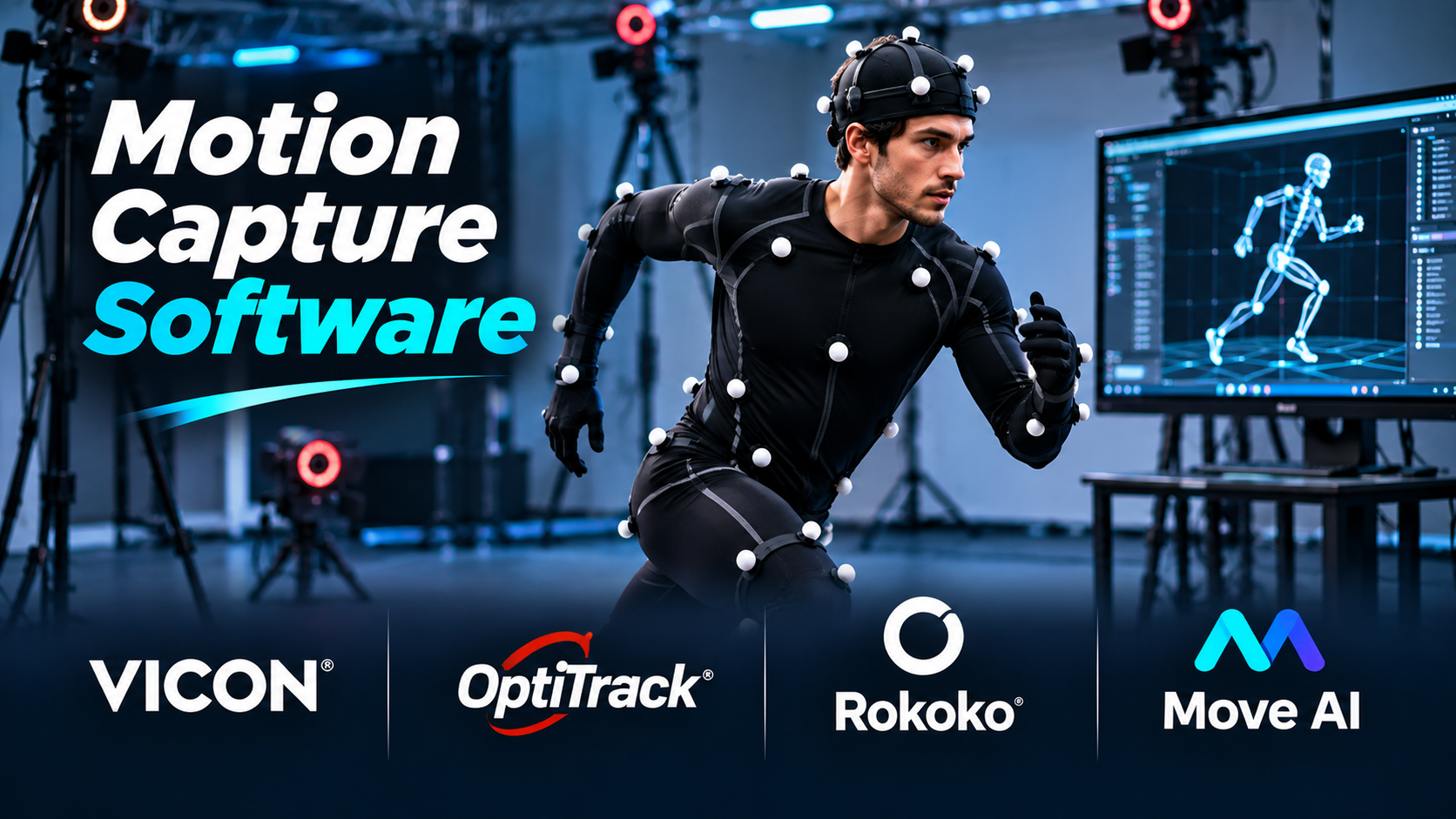
A convincing character performance depends on more than realistic movement. Timing, balance, body language, and small changes in posture all influence how an animation feels.
Creating these details manually can take considerable time.
Motion capture software offers another approach. It records or estimates real movement and converts it into data that can drive digital characters.
The technology is used in games, films, virtual production, sports analysis, and research. But not every motion capture system works the same way.
Some require camera-equipped studios. Others use wearable sensors or ordinary video footage.
The most useful choice depends on the type of movement, production environment, budget, and required accuracy.
What Motion Capture Software Does
Motion capture, often shortened to mocap, converts movement into digital information.
A typical character-animation workflow involves capturing a performance, processing the recorded motion, and applying it to a digital skeleton.
The resulting animation can then be edited and refined.
A motion capture system may include several components:
- Cameras or motion sensors.
- Capture and calibration software.
- Tracking and motion-solving algorithms.
- Animation cleanup tools.
- Character retargeting.
- Export or live-streaming capabilities.
Some products provide a complete workflow. Others specialize in one stage.
This distinction matters when comparing software.
Three Main Motion Capture Approaches
Optical motion capture
Optical systems use cameras to track movement.
Some rely on reflective markers attached to performers. Others use markerless tracking techniques.
Optical systems can support detailed studio capture, but camera placement, calibration, lighting, and occlusion require careful management.
Inertial motion capture
Inertial systems use wearable sensors that measure motion.
They can be more portable than camera-based studios.
However, sensor drift, magnetic interference, calibration, and contact accuracy may require attention.
AI-based video motion capture
AI-based systems estimate movement from recorded video.
They can reduce hardware requirements and make motion capture accessible to smaller teams.
Their results depend on video quality, camera coverage, movement complexity, and how well the subject remains visible.
No approach is automatically best for every production.
Motion Capture Software and Platforms Worth Evaluating
Vicon Shogun: For Professional Optical Motion Capture
Vicon Shogun is designed for professional motion capture workflows.
It supports performance capture, processing, and animation-related production tasks within Vicon’s optical capture ecosystem.
Shogun Live focuses on real-time capture operations, while Shogun Post supports recorded-data processing and refinement.
Where it stands out
Vicon’s workflow is suited to productions that require a dedicated capture stage, controlled camera systems, and detailed motion-data management.
Trade-offs
A professional optical setup involves hardware, studio space, calibration, and trained operators.
The complete system cost extends beyond the software license.
Suitable for: Film production, high-end game animation, and dedicated motion capture studios.
Official website: https://www.vicon.com/software/shogun/
OptiTrack Motive: For Optical Tracking and Production Capture
Motive is OptiTrack’s software for operating compatible optical motion capture systems.
It supports tracking workflows involving rigid bodies and skeletal subjects.
Its applications extend beyond character animation to research and tracking systems.
Where it stands out
Motive is relevant when accurate tracking, capture-system configuration, and integration with external applications are important.
Trade-offs
Its capabilities depend on the camera setup, capture volume, tracking configuration, and associated hardware.
Teams should evaluate the complete system rather than the software in isolation.
Suitable for: Motion capture studios, virtual production, tracking research, and engineering applications.
Official website: https://optitrack.com/software/motive/
Rokoko Studio: For Portable Inertial Motion Capture
Rokoko Studio is part of Rokoko’s motion capture ecosystem.
It works with supported capture hardware and provides tools for recording, editing, retargeting, and exporting motion.
Rokoko’s wearable systems can be useful when a dedicated optical studio is impractical.
Where it stands out
Portable capture can support small studios, independent creators, and teams that need to record performances in different locations.
Rokoko Studio also connects to common 3D animation workflows.
Trade-offs
Inertial tracking requires calibration and cleanup. Foot contact, drift, and interactions with the environment can require additional work.
Suitable for: Independent animation, game development, portable performance capture, and small production teams.
Official website: https://www.rokoko.com/
Rokoko Create: For AI-Based Motion From Video
Rokoko Create provides AI-assisted motion generation, including video-to-motion workflows.
It offers an option for creators who do not want to begin with dedicated motion capture hardware.
Recorded motion can be moved into Rokoko’s broader animation workflow for editing and export.
Where it stands out
It reduces the equipment needed for initial motion experiments and short animation sequences.
Trade-offs
Video-based estimation can struggle with hidden limbs, complex movement, and interactions that are difficult to infer from the available footage.
Suitable for: Early animation prototypes, independent creators, and teams experimenting with video-based motion capture.
Official website: https://create.rokoko.com/
Move AI: For Markerless Motion Capture
Move AI focuses on extracting motion from video using computer vision and AI techniques.
Its workflows are relevant to creators who want to capture movement without conventional reflective-marker suits.
Where it stands out
Markerless capture can simplify performer preparation and support workflows built around camera footage.
Trade-offs
Capture quality depends on the recording configuration, subject visibility, movement, and selected workflow.
Production teams should confirm the requirements of the specific Move AI product or service they intend to use.
Suitable for: Animation teams exploring markerless capture and video-based performance workflows.
Official website: https://www.move.ai/
Autodesk MotionBuilder: For Animation Editing and Retargeting
MotionBuilder is a professional 3D character animation application.
It is widely associated with motion capture editing, animation retargeting, and character animation workflows.
MotionBuilder is not a replacement for every capture device or tracking system.
Instead, it often serves as an important processing and animation tool after motion has been recorded.
Where it stands out
Its character-animation workflow makes it useful for refining performances and transferring animation between rigs.
Trade-offs
Teams must account for software licensing, rig compatibility, and integration with their animation pipeline.
Suitable for: Character animation teams, motion editing, and production retargeting.
Official website: https://www.autodesk.com/products/motionbuilder/
iClone: For Character Animation and Real-Time Performance Workflows
Reallusion iClone is a real-time 3D animation application.
It supports character animation workflows and integration with compatible motion capture solutions.
Its tools can help creators combine captured movement with timeline-based animation editing.
Where it stands out
iClone offers an accessible production environment for creators who want to assemble and refine character performances without building a complete custom animation pipeline.
Trade-offs
Some capture integrations and workflow capabilities depend on additional products, plugins, or licenses.
Suitable for: Independent animation, digital characters, and real-time content production.
Official website: https://www.reallusion.com/iclone/
Motion Capture Software Comparison
| Platform | Primary role | Main consideration |
|---|---|---|
| Vicon Shogun | Professional optical capture | Studio infrastructure |
| OptiTrack Motive | Optical tracking and capture | Camera-system requirements |
| Rokoko Studio | Inertial capture processing | Sensor calibration and cleanup |
| Rokoko Create | AI-based motion generation | Video quality and motion complexity |
| Move AI | Markerless video capture | Capture configuration |
| MotionBuilder | Animation editing and retargeting | Pipeline compatibility |
| iClone | Character animation workflow | Integration and licensing |
These products are not direct substitutes in every case.
A studio might capture motion with Vicon or OptiTrack and then refine animation in MotionBuilder.
The Motion Capture Workflow, Explained
Consider a game studio creating a realistic running animation.
Step 1: Define the required movement
The animation team identifies the character’s speed, direction, style, and interaction requirements.
Step 2: Choose the capture method
The team selects optical, inertial, or video-based capture based on the movement and available resources.
Step 3: Prepare the performer
For optical systems, this may involve marker placement and camera calibration.
For inertial systems, it may involve fitting sensors and calibrating the suit.
For video-based capture, it involves setting up suitable camera coverage.
Step 4: Record multiple takes
Capture several variations instead of relying on a single performance.
Step 5: Process the motion
Resolve tracking errors, unwanted movement, and missing information.
Step 6: Retarget to the character
Transfer the motion to the target character’s skeleton.
Step 7: Refine the animation
Correct foot sliding, timing, joint movement, and transitions.
Step 8: Test in the final application
Inspect the result in the game engine or rendering environment.
The captured motion is a starting point, not necessarily the finished animation.
Retargeting Is a Major Production Challenge
Digital characters do not always share the same proportions.
One character may have longer legs, wider shoulders, or a different skeletal hierarchy.
Retargeting transfers animation between skeletons while accounting for these differences.
Poor retargeting can produce:
- Foot sliding.
- Incorrect arm positions.
- Unnatural joint movement.
- Distorted posture.
- Misaligned character interactions.
A useful motion capture workflow should allow teams to correct these problems without rebuilding the entire animation.
How to Evaluate Motion Capture Quality
Tracking consistency
Does the system maintain reliable tracking during turns, fast movement, and partial occlusion?
Foot contact
Do the feet remain stable when the performer is standing or walking?
Interaction handling
Can the system capture actions involving chairs, tools, or other performers?
Cleanup requirements
How much manual work is needed before the animation can be used?
Latency
For live production, does the system provide sufficiently responsive feedback?
Export compatibility
Can the data be transferred into the target animation application or game engine?
Capture volume
Does the system support the space and movement range required by the project?
These factors should be tested using actual production movements.
Understanding the Real Cost of Motion Capture
Software price is only one part of the budget.
Optical systems may require cameras, mounts, calibration equipment, studio space, and operators.
Inertial systems require wearable hardware, maintenance, calibration, and software.
AI-based services may involve subscriptions, processing allowances, or usage-based charges.
Every approach can also create animation cleanup costs.
A low initial price does not necessarily mean the lowest total production cost.
Common Motion Capture Mistakes
Assuming capture data is final animation
Most productions need cleanup and artistic refinement.
Ignoring occlusion
Hidden body parts can reduce tracking reliability, especially in camera-based workflows.
Using unsuitable capture spaces
Limited space, poor camera positioning, or environmental interference can affect results.
Failing to test the target rig
Retargeting problems may appear only after motion is applied to the final character.
Choosing based only on advertised accuracy
Capture conditions and animation requirements differ. Real project testing is more meaningful.
Which Motion Capture Workflow Should You Choose?
A dedicated optical system is worth considering when controlled studio capture and detailed tracking are central requirements.
Portable inertial systems can be attractive when mobility and rapid setup matter.
AI-based video capture may be sufficient for early prototypes, short animation tasks, or projects with limited hardware budgets.
MotionBuilder and iClone are useful to evaluate when the main requirement is editing, refining, or applying animation rather than recording it.
The best workflow may combine multiple products.
Frequently Asked Questions
Can motion capture work without a special suit?
Yes. Markerless and AI-based video systems can estimate movement without wearable tracking suits.
Is motion capture better than manual animation?
Not in every situation. Motion capture can record natural performance, while manual animation offers precise artistic control. Many projects combine both.
Can motion capture be used in Blender?
Yes. Compatible motion data can be imported and adapted to character rigs, although retargeting and cleanup may be necessary.
Is AI motion capture suitable for professional projects?
It can be, depending on the quality requirements and the recorded movement. Production teams should test representative footage before relying on it.
What is the difference between motion capture and performance capture?
Motion capture generally refers to recording movement. Performance capture often includes a broader set of acting details, potentially including facial expression and other performance information.
Final Thoughts
Motion capture software should be selected around the movement you need to record and the work required to turn that recording into finished animation.
Optical systems, inertial suits, and AI-based video tools solve different production problems.
The most important test is not whether a system can generate motion data. It is whether that data can become usable animation within your available time, budget, and technical pipeline.
Record a representative performance, retarget it to the final character, and measure the cleanup effort before committing to a complete capture system.