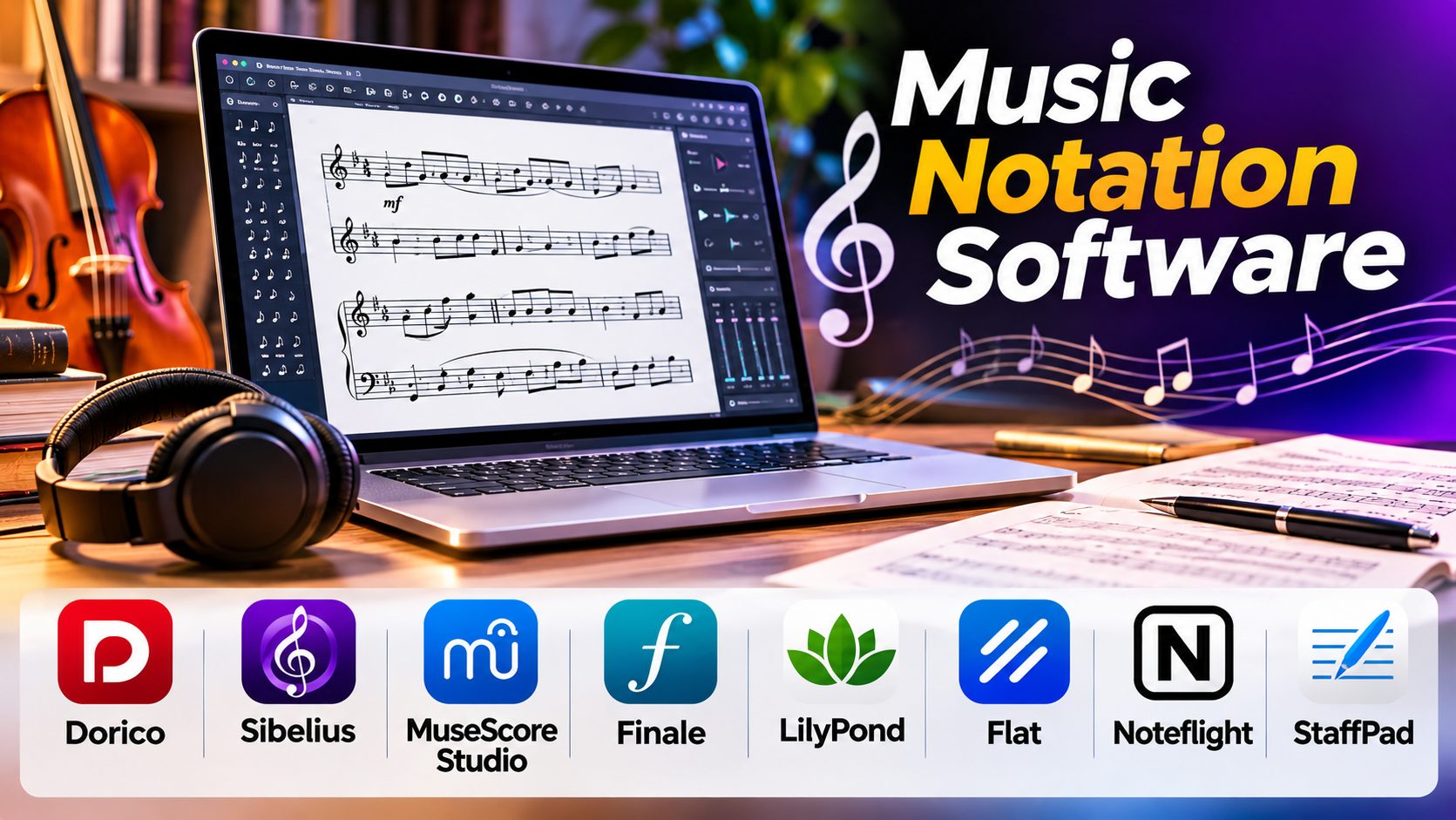
Writing music is only part of a composer’s job. The finished score must also communicate musical ideas clearly to performers.
A poorly spaced rhythm, confusing page turn, or missing articulation can create problems during rehearsal. In an orchestral work, small notation errors may affect dozens of musicians.
Music notation software helps composers, arrangers, teachers, and publishers create readable scores and individual parts.
However, different applications take very different approaches. Some prioritize professional engraving. Others emphasize quick note entry, playback, classroom use, or collaborative editing.
Choosing the right application requires understanding how music moves from an idea to a performable score.
What Is Music Notation Software?
Music notation software is used to write, edit, arrange, and publish music using standard notation.
It can support:
- Notes, rests, and rhythmic values.
- Multiple staves and instruments.
- Dynamics and articulations.
- Chord symbols.
- Lyrics.
- Instrument transposition.
- Individual parts.
- Playback.
- Score layout and printing.
- MusicXML and MIDI interchange.
More advanced programs also support complex engraving rules, custom notation, orchestral layouts, and specialized contemporary music symbols.
The goal is not simply to display notes on a screen.
Good notation software should produce music that performers can read accurately and comfortably.
The Difference Between Notation Software and a DAW
A digital audio workstation focuses on producing recorded sound.
Music notation software focuses on representing musical instructions.
A DAW may use MIDI notes to control virtual instruments, while a notation application presents those notes on a staff with rhythms, articulations, dynamics, and other performance markings.
Some applications combine both approaches.
For example, a composer may use a notation program to prepare an orchestral score and then export MIDI or audio for further production in a DAW.
The distinction matters because realistic playback and readable notation are different goals.
Music Notation Software Comparison
| Software | Main Strength | Suitable Users | Important Consideration |
|---|---|---|---|
| Dorico | Advanced score engraving | Composers, arrangers, publishers | Learning its workflow |
| Sibelius | Established professional notation | Educators, composers, studios | Licensing and edition differences |
| MuseScore Studio | Free desktop notation | Students, teachers, composers | Advanced workflow requirements |
| Finale | Legacy professional notation | Existing Finale users | Product discontinuation |
| LilyPond | Text-based music engraving | Technical users, publishers | Text-based learning curve |
| Flat | Browser-based notation | Students, educators, collaborators | Cloud and plan dependencies |
| Noteflight | Online notation and education | Schools, teachers, students | Browser-oriented workflow |
| StaffPad | Pen-based score entry | Composers using compatible devices | Hardware and workflow requirements |
Dorico: Detailed Control Over Professional Scores
Dorico from Steinberg is designed for music notation, composition, and engraving.
Its workflow separates different stages of score preparation.
This includes setting up instruments, writing music, refining notation, and preparing printed layouts.
One important strength is its approach to automatic engraving.
The software manages many spacing and layout decisions while allowing users to make manual adjustments when needed.
Dorico is particularly relevant to composers producing orchestral scores, chamber music, educational material, and professional publications.
Why it stands out: Detailed engraving and structured score preparation.
What to consider: Its workflow differs from traditional notation programs and may take time to learn.
Sibelius: A Familiar Name in Professional Notation
Sibelius is a long-established music notation application.
It supports score writing, arranging, playback, and part preparation.
Sibelius is used in educational and professional environments, making it relevant when collaboration requires compatible project formats.
Its notation tools support a wide range of conventional scoring tasks.
Why it stands out: Established notation workflows and professional score preparation.
What to consider: Features vary across editions, and buyers should review licensing terms and collaboration requirements.
MuseScore Studio: Free Notation for Learning and Serious Composition
MuseScore Studio is a free, open-source desktop notation application.
It supports score creation, instrument parts, playback, and common music notation tasks.
Its accessibility makes it useful for students, educators, hobbyists, and composers who do not need a commercial license.
MuseScore Studio also supports MusicXML interchange, which can help transfer scores between compatible applications.
Why it stands out: Accessible notation without a conventional purchase requirement.
What to consider: Complex publishing workflows should be tested carefully, particularly when specialized engraving or collaboration requirements are involved.
The desktop application should not be confused with every service or subscription offered through the wider MuseScore ecosystem.
Finale: Important for Legacy Scores, but Not a New Purchase Choice
Finale was a major professional notation application developed by MakeMusic.
It was used extensively for composition, arranging, engraving, and educational publishing.
However, MakeMusic announced the discontinuation of Finale in 2024.
This changes its role in software comparisons.
Finale remains important for musicians and publishers who own large libraries of existing Finale projects, but it should not be presented as an actively developed alternative for new buyers.
Existing users should prioritize preserving their work and planning a migration strategy.
That may include exporting MusicXML, PDF scores, and other useful representations while their current installation remains functional.
LilyPond: Text-Based Music Engraving
LilyPond takes a different approach from graphical notation editors.
Users describe music using text-based input, and the software generates engraved scores.
This method can be particularly attractive to technically inclined composers, researchers, and publishers.
Text-based notation can also work well with version control and automated document generation.
However, the approach requires learning LilyPond’s syntax.
Why it stands out: Programmable, text-based engraving and reproducible score generation.
What to consider: It is less suitable for users who prefer direct visual note entry.
Flat: Browser-Based Score Writing and Collaboration
Flat provides online music notation tools.
Its browser-based environment can simplify access across devices and support collaborative workflows.
For educational groups, this may reduce the need to manage traditional desktop installations.
Students and teachers can work on notation projects using supported browser-based tools.
Why it stands out: Online accessibility and collaboration-oriented features.
What to consider: Internet access, account requirements, plan limitations, and data handling policies should be evaluated.
Noteflight: Online Notation for Education
Noteflight is another browser-based music notation platform.
It is especially relevant to music education and online score creation.
Teachers can use notation tools to support assignments and classroom activities, subject to the capabilities of their selected plans.
Why it stands out: Education-focused notation workflows.
What to consider: Institutions should review administrative features, privacy requirements, and licensing arrangements.
StaffPad: Writing Music With a Digital Pen
StaffPad focuses on handwriting-based music notation.
It allows composers to enter music using a pen on supported hardware.
This can appeal to musicians who prefer writing notes by hand rather than using a mouse or keyboard.
Its approach is particularly distinctive because it tries to preserve the feel of handwritten composition within a digital workflow.
Why it stands out: Pen-based composition and score entry.
What to consider: Device compatibility and handwriting recognition workflow are central to the experience.
What Makes a Good Printed Score?
The quality of a notation program should be judged by its output, not only by its interface.
A well-prepared score needs several qualities.
Clear Rhythmic Grouping
Beaming should help musicians understand the meter and rhythmic structure.
Poor grouping can make even simple passages difficult to read.
Appropriate Spacing
Notes, accidentals, lyrics, and articulations need enough space to remain clear.
Overcrowded systems can increase reading errors.
Consistent Dynamics and Articulations
Dynamic markings, slurs, accents, and other instructions should appear in predictable positions.
Readable Instrument Parts
A full score and an individual part serve different purposes.
Parts need suitable staff sizes, page turns, rehearsal markings, and practical spacing.
Correct Transposition
Transposing instruments must display the correct written pitches.
Mistakes in transposition can create serious rehearsal problems.
Reliable Fonts and Symbols
Music fonts must render consistently across export, printing, and publishing workflows.
MusicXML, MIDI, and PDF: Which Format Should You Use?
File format choice affects collaboration and long-term access.
MusicXML
MusicXML is designed to exchange music notation information between compatible applications.
It can transfer notes, rhythms, instruments, and many score markings.
However, complex layouts and specialized notation may not transfer perfectly.
MIDI
MIDI represents performance information, including note events and timing.
It is useful for playback and music production.
However, MIDI generally does not preserve the full meaning and appearance of a carefully engraved score.
PDF is useful for distributing and printing finished scores.
It preserves page appearance but is not a complete substitute for an editable notation project.
Native Project Files
Native formats preserve application-specific editing information.
They are important for ongoing work but can create dependency on a particular program.
For long-term preservation, keeping both native files and widely supported exports is sensible.
How to Evaluate Music Notation Software
A useful test is to prepare a short score with several instruments.
Include:
- A transposing instrument.
- Chord symbols.
- Lyrics.
- Dynamics and articulations.
- Repeated sections.
- Separate instrumental parts.
- A passage requiring manual layout adjustment.
Then export the score as PDF and MusicXML.
Open the MusicXML file in another compatible application and inspect the result.
This reveals how well the software supports real notation work and interchange.
Choosing Software for Different Musicians
Students and Beginners
MuseScore Studio offers an accessible way to learn notation without a conventional software purchase.
Professional Composers and Engravers
Dorico and Sibelius deserve close evaluation because of their advanced notation and score preparation capabilities.
Music Educators
MuseScore Studio, Flat, and Noteflight can support different classroom and assignment workflows.
Technical Publishers and Researchers
LilyPond may be attractive when scores need to be generated through text-based processes.
Handwriting-Oriented Composers
StaffPad offers a distinctive approach for musicians using compatible pen-enabled devices.
Existing Finale Users
The priority should be preserving existing scores and evaluating migration options rather than investing further in a discontinued product.
Migrating a Music Notation Library
Changing notation software can be more complicated than opening a new file.
A large score may contain carefully adjusted spacing, custom symbols, page layouts, and performance instructions.
When migrating:
- Preserve original project files.
- Export MusicXML where supported.
- Keep PDF reference copies.
- Test a small set of difficult scores.
- Compare transposition and instrument assignments.
- Inspect lyrics, articulations, and repeat structures.
- Recheck individual parts.
- Avoid deleting the original files after conversion.
A successful import does not guarantee a publication-ready score.
Manual review remains essential.
Common Music Notation Mistakes
Relying Entirely on Automatic Layout
Automatic engraving saves time, but difficult passages may still need manual adjustment.
Ignoring Individual Parts
A score that looks excellent on screen may produce awkward page turns for performers.
Confusing Playback Quality With Notation Quality
Realistic sound libraries do not guarantee readable printed music.
Using MIDI as the Only Archive
MIDI cannot reliably preserve all the information required to reconstruct a finished score.
Failing to Proofread Transposing Instruments
Instrument settings and written pitches should always be checked before distribution.
Frequently Asked Questions
What is the best free music notation software?
MuseScore Studio is a strong option for users who need a capable free desktop notation application. LilyPond is another option for text-based engraving.
Is music notation software the same as music production software?
No. Notation software focuses on written music, while music production software focuses on recording and producing sound.
Can notation software play back a score?
Yes. Many notation applications provide playback, although realism and available sounds vary.
Can I transfer a score from Sibelius to Dorico?
MusicXML can help transfer notation between compatible applications. Complex formatting may need manual correction.
Is Finale still recommended for new users?
Finale has been discontinued, so new users should generally evaluate actively maintained alternatives.
Do professional composers need expensive notation software?
Not necessarily. The appropriate software depends on the complexity of the music, engraving requirements, collaboration, and publishing needs.
Conclusion
Music notation software should make musical ideas easier to communicate.
Dorico and Sibelius serve demanding professional notation workflows. MuseScore Studio provides an accessible free alternative. LilyPond offers text-based engraving, while Flat and Noteflight support online notation and educational use. StaffPad provides a handwriting-oriented approach.
Finale remains relevant to existing score archives, but its discontinuation makes migration planning important.
The best notation application is the one that helps you create accurate, readable, and maintainable scores.
Before committing, test real musical material, examine the printed parts, and verify how well your work can be preserved and exchanged.