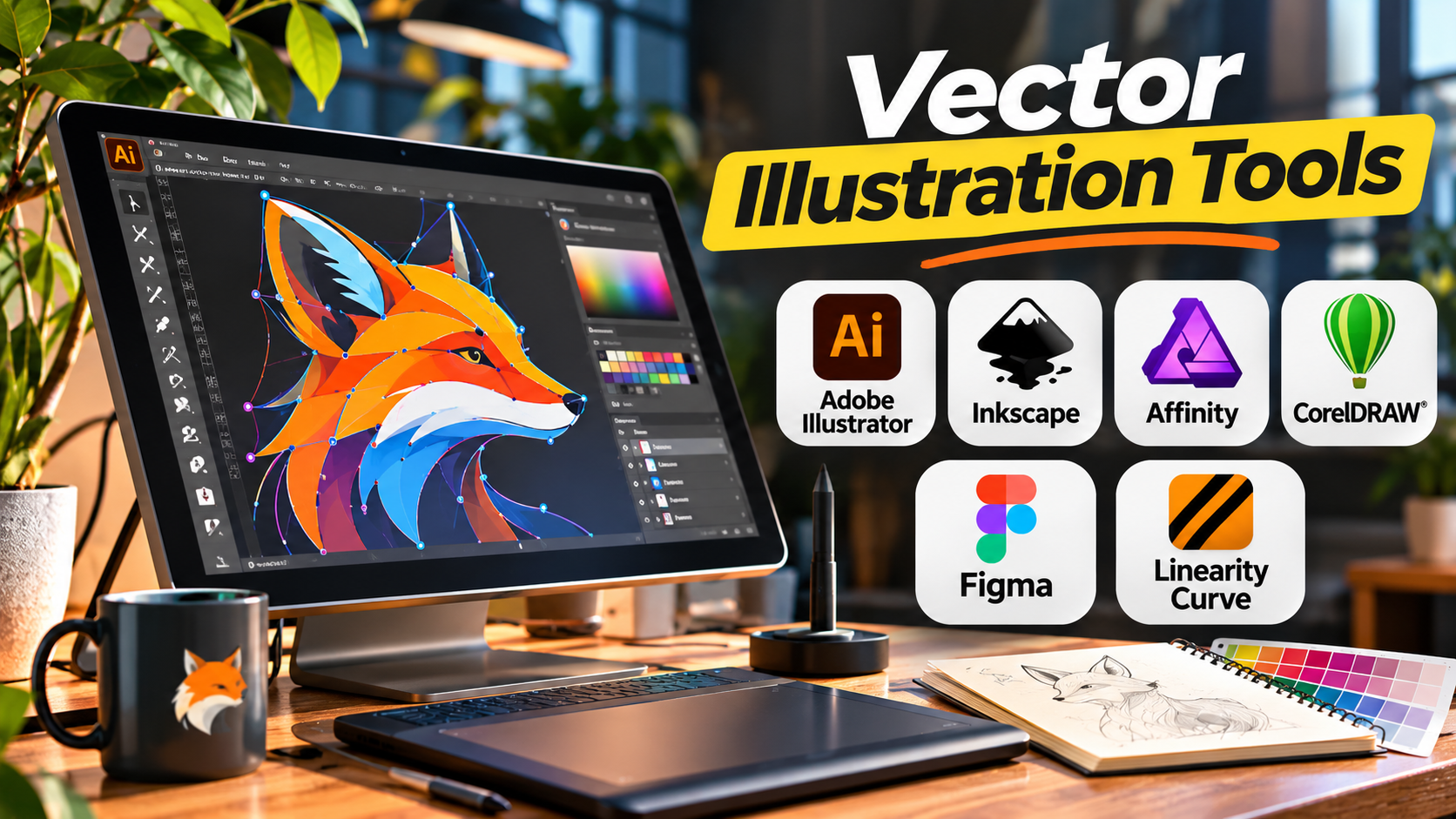
A logo may appear on a business card, a website, a billboard, and a product package. It must remain sharp at every size. That requirement is one reason vector illustration tools are essential in professional design.
Unlike pixel-based images, vector graphics use mathematical paths to describe shapes, lines, and curves. Designers can resize them without the typical pixelation associated with enlarging raster images.
However, vector illustration software varies considerably. Some applications are built for professional illustration and print production. Others focus on interface design, web graphics, or straightforward SVG editing.
Choosing the right application requires understanding how the artwork will be created, edited, shared, and delivered.
Understanding Vector Illustration
Vector artwork is built from objects such as paths, anchor points, curves, fills, strokes, and text.
A designer can modify individual elements without repainting the entire image.
Common vector projects include:
- Brand logos and identity systems
- Icons and interface graphics
- Infographics
- Technical illustrations
- Packaging artwork
- Posters and signage
- Typography-based designs
- Maps and diagrams
- Digital illustrations
- Scalable web graphics
Vector graphics are especially useful when artwork needs to remain editable across different sizes and formats.
However, they are not automatically better than raster graphics.
Photographs, detailed textures, and certain painting styles often benefit from pixel-based editing.
Many professional projects combine both approaches.
The Capabilities That Matter Most
Precision drawing
Professional illustration tools should provide reliable pen tools, Bézier curves, node editing, snapping, guides, and alignment controls.
These functions are essential for accurate logos, icons, and geometric artwork.
Typography
Designers frequently need to adjust kerning, spacing, text placement, and text along paths.
Typography becomes especially important in branding and packaging.
Color handling
Digital designers often work with RGB colors, while commercial print projects may require CMYK workflows, spot colors, and carefully managed color profiles.
Support varies by application and export format.
File compatibility
SVG, PDF, EPS, and native editable project files serve different purposes.
A tool may open a format without preserving every advanced feature.
Always test the actual handoff process.
Reusable assets
Symbols, components, styles, and reusable objects help designers maintain consistency.
Collaboration
Professional teams need reliable file sharing, revision management, and predictable output.
Browser-based collaboration and desktop file exchange solve different problems.
Vector Illustration Tools for Different Creative Workflows
Adobe Illustrator — Professional Illustration and Brand Production
Adobe Illustrator is a long-established vector graphics application used for branding, illustration, packaging, typography, and commercial artwork.
Its broad toolset supports both simple geometric graphics and complex illustrations.
Important capabilities
- Pen and curvature tools
- Shape construction and path editing
- Gradients, patterns, and brushes
- Typography controls
- Artboards
- Symbols and reusable graphics
- Image tracing
- Print-oriented color workflows
- SVG, PDF, and other export formats
Where it makes sense
Illustrator is especially relevant when designers regularly exchange editable artwork with agencies, printers, or other Adobe users.
Its ecosystem is a major practical advantage in workflows that also involve Photoshop and InDesign.
Trade-offs
The subscription model adds recurring costs, and its extensive interface can feel complex to beginners.
Designers should also distinguish between native Illustrator artwork and files exported for use in other applications.
Ideal users: Professional illustrators, brand designers, agencies, and packaging designers.
Official website: https://www.adobe.com/products/illustrator.html
Inkscape — Open-Source SVG Illustration
Inkscape is a free, open-source vector graphics editor with a strong emphasis on SVG.
It supports professional drawing techniques without requiring a commercial subscription.
Notable features
- Node and path editing
- Bézier drawing
- Shape tools
- Text along paths
- Gradients and patterns
- Object transformations
- Clipping and masking
- SVG-based workflows
- Extensions
What makes it different
Inkscape is particularly attractive when SVG is the primary deliverable.
SVG is an open vector format widely used for web graphics, icons, and technical illustrations.
The application also gives users access to editable vector structures without relying on a proprietary subscription.
Limitations
Some commercial print workflows and proprietary file exchanges may require extra conversion or verification.
Complex projects can also demand careful performance testing.
Ideal users: Students, independent designers, educators, open-source users, and SVG creators.
Official website: https://inkscape.org/
Affinity — Integrated Vector and Creative Design
Affinity’s current creative platform brings vector illustration, pixel editing, and page-layout capabilities into a connected design environment.
This approach is useful for designers who regularly move between illustration, image editing, and publication work.
Relevant capabilities
- Vector path editing
- Shape creation
- Typography
- Raster and vector workflows
- Layer management
- Export for digital and print projects
- Integration with broader creative design tasks
Why it matters
A designer producing marketing materials may need to edit a photograph, create a vector illustration, and assemble a page layout.
An integrated workspace can reduce the need to move between separate applications.
Important consideration
Affinity’s product structure and licensing have evolved. Buyers should check the current official offering rather than assume older Affinity Designer purchasing arrangements still apply.
Ideal users: Freelancers, creative professionals, and designers handling mixed-media projects.
Official website: https://www.affinity.studio/
CorelDRAW — Vector Design for Signage and Production
CorelDRAW is a professional vector design application with a strong history in commercial graphics.
It is particularly relevant to print shops, signage businesses, and production-oriented design environments.
Key capabilities
- Vector illustration
- Object and path editing
- Typography
- Page layout features
- Color management
- Technical drawing support
- File import and export
- Production-oriented design tools
Where it stands out
CorelDRAW can be valuable when artwork moves directly into signage, large-format printing, engraving, or other production processes.
Its established use in commercial graphics makes it worth evaluating alongside the software already used by a production partner.
Trade-offs
The full product suite can be more than a casual illustrator needs.
License options and compatibility requirements should be reviewed for the intended workflow.
Ideal users: Print shops, signage designers, commercial graphics teams, and production artists.
Official website: https://www.coreldraw.com/
Figma — Collaborative Vector Design for Digital Products
Figma is primarily a collaborative interface and product design platform.
It includes vector editing capabilities, but it is not a direct replacement for every specialist illustration application.
Relevant features
- Vector shapes and paths
- Reusable components
- Shared design libraries
- Browser-based collaboration
- Interface design
- Prototyping
- Developer handoff
- SVG export
Its main advantage
Figma connects vector graphics with digital product design.
A designer creating icons for a mobile application can work alongside interface designers and developers in the same environment.
Limitations
Its focus on digital products means specialized illustration and print-production workflows may be better handled elsewhere.
Ideal users: UI designers, product teams, and collaborative digital design groups.
Official website: https://www.figma.com/
Linearity Curve — Vector Design for Apple-Centered Workflows
Linearity Curve focuses on vector illustration and graphic design, particularly within Apple-oriented creative workflows.
It offers drawing, layout, and illustration capabilities suited to designers who value direct visual interaction.
Relevant strengths
- Vector drawing
- Shape and path editing
- Illustration tools
- Typography
- Graphic design workflows
- Support for compatible Apple devices
Why consider it
It can be appealing to designers who work across desktop and tablet devices and prefer an illustration-focused experience.
Trade-offs
Platform requirements, subscription terms, and advanced production features should be checked before adoption.
Ideal users: Digital illustrators and designers working primarily with Apple devices.
Official website: https://www.linearity.io/
Comparing Vector Illustration Software
| Tool | Primary focus | Main advantage | Key consideration |
|---|---|---|---|
| Adobe Illustrator | Professional vector artwork | Extensive illustration and production tools | Subscription and learning curve |
| Inkscape | Open-source SVG editing | Free and standards-oriented | Commercial file exchange needs testing |
| Affinity | Integrated creative design | Vector, pixel, and layout workflows | Verify current product offering |
| CorelDRAW | Commercial graphics | Print and production-oriented design | Licensing and workflow fit |
| Figma | Digital product design | Collaboration and reusable components | Not a specialist print illustration tool |
| Linearity Curve | Digital vector illustration | Apple-oriented creative workflow | Platform and feature requirements |
Choosing Between Vector and Raster Editing
A common mistake is expecting one application to handle every design task equally well.
Use vector software when the project involves:
- Logos
- Icons
- Scalable illustrations
- Editable shapes
- Signage
- Technical graphics
Use raster software when the work depends heavily on:
- Photographic detail
- Complex pixel textures
- Digital painting
- Photo retouching
- Pixel-level manipulation
For a product package, the most effective workflow might combine vector typography and branding with raster product photography.
The final artwork can then be assembled in a page-layout application.
A Practical Vector Illustration Workflow
Define the output requirements
Before drawing, determine where the artwork will appear.
A website icon has different requirements from a printed package or large-format sign.
Build artwork using clean paths
Use as few unnecessary anchor points as practical.
Clean paths are easier to edit and often produce more predictable results.
Establish consistent styles
Create a limited system of colors, stroke widths, and typography.
Reusable styles help maintain visual consistency.
Check the design at multiple sizes
A detailed illustration may look excellent on a large monitor but become unreadable as a small icon.
Test the export
Review SVG and PDF output in another application.
Check fonts, transparency, clipping, gradients, and alignment.
Preserve the editable original
Always retain a native or otherwise fully editable source file.
An exported image should not be the only surviving version of important artwork.
Common Problems in Vector Design
Excessive anchor points
Too many nodes make paths difficult to manage and can create uneven curves.
Poor file handoff
An SVG or PDF may not preserve every application-specific effect.
Ignoring typography licensing
Fonts may have different permissions for embedding, redistribution, and commercial use.
Designing only at one scale
Artwork should be reviewed at the sizes where it will actually appear.
Converting everything into outlines too early
Outlined text can simplify some production workflows, but it also removes normal text editing.
Keep an editable master.
Which Vector Illustration Tool Is Right for You?
Choose Adobe Illustrator for established professional illustration and agency workflows.
Use Inkscape for free, open-source SVG editing.
Consider Affinity when vector illustration is part of a broader creative design process.
Evaluate CorelDRAW for signage, printing, and production graphics.
Choose Figma when vector assets belong to a collaborative digital product.
Explore Linearity Curve for illustration workflows centered on compatible Apple devices.
The best vector illustration tool should help you create clean artwork, preserve editability, and deliver files that work reliably in the next stage of production.
A simple application that fits your output requirements is often more useful than a complex platform whose advanced capabilities you rarely need.