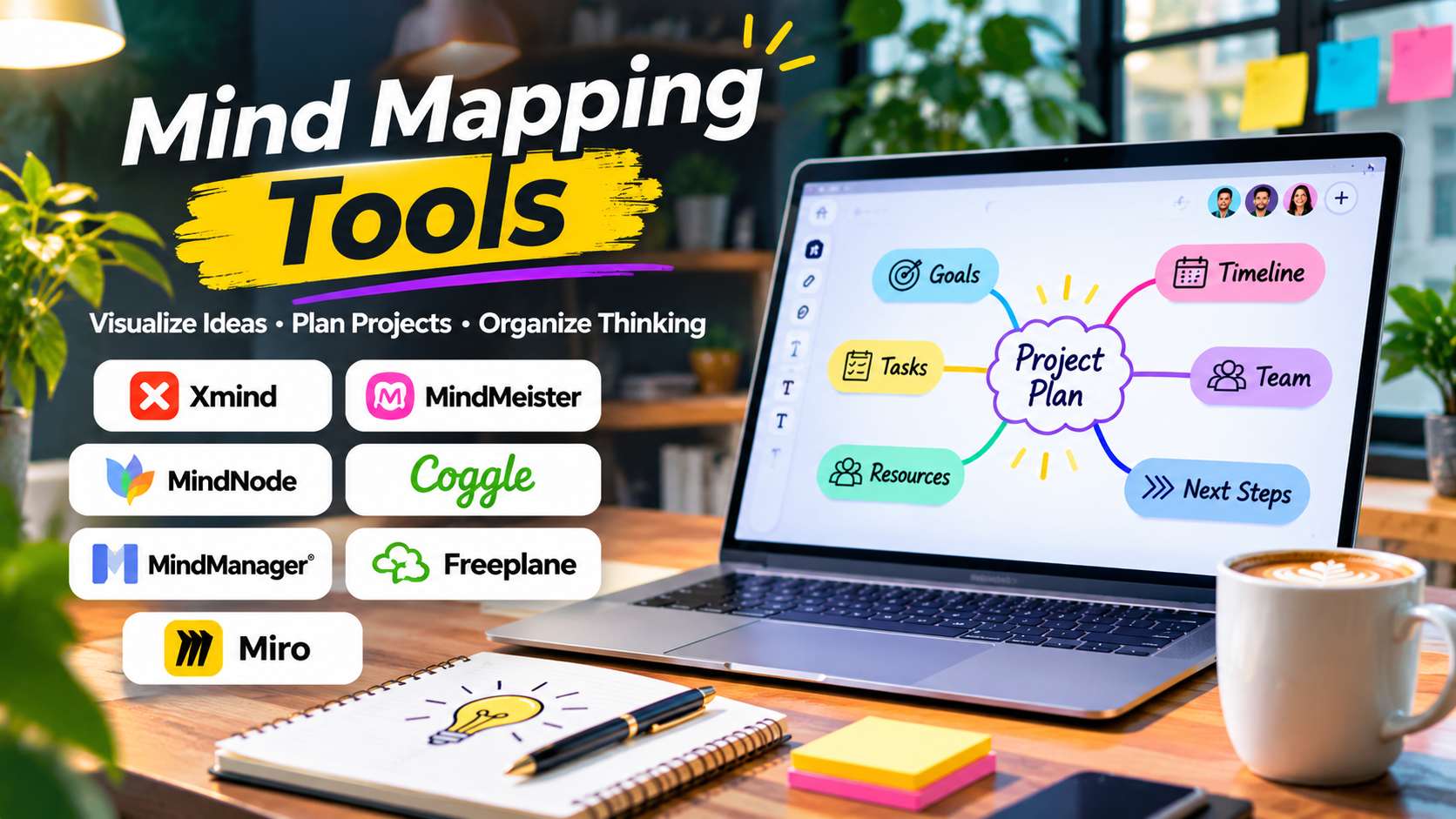
A project often begins with a simple idea. Before long, that idea grows into a collection of questions, tasks, possibilities, and competing priorities.
A conventional document forces those thoughts into a linear sequence. A spreadsheet can organize information but may hide the relationships between concepts.
Mind mapping tools offer another approach. They help people explore a central subject through connected branches, creating a visual picture of how ideas relate.
This approach is useful for students, researchers, writers, entrepreneurs, project managers, and business teams.
Yet the right mind mapping application depends on more than attractive diagrams. Some tools are designed for individual thinking. Others focus on collaborative brainstorming, structured business planning, or detailed knowledge organization.
The key is understanding what happens after the initial map is created.
Why Mind Maps Work for Complex Thinking
A mind map begins with a central topic. Related ideas extend outward as branches, with smaller branches adding detail.
For example, a company planning a new website might start with the topic Website Redesign.
Its main branches could include:
- Audience and customer needs
- Content strategy
- Visual design
- Technical requirements
- Search visibility
- Budget and resources
- Launch preparation
Each branch can then be divided into more specific decisions.
This structure helps people see both the overall project and its individual components.
Mind mapping is particularly valuable during the early stages of work, when ideas are incomplete and relationships are still being discovered.
However, a mind map is not automatically a project plan. It may reveal what needs attention without defining deadlines, responsibilities, or dependencies.
Different Types of Mind Mapping Software
Individual Thinking Tools
These applications emphasize fast idea capture, personal planning, and clear visual organization.
They suit writers, students, researchers, and independent professionals.
Collaborative Mind Mapping Platforms
These allow several participants to contribute to a shared map.
They are useful for workshops, team planning, and remote brainstorming.
Business Planning Applications
Some products support structured maps, additional visual formats, and links between ideas and business activities.
These may appeal to consultants, managers, and organizations dealing with complex planning.
Open-Source Mind Mapping Software
Open-source options provide an alternative for users who value customization, local file control, or avoiding dependence on a proprietary cloud platform.
The trade-off may involve a more traditional interface or additional setup work.
Mind Mapping Tools Worth Considering
Xmind: Structured Maps With Multiple Visual Layouts
Xmind is a dedicated mind mapping application that supports several ways to organize ideas.
Its appeal lies in turning complex thoughts into readable visual structures.
Users can build conventional mind maps and explore alternative layouts for different types of information.
For example, a student preparing for an examination may prefer a central-topic map, while a consultant explaining a business framework may need a more structured arrangement.
Xmind is particularly useful for:
- Study planning
- Research organization
- Business brainstorming
- Presentation preparation
- Personal project planning
The main limitation is that visual planning and operational project management are different activities.
Users should check whether the available export, collaboration, and task-related capabilities meet their actual workflow needs.
Xmind is a strong candidate for people who want mind mapping to remain the primary activity rather than a small feature inside a larger platform.
MindMeister: Collaborative Mind Mapping in the Browser
MindMeister emphasizes online mind mapping and collaboration.
Its browser-based approach makes it attractive for teams that want to work together without relying on a traditional desktop-only workflow.
A marketing team, for instance, could create a shared map covering campaign objectives, audience segments, content ideas, and distribution channels.
Participants can develop the structure together instead of exchanging separate documents.
MindMeister is particularly relevant when collaborative editing and convenient sharing matter more than local file ownership.
Organizations should examine permissions, account requirements, and the relationship between mapping and any connected task management workflow.
It is a practical choice for teams that use mind maps as a shared planning resource.
MindNode: Visual Thinking for Apple Users
MindNode focuses on visual brainstorming and idea organization within the Apple ecosystem.
Its approach appeals to users who want to capture thoughts quickly and develop them into clear structures.
A writer might begin with a book concept, add branches for chapters, and expand each chapter into characters, themes, and research requirements.
MindNode is particularly suitable for personal planning, creative work, and study activities.
Its platform focus is an important consideration. Teams using a mixture of operating systems should confirm how sharing and collaboration will work before adopting it.
For an individual already using Apple devices, MindNode offers a focused alternative to larger collaboration platforms.
Coggle: Simple Online Maps for Fast Brainstorming
Coggle offers a browser-based environment for creating connected diagrams and mind maps.
Its main appeal is straightforward visual organization.
It can be useful for educators, students, and small teams that need to develop ideas without learning an elaborate planning system.
Consider a teacher preparing a lesson on renewable energy. A central topic can branch into solar, wind, hydroelectric, and geothermal energy, with smaller branches explaining advantages and limitations.
Coggle suits this kind of connected explanation.
Users who need extensive business planning features or detailed administrative controls should compare its capabilities with more specialized alternatives.
MindManager: Business-Oriented Visual Planning
MindManager extends mind mapping into more structured business planning.
It is relevant for professionals managing detailed information, responsibilities, and interconnected activities.
A project manager might use it to break down a large initiative into deliverables, resources, risks, and milestones.
Its broader planning orientation can be valuable when a simple brainstorming map is not enough.
However, additional functionality introduces complexity.
Organizations should evaluate whether the team will use these capabilities regularly. A sophisticated application may be unnecessary for occasional idea capture.
MindManager is worth examining when mind maps form part of a more formal planning process.
Freeplane: Open-Source Mind Mapping With Local Control
Freeplane is an open-source mind mapping application.
It offers a different proposition from cloud-first collaboration tools.
Users can build detailed maps while maintaining a workflow centered on local files.
This approach may appeal to researchers, technical professionals, and individuals who prefer software they can use without depending on a hosted collaboration service.
Freeplane supports structured information organization and extensive customization.
Its interface and workflow may require more learning than simpler consumer applications.
It is particularly relevant for users who prioritize flexibility and local control over polished collaborative presentation features.
Miro: Mind Mapping Inside a Larger Collaboration Canvas
Miro is primarily a visual collaboration platform, but it also supports mind mapping.
That distinction matters.
A dedicated mind mapping application is optimized around branches and hierarchical thinking. Miro places mind maps alongside sticky notes, diagrams, documents, and other workshop materials.
This makes it useful when a mind map is only one stage of a broader collaborative process.
For example, a team could begin by mapping customer problems, group those problems into themes, and then move into prioritization exercises on the same board.
Miro is worth considering when mind mapping must connect with wider team collaboration.
For someone who only wants to create personal maps, a dedicated application may be simpler.
Comparing Mind Mapping Tools by Practical Use
| Tool | Primary Focus | Suitable For | Main Trade-Off |
|---|---|---|---|
| Xmind | Dedicated visual mind mapping | Students, professionals, planners | Verify collaboration needs |
| MindMeister | Online collaborative maps | Remote teams and educators | Greater dependence on hosted services |
| MindNode | Personal visual thinking | Apple users and creatives | Platform ecosystem matters |
| Coggle | Simple connected diagrams | Students and small teams | Less emphasis on advanced business planning |
| MindManager | Structured business planning | Managers and consultants | More functionality to learn |
| Freeplane | Open-source local mapping | Researchers and technical users | More traditional workflow |
| Miro | Collaborative visual workspace | Cross-functional teams | Mind mapping is one of many features |
The most suitable application depends on the intended workflow, not the number of features.
Mind Mapping Versus Concept Mapping
These approaches are related but not identical.
A mind map generally starts with one central idea and develops outward through branches.
A concept map emphasizes relationships between multiple concepts. Connections may include labels explaining how one concept influences another.
Mind maps work well for brainstorming, outlining, and breaking down topics.
Concept maps are often more useful when the relationships themselves require explanation.
For example, a mind map about cybersecurity might contain branches for authentication, encryption, monitoring, and incident response.
A concept map could show how authentication interacts with access control and how monitoring contributes to incident detection.
Some software supports both approaches, but buyers should not assume that every mind mapping tool provides sophisticated concept mapping.
How to Evaluate a Mind Mapping Application
Ease of Restructuring
A useful map changes as understanding improves.
Test whether branches can be moved, reorganized, collapsed, and expanded without excessive manual formatting.
Visual Readability
A map containing hundreds of nodes can quickly become confusing.
Look for layouts, filtering, focus controls, and navigation features that keep complex information understandable.
Export and Portability
Consider what happens when the map must become a report, presentation, or project document.
Check available export formats and whether the information remains editable after export.
Image and PDF exports preserve appearance but may not preserve the underlying structure.
Collaboration
For team use, determine whether the platform supports the required sharing and editing model.
Check whether external collaborators need accounts and whether access can be restricted.
Offline Availability
Students, travelers, and researchers may need access without a reliable internet connection.
Confirm which features work offline and how changes synchronize afterward.
Cost and Ownership
Review the full licensing model.
Some applications offer free basic features, while collaboration, export, or advanced layouts may require payment.
The most important question is whether essential work remains accessible if a subscription ends.
A Practical Mind Mapping Method
A good mind map begins with a clear question rather than a broad collection of unrelated ideas.
Suppose a small business wants to improve customer retention.
Step 1: Define the central problem
Use “Improve Customer Retention” as the central topic.
Step 2: Identify major themes
Create branches for onboarding, product quality, customer support, pricing, and communication.
Step 3: Add supporting observations
Include customer feedback, recurring complaints, and possible causes.
Step 4: Separate facts from assumptions
Mark ideas that have supporting evidence and those requiring further investigation.
Step 5: Identify possible actions
Develop potential improvements under each theme.
Step 6: Move decisions into an execution system
Assign owners and deadlines in an appropriate project management tool.
This process prevents the mind map from becoming a permanent collection of untested ideas.
When Mind Mapping Is Not the Right Approach
Mind maps are useful, but they are not ideal for every task.
A spreadsheet may be better for numerical comparisons.
A Gantt chart may be more useful for scheduling dependencies.
A formal flowchart is usually clearer when explaining a process with conditional decisions.
A database may be more suitable for managing large collections of structured records.
The goal is to choose the representation that makes the information easiest to understand and use.
Frequently Asked Questions
Are mind mapping tools useful for students?
Yes. They can help organize subjects, plan assignments, develop essay outlines, and identify relationships between topics. Their effectiveness depends on how actively students use them to review and understand material.
Can mind maps replace traditional notes?
They can complement traditional notes, but may not capture detailed explanations, evidence, and references effectively on their own.
Which mind mapping tools support collaboration?
MindMeister, Coggle, and Miro are examples of platforms with collaborative capabilities. The exact permissions and features depend on the product and plan.
Are there free mind mapping applications?
Yes. Freeplane is an open-source option, while several commercial products offer free or limited-access versions.
What is the difference between mind mapping and brainstorming?
Brainstorming is a process for generating ideas. Mind mapping is a visual technique for organizing and connecting them. Mind maps can be used during or after brainstorming.
Conclusion
Mind mapping tools are most effective when they help people understand relationships, explore possibilities, and organize complex thinking.
Xmind and MindNode suit focused visual planning. MindMeister and Coggle are worth considering for collaborative maps. MindManager serves more structured business planning needs, while Freeplane offers open-source flexibility. Miro makes sense when mind mapping is part of a wider collaborative workshop.
The best choice is the application that lets ideas develop naturally while keeping the resulting information useful.
A successful mind map should not merely contain more branches. It should make the next decision easier.