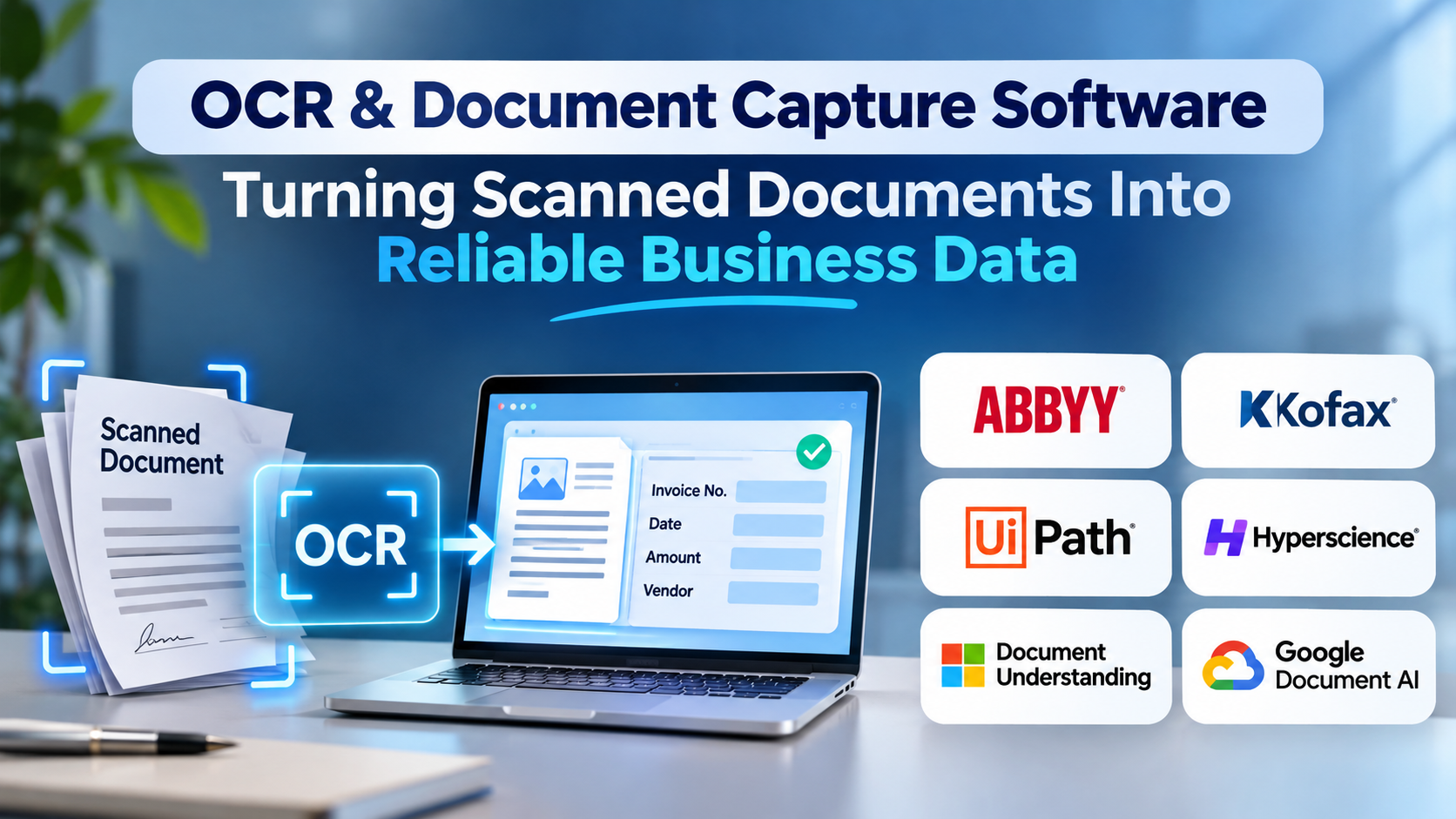
A scanned invoice may look perfectly readable to a person while remaining almost useless to a business application. The image contains the information, but the software processing payments, updating records, or checking compliance cannot necessarily understand it.
That gap is what OCR and document capture software attempts to close.
Modern document capture systems do more than recognize printed characters. They can classify documents, identify important fields, interpret layouts, and send extracted information into business workflows. Yet the difference between a successful implementation and an expensive source of errors often comes down to how well the system handles imperfect documents.
What Is OCR & Document Capture Software?
Optical character recognition (OCR) converts text appearing in images or scanned documents into machine-readable characters.
Document capture software builds on that capability. Depending on the product, it may also handle document ingestion, classification, data extraction, validation, routing, and integration with other systems.
For example, a finance team receiving invoices from hundreds of suppliers needs more than searchable text. It needs reliable supplier identification, invoice numbers, dates, totals, tax information, and sometimes line-item details.
A document capture workflow may involve:
- Receiving a PDF, photograph, email attachment, or scanned page.
- Improving image quality through preprocessing.
- Recognizing text and identifying the document’s structure.
- Classifying the document.
- Extracting relevant fields.
- Checking values against business rules.
- Sending uncertain results for human review.
- Exporting validated information to the destination system.
The important distinction is that OCR recognizes text, while intelligent document processing attempts to turn documents into usable information.
Why Recognition Accuracy Alone Is Not Enough
Imagine an invoice containing these fields:
- Supplier: Northstar Components
- Invoice number: NC-4821
- Invoice date: 14 March
- Total: $4,850
- Payment reference: 4821-AC
An OCR engine might recognize every character correctly while still placing the payment reference into the invoice-number field.
From a character-recognition perspective, the result is accurate. From an accounting perspective, it is wrong.
This illustrates why buyers should evaluate field extraction, document understanding, and validation separately.
The most consequential errors are often not unreadable characters. They are believable values assigned to the wrong business fields.
Leading OCR and Document Capture Solutions
Different products serve different operational requirements.
ABBYY Vantage
ABBYY Vantage focuses on intelligent document processing and structured extraction from business documents.
It is worth evaluating when an organization needs document classification, extraction workflows, and human validation rather than basic OCR alone.
Its suitability depends on the document types involved, integration requirements, and the operational effort needed to configure and maintain extraction workflows.
Tungsten Automation
Tungsten Automation, formerly Kofax, offers document capture and automation technologies aimed at business processes.
Organizations with established scanning operations, complex document intake requirements, or enterprise workflow dependencies may find its portfolio relevant.
Buyers should evaluate the particular capture product rather than assume that every capability is included in one deployment.
Azure AI Document Intelligence
Azure AI Document Intelligence provides cloud-based document analysis through APIs and development tools.
It supports scenarios involving layout analysis, document classification, and structured field extraction.
It is especially relevant to development teams already building applications on Azure. However, implementing a complete business process still requires attention to validation, access controls, exception handling, and downstream integration.
Amazon Textract
Amazon Textract extracts text, forms, tables, and other document information through AWS services.
It is a practical candidate for organizations processing documents inside AWS-based applications.
The service provides document analysis capabilities, but application teams remain responsible for designing the surrounding workflow and verifying extracted results.
Google Cloud Document AI
Google Cloud Document AI provides document processing services for extracting and interpreting information from documents.
It is relevant to organizations seeking managed document-processing APIs and integration with Google Cloud infrastructure.
Evaluation should focus on supported document types, processor configuration, extraction quality, and operational costs.
Tesseract OCR
Tesseract is an open-source OCR engine suitable for developers who need text recognition without adopting a complete commercial capture platform.
It can be effective for controlled workloads and custom applications.
However, document classification, business-field extraction, review interfaces, and workflow orchestration generally require additional components.
Comparing the Main Approaches
| Approach | Main advantage | Main limitation |
|---|---|---|
| Traditional OCR engines | Text recognition with substantial implementation flexibility | Limited understanding of business fields |
| Cloud document AI APIs | Managed infrastructure and programmatic extraction | Requires application integration and cost management |
| Enterprise capture platforms | Broader workflow and operational capabilities | Greater implementation and administration complexity |
| Open-source OCR | Control over deployment and customization | More engineering responsibility |
| Template-based extraction | Predictable behavior for stable layouts | Maintenance burden when layouts change |
The best choice depends less on how impressive the demonstration looks and more on how documents vary in production.
How to Evaluate Extraction Quality
A credible evaluation should use documents collected from actual business operations.
Include clean digital PDFs, low-resolution scans, rotated pages, handwritten annotations where relevant, unfamiliar supplier layouts, and documents containing multiple tables.
Measure several outcomes independently.
Character accuracy measures whether the recognized text matches the source.
Field accuracy measures whether required business values are extracted correctly.
Document classification accuracy measures whether documents are assigned to the correct categories.
Straight-through processing rate measures the share of documents completed without manual intervention.
Exception handling quality measures how effectively employees can identify and correct uncertain results.
A system achieving excellent text recognition may still create substantial review work if it cannot reliably distinguish document fields.
The Hidden Costs of Document Automation
Software licensing or API consumption is only one part of total cost.
Other expenses may include:
- Scanner and ingestion infrastructure.
- Workflow development.
- Integration with ERP or document management systems.
- Human review and correction.
- Model configuration and maintenance.
- Storage and retention.
- Monitoring and incident handling.
A low per-page processing charge is not necessarily economical when a large percentage of documents require manual correction.
Organizations should calculate the cost per successfully processed document rather than simply the cost per OCR operation.
Security and Data Governance
Documents frequently contain personal information, financial details, contracts, and commercially sensitive records.
Before adopting a platform, establish where documents are processed, how long source files are retained, who can access extracted information, and whether processing involves external services.
For regulated environments, evaluate encryption, access logging, retention controls, geographic processing requirements, and contractual obligations.
An OCR service should not be treated as automatically compliant simply because it runs on a major cloud platform.
A Practical Implementation Strategy
Begin with one document category that has measurable business value.
For example, an accounts payable team might select supplier invoices and establish a baseline for manual processing time, error rates, and correction effort.
Next, create a representative test dataset. Define required fields and acceptable error thresholds before comparing products.
Introduce human review for low-confidence results and critical values. Track recurring extraction errors and determine whether they arise from image quality, inconsistent layouts, or business-rule problems.
Only expand into additional document categories once the first workflow is stable.
This approach is more reliable than attempting to automate every incoming document simultaneously.
When OCR Is Not the Right Solution
Not every document workflow needs OCR.
If information is already available through structured APIs, electronic invoices, databases, or standardized digital forms, extracting it from rendered documents may introduce unnecessary complexity.
OCR is most valuable when the source information exists primarily in visual or document form.
Whenever structured data is available directly, that route deserves serious consideration.
Frequently Asked Questions
Is OCR the same as intelligent document processing?
No. OCR converts visual text into machine-readable text. Intelligent document processing combines recognition with capabilities such as classification, structured extraction, and workflow integration.
Can OCR software process handwritten documents?
Some systems support handwriting recognition, but performance varies substantially with writing style, language, image quality, and document structure.
Is open-source OCR suitable for businesses?
Yes, particularly when an organization has engineering resources and well-defined document requirements. A complete operational workflow may require substantial additional development.
Does document AI eliminate manual data entry?
It can reduce manual entry, but critical workflows usually still need validation and exception handling.
Final Perspective
The value of OCR and document capture software is not determined by how much text it recognizes. It is determined by how reliably information moves from documents into business decisions and systems.
Organizations that evaluate real documents, measure field-level accuracy, and design effective exception handling are better positioned to achieve meaningful automation.
The strongest implementation is not necessarily the one with the most advanced recognition technology. It is the one that produces dependable business data with a manageable level of operational effort.