Time tracking becomes valuable when recorded hours lead to better decisions. Simply collecting timesheets does not guarantee improved productivity, accurate invoices, or healthier workloads.
For freelancers, agencies, consulting firms, and growing businesses, the real challenge is capturing reliable information without turning every working day into an administrative exercise.
Time tracking software can help, but the right solution depends on what the organization intends to do with the data.
What Is Time Tracking Software?
Time tracking software records the amount of time individuals spend on tasks, projects, clients, or activities.
Employees may enter hours manually, operate a timer, or use applications that assist with activity capture.
The resulting information can support project costing, client billing, profitability analysis, payroll preparation, and workload planning.
Time tracking should not be confused with employee attendance. Attendance establishes when someone was present or working; project time tracking explains where that working time was allocated.
Different Approaches to Time Tracking
Manual Timesheets
Users enter hours against projects or activities.
This approach is flexible and familiar, but it depends on consistent reporting. Entries completed several days later may be less accurate.
Start-and-Stop Timers
Timers record time while work takes place.
They can improve accuracy for clearly defined tasks, although frequent interruptions and task switching may make them inconvenient.
Assisted and Automatic Tracking
Some applications collect activity information to help users reconstruct their working day.
This can reduce forgotten entries, but organizations must carefully consider privacy, consent, and the distinction between activity and productive work.
Time Tracking Software to Consider
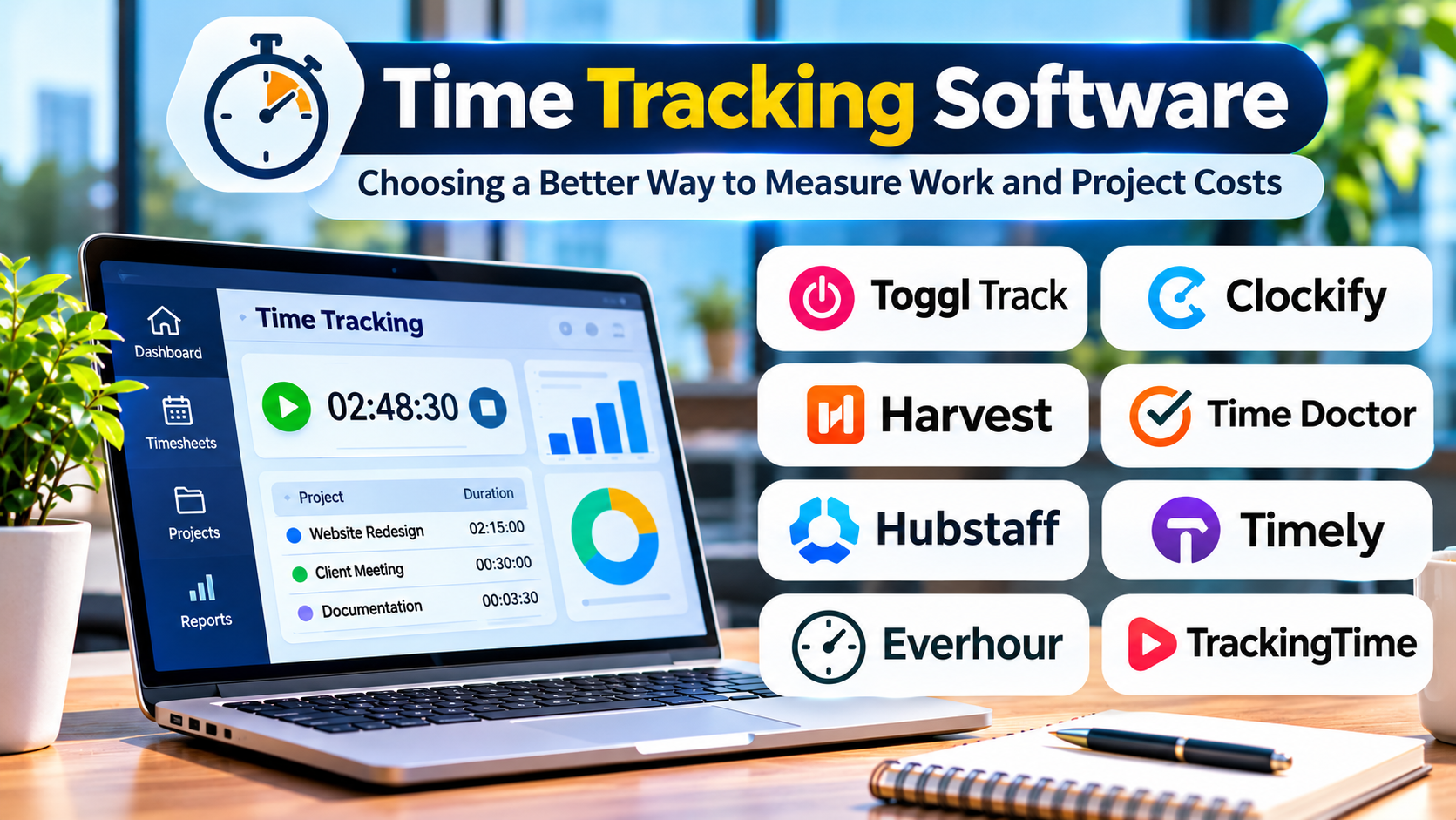
Toggl Track
Toggl Track emphasizes straightforward time tracking and reporting.
It is particularly relevant to freelancers and teams seeking visibility into project hours without introducing an extensive workforce management system.
Clockify
Clockify supports time tracking, timesheets, and reporting across teams.
It is worth evaluating for organizations that need flexible project-based recording and want to compare available plans before committing to more extensive functionality.
Harvest
Harvest connects time tracking with invoicing and project financial visibility.
Its approach is especially relevant to service businesses where recorded hours influence client billing.
Timely
Timely focuses on assisted time tracking and helping users account for work activities.
Businesses should examine its capture methods, privacy controls, and the review required before time records become official.
Hubstaff
Hubstaff combines time tracking with workforce-oriented features.
Organizations considering activity-related functionality should establish transparent policies and assess whether monitoring is necessary for their legitimate operational needs.
Choosing Software Based on Business Requirements
| Business need | Important capabilities |
|---|---|
| Freelance billing | Timers, billable rates, invoices |
| Agency profitability | Project budgets, client reporting |
| Internal project analysis | Task categories, estimates, exports |
| Distributed teams | Mobile access, approvals, transparency |
| Payroll preparation | Accurate records, overtime rules, integration |
The most feature-rich platform is not automatically the most useful.
For a small consulting team, fast time entry and reliable reports may matter more than extensive employee analytics.
Understanding the True Cost of Time Tracking
Subscription fees are only one part of the investment.
Consider how much time employees spend maintaining records, whether managers must correct inaccurate entries, and whether finance teams need to reconcile data across separate systems.
Also evaluate billing models, minimum user commitments, paid integrations, and data export capabilities.
A low-cost application can become expensive if it requires substantial manual reconciliation.
Privacy and Employee Trust
Time records can contain sensitive information about working patterns and professional activities.
Organizations should explain what information is collected, who can access it, and how it will be used.
Tracking should be proportionate to a legitimate business purpose. Measuring keyboard activity, for example, does not reliably establish the quality or business value of knowledge work.
Transparent policies and limited data collection are generally more sustainable than excessive monitoring.
Implementing Time Tracking Successfully
Begin with a small number of meaningful project and activity categories.
Define which activities are billable, how corrections are handled, and when employees must submit records.
Pilot the process with a representative team before expanding it.
During the pilot, measure missing entries, administrative effort, and whether the reports actually support decisions.
Avoid creating dozens of categories that employees cannot consistently distinguish.
What Good Time Tracking Reveals
Reliable time data can help answer important questions:
- Are project estimates consistently too optimistic?
- Which services consume more effort than expected?
- How much non-billable work supports client delivery?
- Are certain teams carrying unsustainable workloads?
- Where could processes be simplified?
These insights are more valuable than a large collection of activity statistics.
Final Thoughts
Time tracking software works best when employees understand its purpose and managers use the information responsibly.
Toggl Track and Clockify offer useful starting points for general tracking. Harvest deserves attention when invoicing is central, while Timely and Hubstaff address different approaches to capturing and managing work.
Choose the platform that produces trustworthy information with the least unnecessary friction.
The goal is not to account for every second. It is to understand where working time goes and use that knowledge to improve business outcomes.