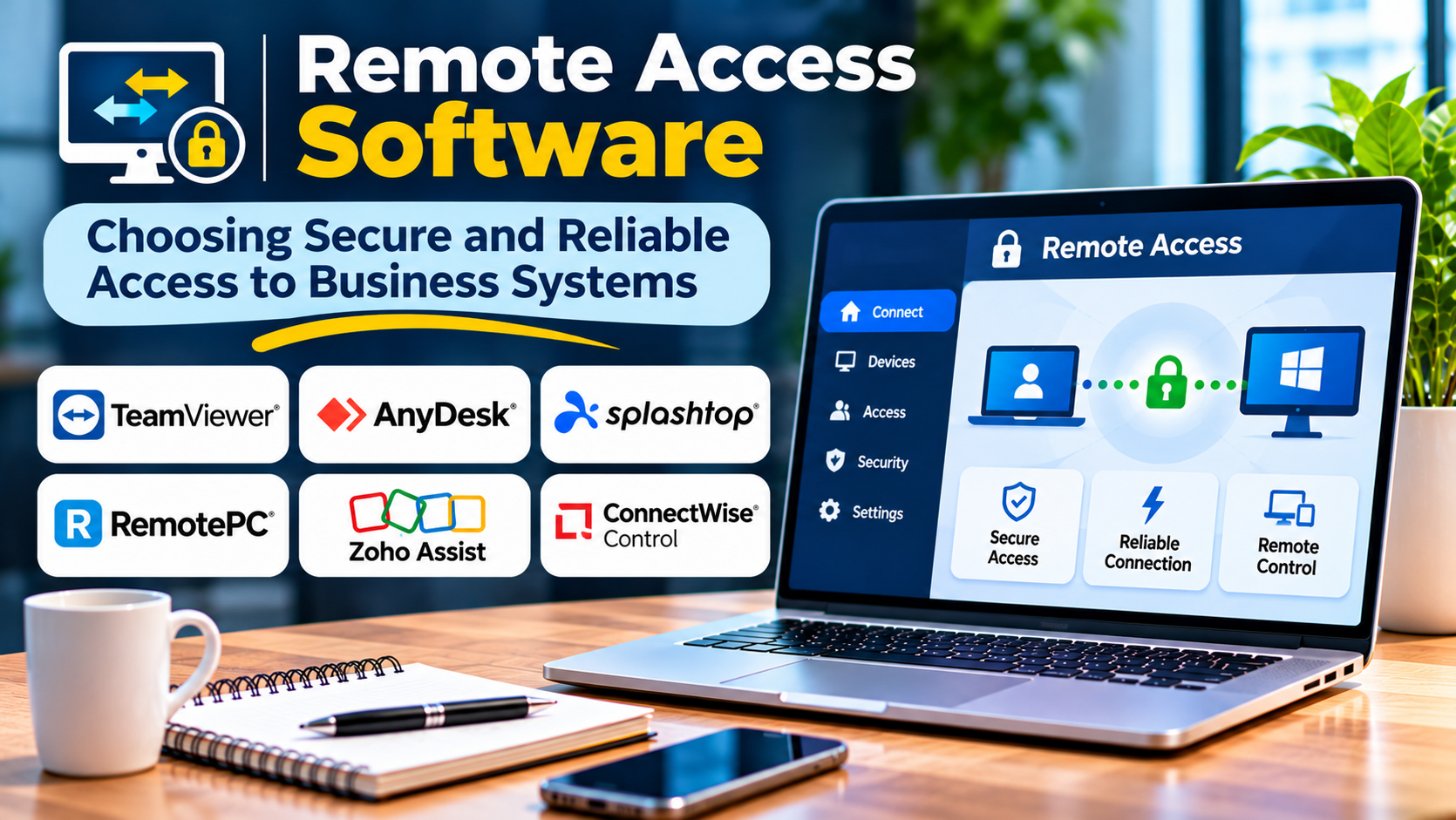
Remote work has changed how organizations connect employees, administrators, and support teams to business systems. People increasingly need access to applications, files, and infrastructure from outside the office.
However, providing remote access introduces important security and operational challenges.
An organization must make systems accessible without exposing sensitive resources unnecessarily. It must also manage user identities, device security, access permissions, and connection reliability.
Remote access software helps address these requirements, but different products solve different problems.
Choosing the right solution begins with understanding what users need to access and how that access should be controlled.
What Is Remote Access Software?
Remote access software allows authorized users to connect to computers, applications, networks, or business resources from another location.
Depending on the product, remote access may involve controlling a distant computer, establishing a secure network connection, or accessing individual applications through an identity-aware service.
Common use cases include:
- Remote employee access to business applications
- IT administration
- Technical support
- Access to internal development systems
- Contractor connectivity
- Remote server maintenance
- Secure access to private business resources
Remote access is a broad category. A remote desktop application and a zero-trust network access platform may both enable remote work, but their architectures differ considerably.
Main Types of Remote Access
Remote desktop access
Remote desktop software allows users to interact with another computer’s graphical interface.
This approach is useful for technical support, workstation access, and administration.
Virtual private networks
VPN software creates an encrypted connection between a user device and a remote network or service.
Traditional business VPNs may provide access to network resources according to configured routing and security policies.
Zero-trust network access
Zero-trust network access, or ZTNA, focuses on granting access to specific applications or resources based on identity and policy.
It can reduce unnecessary network exposure compared with broadly configured remote network access.
Browser-based application access
Some platforms provide access to internal applications through managed web interfaces or identity-aware proxies.
This can reduce the need to expose entire internal networks.
Remote Access Software Worth Evaluating
TeamViewer
TeamViewer provides remote connectivity and support capabilities.
It is commonly used for remote assistance, device access, and technical support workflows.
Best suited for: Organizations providing remote support across different devices and locations.
Strengths:
- Remote device control
- Cross-platform connectivity
- Support-oriented workflows
- Unattended access options
- Administrative capabilities in business offerings
Considerations: Organizations should review licensing, session permissions, device access policies, and security configuration.
AnyDesk
AnyDesk provides remote desktop access and support capabilities.
Its software is relevant to businesses that need interactive access to remote computers.
Best suited for: IT support teams and organizations requiring remote device control.
Strengths:
- Remote desktop connectivity
- Cross-platform support
- Unattended access
- File transfer capabilities
- Business administration options
Considerations: Security settings and feature availability depend on deployment and licensing.
Splashtop
Splashtop offers remote access and remote support products.
Its portfolio serves employees accessing work computers and IT teams supporting devices.
Best suited for: Organizations seeking dedicated remote desktop and support workflows.
Strengths:
- Remote computer access
- Support-focused product options
- Multi-device connectivity
- Administrative features
- Business-oriented deployment choices
Considerations: Remote work and remote support products may have different capabilities and licensing models.
Tailscale
Tailscale provides a private networking solution built around WireGuard.
It helps authorized devices and services communicate through managed private network connections.
Best suited for: Technical teams seeking secure connectivity between distributed devices and services.
Strengths:
- Private networking
- Identity-based device enrollment
- Access control policies
- Support for distributed infrastructure
- Reduced dependence on traditional VPN configuration
Considerations: Tailscale is not primarily a graphical remote desktop application. Users may still need SSH, RDP, or another application protocol.
Cloudflare Zero Trust
Cloudflare Zero Trust includes services for controlling access to applications and network resources.
Its access capabilities can support identity-aware connections to private applications.
Best suited for: Organizations modernizing access to internal applications.
Strengths:
- Identity-aware access policies
- Application-focused access
- Integration with identity providers
- Centralized security controls
- Support for distributed users
Considerations: Deployment requires careful planning around application connectivity, identity integration, and policy design.
OpenVPN
OpenVPN is an established VPN technology with open-source and commercial offerings.
It can provide encrypted connectivity between remote users and compatible networks.
Best suited for: Organizations requiring configurable VPN-based remote access.
Strengths:
- Encrypted connections
- Broad platform support
- Flexible deployment
- Mature ecosystem
- Self-managed options
Considerations: VPN infrastructure requires ongoing configuration, patching, monitoring, and access policy management.
Remote Access Software Comparison
| Solution | Primary purpose | Suitable users | Main consideration |
|---|---|---|---|
| TeamViewer | Remote desktop and support | IT support teams | Licensing and permissions |
| AnyDesk | Remote device access | Support and administration | Access configuration |
| Splashtop | Remote work and support | Businesses and IT teams | Product selection |
| Tailscale | Private network connectivity | Technical teams | Requires application protocols |
| Cloudflare Zero Trust | Application access control | Distributed organizations | Policy and identity design |
| OpenVPN | VPN connectivity | Network administrators | Infrastructure management |
These solutions are not interchangeable in every scenario.
A company requiring access to internal web applications may need a different architecture from one supporting unattended desktop computers.
Features That Matter Most
Strong authentication
Remote access systems should support appropriate authentication controls.
Multifactor authentication is especially important for privileged and externally accessible accounts.
Granular permissions
Users should receive access only to the resources required for their responsibilities.
A contractor needing one internal application should not automatically gain broad network access.
Device security
Organizations should consider whether connecting devices meet security requirements.
Depending on the platform, policies may examine device identity, operating system status, or other security signals.
Connection reliability
Remote access must remain usable across different network conditions.
Test performance over typical home connections, mobile networks, and geographically distributed locations.
Logging and monitoring
Administrators need visibility into access activity.
Useful records may include authentication events, device connections, policy decisions, and privileged sessions.
Remote Access Security Risks
Remote connectivity expands the number of ways users and administrators interact with business systems.
Poorly protected credentials can expose sensitive resources.
Unpatched remote access servers may also introduce vulnerabilities.
Organizations should restrict privileged access, maintain software updates, and monitor unusual connection activity.
Remote support tools deserve particular attention because attackers sometimes misuse legitimate remote control software.
Employees should receive guidance on verifying support requests and recognizing unauthorized access attempts.
How to Choose Remote Access Software
Start by identifying the access requirement.
Determine whether users need a complete remote desktop, a private network connection, or access to individual applications.
Next, review identity and device management requirements.
Evaluate the software against the organization’s existing operating systems, authentication providers, and security policies.
Then conduct a practical test.
Include normal users, administrators, contractors, and remote support scenarios.
Test connection performance, access restrictions, account removal, and activity logging.
Finally, consider operational costs.
These include licensing, infrastructure, support, security administration, and employee training.
Common Implementation Mistakes
One mistake is granting broad network access when users only need a small number of applications.
Another is allowing unattended remote access without clear ownership and approval procedures.
Organizations also sometimes fail to remove access when employees or contractors leave.
Finally, remote access availability should not depend entirely on one administrator account or undocumented configuration.
Final Thoughts
Remote access software is essential for distributed business operations, but there is no single architecture suitable for every organization.
TeamViewer, AnyDesk, and Splashtop address interactive remote device access.
Tailscale and OpenVPN provide private network connectivity through different approaches.
Cloudflare Zero Trust focuses on identity-aware access to applications and resources.
The right solution should provide dependable connectivity while limiting access to what users genuinely need.
Remote access works best when usability and security are designed together.