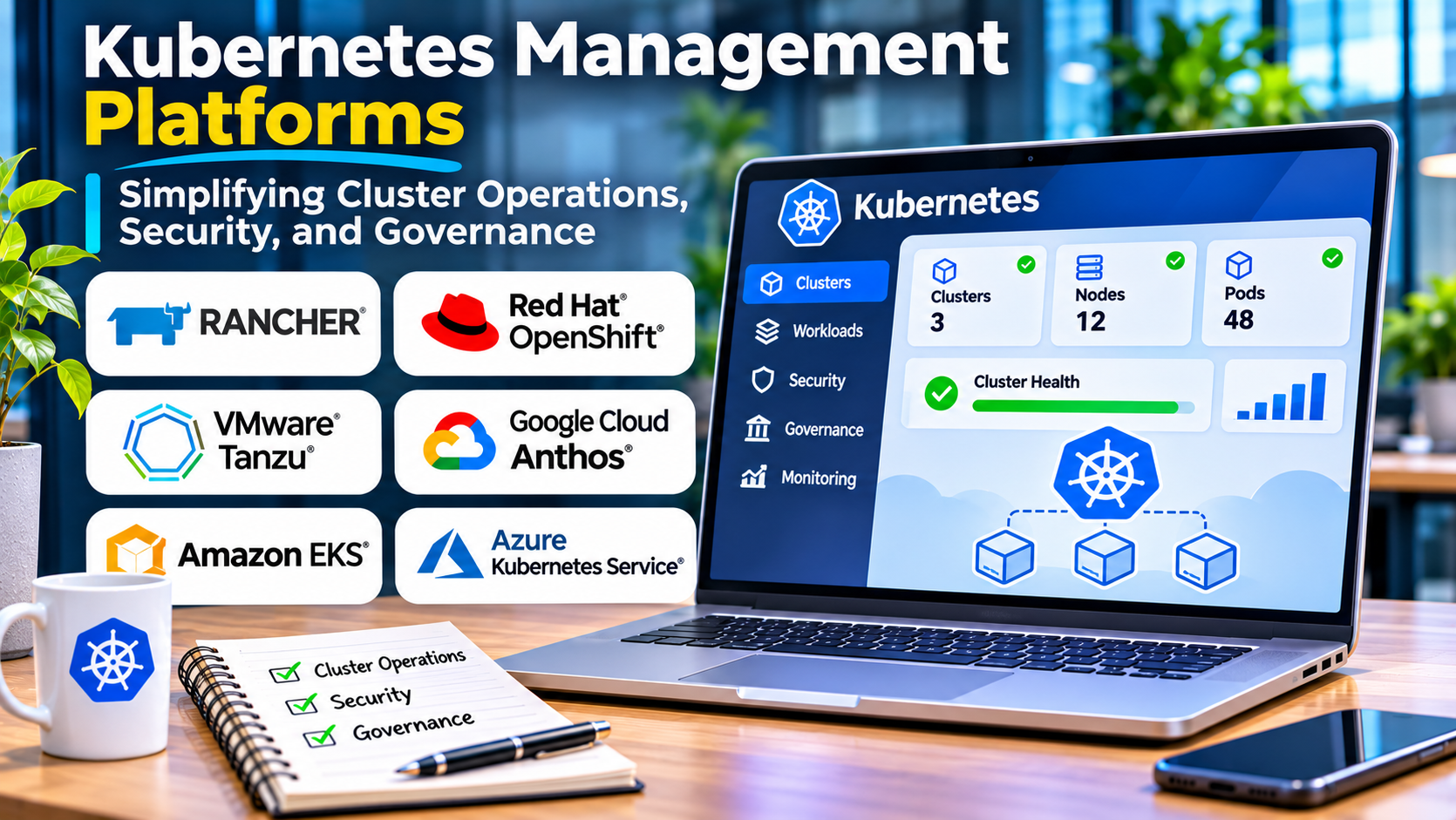
Kubernetes provides a powerful foundation for running containerized applications. Yet managing Kubernetes across multiple clusters can become difficult as organizations expand.
Development teams may deploy applications across public clouds, private infrastructure, and edge locations. Each environment introduces configuration, networking, security, and operational requirements.
Without consistent management, administrators can struggle to maintain visibility and enforce policies.
Kubernetes management platforms help organizations coordinate these environments.
The right solution improves cluster administration, access control, monitoring, and application delivery without adding unnecessary complexity.
What Are Kubernetes Management Platforms?
Kubernetes management platforms are tools that help administrators operate and govern Kubernetes clusters.
Some provide centralized administration across multiple clusters.
Others focus on deployment automation, policy enforcement, cluster lifecycle management, or developer workflows.
Common capabilities include:
- Cluster provisioning and administration
- Multicluster management
- Role-based access control
- Application deployment
- Cluster monitoring
- Configuration management
- Security policy enforcement
- Upgrade management
- Resource visibility
- Integration with GitOps workflows
Not every platform offers the same scope.
A graphical Kubernetes dashboard, for example, is not necessarily a complete enterprise cluster management solution.
Why Kubernetes Management Becomes Difficult
Multiple clusters create operational fragmentation
Organizations often operate separate clusters for development, testing, and production.
They may also use different cloud providers or geographic regions.
Without centralized administration, each cluster can develop different configurations and access policies.
Kubernetes requires continuous maintenance
Clusters need security updates, version upgrades, certificate management, and infrastructure monitoring.
These activities become more demanding as the number of clusters increases.
Security policies must remain consistent
Different teams may create workloads with inconsistent permissions, resource settings, or network configurations.
Centralized policy management can reduce configuration drift.
Application teams need simpler workflows
Developers usually want to deploy applications rather than manage every Kubernetes component.
Management platforms can provide standardized deployment processes and approved infrastructure configurations.
Kubernetes Management Platforms Worth Evaluating
Rancher
Rancher is a Kubernetes management platform within the SUSE ecosystem.
It provides centralized administration for supported Kubernetes clusters across different infrastructure environments.
Best suited for: Organizations managing multiple Kubernetes clusters.
Strengths:
- Multicluster management
- Centralized administration
- User access management
- Cluster provisioning capabilities
- Integration with Kubernetes tools
Considerations: Rancher simplifies selected administrative tasks but does not eliminate the need for Kubernetes expertise.
Organizations should verify compatibility with their distributions and infrastructure.
Red Hat Advanced Cluster Management for Kubernetes
Red Hat Advanced Cluster Management provides multicluster management capabilities for supported Kubernetes and OpenShift environments.
It focuses on governance, application management, and operational visibility.
Best suited for: Enterprises operating multiple OpenShift or compatible Kubernetes clusters.
Strengths:
- Multicluster governance
- Policy management
- Cluster lifecycle capabilities
- Application deployment management
- Centralized visibility
Considerations: Organizations should evaluate its relationship with Red Hat OpenShift and associated licensing requirements.
VMware Tanzu Mission Control
VMware Tanzu Mission Control has provided centralized Kubernetes cluster management capabilities.
It has been associated with managing clusters across different infrastructure environments.
Best suited for: Organizations evaluating Kubernetes management within the VMware ecosystem.
Strengths associated with the platform:
- Centralized cluster visibility
- Access management
- Policy-based administration
- Multicluster operations
Considerations: VMware’s Tanzu portfolio and commercial arrangements have undergone changes. Buyers should verify the current availability, support status, and product direction of the specific offering before considering it for a new deployment.
Portainer
Portainer provides a graphical management interface for container environments, including supported Kubernetes deployments.
It can make selected administrative tasks more accessible.
Best suited for: Teams seeking a user-friendly container and Kubernetes management interface.
Strengths:
- Graphical administration
- Workload visibility
- Access controls
- Container environment management
- Simplified operational workflows
Considerations: Portainer should be evaluated according to its supported Kubernetes capabilities rather than assumed to replace every cluster lifecycle or enterprise governance tool.
Lens
Lens provides a desktop interface for working with Kubernetes clusters.
It helps developers and administrators inspect workloads, resources, and cluster activity.
Best suited for: Developers and operators who frequently interact with Kubernetes.
Strengths:
- Cluster inspection
- Workload visibility
- Resource management
- Developer-oriented interface
- Support for multiple cluster connections
Considerations: Lens is primarily a Kubernetes desktop management experience, not a complete enterprise multicluster governance platform.
Licensing and product capabilities should be reviewed for the selected edition.
Argo CD
Argo CD is an open-source continuous delivery tool for Kubernetes.
It uses GitOps principles to manage application deployments from declarative configuration stored in version control.
Best suited for: Teams standardizing Kubernetes application delivery.
Strengths:
- GitOps-based deployment
- Application synchronization
- Configuration visibility
- Deployment history
- Declarative application management
Considerations: Argo CD manages application delivery rather than providing every capability of a complete cluster management platform.
It often complements tools such as Rancher or OpenShift.
Kubernetes Management Platform Comparison
| Platform | Primary focus | Suitable audience | Main consideration |
|---|---|---|---|
| Rancher | Multicluster administration | Infrastructure teams | Distribution compatibility |
| Red Hat ACM | Multicluster governance | Enterprise OpenShift environments | Platform integration |
| Tanzu Mission Control | Centralized cluster management | VMware-oriented organizations | Verify current product status |
| Portainer | Graphical management | Small and midsize platform teams | Management scope |
| Lens | Desktop Kubernetes administration | Developers and operators | Limited central governance |
| Argo CD | GitOps application delivery | DevOps and platform teams | Not full cluster management |
These tools address different operational layers.
An organization may use a centralized cluster management platform alongside Argo CD for application deployment and Lens for developer access.
Essential Features to Evaluate
Cluster lifecycle management
Organizations need reliable processes for creating, upgrading, and retiring clusters.
Evaluate support for the Kubernetes distributions and infrastructure providers in use.
Centralized access control
Administrators should be able to manage permissions consistently.
Identity integration and role-based access controls help reduce unnecessary privileges.
Policy enforcement
Governance policies can help enforce approved configurations.
These may include resource restrictions, security settings, and deployment requirements.
Monitoring and observability
A management platform should provide useful operational visibility or integrate with dedicated monitoring systems.
Important signals include node health, workload failures, resource utilization, and cluster events.
Application deployment integration
Modern teams often manage applications through Git-based workflows.
Evaluate compatibility with Helm, GitOps tools, and continuous delivery systems.
Upgrade management
Kubernetes upgrades require compatibility planning.
Administrators should assess deprecated APIs, workload dependencies, and supported upgrade paths before making changes.
How to Choose a Kubernetes Management Platform
Begin by documenting the current Kubernetes environment.
Identify cluster distributions, hosting providers, geographic locations, and operational ownership.
Next, determine the primary problem.
If the organization struggles with multicluster administration, Rancher or enterprise cluster management products may be relevant.
If developers need a simpler interface, Portainer or Lens may help.
If application configuration drifts between environments, Argo CD may address the deployment workflow.
Then test the selected tools against real scenarios.
Create a cluster, assign permissions, deploy an application, apply policies, and simulate an operational failure.
Evaluate whether the platform reduces administrative work or simply moves complexity into another interface.
Security and Governance Considerations
Kubernetes management systems often have broad administrative privileges.
Compromising a central management platform can affect multiple clusters.
Protect administrative accounts with strong authentication and appropriate access restrictions.
Maintain audit logs and apply security updates.
Organizations should also establish separation between development and production administration.
Centralized management improves consistency only when the underlying policies are designed correctly.
Common Implementation Mistakes
One mistake is selecting a management platform based entirely on dashboard appearance.
A useful interface does not necessarily provide reliable lifecycle management or governance.
Another mistake is deploying multiple overlapping tools without clear ownership.
Organizations may also underestimate the operational work required to maintain the management platform itself.
Finally, automation should not be introduced without testing recovery and rollback procedures.
Final Thoughts
Kubernetes management platforms help organizations operate container infrastructure more consistently.
Rancher and Red Hat Advanced Cluster Management address multicluster administration and governance.
Portainer and Lens provide accessible interfaces for selected operational workflows.
Argo CD supports GitOps-based application delivery.
Organizations considering VMware Tanzu offerings should verify their current commercial and support status.
The best solution depends on the specific management problem, existing infrastructure, and operational expertise.
Effective Kubernetes management should make clusters easier to govern without hiding critical infrastructure behavior from administrators.