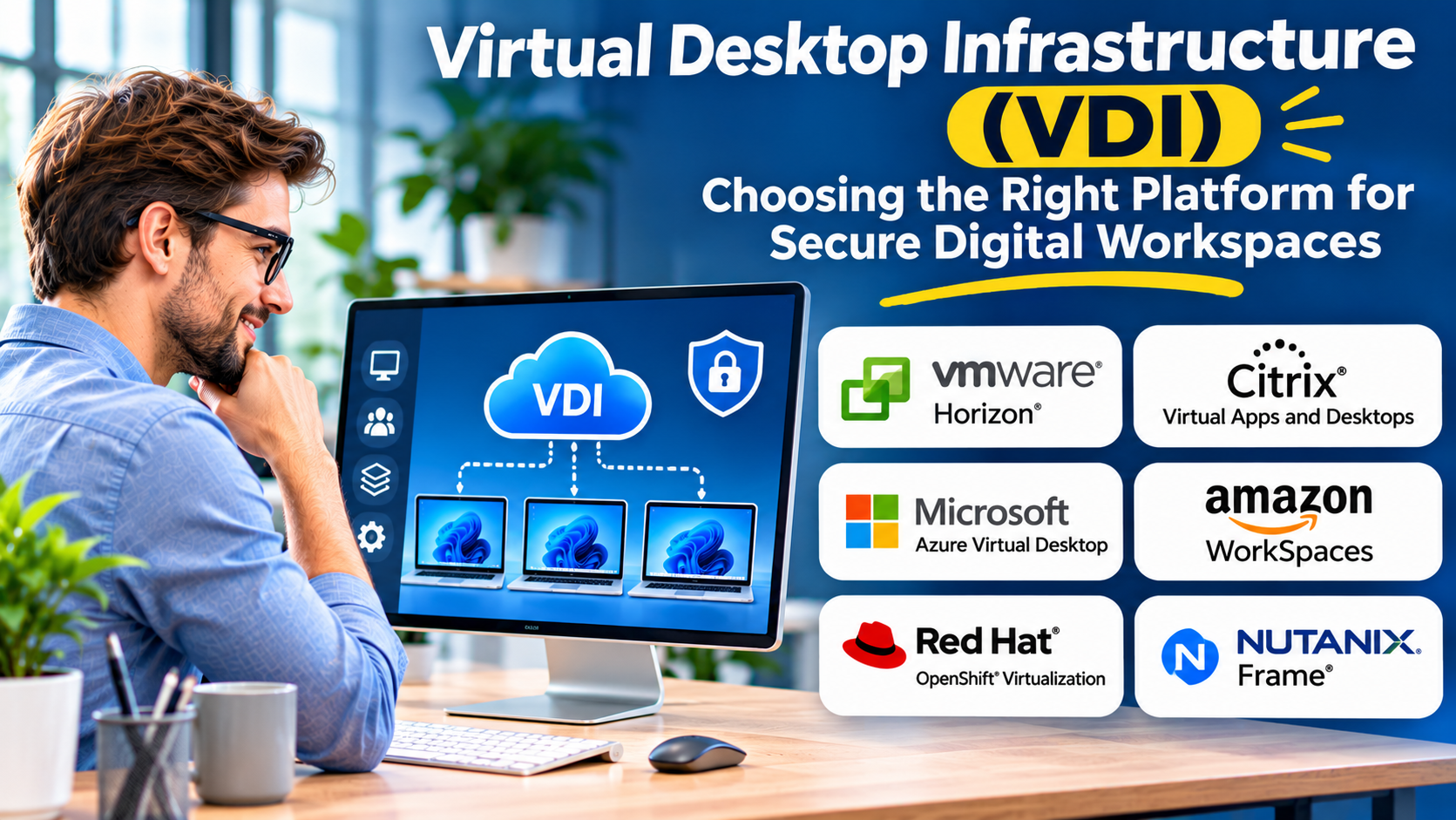
Organizations need to provide employees with reliable access to business applications, whether they work in an office, at home, or across multiple locations.
Traditional desktop management can become difficult when devices, operating systems, and applications must be maintained individually.
Virtual Desktop Infrastructure, or VDI, offers a different approach.
Instead of relying entirely on the computing resources of each employee’s device, VDI runs desktop environments on centralized infrastructure and delivers them remotely.
This architecture can simplify certain management tasks and improve control over business data.
However, VDI also introduces infrastructure costs, performance considerations, licensing requirements, and operational complexity.
A successful deployment starts with understanding whether centralized desktops solve a meaningful business problem.
What Is Virtual Desktop Infrastructure?
Virtual Desktop Infrastructure is a technology architecture that hosts desktop operating environments on centralized servers or cloud infrastructure.
Users connect to these desktops through supported client software or browser-based interfaces.
The desktop operates remotely, while the user’s device displays the interface and sends input.
VDI is commonly used for:
- Remote and hybrid work
- Secure contractor access
- Call center operations
- Shared workstation environments
- Healthcare and financial services
- Centralized application delivery
- Development and testing
- Business continuity planning
VDI can provide persistent or nonpersistent desktops.
A persistent desktop retains user-specific changes between sessions.
A nonpersistent desktop typically starts from a standardized image or assigned configuration, with user data and settings handled separately where required.
How VDI Works
A typical VDI environment contains several components.
Virtualization infrastructure
A hypervisor or cloud virtualization service runs the desktop workloads.
Each virtual desktop receives computing resources such as processor capacity, memory, and storage.
Desktop management
Management software provisions desktop environments, assigns resources, and maintains desktop configurations.
Connection broker
A connection broker helps authenticate users and connect them to the appropriate desktop sessions.
Remote display protocol
A display protocol transfers graphical output and user input between the remote desktop and the endpoint device.
Connection quality depends on network conditions, protocol capabilities, and workload requirements.
User profile and data services
Organizations often manage user settings and files separately from the underlying desktop image.
This is particularly important for nonpersistent desktop environments.
VDI vs. Traditional Desktops
Traditional desktops run most applications locally.
VDI moves desktop execution into centralized infrastructure.
| Factor | Traditional desktop | VDI |
|---|---|---|
| Computing location | User device | Centralized infrastructure |
| Desktop management | Device-focused | Centralized management |
| Network dependency | Varies by application | Usually substantial |
| Data location | May include local storage | Can remain centralized |
| Hardware requirements | Depends on workload | Depends on endpoint and display needs |
| Infrastructure cost | Distributed across devices | Includes centralized compute and storage |
VDI does not automatically reduce costs.
Its value depends on user requirements, infrastructure design, and management efficiency.
VDI Platforms Worth Evaluating
Citrix Virtual Apps and Desktops
Citrix provides virtual application and desktop delivery capabilities.
Its technology is relevant to organizations with demanding remote workspace requirements.
Best suited for: Enterprises managing complex desktop and application delivery environments.
Strengths:
- Virtual desktop delivery
- Application virtualization
- Centralized administration
- Remote access capabilities
- Support for varied endpoint environments
Considerations: Architecture, licensing, and deployment complexity require careful planning.
Omnissa Horizon
Omnissa Horizon provides virtual desktop and application delivery capabilities.
It is relevant to organizations seeking centralized workspace management.
Best suited for: Enterprises deploying virtual desktops across managed infrastructure.
Strengths:
- Virtual desktop provisioning
- Desktop lifecycle management
- Application delivery
- Centralized administration
- Integration with supported infrastructure
Considerations: Buyers should verify current product requirements, licensing, and compatibility with their chosen virtualization platform.
Azure Virtual Desktop
Azure Virtual Desktop is Microsoft’s desktop and application virtualization service hosted on Azure.
It allows organizations to deliver supported Windows desktop and application experiences through Azure infrastructure.
Best suited for: Organizations using Microsoft cloud services.
Strengths:
- Integration with Azure
- Remote Windows desktop delivery
- Centralized deployment
- Microsoft ecosystem integration
- Flexible infrastructure sizing
Considerations: Azure consumption, networking, identity configuration, and applicable Microsoft licensing affect total cost.
Amazon WorkSpaces
Amazon WorkSpaces provides managed cloud desktop offerings through AWS.
It is relevant to organizations seeking cloud-hosted desktop environments without building every infrastructure component themselves.
Best suited for: Businesses using AWS or considering managed cloud desktops.
Strengths:
- Cloud desktop delivery
- AWS integration
- Managed service options
- Centralized desktop access
- Flexible deployment choices
Considerations: Buyers should distinguish between individual WorkSpaces offerings and review supported operating systems, billing models, and application requirements.
Parallels RAS
Parallels Remote Application Server provides remote application and desktop delivery capabilities.
It can support organizations seeking centralized access to Windows applications and desktop environments.
Best suited for: Businesses delivering Windows applications and desktops to distributed users.
Strengths:
- Application delivery
- Remote desktop access
- Centralized administration
- Support for multiple access methods
Considerations: Deployment requirements and infrastructure dependencies should be reviewed against the intended architecture.
VDI Platform Comparison
| Platform | Primary focus | Suitable environment | Main consideration |
|---|---|---|---|
| Citrix Virtual Apps and Desktops | Enterprise application and desktop delivery | Complex organizations | Architecture and licensing |
| Omnissa Horizon | Virtual desktop management | Enterprise infrastructure | Platform compatibility |
| Azure Virtual Desktop | Azure-hosted desktops | Microsoft cloud environments | Consumption costs |
| Amazon WorkSpaces | Managed cloud desktops | AWS environments | Service and billing choices |
| Parallels RAS | Remote applications and desktops | Windows application delivery | Infrastructure requirements |
Key VDI Evaluation Criteria
User experience
VDI performance must support the applications employees actually use.
Office applications, browser workloads, engineering software, and graphics-intensive applications place different demands on infrastructure.
Test representative workloads before making capacity decisions.
Compute and memory requirements
Desktop density affects infrastructure costs.
Allocating too few resources can reduce performance, while excessive allocation increases spending.
Capacity planning should account for peak concurrent usage.
Storage performance
VDI environments can create concentrated storage demand.
Login storms, application launches, and desktop provisioning can generate significant input/output activity.
Storage design must account for these patterns.
Network connectivity
VDI depends on reliable connections between endpoints and hosted desktops.
Latency, packet loss, and bandwidth limitations can affect the user experience.
Organizations should test connectivity from actual employee locations.
Security
Centralized desktops can reduce the need to store sensitive data on endpoint devices.
However, they do not eliminate security risks.
Identity controls, endpoint protection, session policies, network security, and administrative access remain essential.
Profile management
User settings and personal files should remain consistent across appropriate desktop sessions.
Poor profile management can create slow logins and unreliable application behavior.
Understanding VDI Costs
VDI costs can include:
- Virtualization software
- Desktop operating system licensing
- Compute infrastructure
- Storage infrastructure
- Networking
- Cloud consumption
- Endpoint devices
- Monitoring and support
- Backup and disaster recovery
- Administrative labor
A cloud-hosted desktop may reduce infrastructure ownership but introduce ongoing consumption charges.
An on-premises deployment may offer different cost characteristics but requires hardware management and capacity planning.
Organizations should calculate costs using realistic concurrent user counts and workload requirements.
When VDI Makes Sense
VDI can be valuable when organizations need standardized desktops, centralized application delivery, or controlled access to sensitive information.
It may also support temporary workers, contractors, and shared computing environments.
However, VDI is not always the most efficient option.
Employees using ordinary web applications may be better served by managed laptops and secure application access.
The decision should reflect actual workload and governance requirements.
Common VDI Implementation Mistakes
One mistake is sizing infrastructure based on average usage rather than peak demand.
Another is underestimating storage and network performance requirements.
Organizations may also overlook application licensing restrictions or compatibility limitations.
Finally, centralizing desktop infrastructure creates important availability dependencies.
Redundancy, backup, monitoring, and recovery planning must be included in the architecture.
Final Thoughts
Virtual Desktop Infrastructure can improve centralized desktop management and support secure access to business applications.
Citrix, Omnissa Horizon, Azure Virtual Desktop, Amazon WorkSpaces, and Parallels RAS provide different approaches to desktop delivery.
The right platform depends on existing infrastructure, application requirements, user locations, security needs, and operating costs.
VDI should be adopted because it solves a defined operational problem, not simply because centralized desktops appear easier to manage.
A successful deployment delivers a dependable user experience while maintaining security and cost control.