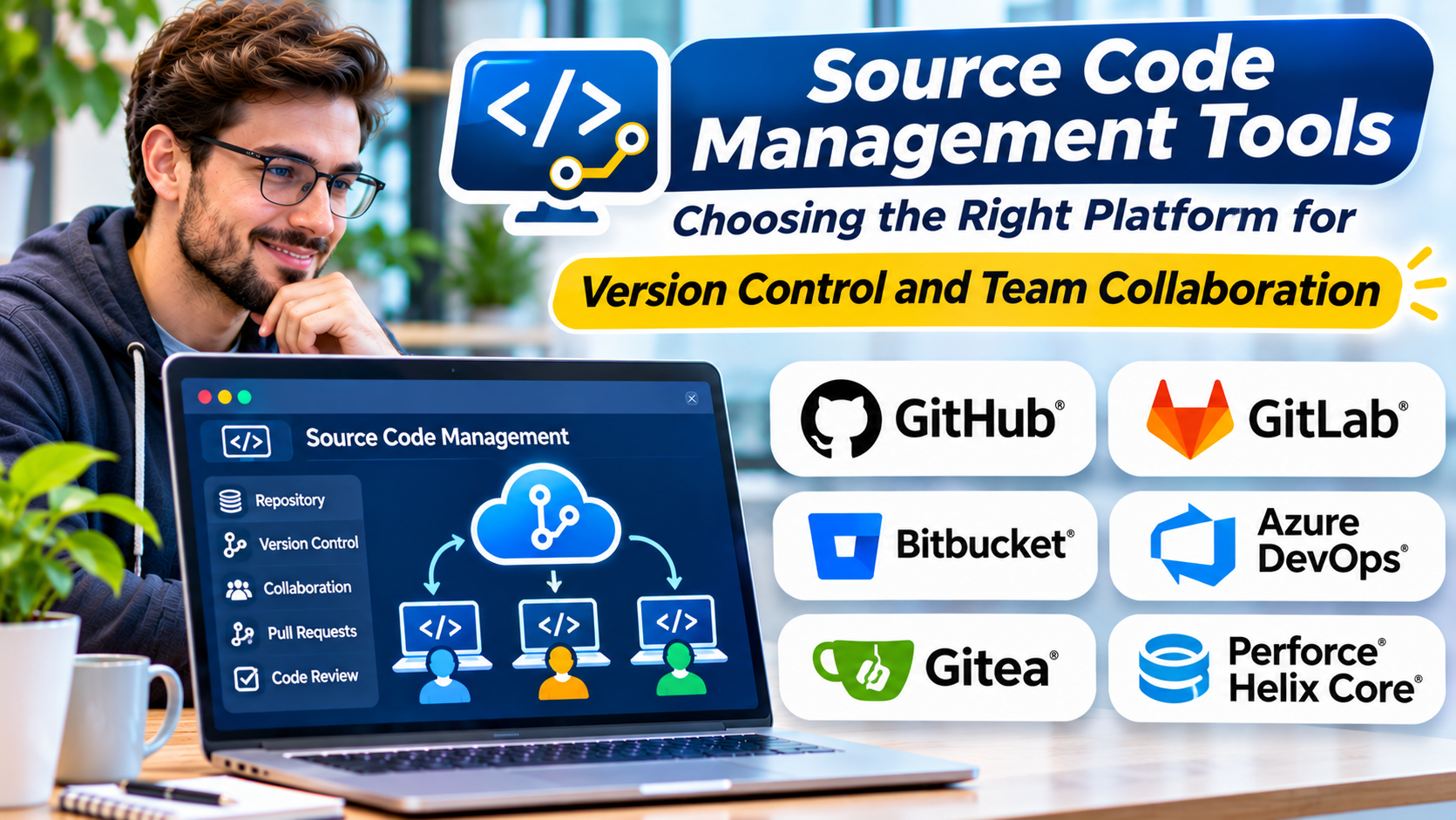
Software development depends on change.
Developers add features, fix defects, update dependencies, and improve application architecture.
Without a reliable way to manage those changes, collaboration becomes risky.
One developer may overwrite another person’s work. A critical change may reach production without review. Teams may struggle to identify which code version introduced a defect.
Source code management tools help organizations maintain a reliable history of software changes and coordinate development work.
However, choosing a source code management platform involves more than selecting a place to store Git repositories.
Teams must consider collaboration, security, automation, governance, and long-term control of their source code.
What Is Source Code Management?
Source code management, or SCM, is the practice of tracking and controlling changes to software source code.
It allows developers to record changes, compare versions, collaborate, and recover earlier states.
Modern SCM workflows commonly use version control systems.
Git is a widely adopted distributed version control system.
It records changes through commits and allows developers to work with branches before integrating their work.
SCM platforms build additional capabilities around version control.
These may include:
- Repository hosting
- Branch management
- Pull or merge requests
- Code review
- Access permissions
- Protected branches
- Issue tracking
- CI/CD integration
- Security controls
- Audit history
The specific capabilities vary by platform.
Version Control vs. Source Code Management Platforms
Version control is the underlying mechanism for recording changes.
An SCM platform provides collaboration and administration around repositories.
For example, Git can operate locally without GitHub or GitLab.
A developer can create commits, manage branches, and inspect history using Git alone.
GitHub and GitLab add repository hosting, review workflows, access management, and integrations.
This distinction matters because organizations should understand which capabilities depend on Git and which depend on their hosting platform.
Why Source Code Management Matters
Reliable Change History
SCM records how a codebase evolves.
Developers can inspect previous versions and identify changes associated with defects.
Team Collaboration
Multiple developers can work on different features without directly overwriting one another’s work.
Branches and review workflows support controlled integration.
Code Review
Pull requests and merge requests allow teammates to inspect changes before integration.
This helps teams discuss design decisions and identify potential defects.
Recovery
Version control helps restore earlier code states when changes cause problems.
However, repository history is not a substitute for a complete backup and disaster recovery strategy.
Governance
Organizations may need to control who can access repositories, approve changes, or modify protected branches.
SCM platforms can help enforce these requirements.
Source Code Management Tools to Consider
GitHub
GitHub is a widely used platform for hosting Git repositories and collaborating on software projects.
It provides pull requests, repository permissions, issue tracking, automation, and integration capabilities.
Best suited for: Open-source projects, development teams, and organizations seeking a broad collaboration ecosystem.
Strengths: Extensive ecosystem, familiar review workflows, and integration with GitHub Actions.
Limitations: Organizations should evaluate plan restrictions, governance requirements, and dependence on hosted services.
GitHub is particularly relevant when teams want repository collaboration and development automation within one environment.
GitLab
GitLab provides source code management and broader DevOps capabilities.
It supports Git repositories, merge requests, CI/CD, and development lifecycle workflows.
GitLab offers different deployment options, including self-managed configurations.
Best suited for: Organizations seeking integrated development workflows and deployment flexibility.
Strengths: Source control, review, automation, and governance within a connected platform.
Limitations: Administration requirements and feature availability depend on the chosen deployment and subscription.
Bitbucket
Bitbucket is a Git repository hosting platform from Atlassian.
It supports code collaboration and integrates with Atlassian products.
Best suited for: Teams using Jira and other Atlassian development tools.
Strengths: Integration with the Atlassian ecosystem and established Git collaboration workflows.
Limitations: Buyers should evaluate deployment options, feature availability, and the cost of related services.
Azure Repos
Azure Repos is part of Azure DevOps.
It provides source control capabilities, including Git repository management and collaboration workflows.
Best suited for: Organizations using Azure DevOps and Microsoft-oriented development environments.
Strengths: Integration with Azure Boards, Azure Pipelines, and related services.
Limitations: Platform administration and access management require appropriate configuration.
Gitea
Gitea is a Git hosting solution associated with lightweight, self-managed repository workflows.
It provides repository management and collaboration capabilities.
Best suited for: Teams seeking control over their Git hosting environment.
Strengths: Self-hosting flexibility and a relatively focused repository management approach.
Limitations: Organizations are responsible for infrastructure, upgrades, backups, and operational security.
Forgejo
Forgejo is a community-driven software forge supporting Git repository hosting and collaboration.
It is relevant to organizations interested in open-source, self-hosted development infrastructure.
Best suited for: Teams prioritizing software freedom and infrastructure control.
Strengths: Open-source governance orientation and self-hosted repository workflows.
Limitations: Teams must evaluate operational maintenance and the availability of required integrations.
Gerrit Code Review
Gerrit is a code review system built around Git.
It provides structured review workflows and controls over how changes enter repositories.
Best suited for: Engineering organizations with formal review processes.
Strengths: Detailed review workflows and controlled change integration.
Limitations: Its review model can require more training than conventional pull request workflows.
Gerrit is especially relevant when code review is a central part of the organization’s development process.
Perforce Helix Core
Perforce Helix Core is a version control platform used in environments that may involve large codebases and binary assets.
It is particularly relevant to certain game development, creative production, and enterprise engineering workflows.
Best suited for: Teams managing large assets or specialized version control requirements.
Strengths: Version control capabilities designed for demanding repository and asset management scenarios.
Limitations: Administration, licensing, and workflow differences from Git should be carefully evaluated.
Perforce is not simply another Git hosting service. It represents a different version control approach.
Comparing SCM Platforms
| Platform | Main focus | Typical fit |
|---|---|---|
| GitHub | Git hosting and collaboration | Broad development ecosystems |
| GitLab | Integrated DevOps workflows | Teams seeking connected delivery tools |
| Bitbucket | Git collaboration | Atlassian-oriented teams |
| Azure Repos | Source control within Azure DevOps | Microsoft-oriented organizations |
| Gitea | Self-hosted Git collaboration | Teams seeking infrastructure control |
| Forgejo | Community-driven software forge | Open-source and self-hosted workflows |
| Gerrit | Structured Git code review | Formal review processes |
| Perforce Helix Core | Specialized version control | Large assets and demanding workflows |
These platforms are not identical substitutes.
Some focus on Git repository collaboration, while others support different version control models or specialized review processes.
How to Choose an SCM Tool
Start With the Development Workflow
Consider how developers create branches, submit changes, review code, and release software.
A platform should support these workflows without unnecessary complexity.
Evaluate Repository Requirements
Most application development teams can use Git effectively.
However, projects containing very large binary assets may require additional Git tooling or a different version control system.
Review Security and Access Controls
Source code is a valuable organizational asset.
Evaluate authentication, permissions, protected branches, audit capabilities, and integration security.
Administrative access should be limited according to operational requirements.
Examine CI/CD Integration
Repository changes often trigger builds, tests, and deployments.
Choose a platform that integrates reliably with the team’s automation tools.
Consider Hosting Requirements
Cloud-hosted services reduce infrastructure management.
Self-managed platforms provide greater control over hosting and some operational policies.
However, self-hosting introduces responsibilities for security updates, backups, monitoring, and availability.
Evaluate Migration Risk
Moving repositories is not always as simple as copying Git history.
Issue discussions, pull requests, permissions, CI/CD configuration, and external integrations may require separate migration work.
Test migration procedures before committing to a platform change.
Git Branching Strategies
Source code management platforms support different collaboration models.
Feature Branching
Developers create branches for individual changes.
The changes are reviewed and merged into a shared branch.
This approach provides clear separation but can create integration delays when branches remain open too long.
Trunk-Based Development
Developers integrate small changes frequently into a shared mainline.
This approach can reduce long-lived merge conflicts.
It works best when teams have reliable automated testing and appropriate release controls.
Release Branching
Some organizations maintain separate branches for supported releases.
This can be useful when customers require different software versions.
However, maintaining multiple branches increases the work needed to apply fixes consistently.
There is no universally correct branching strategy.
Choose a model that matches release frequency, team size, and maintenance obligations.
Source Code Security Best Practices
Protect Important Branches
Require appropriate reviews and automated checks before merging sensitive changes.
Use Least-Privilege Access
Give developers and automation systems only the permissions they need.
Protect Credentials
Do not store passwords, tokens, or private keys in repositories.
Use secrets management and scanning practices.
Review External Integrations
Repository applications, webhooks, and automation tokens may receive access to sensitive information.
Evaluate their permissions and necessity.
Maintain Backups
Repository hosting services can experience outages, accidental deletion, or administrative mistakes.
Maintain recovery procedures appropriate to the importance of the codebase.
Common SCM Mistakes
One mistake is choosing a platform based entirely on popularity.
Another is introducing complicated branching rules that slow down integration.
Organizations may also overlook access management for contractors and former employees.
Finally, teams sometimes treat successful code merging as proof that software is ready for release.
Version control records changes. Testing and deployment controls determine whether those changes are suitable for production.
A Practical SCM Evaluation Process
Select a representative development project.
Create repositories and configure team permissions.
Test the complete workflow from branch creation to code review and merge.
Connect the repository to the existing CI/CD system.
Then evaluate administrative tasks such as access changes, repository backup, audit review, and recovery.
Include developers and administrators in the evaluation.
A platform that satisfies governance requirements but frustrates daily development may not be the right choice.
Final Thoughts
Source code management tools provide the foundation for collaborative software development.
GitHub, GitLab, Bitbucket, Azure Repos, Gitea, Forgejo, Gerrit, and Perforce Helix Core serve different organizational requirements.
The best solution balances developer productivity, security, operational control, and integration with the broader delivery process.
Good source code management makes changes visible, reviewable, and recoverable while allowing teams to build software efficiently.
Frequently Asked Questions
What is the difference between Git and GitHub?
Git is a distributed version control system. GitHub is a platform that hosts Git repositories and provides collaboration tools.
Is GitLab an alternative to GitHub?
Yes. Both support Git repository hosting and collaboration, although their broader features and deployment models differ.
Are self-hosted SCM tools more secure?
Not automatically. Self-hosting provides control over infrastructure but also creates responsibilities for patching, access management, monitoring, and recovery.
Can SCM tools manage binary files?
Yes, but suitability varies. Large binary assets may require specialized approaches such as Git LFS or alternative version control systems.
What should teams prioritize when selecting an SCM platform?
Repository requirements, collaboration workflows, access controls, automation integration, hosting preferences, and operational costs are important considerations.