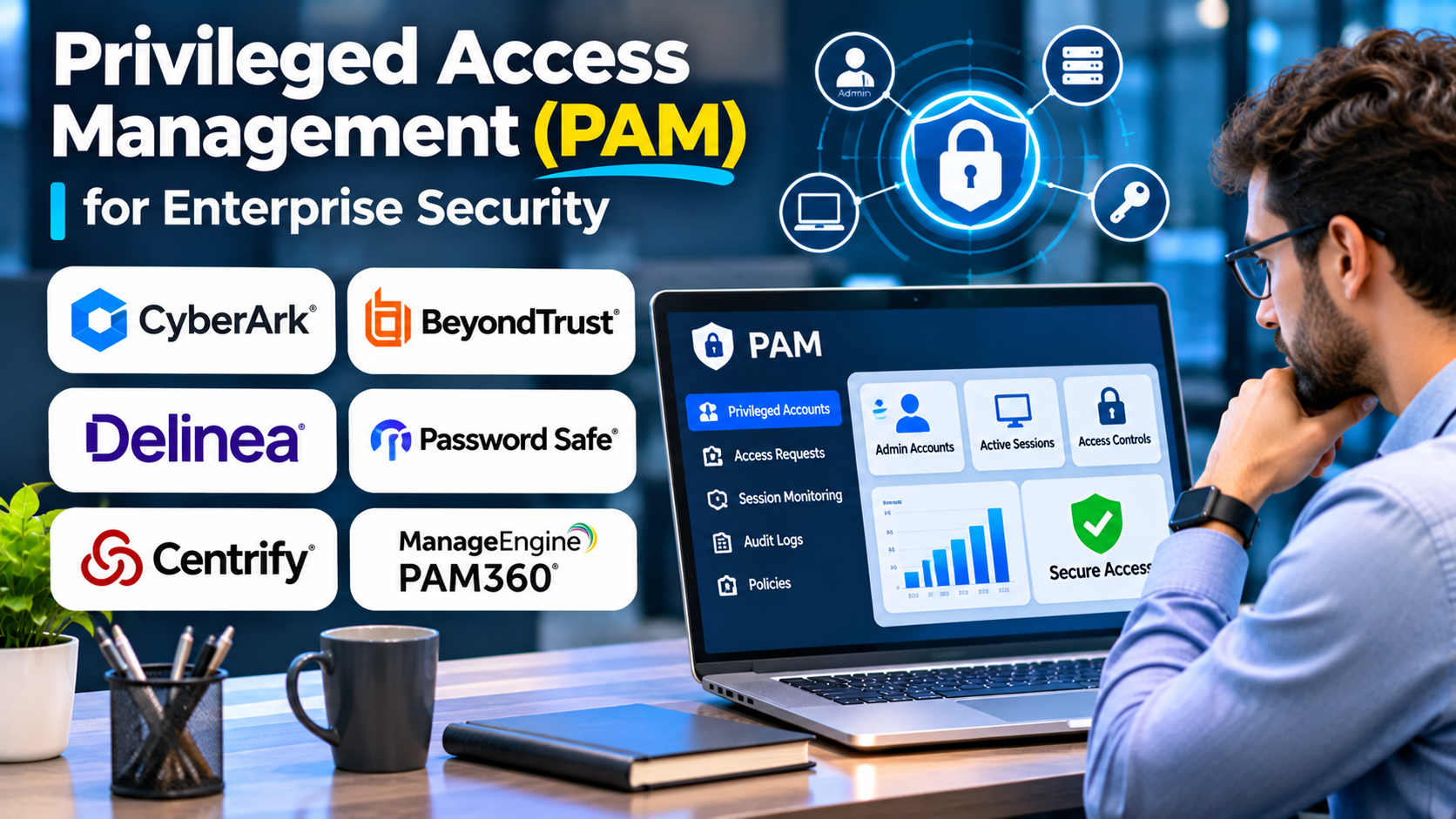
A system administrator needs temporary access to a production database. A support engineer must troubleshoot a sensitive server. An automated deployment process requires permission to update cloud infrastructure.
Each activity may be legitimate, but the permissions involved can create significant security risks.
Privileged accounts can modify critical configurations, access confidential information, create additional accounts, and sometimes disable security controls.
Privileged Access Management (PAM) helps organizations control these powerful identities and reduce the consequences of credential compromise, excessive permissions, and unauthorized administrative activity.
The challenge is implementing controls that strengthen security without making essential operational work unnecessarily difficult.
What Is Privileged Access Management?
Privileged Access Management refers to technologies and processes used to secure, control, monitor, and audit elevated access to systems and resources.
PAM typically addresses accounts and identities with permissions beyond those of ordinary users.
Examples include:
- Domain administrators
- Cloud infrastructure administrators
- Database administrators
- Root accounts on Linux systems
- Network device administrators
- Application service accounts
- Emergency access accounts
- Third-party support accounts
Modern PAM strategies increasingly emphasize temporary privileges, identity-based access, and reducing persistent administrative permissions.
Why Privileged Accounts Require Special Protection
A compromised standard user account may expose the resources available to that user.
A compromised privileged account can potentially affect entire systems, applications, or environments.
Attackers may seek privileged access to move between systems, extract sensitive information, disable defenses, or deploy malicious software.
Organizations also face risks from accidental administrative actions.
An authorized employee with unnecessarily broad permissions may unintentionally modify a critical service.
PAM addresses both malicious activity and operational mistakes by limiting when, where, and how privileged permissions can be used.
Core Capabilities of PAM Platforms
Privileged Credential Vaulting
Credential vaults provide controlled storage for sensitive administrative passwords and other secrets.
Authorized users or systems retrieve or use credentials according to defined policies.
Some implementations allow administrators to access target systems without directly viewing the underlying password.
Password Rotation
Privileged credentials should not remain unchanged indefinitely when rotation is appropriate.
PAM platforms may automate rotation after access sessions, scheduled intervals, or security events.
Rotation policies must account for application dependencies and service availability.
Session Monitoring and Recording
Some PAM solutions monitor or record privileged sessions.
This can support investigation, accountability, and compliance requirements.
However, session recording introduces privacy, storage, and access-control considerations.
Just-in-Time Privileged Access
Just-in-time access provides elevated permissions only when they are needed.
For example, an engineer might receive administrative rights for a defined maintenance window rather than holding permanent privileges.
This reduces the exposure associated with standing administrative access.
Privileged Session Isolation
Session isolation can reduce direct exposure of sensitive systems and credentials.
Depending on the architecture, administrators may connect through controlled gateways or brokered sessions.
Approval Workflows
Organizations may require authorization before granting access to particularly sensitive resources.
Approvals should reflect actual risk rather than creating unnecessary delays for routine operations.
Audit Logging
PAM systems can record access requests, privilege changes, administrative activity, and policy decisions.
Logs should be protected against unauthorized modification and integrated with relevant monitoring workflows.
PAM vs. IAM: Understanding the Difference
Identity and Access Management establishes broader controls for authentication and access across an organization.
Privileged Access Management concentrates on accounts and permissions capable of performing high-impact operations.
| Capability | IAM | PAM |
|---|---|---|
| Workforce authentication | Core capability | Often integrated |
| General application access | Core capability | Not the primary focus |
| Privileged credential vaulting | May be limited | Common capability |
| Administrative session monitoring | Varies | Common capability |
| Temporary elevated permissions | Varies | Important capability |
| Identity lifecycle management | Core capability | Focused on privileged identities |
IAM and PAM should complement each other.
A strong PAM deployment relies on reliable identity information and authentication policies.
Privileged Access Management Platforms Worth Evaluating
CyberArk
CyberArk provides privileged access security capabilities for enterprise environments.
Its portfolio includes solutions for privileged credentials, administrative access, and related identity security requirements.
Where it fits: Organizations with complex privileged account estates, demanding security requirements, and established administrative workflows.
What to evaluate: Deployment architecture, credential discovery, session controls, integration effort, and licensing.
BeyondTrust
BeyondTrust provides privileged access solutions covering administrative access, remote support-related scenarios, and endpoint privilege requirements.
Where it fits: Organizations seeking to control privileged sessions and administrative permissions across infrastructure and endpoints.
What to evaluate: Product scope, session management, endpoint integration, and operational administration.
Delinea
Delinea provides privileged access security solutions, including secret management and privileged access controls.
Where it fits: Organizations looking to manage privileged credentials and access workflows across varied environments.
What to evaluate: Supported resources, policy automation, deployment options, and integration requirements.
One Identity Safeguard
One Identity Safeguard focuses on privileged access security, including controls for privileged credentials and sessions.
Where it fits: Enterprises requiring controlled administrative access and auditable privileged activity.
What to evaluate: Session management, supported infrastructure, resilience, and integration with existing identity systems.
WALLIX Bastion
WALLIX Bastion provides privileged access controls with an emphasis on securing and monitoring administrative connections.
Where it fits: Organizations requiring controlled access to infrastructure, including environments with third-party administrators.
What to evaluate: Protocol support, session recording, deployment architecture, and administrator experience.
ManageEngine PAM360
ManageEngine PAM360 offers privileged access management capabilities for controlling sensitive accounts and administrative activities.
Where it fits: IT teams seeking centralized privileged credential management and associated access controls.
What to evaluate: Discovery coverage, integrations, administration, licensing, and operational overhead.
Comparing PAM Platforms
| Platform | Relevant evaluation scenario | Important consideration |
|---|---|---|
| CyberArk | Complex enterprise privileged access | Architecture and operational complexity |
| BeyondTrust | Privileged sessions and endpoint administration | Product scope and integration |
| Delinea | Credential and privilege management | Automation and supported systems |
| One Identity Safeguard | Controlled privileged credentials and sessions | Availability and workflow design |
| WALLIX Bastion | Brokered administrative access | Protocol and deployment coverage |
| ManageEngine PAM360 | Centralized IT privileged access | Administration and integration |
These platforms differ in architecture, packaging, and deployment requirements. A controlled proof of concept is more useful than relying on broad feature claims.
Choosing the Right PAM Architecture
PAM implementations may use different approaches to granting and monitoring privileged access.
Vault-Centered PAM
A central vault manages administrative credentials.
This can improve control over shared and sensitive passwords.
However, credential storage alone does not eliminate standing permissions or guarantee that every privileged action is monitored.
Session-Based PAM
Administrative connections are routed through controlled infrastructure.
This can improve visibility and reduce direct exposure of credentials.
The trade-off is additional infrastructure and potential dependencies during outages.
Endpoint Privilege Management
Endpoint controls restrict local administrator permissions and allow approved elevation for particular applications or tasks.
This is especially useful where employees or IT personnel need occasional elevated permissions on workstations.
Just-in-Time Access
Temporary access reduces persistent privilege exposure.
It requires dependable identity information, policy decisions, and procedures for handling emergencies.
Organizations often combine these approaches.
How to Evaluate PAM Software
Discover Privileged Accounts First
Before selecting a platform, identify the accounts and resources that require protection.
Include human administrators, service accounts, cloud identities, and third-party access.
Test Critical Integrations
Verify compatibility with operating systems, databases, cloud platforms, network equipment, and existing identity services.
Do not assume that support for a general technology category guarantees support for every deployment configuration.
Examine Availability Requirements
A PAM outage can prevent administrators from reaching essential systems.
Evaluate redundancy, recovery procedures, and emergency access arrangements.
Review Session Controls
Determine which protocols can be monitored, recorded, or brokered.
Assess how recordings are protected and who can access them.
Measure Administrative Friction
Security controls should not encourage administrators to bypass approved workflows.
Test common maintenance, troubleshooting, and emergency scenarios.
Understand Total Cost
Include software licensing, infrastructure, implementation, integration, training, maintenance, and storage requirements.
A Practical PAM Implementation Roadmap
Step 1: Inventory Privileged Access
Identify sensitive systems, privileged accounts, and administrative access paths.
Prioritize accounts with broad permissions or access to critical business resources.
Step 2: Establish Ownership
Assign accountable owners to privileged accounts and resources.
Document legitimate administrative use cases.
Step 3: Secure High-Risk Credentials
Introduce appropriate credential protection and rotation for supported systems.
Test rotation carefully to avoid disrupting dependent applications.
Step 4: Reduce Standing Privileges
Replace permanent elevated access with temporary permissions where practical.
Apply least-privilege policies to administrative workflows.
Step 5: Introduce Session Controls
Monitor sensitive sessions and establish clear policies for recording and reviewing administrative activity.
Step 6: Test Emergency Access
Verify that authorized personnel can recover essential access during identity, network, or PAM service failures.
Step 7: Monitor and Improve
Review privileged access events, unused accounts, policy exceptions, and recurring operational problems.
PAM requires ongoing maintenance as infrastructure and responsibilities change.
Common PAM Implementation Mistakes
Protecting only human administrators: Service accounts and automation identities can also possess powerful permissions.
Treating vaulting as complete PAM: Credential protection is valuable, but privilege reduction and session controls may still be necessary.
Ignoring emergency access: Excessively restrictive controls can delay incident recovery.
Overlooking cloud permissions: Cloud administrative roles and machine identities require appropriate protection.
Recording sessions without governance: Recordings may contain sensitive information and require strict access and retention controls.
Deploying before understanding workflows: Poorly designed restrictions can disrupt maintenance and encourage workarounds.
Frequently Asked Questions
What is the primary purpose of PAM?
PAM reduces the risk associated with privileged accounts by controlling, protecting, and monitoring elevated access.
Is PAM necessary for small businesses?
Smaller organizations can benefit from privileged access controls, particularly when they manage sensitive systems. The required complexity depends on their infrastructure and risk exposure.
Does PAM replace IAM?
No. PAM focuses on privileged access, while IAM manages broader identity and access requirements.
What is just-in-time privileged access?
It is an approach that grants elevated permissions for a limited period or task instead of maintaining permanent administrative access.
Can PAM protect cloud environments?
Yes. PAM approaches can protect cloud administrative access, although supported capabilities vary by platform and deployment architecture.
Final Thoughts
Privileged Access Management is an important part of enterprise security because high-impact permissions require stronger oversight than ordinary application access.
CyberArk, BeyondTrust, Delinea, One Identity Safeguard, WALLIX Bastion, and ManageEngine PAM360 offer different approaches to securing administrative accounts and sessions.
The most effective PAM strategy combines credential protection, least privilege, temporary access, monitoring, and reliable recovery procedures.
The objective is not to make administration difficult. It is to ensure that powerful access remains controlled, accountable, and available when legitimate work requires it.