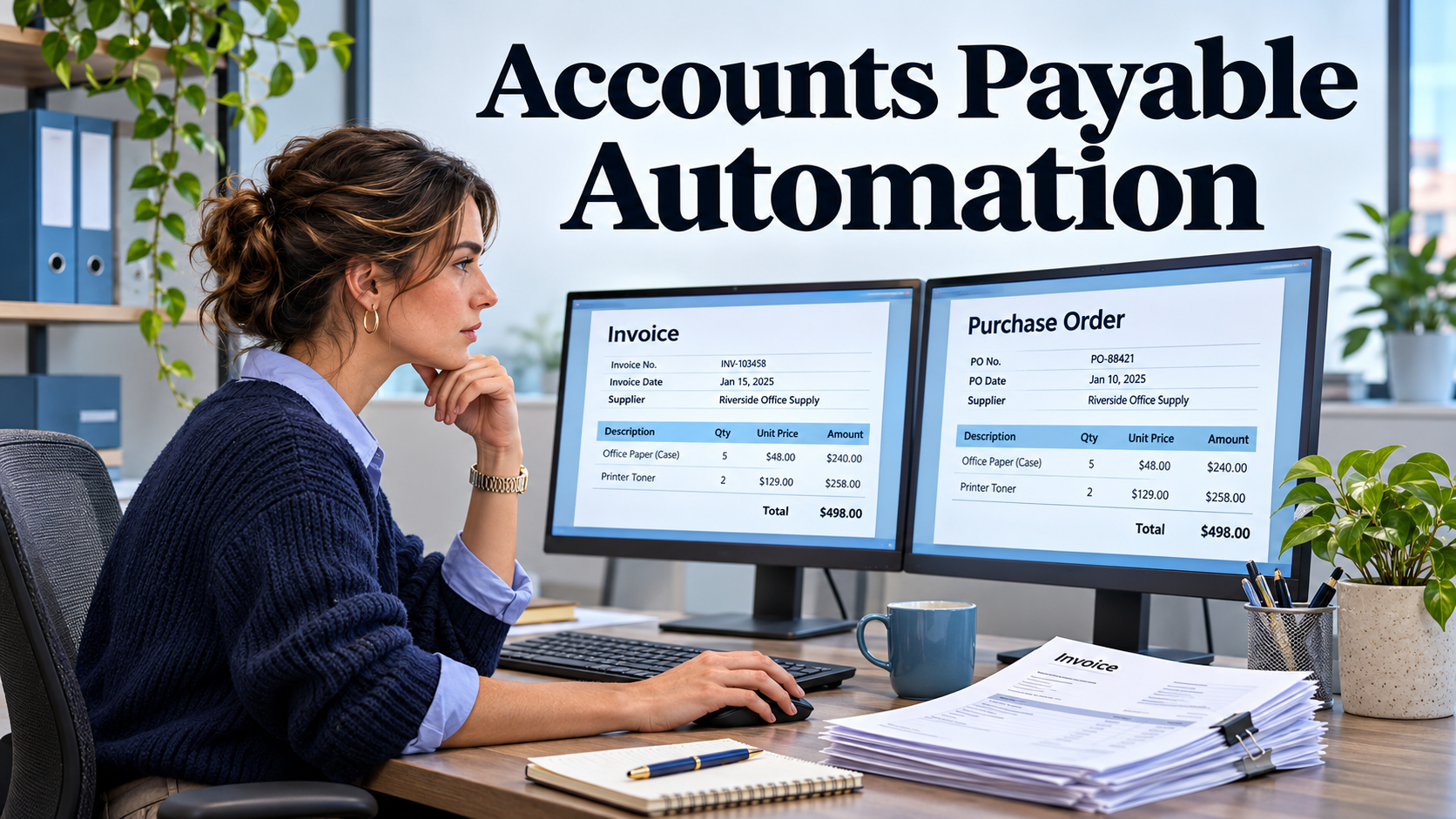
A supplier sends a correctly formatted invoice for 100 units. Purchasing ordered 100, but receiving has recorded only 60. The remaining goods are still in transit. Invoice capture works perfectly. The important decision is whether to pay part, wait for the remaining goods, or investigate a discrepancy with the supplier. That decision depends on the evidence the workflow makes available.
Accounts payable automation tools can capture invoices, match them to purchase and receipt records, route exceptions, prepare payments, and synchronize accounting entries. Their usefulness is clearest in the invoices that do not fit the standard path. An effective evaluation gives the system ordinary bills alongside partial receipts, credit notes, duplicate submissions, and supplier changes.
Treat invoice capture as a verification step
Invoices may arrive as PDFs, scanned paper, portal submissions, or structured electronic documents. Optical character recognition extracts values from images or PDFs, while structured formats provide fields directly. Both still need validation against the supplier and purchasing records. A file can contain a valid amount and the wrong supplier, entity, or invoice reference.
Build a sample that includes several layouts, a multi-page bill, a tax or freight line, and a document with an unreadable field. Have an AP specialist compare extracted values with the source. Assess invoice number, supplier identity, currency, line quantities, and totals separately. A high average extraction rate can conceal errors in fields that control payment or duplicate detection.
Decide which fields require human review when confidence is low or when extracted data conflicts with a known record. Show the source document beside the proposed value so the reviewer can resolve the issue quickly. Preserve corrections and the identity of the reviewer. When a vendor offers automated learning from edits, ask how changes are tested and how staff can detect a recurring wrong extraction.
Design matching around what you buy
Two-way matching generally compares an invoice with a purchase order. Three-way matching adds evidence of receipt. Policies can also account for tolerances, charges, and specific supplier or item combinations. Microsoft Dynamics 365 Finance documents multiple invoice matching methods and tolerances. Use the definitions that fit your purchase categories, then test the outcome against real purchasing and receiving behavior. Microsoft invoice matching overview
For a physical item, a partial delivery may require a partial match, a hold, or an invoice correction according to the agreed procedure. A professional service may use milestone acceptance or timesheet approval in place of a warehouse receipt. Utilities, rent, and similar bills may use a separate non-PO approval workflow. An AP tool should make those policy differences explicit and route each case to the person who can resolve it.
Test an invoice with both a price variance and a quantity variance. Purchasing may own the price issue, while receiving investigates quantity. Ask whether the tool separates those tasks and preserves the due date and source evidence. A tolerance should be explainable at the line or invoice level. Check what happens when several individually small differences add up to a material discrepancy.
Give each exception a responsible owner
An exception queue should tell a reviewer what decision remains, who is responsible, and how long it has been waiting. Common cases include missing receipts, an unknown supplier, inconsistent tax, duplicate indicators, and incorrect cost allocation. Route the work to the person with the evidence or authority. Forwarding every exception to AP only moves manual coordination into a new interface.
Create a missing-receipt example with an absent manager. The tool should show who can confirm the service or receipt, whether someone can act as a delegate, and how the approval is preserved. The supplier may need an update while the issue is open. Decide what staff can share and what the system communicates automatically to avoid conflicting messages.
Use credit notes in the pilot. A credit may relate to a returned item, a pricing correction, or an earlier overcharge. Verify whether it can be linked to the original bill, applied across the right entity, and reflected accurately in the amount available for payment. Test how accounting sees an unapplied credit and which records are retained if the original invoice is already closed.
Keep payment authority distinct from invoice processing
An approved invoice establishes that a liability may be ready for payment under policy. Releasing a payment is another action, with its own authority and evidence. Decide who can create suppliers, change bank details, approve invoices, prepare payment batches, and release funds. Check the permissions with test users and verify that a proposed approval path works when an approver is unavailable.
Supplier bank detail changes deserve a controlled verification process. An invoice or email can contain fraudulent instructions. Use a known, independently obtained contact channel to verify a change and retain evidence according to the organization’s procedure. The FBI recommends verifying changes to account numbers or payment procedures. Test whether a payment can continue while a bank change is awaiting review and who can authorize the outcome. FBI guidance on business email compromise
Also test duplicate submissions. A supplier may send the same bill by email and portal, and formatting may differ between copies. Include punctuation changes in the invoice number and two legitimate bills that happen to share an amount. Staff need to see why a duplicate was suspected and how to clear a false match. An invoice held for review should remain traceable even if the duplicate is later confirmed.
Compare embedded ERP workflows with a specialist AP layer
An ERP’s native matching may fit when purchase orders, receipts, supplier masters, and ledgers already live together. A specialist platform may offer a more focused intake, approval, or payments experience. BILL describes controls for accounts payable, while Microsoft’s finance documentation provides an example of matching within an ERP. Evaluate which system owns the bill, supplier, payment status, and authoritative accounting record in the proposed setup. BILL accounts payable controls
If several ERPs or legal entities are involved, use one supplier shared across entities and a bill posted to the wrong one. Ask who can correct it and how tax fields, currencies, dimensions, and attachments synchronize. Check what the receiving ledger gets when an integration fails halfway. Retrying should preserve the original transaction reference and avoid creating a second invoice or payment.
Compare implementation fees, document or transaction pricing, payment costs, and maintenance of accounting connectors. Ask how credits, duplicates, failed payments, or partially processed documents are counted. Consider the work required to clean supplier master data and maintain approver lists. Those activities often determine how much manual work remains after the initial deployment.
Test a close with the invoices that usually slow it down
Use a representative set of invoices and track touchless processing only when a bill moves through the defined steps without manual intervention. Report exception rate, time to resolve issues, overdue payments, duplicate alerts, and reconciliation differences. Separate PO-backed bills from non-PO bills so the easy cases do not hide a problem in one workflow.
End the pilot with an accounting reconciliation. For each test bill, show the original document, matching evidence, approvals, posting reference, and payment outcome. Have a second reviewer trace a rejected invoice and a corrected payment as well. The strongest AP automation tool gives routine bills a short path and gives people enough evidence, time, and authority to handle the invoices that require judgment.