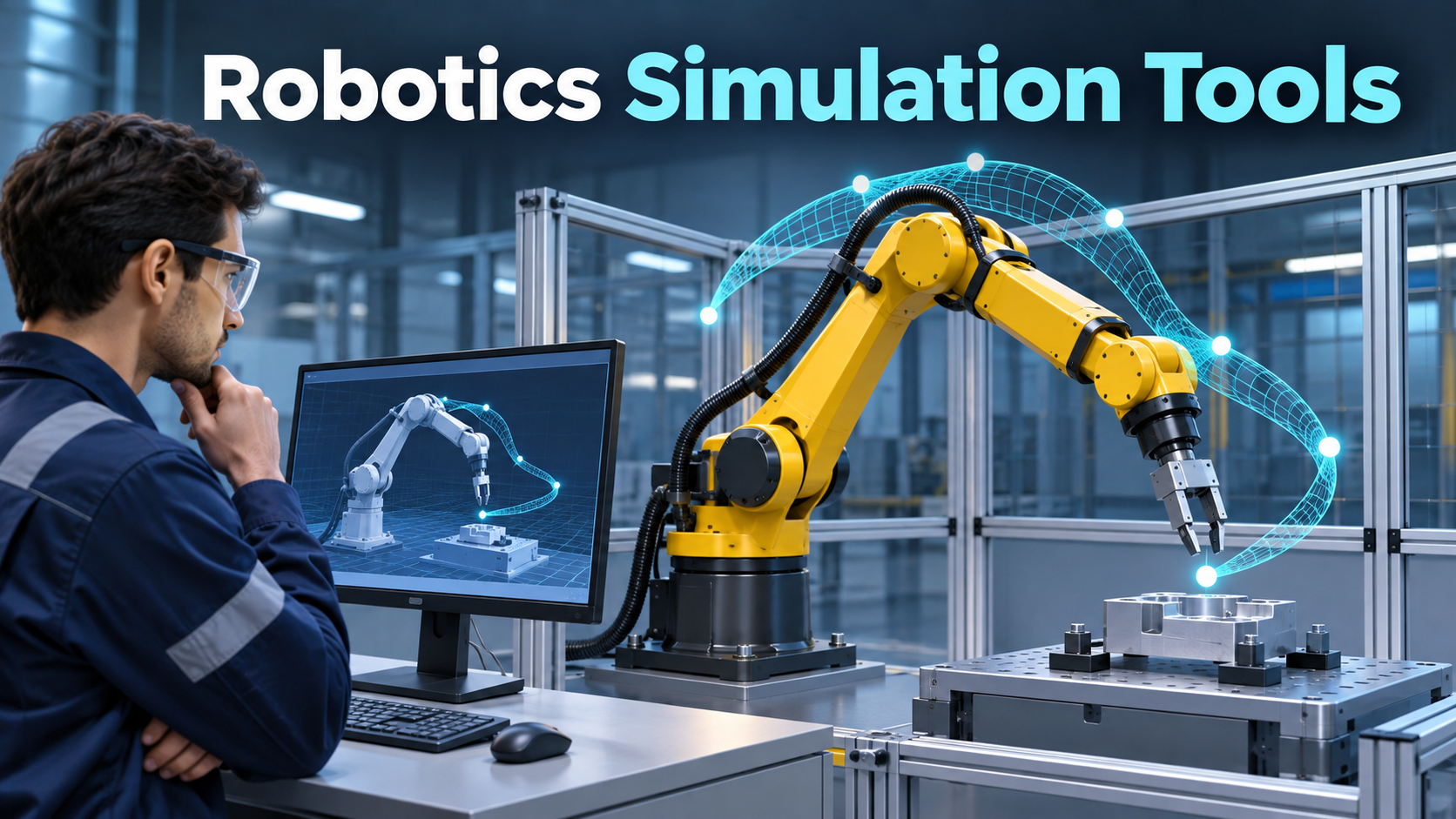
A robot arm reaches every target in a virtual workcell. On the physical line, the gripper approaches one fixture at an awkward angle, a cable bends farther than expected, and a reflective part occasionally disappears from the camera feed. The simulation answered a real question about reach. The team assumed it had also answered questions about clearance, cable routing, and perception. Each of those questions needs its own evidence.
Robotics simulation tools can support mechanical layout, motion planning, perception development, controller testing, and operator training. The right tool depends on which behavior must transfer to the real system. A convincing animation can help stakeholders understand the layout. A useful engineering simulation makes its assumptions visible and lets the team repeat the test when a model, controller, or environment changes.
Define the behavior you need to trust
For a workcell layout, begin with geometry. Verify coordinate frames, tool dimensions, joint limits, and the placement of fixtures. Include the actual gripper and payload envelope where they affect clearance. A collision model that simplifies a guard or removes the gripper fingers can make a tight path appear feasible. Ask which geometry the collision checker uses and whether it differs from the model shown on screen.
For motion planning, identify what the controller will execute. A geometric path and a time-parameterized trajectory are different artifacts. A path can fit through the workcell while the planned motion exceeds a speed or acceleration limit. Controller behavior, blending between moves, payload, and stopping conditions can affect cycle time and clearance. Compare simulated results with controlled physical measurements before relying on the model for a production estimate.
For perception, define what the sensor needs to distinguish. A camera that locates a matte box under even lighting faces a different problem from a camera that estimates the pose of polished metal. Model the conditions that affect the decision, including occlusion, exposure, reflections, or depth noise where relevant. Review the failure mode downstream. A perception error that merely delays a pick calls for a different response from one that drives the arm toward a fixture.
Match fidelity to the decision
| Engineering question | Model detail that matters | Evidence to compare on hardware |
|---|---|---|
| Can the arm reach each station? | Joint limits, tool geometry, coordinate frames | Measured poses and usable clearances |
| Will a pick remain stable? | Contact geometry, friction, payload, gripper behavior | Controlled grasp trials across part variation |
| Can navigation tolerate missing observations? | Sensor timing, dropout, map and obstacle behavior | Recorded sensor data and recovery behavior |
| Does the workcell meet its cycle target? | Controller timing, dwell, handshakes, motion profiles | Measured cycle segments with representative work |
Spend fidelity where it changes the answer. A lightweight model may be ideal for repeated software checks around mission states. A contact-heavy manipulation problem may warrant a detailed physical model and a calibration exercise. Begin with a simple case whose physical behavior you can measure. Add complexity after the simulator reproduces the behavior that matters for your decision.
Keep the conditions visible in each result. Record the robot and scene revision, physics settings, time step, seed where applicable, and controller version. If the same scenario produces different outcomes, determine whether the difference follows intentional randomization or reflects an unstable setup. A team that can reproduce a failure from an earlier scene can use the simulator during maintenance as well as initial design.
Where Gazebo and Isaac Sim fit
Gazebo is a candidate for teams that want a modular simulation environment and are building around robot software such as ROS 2. Gazebo Sensors provides models for generating simulated sensor data and works with Gazebo’s rendering and physics components. For a pilot, use one robot description and one sensor path you already understand. Confirm how your controller receives simulated time, sensor topics, and motion commands. Check whether the same test can run unattended and produce logs your team can compare across builds. Gazebo Sensors documentation
NVIDIA Isaac Sim is a candidate when a project places more emphasis on rendered scenes, simulated sensors, or synthetic data. Its documentation covers workflows for publishing simulated data to ROS applications. Verify the supported ROS configuration and computing requirements for the version under consideration. Build a representative scene with the materials and lighting that cause trouble in the real system, and examine whether producing that scene and running it repeatedly is feasible for the team. Isaac Sim ROS 2 documentation
An industrial robot vendor’s offline programming environment may be the better fit when the deliverable is a program for a specific robot controller. Ask the supplier which hardware and software versions it supports and which instructions or behaviors can be represented faithfully. A general simulation environment and a controller-specific workbench can serve complementary roles. The integration effort grows when the same cell model must be maintained in both, so identify which source owns each asset and how revisions flow between them.
Turn demonstrations into repeatable tests
Name scenarios in terms of behavior. A navigation regression might start a robot at a known pose, add an obstacle to a narrow aisle, and check whether the robot replans or requests assistance within the allowed time. A manipulation scenario might vary the placement of a part within an observed range and record grasp success, minimum clearance, and recovery time. Keep the starting conditions alongside the result so a failed test can become a useful engineering example.
Use parameter variation to explore uncertainty. Vary part positions, payloads, friction, or sensor timing according to what the physical system actually encounters. Artificial variation can reveal brittleness, but ranges should eventually reflect measurements or engineering estimates. Keep deliberately extreme cases separate from normal operating conditions so the team can interpret a failure correctly.
There is also value in simulating how components interact when communication degrades. A controller that copes with noisy position data may still fail when the timestamp stops advancing. Check how timeouts and stale messages affect the larger workflow. Save the event sequence and relevant signals, not just a video of the robot moving. Those records let someone distinguish a simulated contact issue from a controller that sent a command too late.
Close the gap with the physical workcell
Select a small number of real measurements that map directly to the simulator. Compare motion times for individual segments, a camera’s error distribution under known conditions, or clearance at the most constrained pose. When the values disagree, investigate the assumptions before changing the real system to match the model. Update the virtual model and run the same test again to see whether the correction improved the specific behavior.
Keep physical commissioning and applicable safety validation in the project plan. Simulation can inform those activities and identify cases worth investigating. Its results depend on the modeled geometry, operating conditions, and software. Use a qualified team to determine what physical evidence the application requires, especially for protective functions and operation around people.
The strongest purchasing trial uses a scenario that already gives the team trouble. Recreate it, change one relevant condition, and compare the simulated result with a controlled physical observation. Choose the environment that lets you explain the difference, repeat the test, and update the model when the cell changes.