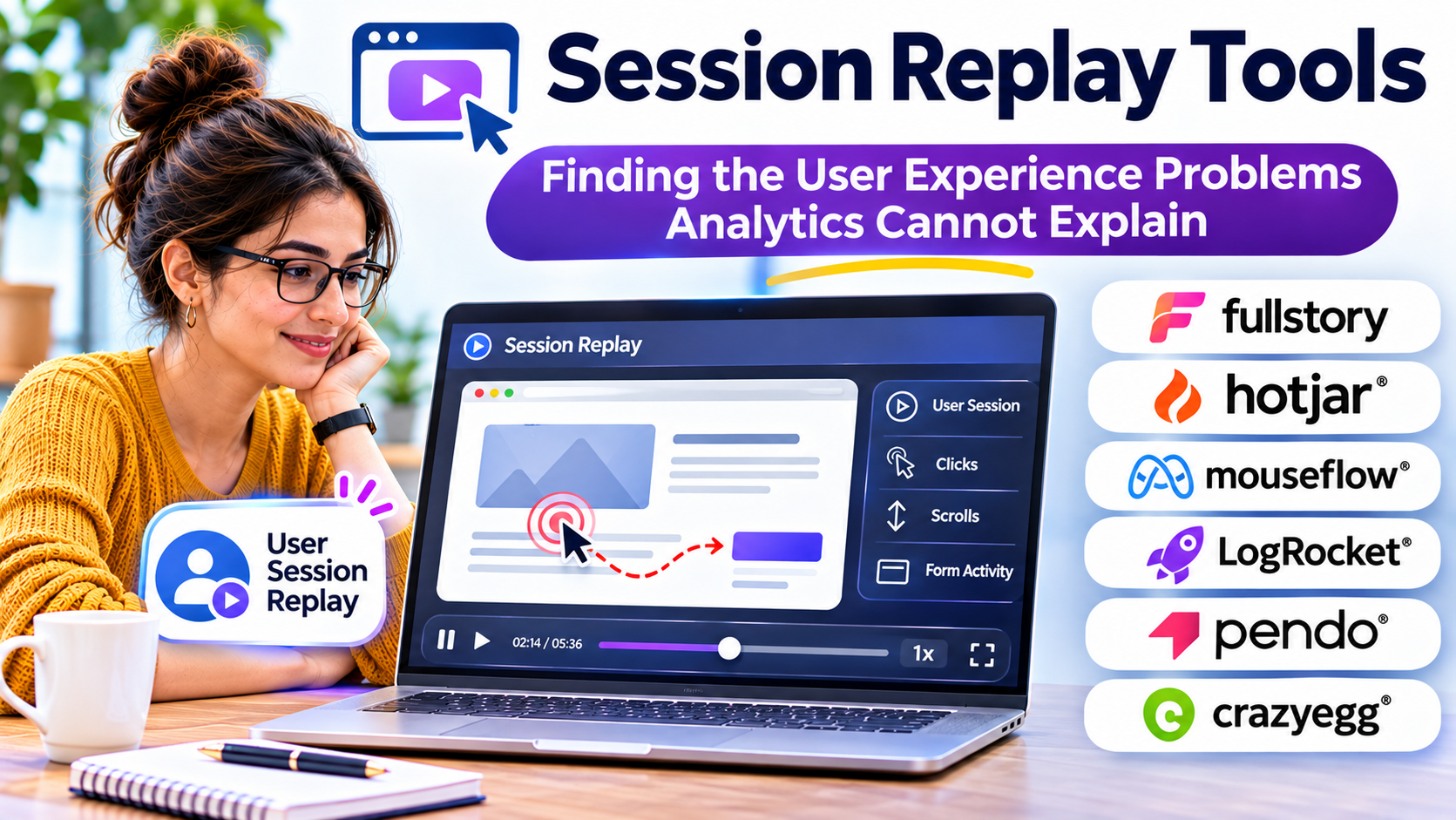
A customer reaches the final step of checkout, clicks the payment button three times, and leaves without purchasing.
Traditional analytics can reveal the abandoned transaction. Error monitoring might identify a failed request. But neither necessarily explains what the customer saw, whether the interface responded, or why the customer kept clicking.
Session replay tools help fill that gap.
They reconstruct how people interact with websites and applications, allowing product teams, developers, and user experience researchers to investigate real customer behavior.
Used carefully, these tools can expose confusing interfaces, broken interactions, unexpected navigation patterns, and technical problems that are difficult to reproduce.
However, collecting recordings is not the same as understanding users. Effective session replay requires clear investigation goals, thoughtful data protection, and a process for turning observations into improvements.
What Session Replay Actually Records
Session replay software captures information about interactions during a user’s visit to a website or application.
Depending on the platform and implementation, this information can include page navigation, clicks, scrolling, interface changes, and other interaction events.
Many web replay systems reconstruct a session from document structure and recorded events rather than capturing a conventional video of the user’s screen.
This distinction matters.
A reconstructed replay represents the application’s recorded state and interactions. It may not reproduce every visual detail exactly, particularly when applications use complex animations, embedded content, or dynamically generated interfaces.
Session replay is therefore best understood as an investigation tool rather than a perfect visual record.
Its value comes from providing context around what happened.
Session replay versus traditional analytics
Traditional analytics answers questions such as:
- How many users reached a particular page?
- What percentage completed registration?
- Which acquisition channels generated conversions?
- Where did users leave a funnel?
Session replay addresses a different set of questions.
Why did someone repeatedly click an unresponsive element? Did a validation error appear outside the visible screen? Was the navigation confusing? Did an unexpected layout change interrupt the task?
The strongest implementations connect these two perspectives.
Analytics identifies a pattern worth investigating. Session replay helps explain the individual experiences behind it.
Where Session Replay Delivers the Most Value
Not every session deserves attention.
The most productive investigations begin with a specific problem.
Investigating failed conversions
Imagine an online store where mobile checkout completion suddenly declines.
A product analyst identifies the affected device segment and checkout stage.
Rather than watching random sessions, the analyst examines recordings associated with incomplete purchases.
Several recordings show customers repeatedly interacting with a delivery selection control.
The team discovers that a mobile layout issue makes the control difficult to operate.
The replay does not independently prove that this issue explains every abandoned purchase. It provides evidence of a specific problem that the team can reproduce, fix, and measure.
Reproducing difficult software bugs
Developers frequently receive reports such as “the page stopped working” or “the form would not submit.”
These descriptions often lack the technical context needed to reproduce the problem.
A replay connected to browser errors, console output, or network activity can narrow the investigation.
The developer may identify the sequence of actions preceding a failure and determine whether the problem relates to interface state, validation, or an unsuccessful request.
This is especially valuable for errors that occur only under particular conditions.
Understanding onboarding friction
A software company might discover that many users register successfully but never finish initial setup.
Replays can show whether users repeatedly revisit instructions, overlook important controls, or abandon complicated configuration steps.
Combined with onboarding analytics and customer interviews, these observations can guide improvements.
Supporting customer service investigations
Support agents may struggle to understand a customer’s description of a problem.
Where permitted by organizational policy, relevant session context can help support and engineering teams examine what happened.
Access should be limited to authorized employees, and sensitive information should remain protected.
Session replay should not become unrestricted surveillance of customers or employees.
Session Replay Tools Worth Evaluating
Different products emphasize different workflows.
Some are designed primarily for behavioral analysis. Others connect replay with product analytics, engineering diagnostics, or broader digital experience monitoring.
Microsoft Clarity: Accessible Behavioral Investigation
Microsoft Clarity provides session recordings, heatmaps, and behavioral analysis features.
Its recording interface supports filtering, playback controls, and examination of visitor interactions.
Clarity is particularly relevant to website owners, marketers, and smaller product teams that want to investigate common usability problems without introducing a large analytics implementation.
The combination of recordings and heatmaps can help teams move between individual sessions and broader interaction patterns.
Where it fits: Website optimization, content experiences, and initial usability investigations.
Important consideration: Teams should validate recording availability, privacy settings, retention requirements, and whether Clarity provides sufficient technical context for their engineering workflows.
PostHog: Session Replay Connected to Product Analytics
PostHog integrates session replay with product analytics and other developer-oriented capabilities.
Its documentation describes replay workflows that connect sessions with events, feature flags, console information, and network activity.
This can be useful when investigating problems related to particular releases, user segments, or application states.
For example, a product team could identify a drop in feature adoption and inspect sessions associated with the affected workflow.
Where it fits: Software teams that want behavioral investigation connected to product analytics and development processes.
Important consideration: Recording rules, sensitive-data masking, technical instrumentation, and usage-related costs require deliberate configuration.
Fullstory: Digital Experience Investigation
Fullstory focuses on understanding digital interactions and identifying experience problems.
Its approach is relevant to organizations that need behavioral analysis across substantial volumes of customer activity.
The central evaluation question is whether its investigation and analysis capabilities help teams identify meaningful problems without excessive manual review.
Where it fits: Established digital experience programs and organizations with dedicated optimization teams.
Important consideration: Buyers should verify current product packaging, supported platforms, governance capabilities, and commercial terms directly.
LogRocket: Engineering-Oriented Session Investigation
LogRocket connects session replay with technical debugging and application monitoring workflows.
It is particularly relevant when a team needs to understand the relationship between user actions and application behavior.
A developer investigating an intermittent frontend problem may benefit from seeing the interaction sequence alongside available diagnostic information.
Where it fits: Engineering teams supporting complex web applications.
Important consideration: Evaluate framework compatibility, technical capture settings, performance impact, and how diagnostic information is protected.
Comparing Session Replay Approaches
| Tool | Primary orientation | Suitable evaluation scenario |
|---|---|---|
| Microsoft Clarity | Website behavior analysis | Finding usability friction on public websites |
| PostHog | Product analytics and replay | Investigating product funnels and feature behavior |
| Fullstory | Digital experience analysis | Supporting organized experience optimization |
| LogRocket | Replay and technical debugging | Diagnosing application errors and frontend issues |
These are use-case distinctions, not performance rankings.
A product may support multiple workflows, and the right choice depends on how the organization intends to use recorded information.
The Privacy Problem Buyers Cannot Ignore
Session replay can collect highly sensitive information if implemented incorrectly.
A recording may expose personal details displayed on a page, form inputs, account information, or confidential business content.
Technical data can also create privacy risks.
For example, URLs may contain identifiers, and network requests may contain sensitive payloads.
Organizations should evaluate privacy controls before deploying session replay broadly.
Mask sensitive information before collection
A strong implementation prevents sensitive information from being transmitted whenever possible.
Masking only after data reaches a vendor’s systems may leave unnecessary exposure.
Teams should identify sensitive screens, fields, attributes, and technical data sources.
Payment details, authentication information, medical records, and private messages require particular care.
Apply appropriate consent and disclosure
Applicable privacy obligations depend on the jurisdiction, data collected, purpose of processing, and organizational context.
Businesses should review relevant legal requirements and configure consent mechanisms where necessary.
Privacy notices should accurately describe the collection and use of behavioral data.
Limit access and retention
Not every employee needs access to session recordings.
Use appropriate role-based permissions, access reviews, and retention policies.
Shorter retention periods may be sufficient for many troubleshooting workflows.
Test the masking configuration
Do not assume that default privacy settings protect every sensitive element.
Test recordings using realistic application scenarios and synthetic information.
Check URLs, error messages, dynamic components, embedded content, and network capture separately.
Privacy controls should be reviewed whenever the application changes substantially.
How to Evaluate Session Replay Software
A meaningful trial should involve real investigation tasks rather than a demonstration of playback controls.
Recording fidelity
Can the platform reconstruct the interface accurately enough to understand the problem?
Test complex forms, responsive layouts, single-page applications, and dynamic components.
Search and filtering
Can investigators locate sessions associated with specific events, errors, pages, or user segments?
Without effective filtering, large recording collections become difficult to use.
Technical context
Engineering teams may need console messages, network diagnostics, and links to application errors.
Marketing teams may prioritize behavioral patterns and conversion funnels.
Choose according to the intended audience.
Performance impact
Recording software adds instrumentation to an application.
Evaluate page performance, network usage, client-side resource consumption, and any impact on user experience.
Integration capabilities
Consider whether the platform connects with analytics, issue tracking, customer support, and monitoring systems.
The goal is to reduce the effort required to move from a discovered problem to a resolved issue.
Total cost
Pricing may depend on recorded sessions, usage volume, retention, or additional capabilities.
Estimate costs using realistic traffic patterns rather than introductory usage.
A Practical Session Replay Investigation Workflow
A disciplined process can prevent teams from spending hours watching recordings without producing useful findings.
Step 1: Define the problem.
Begin with a measurable observation, such as a decline in form completion.
Step 2: Identify the affected segment.
Narrow the investigation by device, page, event, or relevant customer group.
Step 3: Review representative sessions.
Look for repeated behaviors, visible errors, confusing interactions, and unexpected navigation.
Step 4: Record hypotheses.
Separate observations from explanations.
For example, repeated clicks on a button are observable. Assuming the customer is angry is an interpretation.
Step 5: Reproduce the problem.
Use controlled testing to determine whether the observed behavior reflects a genuine interface or technical issue.
Step 6: Implement an improvement.
Assign responsibility and document the proposed change.
Step 7: Measure the outcome.
Compare relevant performance indicators after deployment.
A successful investigation produces a verified improvement, not simply an interesting recording.
Common Mistakes When Using Session Replay
Watching random recordings
Random exploration may occasionally reveal problems, but it is an inefficient primary strategy.
Start with an identified issue and use filtering to locate relevant sessions.
Treating individual behavior as representative
One customer’s experience cannot establish how most customers behave.
Use analytics and additional research to determine whether an observed problem is widespread.
Assuming a replay reveals motivation
A recording shows behavior, not private thoughts.
Interviews and usability testing remain important for understanding customer expectations and motivations.
Collecting unnecessary information
More recorded data does not automatically produce better insight.
Unnecessary collection increases privacy exposure, storage requirements, and administrative work.
Failing to connect findings to action
A team may identify dozens of usability problems without resolving any of them.
Create a clear process for prioritizing, assigning, and validating improvements.
When Session Replay Is Not the Right Tool
Session replay is not a substitute for every research or monitoring method.
Use product analytics to measure large-scale behavioral patterns.
Use usability testing to observe participants completing defined tasks and understand their reasoning.
Use application monitoring to investigate infrastructure and backend reliability.
Use customer interviews to explore motivations, expectations, and unmet needs.
Session replay complements these methods by adding contextual evidence about actual interactions.
It is most useful when teams need to understand how a particular experience unfolded.
Choosing a Tool That Produces Better Decisions
The most important session replay capability is not the ability to record more sessions.
It is the ability to locate relevant experiences, protect sensitive information, and investigate problems efficiently.
For website owners beginning behavioral analysis, Microsoft Clarity may be a practical starting point.
Product teams that need analytics-connected replay should examine PostHog.
Organizations with broader digital experience programs may evaluate Fullstory, while engineering-focused teams may consider LogRocket.
Each option should be tested against real workflows and current vendor documentation.
A successful implementation establishes a repeatable connection between observed behavior, verified problems, corrective action, and measurable outcomes.
That is where session replay becomes valuable: not as a library of recordings, but as a tool for making digital experiences more reliable and easier to use.