Introduction
A vendor has received its first purchase order. Its staff sign in to acknowledge the order, but they cannot tell which line changed after the buyer revised the delivery date. A week later they upload an invoice and see a confirmation. Accounts payable says the invoice never entered its system. Each interaction has moved online, while the supplier still needs a person to find out what happened.
A supplier portal gives external partners a place to work with a buyer’s purchasing processes. Depending on the scope, it may handle registration, purchase orders, shipment notices, invoices or status inquiries. Oracle describes its iSupplier Portal as a web-based self-service tool for supplier transactions related to orders. A portal earns regular use when vendors can see the result of an action and know what to do when something needs attention.
Begin with a supplier that has never used the portal
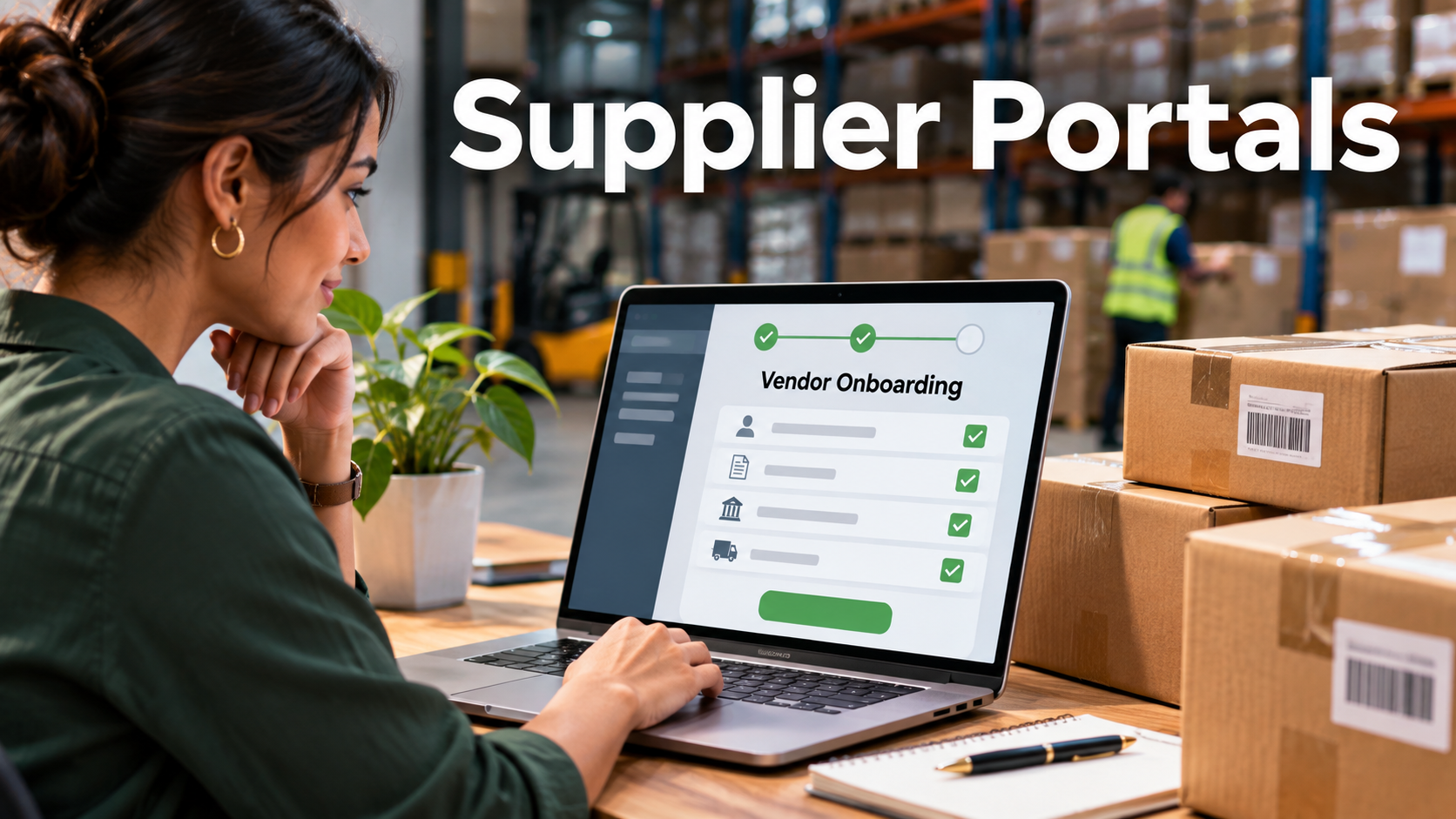
Give a participant from a test supplier the same invitation a new vendor would receive. Ask them to register the correct legal entity, provide a required document and add a colleague. Observe where they need help. Ambiguity about business names, contact roles or file requirements often leads to incomplete submissions and additional review work.
Test a request that arrives before the supplier has an account. Can the portal resume an incomplete registration? How does the buyer spot a possible duplicate when the same company applies under a slightly different name? What happens when a parent company manages purchasing for several subsidiaries? Give the vendor master team enough evidence to make those decisions without relying on email chains.
Allow supplier administration where it makes operational sense. A supplier may need to remove an employee quickly or assign a new person to see orders. Define what the supplier can administer, what requires buyer approval and how both parties confirm a change. Keep access to orders, invoices and profile information within the appropriate legal and business boundaries.
Make order changes understandable at line level
An order acknowledgment can cover a whole purchase order or individual lines. A supplier might accept one line, propose a different delivery date for another and report that a third product is unavailable. Ask the provider to demonstrate all three actions on a single order.
Next, have the buyer issue a revision while the supplier is reviewing the order. The supplier should be able to identify the current version, see what changed and understand whether a prior acknowledgment remains valid. The buyer should see the response in the purchasing system without creating a second, inconsistent record.
For goods that arrive in several shipments, follow the quantities through partial dispatches and receipts. A supplier might send 60 units now and 40 next week. The portal should communicate which quantity remains due and show whether the buyer recorded the receipt. That prevents an apparently closed order from generating more reconciliation later.
Separate a receipt confirmation from a business status
The message “submitted” can mean the portal accepted a file, the ERP created an invoice record or the invoice passed a validation check. Define the difference in language a supplier can understand. An uploaded invoice may still need action if it references the wrong purchase order or if the amount does not match the agreed price.
| Supplier question | What the portal should make clear |
|---|---|
| Did you receive my invoice? | Receipt time, reference and whether it reached the finance workflow |
| Why is it on hold? | A shareable reason and who needs to act |
| Should I submit it again? | Whether to correct the original, send a replacement or wait |
| When can I expect the next update? | The next step, where available, and the route for an inquiry |
Test repeated submissions. A supplier may click again after a slow response or send a replacement after receiving an error. Ask how the portal recognises duplicates and preserves the original trace. Confirm that the supplier and accounts payable see compatible information, even when the internal team has access to details that should remain private.
Treat sensitive profile changes as controlled requests
A vendor profile may contain payment details, tax information and personal contact data. Letting suppliers submit changes can reduce administrative work. Giving a single portal action immediate authority over every downstream record can introduce errors and expose the buyer to misuse.
Define which changes go straight through and which need review. A routine contact preference may be low risk. A change to payment instructions should follow the buyer’s approved verification and authorisation procedures. Ask the vendor to show the request, evidence, reviewer actions and the resulting record in the system that controls payments. Use fictitious data for the demonstration.
Check how data is displayed and shared. The employee confirming a delivery may need access to orders without seeing payment information. A finance contact may need invoice status without seeing orders for a different division. Test this with actual role patterns, including a supplier that serves two business units.
Choose where the portal fits into your technology
An ERP-native portal may be attractive when most supplier records and purchase transactions live in one system. It can reduce the number of data mappings, while the buyer still needs to check the external user experience and the scope of each supported workflow.
A standalone portal can create a common entry point for suppliers serving several business units. The integration burden grows when those units define order, receipt and invoice states differently. Determine who maintains the mappings and who takes the support call when a record reaches one system but fails in another.
Larger suppliers may prefer electronic data interchange or APIs for routine transactions. A web portal can still serve as a route for exceptions or occasional vendors. Verify that automated and manual submissions share the same business rules and that a supplier can identify a transaction even when it entered through another channel.
Pilot the workflows that drive support volume
Select several suppliers with different sizes and technical capabilities. Ask each to complete onboarding or a profile update, acknowledge a changed order and trace an invoice exception. Measure completion, elapsed time and the number of support contacts required. Track how often the buyer has to repeat work inside the ERP.
Compare the result with your current workflow and review the reason behind each failure. An unclear field can be fixed in configuration. A missing ERP status may need an integration change. A step that requires manual review may be justified if the portal communicates it clearly. Expand the rollout when suppliers can complete the most common transactions and both sides can trace what happened when a transaction goes off course.