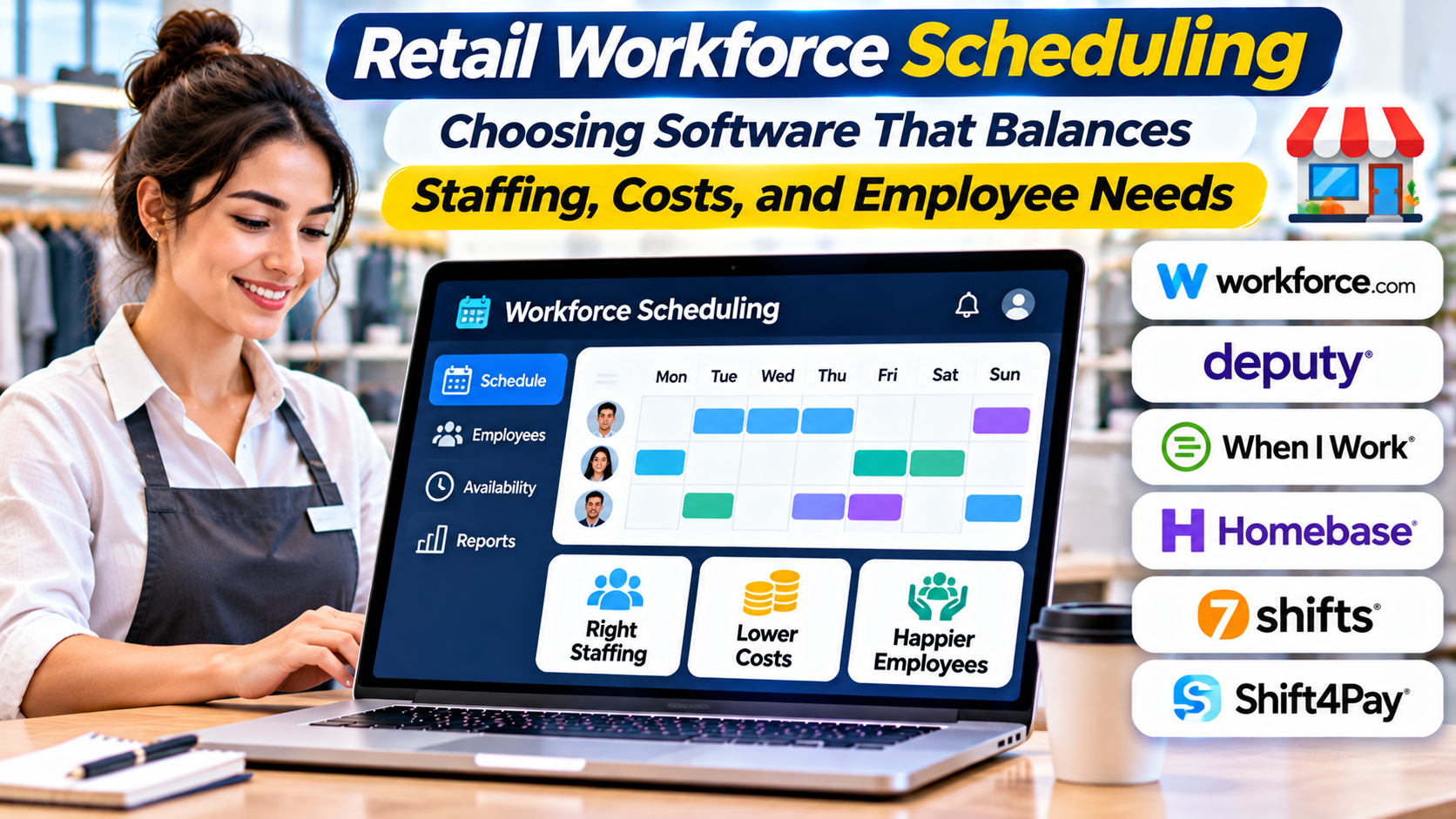
A retail store can have the right products, competitive prices, and a convenient location yet still disappoint customers because too few employees are available when demand increases.
At the same time, scheduling too many employees during quiet periods can create unnecessary labor costs.
Store managers face this challenge every week.
They must consider expected customer traffic, employee availability, working hours, skills, time-off requests, and labor regulations. Unexpected absences and changes in demand make the process even more complicated.
Retail workforce scheduling software helps managers coordinate these requirements.
Modern platforms can support shift planning, demand forecasting, employee communication, time tracking, and scheduling rules.
However, software cannot create an effective schedule without accurate information and sensible staffing policies.
The right solution should improve store coverage while supporting fair, predictable, and manageable working arrangements.
What Is Retail Workforce Scheduling Software?
Retail workforce scheduling software helps businesses plan and manage employee shifts across stores, departments, and operating periods.
At its simplest, the software replaces paper schedules and spreadsheets with a shared digital schedule.
More advanced platforms can estimate staffing requirements, identify scheduling conflicts, enforce configured rules, and connect planned shifts with actual working hours.
A retailer may use scheduling software to manage:
- Employee availability and time-off requests.
- Shift assignments and recurring schedules.
- Store opening and closing coverage.
- Department-specific staffing requirements.
- Shift swaps and open shifts.
- Overtime warnings.
- Labor budgets.
- Time and attendance information.
- Employee notifications.
- Staffing across multiple locations.
The appropriate feature set depends on the retailer’s size and operational complexity.
A small specialty shop may need straightforward scheduling and communication.
A supermarket chain may require demand forecasting, role-based staffing, detailed labor controls, and integration with payroll.
Why Retail Scheduling Is More Difficult Than Filling Shifts
Retail demand changes throughout the day.
A store may be quiet during the morning, busy at lunchtime, and crowded after working hours.
Weekends, holidays, promotions, and local events can create additional variation.
Different activities also require different skills.
A store might need cashiers, stockroom employees, customer service associates, and supervisors.
A schedule that provides enough total employees may still be ineffective if the wrong roles are covered.
For example, five employees may be present during a busy period, but only one may be authorized to operate a particular service counter.
Scheduling therefore requires more than matching employee numbers to opening hours.
Managers need to align labor capacity with actual work requirements.
The Main Types of Retail Scheduling Tools
Basic employee scheduling applications
These products focus on creating shifts, sharing schedules, managing availability, and communicating changes.
They are often appropriate for smaller retail businesses.
Their main advantage is simplicity.
However, they may offer limited forecasting or complex labor planning capabilities.
Workforce management platforms
Workforce management software combines scheduling with related activities such as time and attendance, absence management, labor planning, and workforce analytics.
These platforms are relevant to retailers managing larger teams or more complicated operations.
Demand-driven scheduling systems
Demand-driven systems use historical and current information to estimate staffing requirements.
Relevant inputs may include sales transactions, customer traffic, promotions, delivery schedules, and seasonal patterns.
The system may then recommend staffing levels or shift assignments.
These recommendations depend on the quality of the underlying information.
Integrated human capital management suites
Some retailers use broader human capital management platforms that combine workforce scheduling with HR, payroll, and employee management.
This can reduce duplicate records and support consistent employee information.
However, integrated suites may introduce more complexity than smaller retailers require.
Retail Workforce Scheduling Platforms Worth Evaluating
UKG
UKG provides workforce management and human capital management software with scheduling, forecasting, and employee self-service capabilities.
Its retail solutions address staffing requirements, labor planning, and workforce coordination.
A multi-location retailer may evaluate UKG when it needs to manage complex scheduling rules alongside time tracking and other workforce processes.
Potential fit: Retail chains and organizations with substantial workforce management requirements.
Important consideration: Product configuration, integration with payroll, regional requirements, and implementation resources.
Legion
Legion provides workforce management software focused on demand forecasting, labor optimization, scheduling, and employee experience.
Its retail capabilities are relevant to organizations seeking to align staffing plans with changing store activity.
For example, a retailer may evaluate how scheduling recommendations respond to sales patterns and employee availability.
Potential fit: Retailers seeking advanced demand-driven scheduling and labor planning.
Important consideration: Forecast quality, scheduling constraints, employee preferences, and the ability to review automated recommendations.
Deputy
Deputy offers employee scheduling, time and attendance, and workforce management capabilities.
Its approach may appeal to retailers seeking a practical environment for creating schedules and managing shift changes.
Employee communication and mobile access can be important for stores with part-time and rotating staff.
Potential fit: Small and mid-sized retailers needing accessible scheduling and attendance workflows.
Important consideration: Regional compliance support, payroll integrations, and the complexity of multi-location operations.
When I Work
When I Work provides employee scheduling and related workforce coordination capabilities.
It is relevant to businesses that want employees and managers to manage availability, shifts, and communication through a shared system.
Potential fit: Retail businesses prioritizing straightforward shift planning and employee communication.
Important consideration: Whether its labor planning, reporting, and integration capabilities match the retailer’s requirements.
Quinyx
Quinyx provides workforce management capabilities, including scheduling, time management, and workforce optimization.
It is relevant to organizations with large frontline workforces and changing labor requirements.
Potential fit: Multi-location retailers seeking coordinated workforce planning.
Important consideration: Implementation effort, forecasting requirements, local labor rules, and employee adoption.
Comparing Retail Scheduling Approaches
| Platform | Main orientation | Evaluation focus |
|---|---|---|
| UKG | Broad workforce management | Complex scheduling and workforce integration |
| Legion | Demand-driven workforce optimization | Forecasting and labor planning |
| Deputy | Scheduling and attendance | Practical shift management |
| When I Work | Employee scheduling and communication | Ease of everyday use |
| Quinyx | Frontline workforce management | Multi-location staffing and optimization |
These distinctions are intended to guide evaluation rather than establish a universal ranking.
Capabilities and commercial arrangements should be verified directly with vendors.
Labor Forecasting: Predicting When Employees Are Needed
Labor forecasting estimates how much work a store will need to complete during a particular period.
Retailers may use sales, transactions, foot traffic, deliveries, and other operational information to estimate demand.
For example, a supermarket might experience higher checkout activity on Friday evenings.
Historical transaction data can help identify that pattern.
However, forecasting total store sales does not automatically determine how many employees are required.
Different activities create different workloads.
A large delivery may require additional stockroom employees even when customer traffic is low.
A promotional event may increase the need for customer assistance.
A useful labor model should reflect these operational differences.
Forecast accuracy is not guaranteed
Historical patterns can change.
Weather, local events, competitor activity, and supply disruptions may affect demand.
Managers should be able to review forecasts and make justified adjustments.
The objective is to support decisions, not eliminate human judgment.
Employee Availability and Fair Scheduling
Retail scheduling must account for the people performing the work.
Employees may have different availability, contractual hours, skills, and preferences.
Some work part-time.
Others may have responsibilities that limit their ability to accept unexpected shifts.
A scheduling system should make these constraints visible.
It may also support employee requests, shift swaps, and open-shift notifications.
However, flexibility should not become a substitute for predictable scheduling.
Employees benefit from knowing when they are expected to work.
Organizations should establish reasonable notice periods and consistent processes for approving changes.
The appropriate rules depend on local law, employment agreements, and business requirements.
Skills-Based Scheduling
Not every employee can perform every retail task.
Some roles require specific training, authorization, or experience.
For example, a store may need trained staff to handle specialized products, operate certain equipment, or supervise regulated activities.
Skills-based scheduling helps managers identify which employees are qualified for particular shifts.
A useful system should distinguish between general availability and actual role suitability.
However, skills information must remain accurate.
If training records are outdated, automated scheduling may assign employees to work they are not qualified to perform.
Retailers should establish responsibility for maintaining these records.
Scheduling Compliance and Labor Rules
Workforce scheduling can involve complex legal and contractual obligations.
Depending on the jurisdiction, relevant requirements may concern:
- Maximum working hours.
- Rest periods.
- Overtime.
- Breaks.
- Minimum staffing.
- Predictive scheduling.
- Employee age restrictions.
- Contractual availability.
- Applicable collective agreements.
Scheduling platforms may provide configurable rules and warnings.
However, purchasing software does not guarantee compliance.
Employers remain responsible for understanding applicable requirements and configuring the system correctly.
Rules should be reviewed when laws, employment arrangements, or operating conditions change.
Connecting Scheduling With Time and Attendance
A schedule represents planned work.
Time and attendance records show what actually happened.
These two sources should be connected where appropriate.
For example, an employee may be scheduled for an eight-hour shift but work additional time because of a late delivery.
The business needs accurate records of actual hours.
A connected system can help managers compare planned and actual labor usage.
It may also support payroll preparation and exception review.
However, automated time records require appropriate controls.
Employees should have a clear process for reporting inaccuracies.
Managers should not assume that every difference between scheduled and actual hours represents employee misconduct.
Labor Cost Management Without Damaging Service
Labor is a significant operating expense for many retailers.
Scheduling software can help managers compare planned staffing with labor budgets.
But minimizing labor hours is not the same as optimizing store performance.
Reducing staffing too aggressively can create longer queues, missed sales opportunities, employee stress, and poor store execution.
A useful staffing strategy considers both cost and service outcomes.
For example, a retailer may evaluate whether adding a cashier during peak periods reduces waiting times enough to justify the additional labor expense.
The correct decision depends on customer demand, transaction patterns, and the value of service quality.
Metrics That Matter in Retail Workforce Scheduling
Schedule coverage
Coverage indicates whether required roles and shifts have sufficient staffing.
Forecast accuracy
Forecast accuracy helps evaluate how closely estimated demand matches actual workload.
Labor cost as a percentage of sales
This measure relates labor spending to revenue.
It should be interpreted carefully because sales volume and service requirements vary.
Overtime
Overtime reporting can reveal staffing gaps or inefficient planning.
However, some overtime may be appropriate during unexpected demand.
Schedule changes
Frequent last-minute changes may indicate unstable planning.
They can also affect employee satisfaction.
Absence and shift fulfillment
These measures help managers understand how reliably planned work is covered.
No single metric should determine scheduling decisions.
A balanced approach considers employee experience, customer service, and operational performance.
How to Evaluate Scheduling Software
A realistic pilot should include several stores or departments with different staffing patterns.
Create a schedule for a typical week.
Then introduce complications.
One employee requests leave.
Another becomes unavailable.
A delivery is delayed.
A promotion increases expected customer traffic.
A manager needs to fill an open shift.
Evaluate how the software responds.
Can employees communicate availability easily?
Are scheduling conflicts visible?
Can managers identify qualified replacements?
Does the system explain why a recommended schedule was created?
Can changes be communicated without confusion?
These scenarios reveal practical limitations that may not appear in a standard demonstration.
Implementation Challenges
Inaccurate employee information
Incorrect availability, skills, or employment conditions can produce unsuitable schedules.
Poor forecasting inputs
Unreliable sales or workload data can weaken labor recommendations.
Excessive automation
Managers may need to review unusual conditions that automated systems cannot fully understand.
Weak employee communication
A schedule is ineffective if employees do not receive or understand changes.
Insufficient training
Store managers need to understand how to interpret recommendations, resolve conflicts, and maintain accurate information.
Choosing the Right Scheduling System
A small retailer may need an uncomplicated application for publishing shifts and managing availability.
A growing chain may require time tracking, payroll integrations, and consistent scheduling policies.
A large retailer may benefit from demand forecasting, skills-based scheduling, and centralized workforce planning.
The right choice depends on staffing complexity rather than employee count alone.
Before purchasing, define the operational problems that need improvement.
Determine whether the priority is reducing administrative work, improving coverage, controlling overtime, or creating more predictable schedules.
Then test the platform against real store conditions.
Building Schedules That Work for Stores and Employees
Retail workforce scheduling software can help organizations coordinate staffing with demand while reducing manual administration.
Its value depends on how effectively it balances operational requirements, labor costs, and employee needs.
UKG, Legion, Deputy, When I Work, and Quinyx represent different approaches worth evaluating.
The strongest implementation uses reliable data, clear scheduling rules, appropriate employee input, and ongoing performance review.
A good schedule should provide the right skills at the right time without creating unnecessary instability for employees.
That is the foundation of sustainable retail workforce planning.