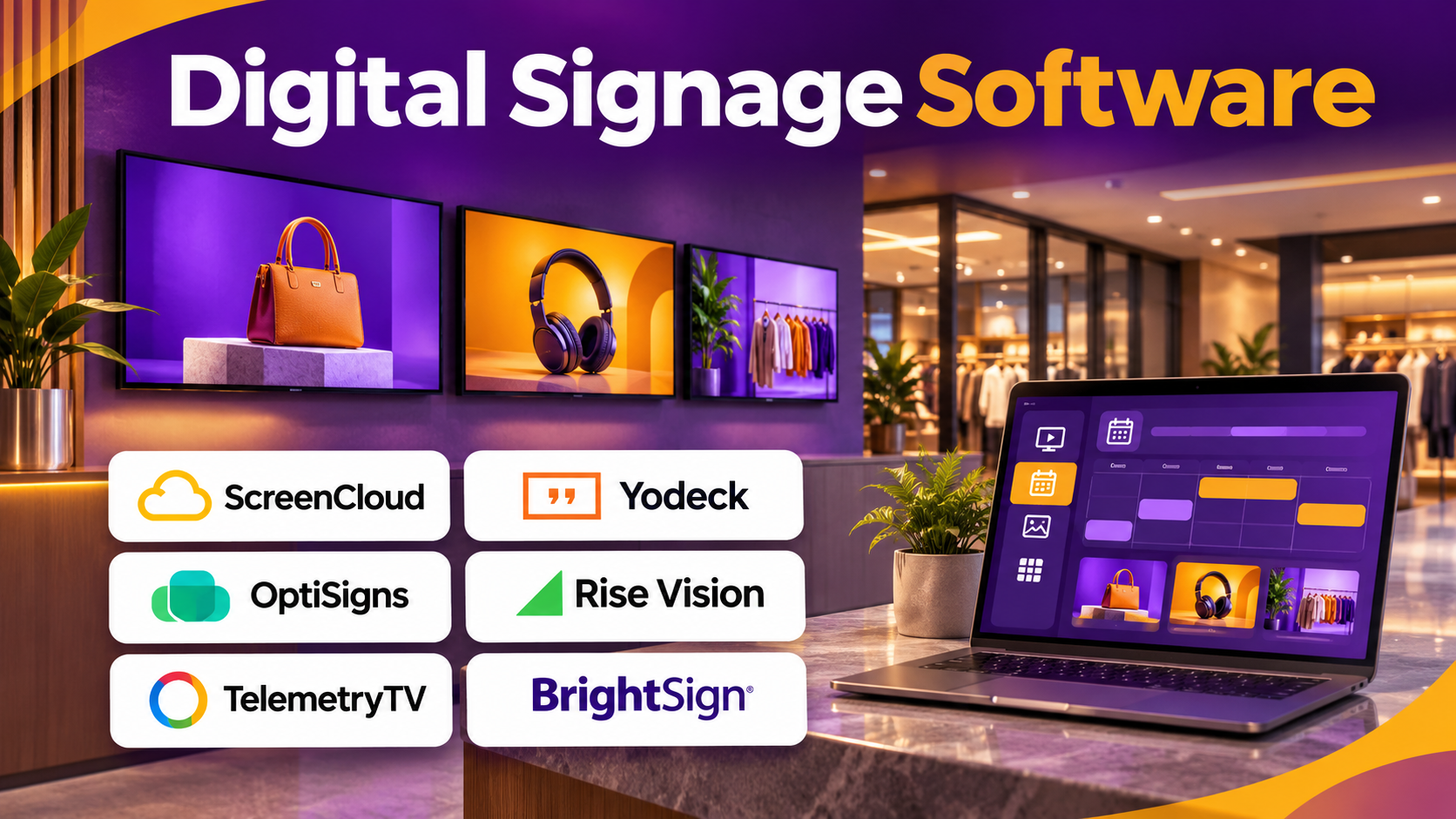
Introduction
Digital screens have become an important communication channel for businesses, educational institutions, healthcare facilities, retail stores, transportation hubs, and public venues.
Organizations use digital displays to share announcements, advertise products, communicate schedules, display safety information, and guide visitors through physical environments.
Unlike traditional printed signage, digital displays can be updated remotely and scheduled to show different content throughout the day.
However, managing dozens or hundreds of screens manually creates challenges. Content may become outdated, displays may go offline, and different locations may need different messages.
Digital signage software helps organizations control these screens through centralized content management, scheduling, device monitoring, and playback tools.
Modern platforms support cloud-based management, interactive displays, video walls, menu boards, workplace communication, and data-driven content. Some also provide templates, analytics, and integrations with business applications.
This guide compares ten digital signage software platforms, examines their features and limitations, and explains how organizations can choose an effective solution.
What Is Digital Signage Software?
Digital signage software is a system used to create, schedule, distribute, and manage content displayed on electronic screens.
It typically includes a content management system, playback software, and compatible display hardware or media players.
For example, a retail chain with 100 stores may use digital signage software to publish promotional content across all locations while allowing individual stores to display local offers.
A hospital might use the same technology category to show appointment information, visitor announcements, and department directions.
A corporate office may use digital signage to communicate company updates, meeting schedules, and operational information.
Digital signage software generally controls content rather than manufacturing the display hardware itself.
The exact capabilities depend on the vendor, supported devices, network requirements, and deployment architecture.
Common Applications
- Retail advertising: Display product promotions and marketing campaigns.
- Digital menu boards: Present menus, prices, and product availability.
- Corporate communication: Share employee announcements and business updates.
- Healthcare communication: Display patient information and visitor guidance.
- Education: Publish campus announcements and event schedules.
- Transportation: Display travel information and operational notices.
- Hospitality: Promote services, events, and guest information.
- Public information: Communicate announcements, alerts, and directions.
Top 10 Digital Signage Software Platforms
1. Yodeck
Best For: Small and midsize organizations seeking cloud-managed digital signage.
Overview
Yodeck is a cloud-based digital signage platform that helps organizations manage content across connected screens.
It provides a centralized dashboard for uploading media, designing layouts, scheduling playlists, and monitoring display activity.
The platform is relevant for businesses that want to operate digital signage without building a complex technical infrastructure.
Its support for compatible media players and different content types makes it useful for retail, hospitality, offices, and educational environments.
Yodeck can also support larger deployments, although organizations should evaluate device compatibility, administration requirements, and network conditions.
Key Features
- Cloud content management: Upload and organize media remotely.
- Playlist scheduling: Control when different content appears.
- Screen grouping: Manage displays by location or department.
- Layout creation: Combine multiple content regions on a screen.
- Media support: Display images, videos, and supported web content.
- Device monitoring: Review screen connectivity and playback status.
- Templates: Create consistent signage layouts.
- Remote updates: Publish content without visiting each screen.
- User permissions: Delegate content management responsibilities.
Benefits
Yodeck can reduce the effort required to update screens across multiple locations.
Centralized scheduling helps organizations keep promotional and informational content consistent.
Pros
- Accessible cloud management.
- Useful scheduling tools.
- Supports multi-screen administration.
- Suitable for smaller businesses.
- Flexible content presentation.
Cons
- Hardware compatibility must be confirmed.
- Advanced integrations may require additional configuration.
- Network reliability affects remote management.
- Some capabilities depend on the selected plan.
Use Cases
Retail stores: Display promotions and product information across branches.
Corporate offices: Share announcements and employee communications.
Best For: Businesses seeking practical cloud signage management.
2. ScreenCloud
Best For: Workplace communication and enterprise digital signage.
Overview
ScreenCloud provides digital signage software designed to help organizations communicate through connected displays.
It supports centralized content publishing, screen management, and integrations with workplace information sources.
The platform is particularly relevant for businesses using screens to communicate with employees across offices, warehouses, factories, and other facilities.
Organizations can use ScreenCloud to present dashboards, announcements, performance information, and operational updates.
Its application ecosystem helps connect signage with selected business tools.
Key Features
- Cloud signage management.
- Content scheduling.
- Screen organization.
- Workplace communication.
- Application integrations.
- Dashboard presentation.
- Media playback.
- Remote administration.
- User access controls.
Benefits
ScreenCloud helps organizations distribute workplace information to employees who may not regularly use email or desktop applications.
Pros
- Strong workplace communication focus.
- Broad content capabilities.
- Useful integrations.
- Supports distributed organizations.
- Centralized management.
Cons
- Device compatibility requires review.
- Enterprise administration may require configuration.
- Integration functionality varies by application.
Use Cases
Corporate communication, manufacturing dashboards, and employee information displays.
Best For: Workplace communication teams.
3. OptiSigns
Best For: Businesses requiring flexible signage content and screen management.
Overview
OptiSigns provides cloud-based digital signage software for businesses managing electronic displays.
Its platform supports media uploads, playlists, scheduling, templates, and a variety of supported content integrations.
OptiSigns is relevant for retail, restaurants, offices, schools, and other organizations requiring straightforward screen management.
The platform can help teams deploy consistent messages while allowing location-specific content.
Key Features
- Cloud content management.
- Screen scheduling.
- Playlist management.
- Digital signage templates.
- Multiple content formats.
- Remote screen management.
- Application integrations.
- Screen grouping.
- Content publishing workflows.
Benefits
OptiSigns helps organizations manage different signage use cases through a shared interface.
Pros
- Flexible content options.
- Broad business applications.
- Cloud administration.
- Scheduling and templates.
- Multi-location support.
Cons
- Advanced functions may depend on subscription level.
- Hardware testing is necessary.
- Complex enterprise deployments require planning.
Use Cases
Retail promotions, restaurant menu boards, and business announcements.
Best For: Small and midsize organizations with varied signage needs.
4. NoviSign
Best For: Interactive digital signage and commercial display networks.
Overview
NoviSign provides digital signage content management and playback capabilities.
It supports businesses that need to create, schedule, and distribute visual content across connected screens.
The platform is relevant for commercial environments where displays may show promotional media, information dashboards, and interactive content.
Key Features
- Content management.
- Digital signage scheduling.
- Interactive content support.
- Template-based design.
- Screen administration.
- Multimedia playback.
- Remote updates.
- Display grouping.
- Content integration.
Benefits
NoviSign helps organizations maintain consistent digital content while supporting interactive presentation requirements.
Pros
- Interactive signage options.
- Useful content design tools.
- Centralized administration.
- Multiple industry applications.
Cons
- Advanced interactive deployments require testing.
- Device compatibility varies.
- Custom content may need technical resources.
Use Cases
Retail kiosks, business information displays, and interactive commercial signage.
Best For: Organizations requiring interactive digital displays.
5. Rise Vision
Best For: Schools, educational institutions, and workplace communication.
Overview
Rise Vision is a digital signage platform with a strong presence in educational communication.
Schools and organizations can use it to publish announcements, schedules, event information, and other content on connected displays.
Its template-based approach can help teams create professional messages without extensive graphic design experience.
Key Features
- Signage templates.
- Content scheduling.
- Remote screen management.
- School announcements.
- Calendar content.
- Multimedia playback.
- Emergency communication capabilities.
- Centralized publishing.
- Screen monitoring.
Benefits
Rise Vision helps educational organizations communicate consistently across buildings.
Pros
- Education-friendly workflows.
- Ready-made templates.
- Centralized content updates.
- Useful announcement scheduling.
Cons
- Specialized enterprise signage requirements may need other products.
- Emergency features require proper configuration.
- Hardware compatibility must be verified.
Use Cases
Schools, colleges, campus information boards, and workplace announcements.
Best For: Educational institutions.
6. TelemetryTV
Best For: Enterprise signage networks and operational dashboards.
Overview
TelemetryTV provides cloud-based digital signage software for organizations managing screens across multiple locations.
Its capabilities include content scheduling, device management, visual dashboards, and centralized administration.
The platform is relevant for enterprises displaying operational metrics, internal communications, and customer-facing information.
Key Features
- Cloud content management.
- Remote device administration.
- Screen monitoring.
- Content scheduling.
- Dashboard displays.
- Media playback.
- Screen grouping.
- User permissions.
- Enterprise deployment support.
Benefits
TelemetryTV helps organizations coordinate content and devices across distributed display networks.
Pros
- Enterprise administration.
- Useful dashboard presentation.
- Centralized monitoring.
- Multi-location support.
Cons
- Advanced deployment requirements need evaluation.
- Network management remains important.
- Hardware selection affects performance.
Use Cases
Operations centers, business dashboards, and distributed corporate signage.
Best For: Enterprise IT and communication teams.
7. Scala
Best For: Large retail and enterprise digital signage networks.
Overview
Scala is an enterprise digital signage platform associated with STRATACACHE.
It supports sophisticated digital signage networks used in retail, hospitality, and commercial environments.
Organizations with complex campaigns and numerous displays may benefit from its content distribution and management capabilities.
Key Features
- Enterprise content management.
- Campaign scheduling.
- Multi-location publishing.
- Display network administration.
- Media playback.
- Interactive signage support.
- Content targeting.
- Device management.
- Integration capabilities.
Benefits
Scala supports centralized control of complex signage deployments.
Pros
- Enterprise scalability.
- Retail signage specialization.
- Flexible content distribution.
- Suitable for large networks.
Cons
- Implementation can be complex.
- Specialist administration may be necessary.
- Smaller businesses may not need enterprise capabilities.
Use Cases
Retail chains, shopping centers, and enterprise signage networks.
Best For: Large retail and commercial operators.
8. BrightSign
Best For: Reliable media playback and professional signage hardware ecosystems.
Overview
BrightSign provides professional digital signage media players and associated software services.
Its ecosystem is designed for organizations requiring dependable playback across commercial displays.
BrightSign is particularly relevant where dedicated signage hardware, operational reliability, and specialized playback capabilities are important.
Key Features
- Dedicated media player support.
- Signage content playback.
- Remote device management.
- Content publishing.
- Playback scheduling.
- Interactive presentation support.
- Device monitoring.
- Network deployment.
- Commercial display integration.
Benefits
BrightSign helps organizations deploy signage using purpose-built media playback devices.
Pros
- Professional signage hardware.
- Reliable playback orientation.
- Commercial deployment support.
- Flexible installation options.
Cons
- Hardware costs must be considered.
- Software services and licensing vary.
- Configuration may require technical knowledge.
Use Cases
Retail signage, transportation displays, and professional commercial installations.
Best For: AV integrators and organizations prioritizing dedicated signage players.
9. OnSign TV
Best For: Remote digital signage administration and device monitoring.
Overview
OnSign TV is a cloud-based digital signage platform used to manage connected displays and media players.
It supports content scheduling, screen organization, playback management, and remote administration.
Its features are relevant for businesses operating multiple signage devices across different locations.
Key Features
- Cloud content management.
- Remote screen control.
- Device monitoring.
- Playlist scheduling.
- Content layouts.
- Media playback.
- Multi-location administration.
- User permissions.
- Content updates.
Benefits
OnSign TV helps reduce the manual effort involved in maintaining distributed signage networks.
Pros
- Remote administration.
- Useful device monitoring.
- Flexible scheduling.
- Supports multiple deployment scenarios.
Cons
- Hardware compatibility must be verified.
- Complex integrations require planning.
- Content quality remains the organization’s responsibility.
Use Cases
Commercial signage networks, retail displays, and public information screens.
Best For: Distributed signage administrators.
10. Navori QL
Best For: Enterprise signage, data-driven displays, and complex content networks.
Overview
Navori QL is a professional digital signage platform designed for enterprise content management and display networks.
It supports organizations requiring structured content scheduling, screen administration, and sophisticated signage operations.
The platform is relevant for retail, transportation, corporate communication, and other environments with demanding display requirements.
Key Features
- Enterprise content management.
- Playlist scheduling.
- Remote display administration.
- Data-driven content.
- Screen monitoring.
- Multi-location publishing.
- Multimedia playback.
- Integration capabilities.
- Network reporting.
Benefits
Navori QL helps enterprises coordinate signage content across complex environments.
Pros
- Enterprise-oriented features.
- Sophisticated scheduling.
- Data-driven content capabilities.
- Suitable for large networks.
Cons
- Configuration can require technical expertise.
- Enterprise licensing requires evaluation.
- Advanced deployments need careful infrastructure planning.
Use Cases
Transportation information displays, retail networks, and enterprise communications.
Best For: Organizations managing complex signage networks.
Digital Signage Software Comparison Table
| Platform | Main Strength | Best For |
|---|---|---|
| Yodeck | Cloud signage management | Small and midsize businesses |
| ScreenCloud | Workplace communication | Enterprises |
| OptiSigns | Flexible content management | Retail and restaurants |
| NoviSign | Interactive signage | Commercial displays |
| Rise Vision | Educational communication | Schools |
| TelemetryTV | Enterprise dashboards | Distributed businesses |
| Scala | Large signage networks | Retail enterprises |
| BrightSign | Dedicated playback hardware | AV professionals |
| OnSign TV | Remote device management | Multi-location operations |
| Navori QL | Enterprise content control | Complex networks |
How to Choose Digital Signage Software
1. Define Communication Goals
Identify whether screens will display advertising, menus, operational dashboards, emergency information, or internal communication.
2. Evaluate Hardware Compatibility
Confirm support for existing displays, operating systems, media players, and network configurations.
3. Review Content Creation Tools
Choose software that allows authorized users to create clear, consistent signage.
4. Assess Scheduling
Verify that content can be scheduled by location, date, time, and screen group.
5. Consider Remote Monitoring
Organizations with multiple locations should monitor device connectivity and playback status.
6. Evaluate Security
Review device authentication, administrative permissions, network controls, and software updates.
7. Examine Integrations
Consider calendars, business dashboards, retail systems, and other relevant data sources.
8. Calculate Total Cost
Include subscriptions, media players, displays, installation, networking, content creation, and support.
Best Digital Signage Software by User Type
| User Type | Suggested Platform | Reason |
|---|---|---|
| Small business | Yodeck | Accessible cloud management |
| Corporate communication team | ScreenCloud | Workplace messaging |
| Retail manager | OptiSigns | Flexible promotional content |
| Interactive kiosk operator | NoviSign | Interactive content |
| School administrator | Rise Vision | Educational templates |
| Enterprise IT team | TelemetryTV | Remote management |
| Large retail chain | Scala | Enterprise signage |
| AV integrator | BrightSign | Dedicated hardware |
| Distributed signage operator | OnSign TV | Device monitoring |
| Complex signage network manager | Navori QL | Advanced content control |
Practical Example: Deploying Digital Signage Across Retail Stores
Step 1: Define Display Objectives
Identify promotional messages, product information, and customer service content.
Step 2: Inventory Screens
Record display sizes, locations, orientation, and hardware requirements.
Step 3: Select Compatible Players
Choose media players supported by the signage platform.
Step 4: Create Content Templates
Develop consistent layouts for promotions, announcements, and store information.
Step 5: Organize Store Groups
Group screens by region, store format, or campaign.
Step 6: Configure Scheduling
Schedule campaigns according to approved dates and local requirements.
Step 7: Test Playback
Verify image quality, video performance, and display orientation.
Step 8: Launch the Network
Publish approved content and confirm screen connectivity.
Step 9: Monitor Performance
Review offline devices, playback issues, and content accuracy.
Step 10: Improve Campaigns
Use operational feedback and available analytics to refine future content.
Common Digital Signage Mistakes
- Choosing software before checking hardware compatibility.
- Using overcrowded screen layouts.
- Publishing outdated promotional information.
- Ignoring network reliability.
- Failing to secure media players.
- Providing inadequate administrative permissions.
- Neglecting accessibility and readability.
- Measuring success only by the number of installed screens.
Frequently Asked Questions
1. What is digital signage software?
It is software used to manage content displayed on electronic screens.
2. How does digital signage work?
A management platform distributes content to compatible players or displays.
3. Can digital signage be managed remotely?
Yes. Many platforms support cloud-based remote administration.
4. Does digital signage require a media player?
Some displays have built-in playback capabilities, while others use external players.
5. Can businesses schedule content?
Yes. Scheduling is a common feature.
6. Can digital signage display videos?
Most platforms support video playback.
7. Can restaurants use digital signage?
Yes. Digital menu boards are a common application.
8. Can schools use digital signage?
Yes. Schools use it for announcements and campus information.
9. What is a digital signage CMS?
It is the content management system used to organize and publish display content.
10. Can software manage multiple locations?
Many platforms support distributed screen networks.
11. What is Yodeck used for?
It provides cloud-based digital signage management.
12. What is ScreenCloud used for?
It supports digital signage and workplace communication.
13. Is BrightSign hardware or software?
BrightSign provides a hardware and software ecosystem for digital signage.
14. Can signage display business dashboards?
Some platforms support dashboards and connected data sources.
15. Can digital signage be interactive?
Yes. Some solutions support touchscreens and interactive content.
16. Does digital signage need internet access?
Requirements vary. Some deployments support offline playback of previously downloaded content.
17. Can displays show different content?
Yes. Many platforms support location-specific playlists.
18. What is a video wall?
It is a group of displays arranged to present coordinated visual content.
19. Can digital signage support emergency alerts?
Some systems provide emergency messaging capabilities.
20. How should signage be secured?
Use supported software updates, access controls, network security, and device monitoring.
21. Can organizations use existing televisions?
Sometimes, provided the displays and playback hardware are compatible.
22. Is cloud signage better than on-premises signage?
The best choice depends on security, connectivity, operational, and infrastructure requirements.
23. What affects digital signage cost?
Software licenses, screens, players, installation, connectivity, and support.
24. What should be tested before deployment?
Playback, scheduling, hardware compatibility, remote updates, and device recovery.
25. What is the most important feature?
Reliable content delivery and management across the organization’s displays.
Final Thoughts
Digital signage software helps organizations communicate through centrally managed electronic displays.
Yodeck, OptiSigns, and NoviSign offer flexible content management for business signage. ScreenCloud and Rise Vision emphasize communication, while TelemetryTV and OnSign TV support distributed screen administration.
Scala and Navori QL serve complex enterprise networks, and BrightSign provides professional media playback technology.
The best solution depends on display requirements, hardware compatibility, content workflows, security, and deployment scale.
Successful digital signage requires clear content, reliable infrastructure, responsible administration, and regular maintenance.