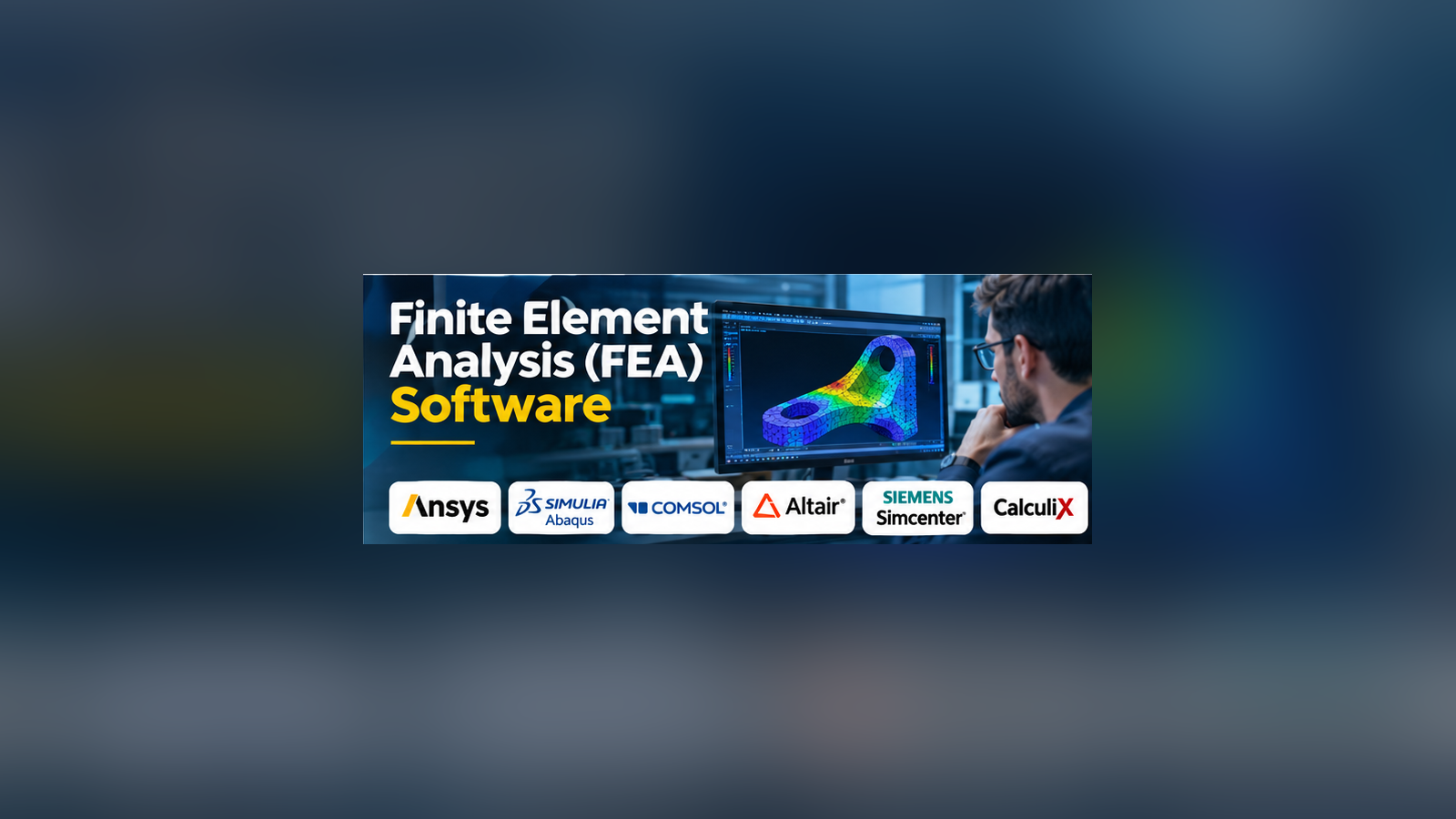
A component can look perfect in a CAD model and still fail under real operating conditions. A mounting bracket may bend under load. A machine housing may develop cracks after repeated vibration. A metal part may expand enough under heat to affect the entire assembly.
Finite Element Analysis (FEA) software helps engineers study these problems before building physical prototypes. By dividing a design into smaller elements and solving mathematical equations, FEA tools estimate how a product responds to forces, temperature, vibration, and other physical conditions.
However, simulation accuracy depends on more than the software. Material data, boundary conditions, mesh quality, and engineering judgment all influence the result.
How Finite Element Analysis Works
FEA converts a physical engineering problem into a numerical model. A typical workflow includes preparing the geometry, assigning materials, defining loads and constraints, generating a mesh, running the solver, and interpreting the results.
For example, an engineer designing a steel support bracket can use FEA to estimate stress concentrations around bolt holes. The results may suggest increasing the thickness, changing the geometry, or selecting another material.
This approach can reduce unnecessary prototype iterations. It does not eliminate the need for physical testing, especially when safety, fatigue, or regulatory requirements are involved.
Important Types of FEA
Structural Analysis
Structural FEA examines stress, strain, displacement, and deformation. It is commonly used for machine components, automotive structures, industrial equipment, and construction products.
Thermal Analysis
Thermal analysis studies heat transfer and temperature distribution. Engineers use it to investigate cooling systems, electronic enclosures, and components exposed to extreme temperatures.
Modal and Dynamic Analysis
Modal analysis identifies natural frequencies and vibration modes. Dynamic analysis examines how structures respond to changing forces, shocks, or repeated movement.
Nonlinear Analysis
Nonlinear FEA handles conditions where a simple linear model is insufficient. Examples include plastic deformation, large displacements, and contact between interacting parts.
These simulations often require more careful setup and greater computational resources.
FEA Software Worth Evaluating
Ansys Mechanical
Ansys Mechanical supports structural, thermal, and related multiphysics simulation workflows. Its broad capabilities make it relevant to organizations handling complex engineering problems.
The main consideration is whether the team has the expertise, computing resources, and budget needed to use its advanced capabilities effectively.
Abaqus
Abaqus, part of the SIMULIA portfolio, is widely used for nonlinear structural analysis. It is particularly relevant when material behavior, complex contact, or large deformation is central to the engineering problem.
Its advanced modeling options can require substantial simulation expertise.
COMSOL Multiphysics
COMSOL is designed for modeling coupled physical phenomena. It is useful when structural behavior must be analyzed alongside heat transfer, electromagnetics, or other physics.
Teams should evaluate the modules required for their specific applications.
Altair OptiStruct
OptiStruct combines structural analysis with optimization capabilities. It is especially relevant to engineers seeking lighter or more efficient designs while maintaining performance requirements.
Siemens Simcenter 3D
Simcenter 3D supports simulation workflows across structural, dynamic, and other engineering disciplines. It may be particularly attractive to organizations already working within the Siemens engineering ecosystem.
CalculiX
CalculiX provides an open-source finite element solver with capabilities for structural and thermal problems.
It can be valuable for research, education, and cost-conscious engineering teams, although users may need additional tools and technical expertise for model preparation and result interpretation.
Code_Aster
Code_Aster is an open-source simulation platform suited to advanced structural and thermomechanical analysis. It is a credible option for teams comfortable with technical modeling workflows.
Comparing the Options
| Software | Primary Strength | Suitable Users |
|---|---|---|
| Ansys Mechanical | Broad engineering simulation | Industrial engineering teams |
| Abaqus | Advanced nonlinear analysis | Simulation specialists |
| COMSOL Multiphysics | Coupled multiphysics modeling | Research and engineering teams |
| Altair OptiStruct | Structural optimization | Product development engineers |
| Siemens Simcenter 3D | Integrated simulation workflows | Enterprise engineering teams |
| CalculiX | Open-source structural analysis | Researchers and technical users |
| Code_Aster | Advanced open-source analysis | Experienced simulation engineers |
These distinctions describe typical applications, not independently measured performance rankings.
What Matters When Selecting FEA Software?
Solver capabilities: Identify whether the project requires linear static, nonlinear, thermal, fatigue, dynamic, or coupled analysis.
CAD compatibility: Evaluate how easily engineers can import, simplify, and update design geometry.
Meshing tools: Poor mesh quality can produce misleading results. Adaptive refinement and mesh-quality checks may improve the workflow.
Material modeling: Confirm support for the actual material behavior required, including plasticity, composites, or temperature-dependent properties.
Automation: Repetitive simulation tasks may benefit from scripting, parameter studies, and optimization.
Computational requirements: Large nonlinear models can require substantial memory, processing power, and solver time.
Licensing: Consider solver modules, compute restrictions, maintenance, training, and support rather than comparing only initial license costs.
Why Simulation Validation Matters
A visually convincing stress plot is not proof that a design is safe.
Engineers should perform mesh-convergence studies, verify applied loads, inspect boundary conditions, and compare predictions with analytical calculations or experimental results when possible.
For safety-critical applications, simulation should form part of a documented verification and validation process.
A Practical Selection Approach
Start with a representative engineering problem rather than a long feature checklist.
Build the same model in shortlisted tools. Compare setup time, solver behavior, result interpretation, and the effort required to revise the design.
Also consider whether other engineers can reproduce the analysis. A solution that depends entirely on one specialist may create long-term operational risk.
Conclusion
Finite Element Analysis software is most valuable when it helps engineers make better design decisions with reliable evidence.
Ansys Mechanical, Abaqus, COMSOL, OptiStruct, Simcenter 3D, CalculiX, and Code_Aster serve different technical and organizational needs.
The right choice depends on the physics involved, the complexity of the models, available expertise, and the level of validation required. The strongest simulation workflow combines capable software with sound engineering assumptions and careful verification.