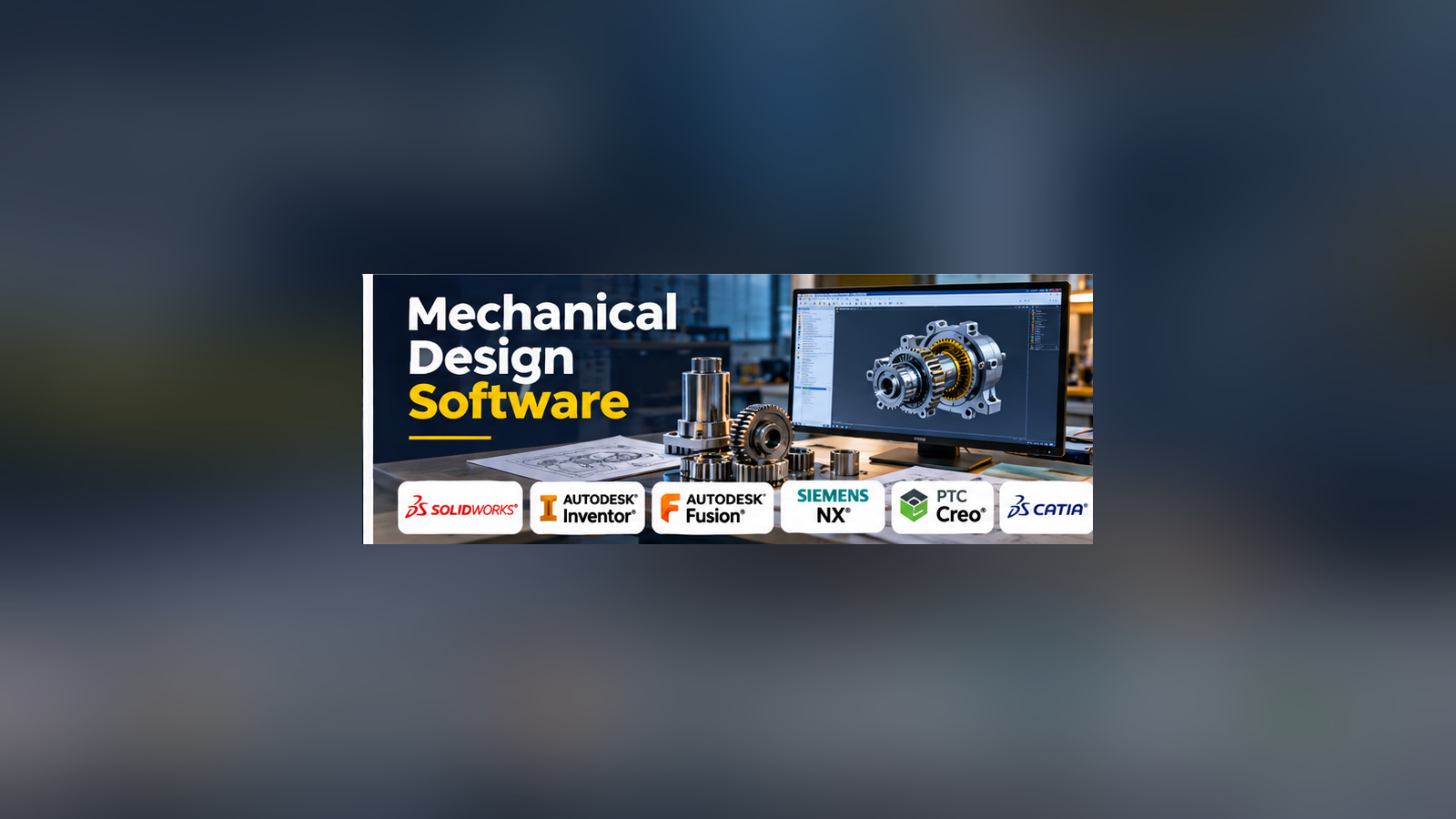
A mechanical design is more than a three-dimensional model. Engineers must account for how parts fit together, how they move, how they will be manufactured, and how future changes affect the final product.
Mechanical design software helps teams manage these challenges. It provides tools for creating parts, building assemblies, producing technical drawings, and preparing designs for manufacturing.
The difficult decision is not simply which application has the most features. It is which system fits the way a product moves from an initial concept to a manufactured assembly.
Understanding Mechanical Design Software
Mechanical design software is commonly built around computer-aided design (CAD).
Parametric CAD systems let engineers define geometry using dimensions, constraints, and relationships. When a dimension changes, connected features can update automatically.
Direct modeling tools offer another approach. They allow engineers to modify geometry without relying as heavily on a feature history.
Some applications combine both methods.
Mechanical design software may also include sheet metal design, assembly modeling, motion studies, technical drawings, and links to simulation or manufacturing systems.
Mechanical Design Tools to Consider
SOLIDWORKS
SOLIDWORKS is widely used for parametric mechanical design, assemblies, and production drawings.
Its ecosystem includes tools for simulation, manufacturing preparation, and product data management.
It is a strong candidate for companies designing machinery, equipment, and manufactured products. Teams should evaluate the specific packages and licensing options required.
Autodesk Inventor
Autodesk Inventor focuses on mechanical engineering and product design. It supports parametric parts, assemblies, drawings, and specialized workflows such as sheet metal and frame design.
It is particularly relevant to organizations working with Autodesk products.
Autodesk Fusion
Autodesk Fusion brings CAD, CAM, and related engineering capabilities into a connected product development environment.
Its integrated approach can appeal to smaller product teams that want to move from design to machining without maintaining several separate applications.
Cloud connectivity, licensing terms, and advanced feature availability should be evaluated.
Siemens NX
Siemens NX supports complex product engineering workflows, including mechanical design and manufacturing.
It is relevant to large organizations working with complex assemblies and demanding product development processes.
Its breadth can introduce additional training and implementation requirements.
PTC Creo
Creo provides parametric CAD and specialized mechanical engineering capabilities.
It is suitable for teams that need controlled design relationships, detailed assemblies, and established product development processes.
CATIA
CATIA is associated with advanced product design and complex engineering environments, including automotive and aerospace applications.
Its capabilities can be valuable where surface quality, complex geometry, and multidisciplinary product development matter.
Onshape
Onshape provides cloud-native CAD and collaboration capabilities.
Teams can work on shared design data with integrated versioning and access controls. This approach can reduce some of the file-management problems associated with traditional CAD workflows.
Organizations should review connectivity requirements, data policies, and subscription conditions.
FreeCAD
FreeCAD is an open-source parametric modeling application.
It offers an accessible option for learning, experimentation, and selected engineering workflows. Its suitability for production depends on the complexity of the project and the capabilities required.
Mechanical Design Software Comparison
| Software | Main Focus | Typical Fit |
|---|---|---|
| SOLIDWORKS | Parametric parts and assemblies | Product engineering |
| Autodesk Inventor | Mechanical CAD and documentation | Machinery and equipment |
| Autodesk Fusion | Integrated CAD and CAM | Small product teams and manufacturing |
| Siemens NX | Complex product engineering | Large enterprises |
| PTC Creo | Parametric product development | Established engineering teams |
| CATIA | Complex geometry and product design | Automotive and aerospace |
| Onshape | Cloud-native collaborative CAD | Distributed teams |
| FreeCAD | Open-source parametric modeling | Education and independent engineering |
The Features That Matter Most
Assembly Management
A tool that performs well with individual parts may struggle with large assemblies.
Evaluate assembly performance, component relationships, interference checking, and the ability to manage repeated parts.
Technical Drawings
Manufacturing teams need accurate dimensions, tolerances, notes, and documentation.
Confirm support for the drawing standards and geometric dimensioning and tolerancing practices your organization uses.
Manufacturing Integration
Design data must eventually reach a workshop or supplier.
Check support for STEP and other required exchange formats, machining workflows, sheet metal production, and manufacturing documentation.
Revision Control
Design changes can create serious problems when different teams use outdated files.
Version control, approval workflows, and product data management become increasingly important as projects grow.
Simulation and Validation
Some CAD platforms include engineering analysis tools. Others integrate with specialist solvers.
These capabilities can help with early design decisions, but advanced simulation requirements may justify separate FEA software.
Choosing Between Cloud and Desktop CAD
Cloud-native systems can simplify collaboration and centralized access to design data.
Desktop-centered systems may better suit organizations with established local infrastructure, specialized integrations, or particular offline requirements.
Neither approach is universally superior.
The important questions concern data ownership, access control, performance, connectivity, backup, and the ability to exchange files with partners.
Avoiding Expensive CAD Migration Problems
Switching mechanical design platforms can affect more than geometry.
Native feature histories, assembly constraints, drawings, materials, and custom automation may not transfer cleanly.
Before migrating, test representative projects and determine which information must remain editable.
Also assess staff training and supplier compatibility.
How to Evaluate a Platform
Choose a real product from your engineering workflow.
Create several components, build an assembly, revise dimensions, generate drawings, and export manufacturing files.
Measure how much manual correction is required.
Then test collaboration and revision management with multiple users.
This reveals more about practical suitability than a demonstration built around ideal sample models.
Conclusion
Mechanical design software should support the complete engineering process, not just the creation of attractive 3D geometry.
SOLIDWORKS, Inventor, Fusion, NX, Creo, CATIA, Onshape, and FreeCAD each address different design environments.
The most suitable platform is the one that helps engineers manage changes, communicate manufacturing intent, and maintain reliable product data throughout development.