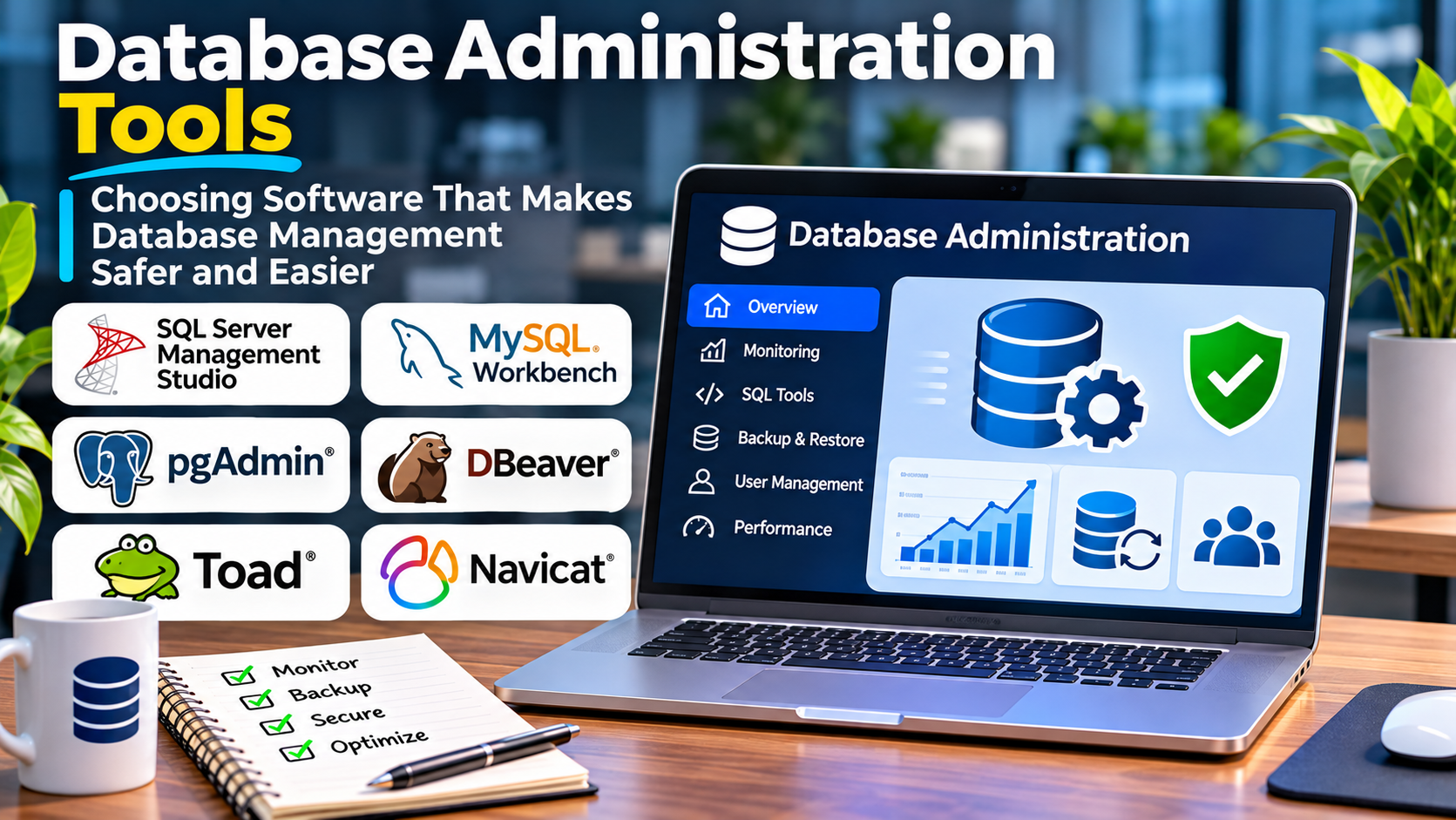
Database administration involves far more than writing SQL queries.
Administrators manage database structures, user permissions, performance, backups, recovery procedures, and operational changes that can affect entire applications.
A seemingly simple operation can have serious consequences.
Deleting the wrong table, modifying production data without a transaction, or applying a schema change without understanding its dependencies may interrupt critical services.
Database administration tools help teams perform these tasks with greater visibility and control.
However, not every SQL editor or graphical database client is a complete administration platform.
Some products focus on query development. Others provide broader operational capabilities, while database-native utilities remain essential for backup, recovery, and server management.
Understanding these differences is the foundation of a good software decision.
What Are Database Administration Tools?
Database administration tools are applications and utilities used to configure, inspect, maintain, and manage database systems.
They help database administrators, developers, analysts, and platform engineers work with database infrastructure and stored information.
Common capabilities include:
- Connecting to database servers
- Browsing databases, schemas, and tables
- Writing and executing SQL queries
- Managing users and permissions
- Creating and modifying database objects
- Importing and exporting information
- Inspecting query execution plans
- Reviewing sessions and connections
- Performing selected maintenance operations
- Supporting database migrations and troubleshooting
The capabilities available depend on the database engine and the administration tool.
A graphical client may support several database products but expose only a subset of each engine’s advanced administrative functions.
Why Database Administration Tools Matter
Database administration software reduces the friction involved in everyday technical work.
Without a suitable interface, administrators may need to remember numerous commands, switch between utilities, and manually inspect large amounts of database metadata.
Graphical tools can simplify navigation and make database structures easier to understand.
Advanced SQL editors can improve productivity through code completion, syntax highlighting, and query history.
However, convenience must not come at the expense of safety.
A database tool that makes destructive commands easy to execute without adequate safeguards can introduce operational risk.
The best administration environment balances efficiency with control.
The Main Types of Database Administration Tools
Graphical Database Clients
Graphical clients provide visual interfaces for browsing tables, editing data, executing queries, and inspecting database objects.
They are useful for administrators and developers who work interactively with databases.
SQL Development Environments
SQL-focused development tools provide features such as intelligent code completion, query formatting, debugging support, and schema navigation.
These capabilities help developers write and maintain database code.
Database-Native Administration Utilities
Database vendors often provide dedicated tools designed for their own database engines.
These utilities may offer deeper support for engine-specific features than general-purpose clients.
Database Migration Tools
Migration tools manage changes to database structures and sometimes data.
They are particularly important when application teams need repeatable database changes across development, testing, and production environments.
Operational Database Management Platforms
Some products focus on managing database fleets, availability, backup workflows, automation, or infrastructure configuration.
These systems solve different problems from desktop SQL editors.
Organizations should identify which category they actually need before comparing products.
Database Administration Tools Worth Evaluating
DBeaver
DBeaver is a cross-platform database management application used by developers, analysts, and database administrators.
Its Community edition provides open-source database tooling, while commercial editions offer additional capabilities.
DBeaver supports a broad range of database connections through supported drivers.
Its functions include SQL editing, data browsing, schema exploration, and selected administration workflows.
Strengths: Multi-database connectivity, flexible SQL editing, and a broad range of data-management functions.
Considerations: Advanced capabilities vary by edition, driver, and database engine.
DBeaver is especially useful for teams working with several database technologies.
pgAdmin
pgAdmin is an administration and development platform focused on PostgreSQL.
It provides graphical access to PostgreSQL database objects and administrative functions.
Its PostgreSQL specialization makes it relevant to organizations that primarily operate PostgreSQL environments.
Strengths: PostgreSQL-oriented workflows, graphical administration, and database object management.
Considerations: It is not intended to serve as a universal administration client for unrelated database engines.
For PostgreSQL-focused teams, using a specialized tool can simplify daily operations.
Microsoft SQL Server Management Studio
SQL Server Management Studio, commonly called SSMS, is Microsoft’s integrated environment for managing supported SQL Server infrastructure.
It provides capabilities for query execution, database object management, security administration, and troubleshooting.
Strengths: Deep integration with Microsoft SQL Server administration workflows.
Considerations: It is primarily relevant to supported Microsoft SQL environments rather than general multi-database administration.
Organizations running SQL Server should evaluate SSMS alongside the engine’s native management and automation capabilities.
JetBrains DataGrip
DataGrip is a database development environment from JetBrains.
It focuses on SQL productivity, database navigation, query execution, and related development workflows.
It supports connections to numerous relational and other database systems.
Strengths: SQL editing assistance, schema navigation, and support for developers working across multiple databases.
Considerations: DataGrip is primarily a database development environment, not a replacement for every server administration, backup, or high-availability utility.
It is especially relevant to developers who spend significant time writing and reviewing SQL.
Oracle SQL Developer
Oracle SQL Developer is a graphical tool designed for Oracle database development and administration-related workflows.
It supports browsing database objects, running SQL, working with PL/SQL, and selected data-management operations.
Strengths: Oracle-oriented development functionality and integration with supported Oracle database features.
Considerations: Its greatest value comes from Oracle-focused workflows.
Organizations should confirm the capabilities required for their particular Oracle database environment.
MySQL Workbench
MySQL Workbench is a graphical tool associated with MySQL database design, development, and administration.
It provides SQL development, data modeling, and selected server administration functions.
Strengths: MySQL-focused workflows and visual database modeling.
Considerations: Compatibility and supported features depend on the MySQL environment and tool version.
Teams should validate its suitability for their database versions and maintenance requirements.
How to Compare Database Administration Tools
| Evaluation Area | Why It Matters |
|---|---|
| Database compatibility | Determines which engines and versions the tool can manage |
| SQL editor | Affects query development and troubleshooting productivity |
| Schema management | Supports controlled changes to tables and database objects |
| User administration | Helps manage database access and permissions |
| Data import and export | Supports migrations, analysis, and operational workflows |
| Query diagnostics | Helps investigate inefficient database operations |
| Security controls | Reduces risks associated with privileged database access |
| Automation support | Enables repeatable and auditable workflows |
| Licensing | Influences adoption and long-term operating costs |
A tool should be evaluated using the workflows that administrators actually perform.
A polished interface is useful, but reliable functionality and operational safety are more important.
Single-Database vs. Multi-Database Administration
Organizations operating one database engine may benefit from a specialized administration tool.
For example, a PostgreSQL team may prefer a PostgreSQL-focused interface because it exposes relevant database features directly.
A development organization using PostgreSQL, MySQL, SQL Server, and other databases may prefer a multi-database client.
This reduces the need to learn a completely different interface for every system.
However, multi-database convenience has limitations.
Different database engines use different SQL dialects, security models, transaction behavior, and administrative commands.
A universal interface cannot eliminate these differences.
Teams should still maintain expertise in the database technologies they operate.
Database Administration and Security
Administration tools frequently connect to systems containing sensitive information.
Their configuration therefore matters.
Use Individual Accounts
Administrators should use identifiable accounts rather than sharing credentials.
Individual identities improve accountability and simplify access revocation.
Apply Least Privilege
Developers and analysts should not automatically receive unrestricted production permissions.
Use read-only access where appropriate and grant elevated privileges only when necessary.
Protect Connections
Use supported encrypted connections and verify server identity when the environment requires it.
Avoid disabling certificate validation simply to make a connection work.
Manage Credentials Securely
Database passwords and other credentials should not be stored in unsecured files or shared through informal communication channels.
Where practical, integrate with approved organizational authentication and secret-management systems.
Separate Production Environments
Production databases deserve additional safeguards.
Use clearly identifiable connections, restricted permissions, and controlled change procedures.
A convenient SQL client should not become an uncontrolled route to critical business data.
Why Database Change Management Matters
Database schema changes can affect applications in unexpected ways.
Adding a column may be straightforward, but modifying a widely used table can create locking, compatibility, or performance problems.
A reliable change process should include:
- Reviewing the proposed change.
- Testing it against a representative environment.
- Understanding application dependencies.
- Planning rollback or recovery procedures.
- Scheduling deployment appropriately.
- Monitoring the database after implementation.
For teams deploying application changes frequently, migration tools such as Flyway or Liquibase may complement interactive administration clients.
These tools help organize database changes as repeatable, version-controlled operations.
They do not eliminate the need for testing and review.
Database Backup and Recovery Responsibilities
Database administration tools may provide interfaces for backup-related operations.
However, the presence of a backup button does not guarantee a reliable recovery strategy.
Organizations need to understand the backup capabilities of their database engine and infrastructure.
Important considerations include backup consistency, retention, encryption, storage location, and restoration procedures.
Recovery objectives should reflect business requirements.
A system that can tolerate several hours of data loss has different needs from a transaction platform requiring much tighter recovery expectations.
Regular restoration tests are essential.
A backup is only useful when the organization can recover the required information within an acceptable period.
Automation vs. Manual Database Administration
Manual administration is useful for investigation, development, and exceptional maintenance.
However, repetitive production operations are often safer when automated through controlled processes.
Examples include scheduled maintenance, configuration deployment, database migrations, and selected backup workflows.
Automation improves repeatability and can reduce human error.
Nevertheless, poorly designed automation can repeat mistakes at scale.
Automated operations should include appropriate validation, logging, authorization, and failure handling.
The objective is not to eliminate human judgment.
It is to reserve human attention for decisions that genuinely require it.
Common Database Administration Mistakes
Using Production as a Testing Environment
Running experimental queries or schema changes against production data creates unnecessary risk.
Use representative non-production environments whenever possible.
Ignoring Transactions
Database transactions can help protect consistency during supported operations.
Administrators should understand transaction boundaries and rollback behavior before modifying important data.
Running Large Queries Without Reviewing Their Impact
A query that appears harmless may scan millions of rows or hold resources for an extended period.
Use execution plans and appropriate testing to understand potential effects.
Giving Every User Administrator Permissions
Excessive permissions increase the consequences of mistakes and compromised accounts.
Restrict access according to responsibilities.
Assuming a GUI Replaces Database Knowledge
A graphical interface can simplify operations, but it cannot fully explain transaction isolation, query optimization, replication, or recovery behavior.
Administrators still need database-specific expertise.
Choosing Database Administration Tools for Different Teams
Small Development Teams
A general-purpose SQL client may provide sufficient functionality for development, testing, and occasional database maintenance.
DBeaver or another suitable multi-database tool can be practical when the team works across different engines.
PostgreSQL-Focused Organizations
pgAdmin and PostgreSQL-native utilities may provide a strong foundation.
Teams with advanced development requirements may also benefit from specialized SQL editing environments.
Microsoft SQL Server Environments
SSMS is a natural option for supported SQL Server administration workflows.
Additional monitoring, migration, and automation tools may be appropriate for larger environments.
Oracle-Centered Enterprises
Oracle SQL Developer and other Oracle-native management capabilities can support database development and administration.
Tool selection should reflect the organization’s Oracle deployment architecture.
Large Multi-Database Enterprises
Enterprises may need a combination of graphical clients, automated migration tools, monitoring platforms, privileged access controls, and database-native utilities.
Trying to force every requirement into one product may create unnecessary compromises.
Frequently Asked Questions
What is the best database administration tool?
There is no universal best choice. DBeaver and DataGrip support multi-database workflows, while pgAdmin, SSMS, and Oracle SQL Developer are more closely aligned with particular database ecosystems.
Are database administration tools free?
Several tools offer free or open-source editions. Commercial editions and specialist enterprise products may require paid licenses.
What is the difference between a database client and a DBA tool?
A database client provides access to database operations, often including SQL execution and data browsing. A DBA tool may provide additional administrative capabilities such as security management, maintenance, diagnostics, or operational workflows.
Can database administration tools improve performance?
They can help administrators investigate queries, review execution plans, and apply appropriate changes. Performance improvements depend on correct diagnosis and implementation.
Do database administrators need to know SQL?
SQL knowledge is highly valuable for relational database administration. The required expertise depends on the database technology and the administrator’s responsibilities.
Final Thoughts
Database administration tools should make important work easier without weakening operational control.
The best software depends on the database engines, team responsibilities, and frequency of administrative changes.
Specialized tools may provide deeper support for a particular database platform, while multi-database clients offer convenience across diverse environments.
Organizations should evaluate SQL productivity, compatibility, permissions, automation, and recovery workflows together.
A reliable database administration environment combines suitable software with disciplined processes, technical expertise, and clear accountability.