Introduction
A temperature reading can reveal a serious food safety problem.
However, recording the temperature is only the beginning.
If a refrigerated storage unit exceeds its approved operating limit, employees need to know which products may be affected, what corrective action is required, who is responsible, and how the incident should be documented.
A digital checklist that simply records a number does not solve the underlying problem.
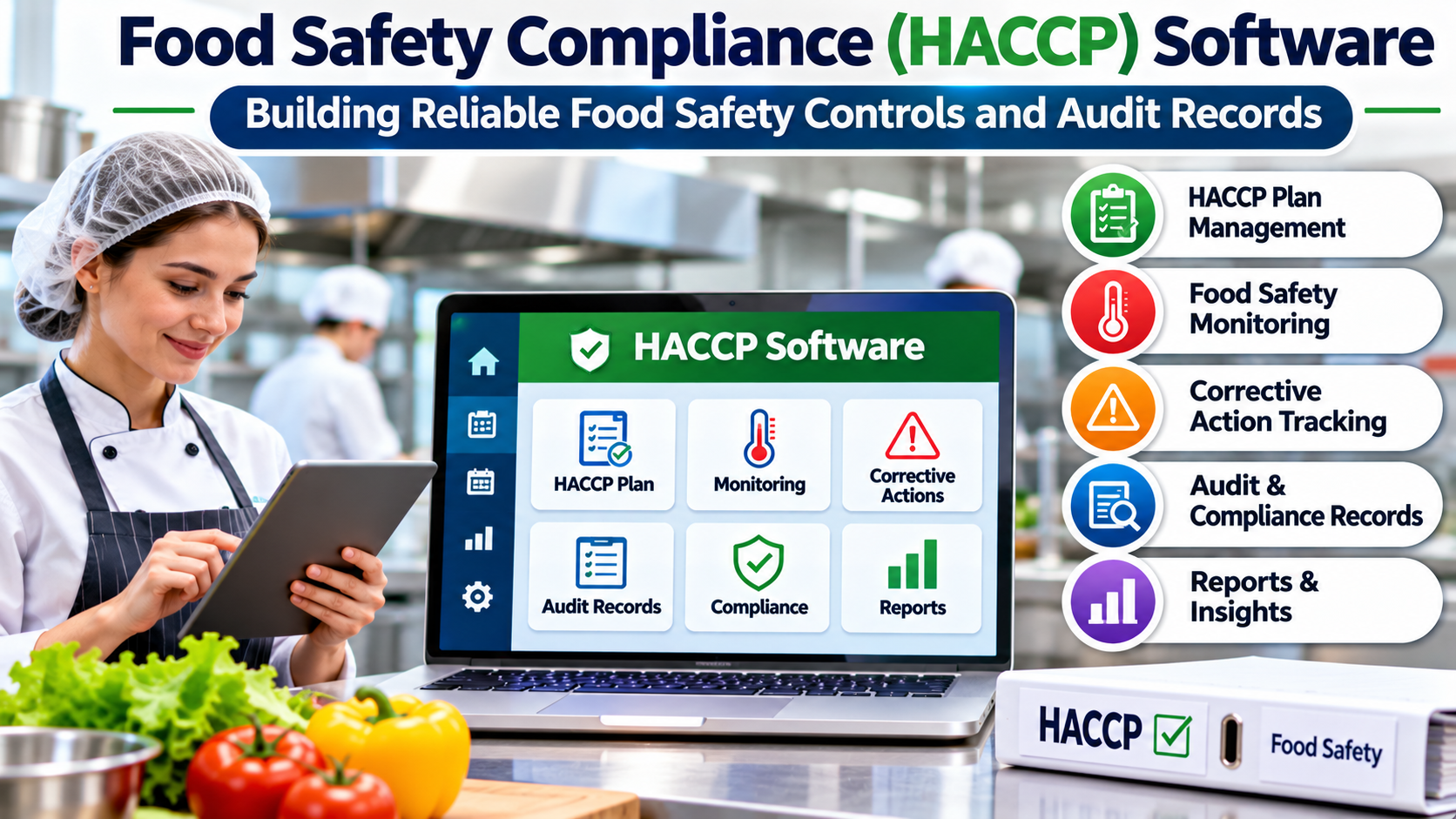
Food safety compliance software helps organizations turn food safety procedures into repeatable, documented workflows.
Many systems support Hazard Analysis and Critical Control Points, commonly known as HACCP.
HACCP is a preventive food safety approach that identifies significant hazards and establishes controls to prevent, eliminate, or reduce them to acceptable levels.
Software can help organizations administer these controls, but it cannot independently determine whether food is safe.
Effective implementation requires appropriate hazard analysis, trained personnel, validated procedures, and consistent operational practices.
What Is Food Safety Compliance Software?
Food safety compliance software helps food businesses organize and document activities associated with food safety management.
Depending on the platform, it may support:
- HACCP plan administration
- Hazard assessments
- Critical control point monitoring
- Temperature records
- Cleaning and sanitation checklists
- Supplier documentation
- Corrective action workflows
- Employee training records
- Equipment checks
- Audit preparation
- Document version control
- Traceability and recall information
- Management reporting
Different products serve different parts of the food industry.
A restaurant may need digital temperature logs and cleaning checks.
A food manufacturer may require complex HACCP documentation, supplier controls, traceability, and formal verification records.
A distributor may prioritize storage conditions and transportation records.
The appropriate software depends on the hazards and regulatory obligations associated with the operation.
Understanding HACCP Before Choosing Software
HACCP is built around a structured approach to identifying and controlling food safety hazards.
The seven commonly recognized HACCP principles are:
- Conduct a hazard analysis.
- Determine critical control points.
- Establish critical limits.
- Establish monitoring procedures.
- Establish corrective actions.
- Establish verification procedures.
- Establish recordkeeping and documentation procedures.
These principles provide a framework for a food safety plan.
However, not every food safety check is a critical control point.
A business must determine its controls through an appropriate hazard analysis rather than treating every checklist item as a CCP.
Software should reflect the organization’s validated food safety program.
It should not automatically invent critical limits or substitute generic templates for a process-specific assessment.
The Difference Between Hazards, Controls, and Records
Three concepts are essential when evaluating HACCP software.
Food Safety Hazards
Hazards may be biological, chemical, or physical.
Examples include harmful microorganisms, unintended chemical contamination, and foreign materials.
The relevant hazards depend on the food, process, equipment, and operating environment.
Control Measures
Control measures are activities or conditions used to prevent or reduce identified hazards.
These may involve time and temperature controls, sanitation procedures, supplier requirements, or other process-specific measures.
The organization must establish which controls are appropriate.
Records
Records document that monitoring and other required activities occurred.
They may include measurements, observations, corrective actions, verification results, and approvals.
A complete record is valuable only when the underlying activity was performed correctly.
Digital documentation improves visibility but does not automatically guarantee safe behavior.
How HACCP Software Supports Daily Operations
Consider a food production facility with a validated temperature control procedure.
Step 1: Configure the Approved Procedure
The organization enters the relevant monitoring requirements into the software.
These may include measurement frequency, responsible personnel, critical limits, and required records.
The configuration should reflect the approved HACCP plan.
Step 2: Assign Monitoring Tasks
The system presents tasks to the appropriate employees.
Staff may use mobile devices, tablets, or workstation interfaces.
Some systems also integrate with monitoring equipment.
Step 3: Record Observations
Employees enter measurements or confirm required checks.
The system records the information and relevant metadata.
Depending on the platform, this may include timestamps, user identification, and equipment references.
Step 4: Identify Deviations
If a measurement falls outside an established critical limit, the system may flag the deviation.
The alert should direct staff toward the organization’s approved corrective action procedure.
Step 5: Document Corrective Action
Responsible employees record what happened and how the situation was addressed.
This may involve evaluating affected product, correcting process conditions, and documenting the disposition.
Step 6: Verify and Review
Authorized personnel review the records and confirm that the required procedures were followed.
Verification is distinct from routine monitoring.
It may include record reviews, calibration checks, testing, and other activities defined by the food safety program.
Step 7: Preserve Records
The system retains records according to applicable requirements and organizational policy.
Records should remain accessible for internal review and appropriate inspections or audits.
Core Features to Look For
Configurable HACCP Plans
The platform should support the organization’s actual processes and approved control requirements.
A rigid template may be unsuitable for businesses with specialized production methods.
Configuration flexibility is important, but changes should be governed carefully.
Digital Monitoring Forms
Digital forms can reduce paper handling and improve record consistency.
They should be easy to use in the operational environment.
A form that takes too long to complete may encourage rushed or incomplete records.
Corrective Action Management
This is one of the most important capabilities.
The system should do more than flag an unacceptable result.
It should help employees record the deviation, required response, responsible person, and final outcome.
Where appropriate, unresolved actions should remain visible to management.
Audit Trails
Food safety records may need to demonstrate who entered information, when it was entered, and whether it was changed.
Audit trails can support accountability.
Businesses should verify whether records can be edited and how corrections are documented.
Equipment Monitoring
Some platforms connect with temperature sensors or other monitoring devices.
Automated readings can reduce manual entry.
However, sensors require appropriate installation, calibration, maintenance, and validation for their intended use.
A connected sensor is not inherently accurate simply because its readings appear in software.
Document Management
Food safety programs often include procedures, supplier records, training documents, and verification evidence.
Version control helps employees use current instructions.
Obsolete procedures should not remain indistinguishable from approved documents.
Traceability
Traceability helps businesses identify the movement and history of relevant products or ingredients.
The required level of traceability depends on the operation and applicable rules.
Some food safety platforms provide traceability capabilities, while others integrate with inventory or ERP systems.
Food Safety Software Platforms Worth Evaluating
The following examples represent different approaches to food safety management.
They are not an independently tested ranking, and businesses should confirm current capabilities directly with vendors.
FoodDocs
FoodDocs provides digital food safety management technology, including HACCP-related workflows and monitoring tools.
Its approach may be relevant to food businesses seeking structured digital procedures.
Consider it when: The organization wants to move from paper-based food safety documentation to digital workflows.
Evaluate: HACCP configuration, corrective actions, monitoring methods, and suitability for local requirements.
SafetyCulture
SafetyCulture provides operational inspection, checklist, and issue management technology.
It can support food safety inspection and monitoring workflows, although businesses must configure those workflows appropriately.
Consider it when: The organization needs flexible digital inspections across food safety and other operational activities.
Evaluate: Template governance, corrective action records, access controls, and HACCP-specific requirements.
Safefood 360°
Safefood 360° provides food safety and quality management technology aimed at food industry operations.
Its scope may be relevant to manufacturers and other organizations with formal food safety management requirements.
Consider it when: The business needs broader food safety and quality management capabilities.
Evaluate: HACCP support, supplier management, document controls, implementation effort, and reporting.
Jolt
Jolt provides operations management tools used in environments such as restaurants and food service businesses.
Its functionality includes digital operational checks and monitoring-related workflows.
Consider it when: A food service operator needs consistent daily task execution and digital records.
Evaluate: Temperature monitoring, checklist administration, corrective actions, and hardware or integration requirements.
Enterprise Quality Management Systems
Some food manufacturers use enterprise quality management software that supports food safety alongside supplier quality, nonconformances, audits, and corrective actions.
These platforms may be appropriate when HACCP forms part of a wider quality management program.
Consider this approach when: The organization operates complex manufacturing or supply chain processes.
Evaluate: Food-specific functionality, regulatory alignment, system integration, and configuration demands.
Comparing Food Safety Software Approaches
| Software approach | Typical strength | Important consideration |
|---|---|---|
| HACCP-focused platforms | Food safety plan and monitoring workflows | Process-specific configuration |
| Digital checklist platforms | Flexible inspections and task records | HACCP controls may require additional setup |
| Restaurant operations tools | Daily checks and employee accountability | Manufacturing requirements may be outside scope |
| Food safety and quality platforms | Broader compliance and quality processes | Greater implementation complexity |
| Enterprise quality systems | Cross-functional governance | Cost and administration |
The best solution is the one that supports the organization’s documented food safety management system.
A feature-rich platform that does not match actual operating procedures can create unnecessary work without improving control.
Why Corrective Actions Matter More Than Attractive Dashboards
A dashboard showing completed checks can create a reassuring picture.
However, completion rates alone do not demonstrate food safety performance.
Suppose employees complete every scheduled refrigeration check.
One reading exceeds the approved limit.
If the system marks the task complete but does not capture the required response, the record remains operationally incomplete.
A useful platform should distinguish between completing a monitoring task and resolving a deviation.
Managers need to know whether affected products were evaluated and whether corrective actions were documented.
The system should also support verification according to the organization’s procedures.
Food Safety Compliance Is Jurisdiction-Specific
Food safety requirements vary by country, product category, and business activity.
For example, food businesses in India may need to consider requirements administered by the Food Safety and Standards Authority of India.
Businesses in the United States may be subject to different regulatory frameworks depending on their activities.
International food manufacturers may also operate under customer requirements or recognized food safety certification schemes.
HACCP principles are widely used, but the exact legal obligations are not identical everywhere.
Software should therefore be evaluated against the organization’s actual regulatory and certification requirements.
A vendor’s statement that a product is compliant should not replace a detailed assessment.
Data Integrity and Record Reliability
Digital food safety records can become important evidence during inspections, investigations, and audits.
Businesses should examine how software protects record integrity.
Relevant questions include:
- Can users backdate entries?
- Are edits recorded?
- Can records be deleted without an audit trail?
- Are access permissions role-based?
- What happens during connectivity failures?
- How are records backed up?
- Can historical records be exported?
- How are procedure changes documented?
These questions matter because digital convenience should not weaken accountability.
The organization should also establish procedures for correcting genuine recording errors without concealing the original information.
Integrating Sensors With HACCP Workflows
Connected monitoring devices can collect readings automatically.
This may be useful for refrigeration, cold storage, and other applications requiring regular measurement.
However, several limitations must be understood.
A sensor may measure the temperature at one location without representing every product in the storage area.
Network interruptions may prevent data transmission.
Calibration errors can produce inaccurate measurements.
The monitoring program must therefore define where sensors are installed, how readings are interpreted, and what employees should do when equipment fails.
Automated monitoring should complement a validated food safety process.
Measuring Food Safety Program Performance
Useful metrics may include monitoring completion, overdue checks, deviations, corrective action closure, equipment problems, and verification findings.
However, no single metric proves that food is safe.
A low number of recorded deviations may indicate effective controls.
It may also indicate poor monitoring or underreporting.
Managers should interpret records alongside audits, observations, training, and other evidence.
The purpose of measurement is to improve control, not simply produce attractive compliance statistics.
A Practical Implementation Plan
Review the Existing Food Safety Program
Before purchasing software, confirm that the organization has appropriate procedures and documented responsibilities.
Software should not be used to conceal gaps in the underlying program.
Map Monitoring Requirements
Identify which checks must occur, who performs them, and how often they are required.
Determine which records need review or approval.
Configure Critical Limits Carefully
Enter approved limits and corrective action procedures.
Have qualified personnel verify the configuration before operational use.
Test Deviations
Do not test only successful checklist completion.
Simulate an out-of-limit result and confirm that the correct workflow follows.
Train Employees
Staff should understand both how to use the application and why each food safety control matters.
Establish Backup Procedures
Plan for internet outages, device failures, and unavailable sensors.
Food safety activities must continue even when software is inaccessible.
Review Records After Launch
Examine incomplete tasks, recurring deviations, and employee feedback.
Refine workflows without weakening required controls.
Common Software Selection Mistakes
One mistake is assuming that purchasing HACCP software automatically makes a business compliant.
Compliance depends on actual procedures and practices.
Another is treating every food safety task as a critical control point.
That can confuse the distinction between HACCP controls and broader prerequisite programs.
Businesses may also overemphasize automated sensors while neglecting calibration and corrective action procedures.
Finally, some organizations select complicated systems that employees struggle to use during routine operations.
A simpler platform with dependable records may be more effective than a sophisticated product that staff cannot operate consistently.
Frequently Asked Questions
What does HACCP stand for?
HACCP stands for Hazard Analysis and Critical Control Points. It is a preventive approach to identifying and controlling significant food safety hazards.
Does HACCP software guarantee compliance?
No. Software can support documentation, monitoring, and accountability, but compliance depends on appropriate procedures, trained employees, and applicable requirements.
Can restaurants use HACCP software?
Yes. Restaurants may use digital food safety tools for monitoring, sanitation checks, corrective actions, and records. The necessary functionality depends on their operations.
Is automated temperature monitoring required?
Requirements depend on the applicable food safety program and regulations. Automated monitoring can be useful, but it is not universally required.
What is the difference between monitoring and verification?
Monitoring checks whether a control is operating as required. Verification evaluates whether the food safety system and its controls are functioning as intended.
Can food safety software replace employee training?
No. Employees must understand their responsibilities and the significance of the controls they perform.
Final Thoughts
Food safety compliance software is most valuable when it strengthens real food safety practices.
The right platform should make approved procedures easier to follow, deviations harder to overlook, and records more dependable.
It should also support corrective actions and verification rather than focusing only on checklist completion.
A restaurant may need practical daily monitoring tools.
A manufacturer may require comprehensive HACCP documentation, traceability, and quality management integration.
Before selecting software, organizations should evaluate their hazards, procedures, regulatory obligations, and operational environment.
Technology can make a well-designed food safety program more consistent and visible.
It cannot replace the professional judgment and disciplined execution that make the program effective.