Introduction
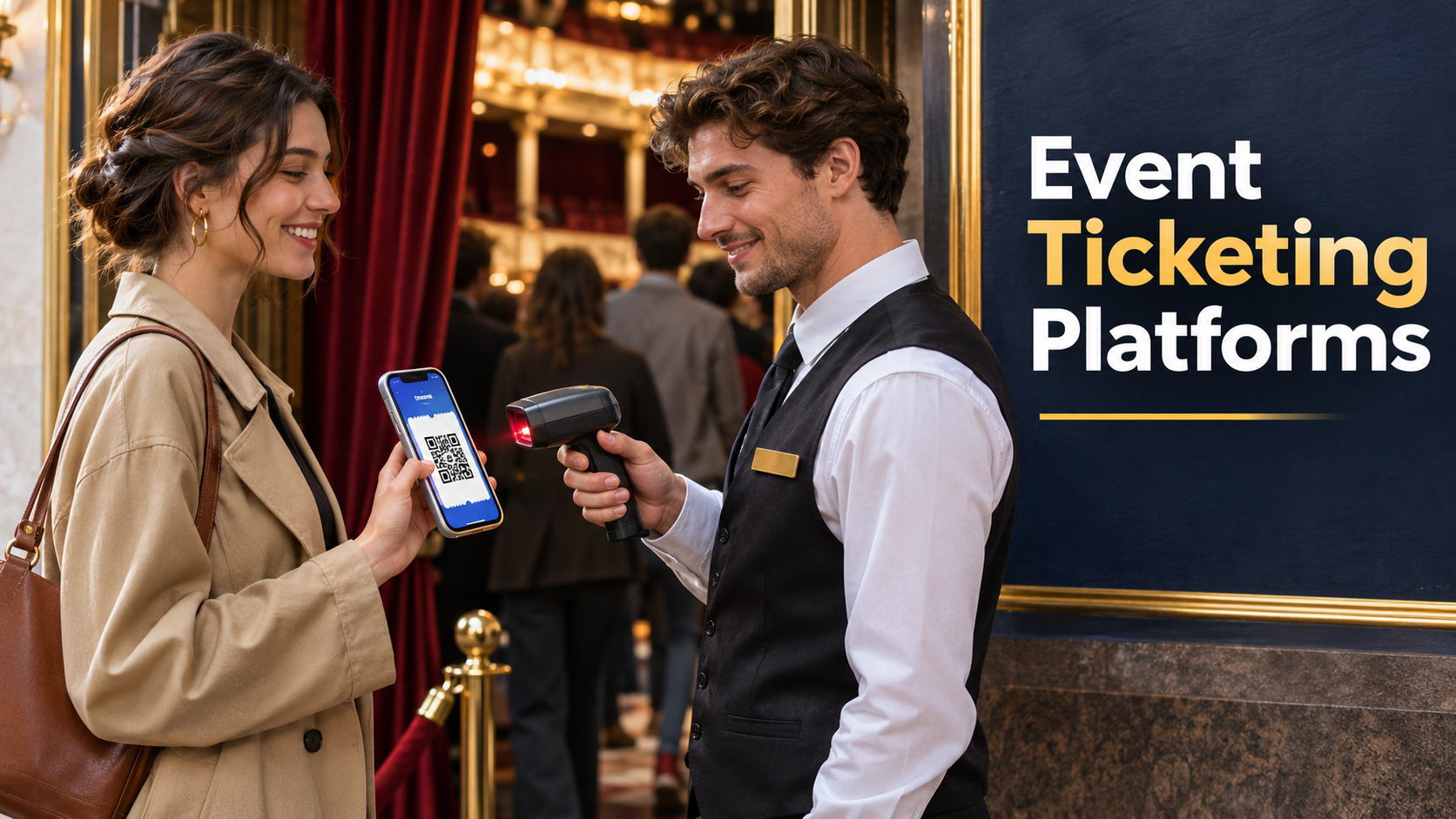
The doors open in twenty minutes. One attendee has a screenshot of a ticket their friend transferred. Another bought four tickets and arrived before the rest of the group. A third paid at the box office and has an order confirmation but no code. Each person has a reasonable explanation, and the door crew has a line forming behind them.
The platform a buyer sees at checkout and the platform staff rely on at admission share a single job. They must keep track of what someone bought and whether that purchase gives them the right to enter now. A buyer who evaluates both halves of that job can find weaknesses before an event puts them on display.
Sell the kind of admission your venue can deliver
General admission starts with a capacity limit. That can work well for a talk with open seating or a gig where the audience stands. Reserved seating adds a promise that a specific place will be available. Timed admission adds a promise that a guest may enter during a specific window. Multi-day events can combine all three models across passes, sessions, and spaces.
Draw the inventory before asking for a demo. A 300-person venue might hold places for performers and sponsors, make some tickets available to members first, and reserve a small allocation for the door. Ask what happens to the remaining public inventory when an organizer issues a complimentary pass or increases a group hold. Have the vendor release a hold while sales are open and show where the additional capacity appears.
For reserved seating, rehearse moving an attendee after the seating plan changes. A camera position might block a row or a production crew might need extra space. Ask how the original place returns to inventory, how staff issue the replacement, and whether the customer receives a clear update. Have someone test the seating map with the devices and accessibility tools the audience is likely to use. Staff also need an assisted purchase route for guests who cannot complete the map interaction on their own.
Timed entry has a different complication. A slot’s sales limit measures expected arrivals, while room capacity depends on how long people stay. A museum exhibit can sell a reasonable number of places for each hour and still see congestion if visitors linger. Choose a platform that lets the team configure the admission rule it can enforce, then use actual attendance patterns to inform future slot limits.
Read the ticket like a customer
Place an order on a phone with the smallest screen you expect to see at the venue. Record when the customer sees the full payable price, whether the terms are legible, and how easily the buyer can identify the date, time, entrance, and seat. Give a second tester the confirmation without telling them how to find their ticket. Notice whether they open the receipt, the ticket attachment, or an account page first.
Next, buy several tickets and simulate the group arriving in pieces. A single order can contain multiple admissions, and the order buyer may be absent. Check whether attendees can receive separate tickets, whether their names matter for entry, and what happens to the original code after a transfer. If the event uses a named pass, ask door staff to practice explaining the policy in a way a guest can understand quickly.
Repeat the test for refunds. Cancel one ticket from a group order, leave the other admissions active, and inspect the new total. Then try the canceled ticket at a scanner. The finance record, customer notification, and door result should tell the same story. If a refund requires help from the provider, ask what support is available when the cancellation affects a whole show.
Rehearse the exceptions at two gates
Eventbrite’s organizer documentation describes camera-based QR scanning, manual lookup, and check-in settings for selected ticket types. Those features make it a useful example of the basic tools an event crew may expect. The product decision still depends on how the proposed setup behaves with your ticket rules, connectivity, and staffing.
Set up two entry devices and run this rehearsal with test orders. Try an already-scanned ticket at the second gate. Use a pass at an entrance that serves a different session. Look up a guest whose purchase confirmation went to another person. Disconnect one device in a controlled test and see what it can verify, which sales it knows about, and when its records catch up after reconnecting.
| Door scenario | What to verify |
|---|---|
| Same ticket appears at both gates | Staff can recognize the prior check-in and know where to resolve the dispute |
| Guest arrives without a readable code | An authorized operator can find the admission without holding up the scanning lane |
| Late box-office purchase | The venue knows when the new ticket becomes visible at each entrance |
| Scanner loses connectivity | Staff understand which checks still work and when to use the fallback procedure |
| Attendee leaves and returns | The door workflow enforces the event’s re-entry policy |
Assign someone to handle exceptions away from the fastest-moving queue. That person may need broader lookup rights and a way to issue a corrected ticket. Scanner volunteers can often work with more limited access. Practice with the roles you will assign on event day, because a test conducted entirely under an administrator account can conceal missing permissions.
Compare fees using an actual settlement
A platform quote may involve a percentage of the ticket value, a fixed amount per ticket or order, payment processing, subscription costs, or services for on-site hardware and support. Ask for a sample statement that ties an order to a payout. Include a paid ticket, a discount, a complimentary admission, a partial refund, and a canceled order.
Check which fees the organizer absorbs and which appear in the buyer’s total. In a hypothetical example, a $2 fixed fee takes 10 percent of a $20 ticket and 2 percent of a $100 ticket. A per-order charge can also affect one-ticket buyers differently from groups. Compare the final price a customer sees and the amount the organizer keeps across the price points you expect to sell.
Payout timing can affect production planning. A promoter might need to pay a venue deposit before the event and settle with performers afterward. Ask when funds become available, what can delay a payout, and how a refund or disputed payment appears on the statement. Ask finance to reconcile the test statement to exported orders before assuming the reports fit its process.
Choose where you want customers to find you
A public marketplace can provide discovery alongside ticket sales. An embedded or branded checkout can keep the experience close to a venue’s own website. For a repeat event, look at how guests find the next show, how the organization handles permission to send future updates, and which order fields it can export. For a one-off event with a small team, getting a simple page live quickly may carry more weight than deep customization.
Decide how refunds and attendee support will work before launch. Write a short reply staff can use for a date change, lost confirmation, or accessibility request. Give the box office and the organizer the same version of the policy. A platform can make the workflow faster, but staff still need to know which decisions they are authorized to make.
Run the whole rehearsal again with the device and account setup you will use at the venue. The platform that fits is the one that can show a clear answer at every stage, from the total on the purchase screen to the admission decision at the gate and the amount that reaches the organizer’s account.