Introduction
A conference speaker cancels the morning before the event. The producer moves a breakout session into the empty slot and assigns it a larger room. Registration now has to release waitlisted attendees, the app needs the new location, the venue needs to adjust the room setup, and the production crew needs an updated run-of-show. Several people can make the change correctly in their own tools and still leave attendees following yesterday’s agenda.
Event management software helps organizers coordinate those dependencies. A platform may combine registration, session enrollment, attendee communications, check-in, and reporting. Some teams combine specialist systems with a central record instead. The practical question is whether everyone who depends on a change receives the right version in time to act.
Decide which system owns each event record
Put the event’s main records on a page. An agenda item has a title, time, location, speakers, and capacity. An attendee record may include registration status, ticket or invitation type, and session choices. A production schedule can include setup time, sound checks, and internal staff assignments. Some of this information can appear in several places, but each field needs a clear owner.
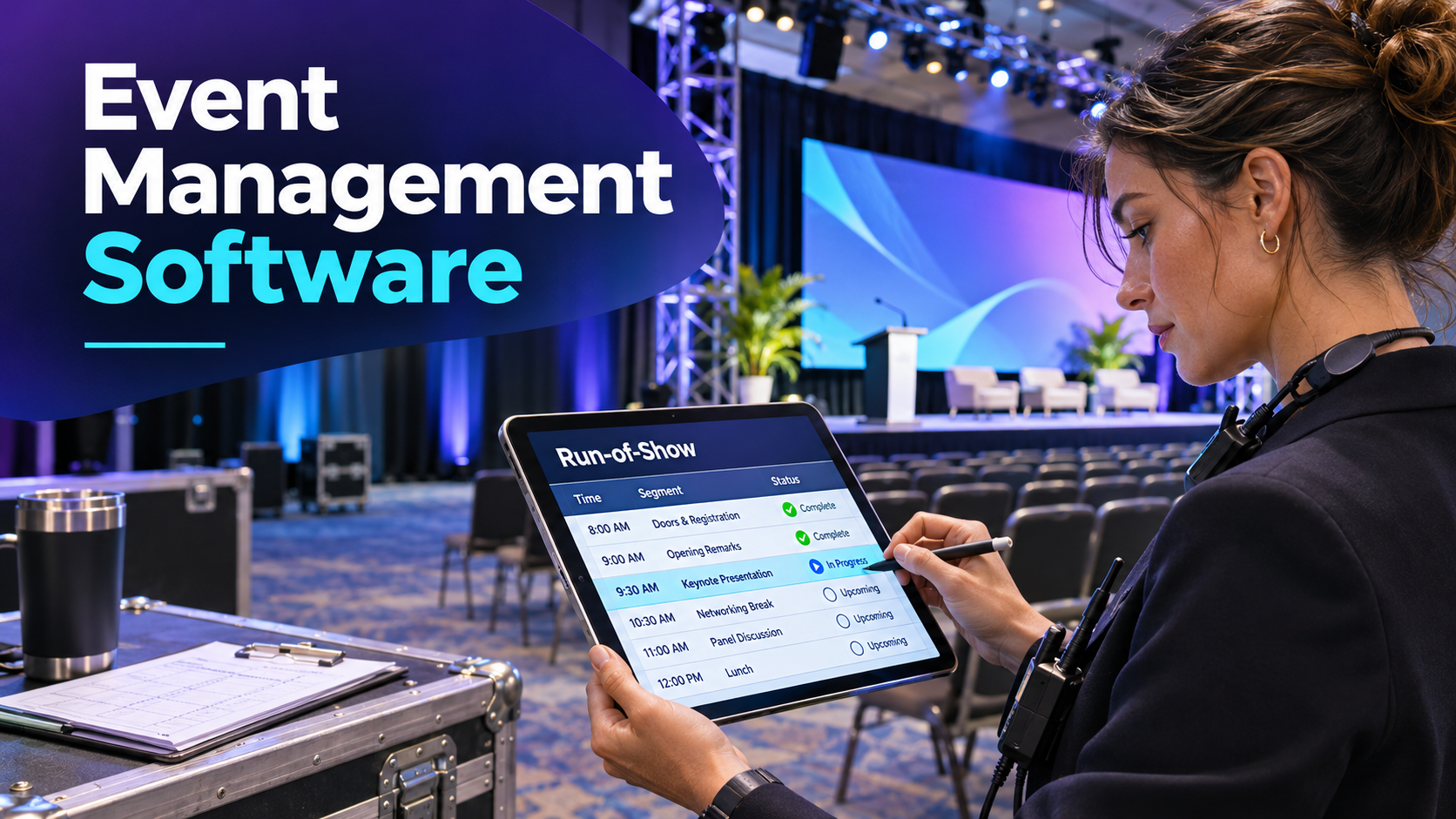
Think of the public agenda and the run-of-show as views with different readers. An attendee wants the session title and the room. A stage manager needs to know when the speaker should reach the green room and which crew member will check the microphone. When the same platform supports both views, check who can edit each and how changes flow between them. When separate tools handle the views, decide who checks that updates reach both.
The same principle applies to attendees. An individual might register through an invitation, add a workshop later, then transfer their place to a colleague. The original registration, payment, and replacement attendee may need to remain connected even when the name changes. An email address alone can be a weak way to match these records if people register more than once or use a different address for an invitation.
Walk the registration paths that create downstream work
A simple registration form can become complicated when an event offers workshops, tracks, sponsor passes, or paid upgrades. For a buyer’s demonstration, create one registration that covers the full event and another that covers a single day. Add a workshop with a capacity limit and a waitlist. Test whether each attendee sees the right choices and gets a confirmation that accurately describes what their pass includes.
Then put an attendee on the waitlist and release a place. Does the system confirm them automatically, ask them to accept by a deadline, or leave the decision to staff? Each policy can make sense. What matters is whether the organizer can see who holds the place and whether the guest has acted. A team that needs to prepare printed materials or meals may need a cutoff even if the room still has space.
Rehearse an on-site registration with the exact pass the organizer plans to sell at the venue. Cvent’s documentation, for example, explains how registration deadlines and QR confirmation settings can affect the path from last-minute registration to check-in. For any platform, test the complete path with your configuration so the help desk knows what to do when a newly registered guest reaches the entrance.
Include an accessibility request in the rehearsal using sample data. Determine who receives it, when they act, and where they record the outcome. Registration staff may need to confirm the request, while a room lead may only need an instruction about the setup. Check that the people who can help receive enough information to act and that general volunteer views show only the details needed for their role.
Make one disruptive change in front of the vendor
Ask the vendor to build a small conference using two rooms, three sessions, and two attendee types. After registration opens in the test environment, move a session to a different room and give it a smaller capacity. Use a change that affects real dependencies in the setup.
| What changes | What the demonstration should show |
|---|---|
| Room and start time | The attendee agenda updates and staff can identify the previous assignment |
| Available seats | Existing enrollments and waitlisted attendees remain visible |
| Speaker assignment | The right people receive the revised instructions |
| Onsite setup | The venue or room lead sees the new requirements |
| Attendee communications | The organizer can preview the recipient list and message before sending |
Watch for extra work that moves outside the platform. A manual update can be perfectly workable if it has a clear owner and a check. Several manual updates assigned vaguely to the events team create uncertainty during a live change. Ask how the team would catch a mismatch after the vendor’s demonstration account is gone.
Try the change with restricted roles. A sponsor coordinator may need to update a booth contact without editing the public schedule. A volunteer may need to scan badges and look up arrivals without downloading the attendee database. A producer may need to update the run-of-show while someone else approves outbound messages. Ask the team to work through a permission problem as part of the test so it knows who can restore access on event day.
Choose a platform that matches your operating model
An association with a recurring conference can gain from reusing registration rules, templates, and reports. It also needs to know whether cloning a previous event copies obsolete prices, old venue instructions, or past permissions. Ask someone to build a second event from a template and list the fields they have to review before publication.
A small producer running several events with different venues might value an adaptable setup and clean exports. If ticketing is already working, a planning and scheduling tool may solve the biggest coordination problem. A large conference may value a shared attendee record across registration, badge printing, and session attendance, especially when many teams need updates at the same time.
For a hybrid event, add a separate rehearsal for remote and onsite access. A virtual attendee may need a link and a time zone, while the in-person attendee needs a location and an entry credential. Test whether a guest can change their attendance mode and whether the platform updates the relevant communications and access. Confirm how the event counts each kind of participation when reporting turnout.
Close the event with records you can reuse
Before signing, ask the organizer, finance lead, and reporting owner to review sample exports. An attendance report should define whether a person registered, checked in at the venue, joined a session, or watched a replay. These measures can all be useful. They answer different questions, so ask which event records support each figure and how duplicates or transfers affect the count.
If data goes into a customer relationship management system, test an existing contact as well as a new registrant. Check what happens when a field is empty, when a person registers twice, and when the attendee withdraws. Assign ownership of any records that need review instead of letting an unresolved import sit until the next event.
Price the complete workflow, including registration volume, onsite hardware, integrations, training, and the support hours the team will use. Then give the proposed system one final test. Have the planner change a session and ask the venue, registration desk, and an attendee to describe the change using their own views. If they can act on the same information without chasing the planner, the software fits the work it was bought to coordinate.