Introduction
A child walking home from school, visiting a friend, or using a messaging app can create very different concerns for parents. Some involve physical safety, while others involve online interactions, unwanted contact, or exposure to harmful content.
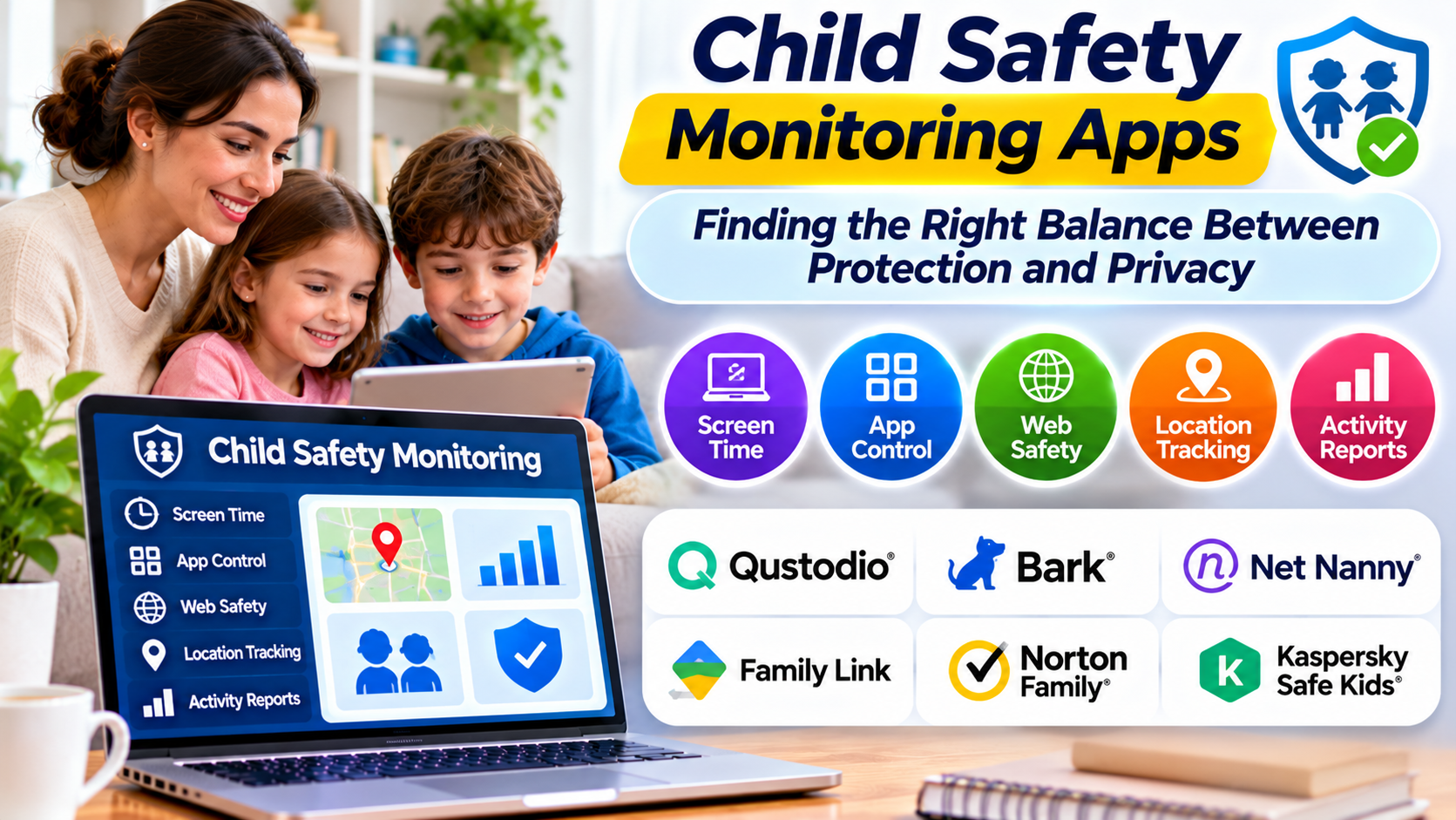
Child safety monitoring apps attempt to address these concerns through location sharing, activity alerts, communication monitoring, and emergency features.
Yet the category is broader and more complicated than its name suggests.
An application that shows a child’s location does not necessarily protect them from online harassment. Likewise, a service that analyzes digital conversations may offer little help when a child needs assistance away from home.
The right solution depends on the safety problem a family wants to address, the child’s age, and the level of monitoring that is reasonable.
This guide examines how child safety monitoring apps work, where their limitations matter, and how to choose tools without sacrificing unnecessary amounts of privacy.
Understanding the Different Types of Child Safety Monitoring Apps
Child safety monitoring is not one uniform software category.
Several distinct technologies are commonly grouped under the same label.
Family Location Sharing
Location-sharing applications allow authorized family members to view a device’s reported position.
Some services also provide arrival and departure notifications for selected locations.
These features can be useful when children travel independently.
However, the location shown represents the device’s reported position, not independent proof of the child’s physical location or safety.
Online Activity Monitoring
Digital monitoring applications may analyze supported online activity and notify parents about potentially concerning material.
Depending on the service, this can involve messages, browsing activity, searches, or selected social platforms.
Coverage varies substantially.
No product should be assumed to monitor every application or conversation.
Emergency Communication Tools
Some applications include emergency alerts, location sharing, or quick-contact functions.
These features can help children communicate with trusted adults.
They are not substitutes for emergency services, and their effectiveness depends on connectivity, device availability, and correct configuration.
Device Usage Supervision
Other products focus on screen time, application use, and internet access.
These controls may support digital wellbeing, but they serve a different purpose from real-time physical safety monitoring.
Choosing Between Location Safety and Digital Safety
The most consequential decision is identifying which type of risk matters.
Consider two situations.
A child regularly travels between school and an extracurricular activity. Their parents want confirmation that they have reached the expected destination.
Location-sharing and arrival notifications may address that concern.
Another child has experienced troubling online messages. Their parents want to recognize further warning signs and respond appropriately.
A digital activity monitoring service may be more relevant.
Purchasing a broad monitoring subscription without defining the actual problem can create unnecessary expense and collect more information than the family needs.
Child Safety Monitoring Apps Worth Evaluating
Several established products illustrate the different approaches available.
| App or service | Primary focus | Main evaluation question |
|---|---|---|
| Life360 | Family location sharing and safety features | Are location alerts and sharing controls suitable? |
| Google Family Link | Child account and device supervision | Does it support the child’s devices and accounts? |
| Apple Find My | Location sharing within Apple’s ecosystem | Are family sharing settings configured correctly? |
| Bark | Alerts about potentially concerning digital activity | Which apps and activities are supported? |
| Qustodio | Digital supervision, filtering, and location features | Which capabilities work on each device? |
| Norton Family | Online activity supervision | Does its coverage match the family’s concerns? |
The products serve overlapping but different purposes. Their presence in this comparison does not imply that they offer equivalent safety coverage.
Life360: Family Location Coordination
Life360 is designed around family location sharing and related safety services.
It can be relevant when families want to coordinate travel, understand device locations, or receive supported place-based notifications.
The main benefit is visibility into location information without requiring repeated phone calls.
However, families should recognize the limitations.
Location data can become unavailable or inaccurate because of connectivity problems, disabled permissions, battery conditions, or other technical factors.
Parents should also review how location information is shared and retained.
A location-sharing app is best treated as a coordination tool rather than a guarantee of personal safety.
Bark: Monitoring Potential Digital Risks
Bark approaches child safety through alerts about potentially concerning online activity.
This model can help parents focus attention on selected warning signs rather than manually reading every available interaction.
It may be relevant when concerns involve cyberbullying, harmful conversations, or other supported online risks.
However, automated detection has limitations.
A system may misunderstand jokes, miss important context, or fail to access certain applications.
Parents should review alerts carefully rather than treating them as definitive evidence of misconduct or danger.
Qustodio: Broader Digital Supervision
Qustodio combines several types of parental controls, including activity reporting, content filtering, screen time management, and location-related capabilities.
This approach may appeal to families seeking a centralized view of digital activity.
The trade-off is complexity.
More features require more decisions about permissions, monitoring scope, notifications, and privacy.
Parents should examine the exact capabilities available on their child’s operating system before subscribing.
Apple Find My and Google Family Link
Built-in ecosystem tools deserve consideration before adding another subscription.
Apple Find My supports location-sharing functions within Apple’s ecosystem.
Google Family Link supports parental supervision of eligible accounts and devices, including certain device management and location-related functions.
These tools can be practical when a family already uses the corresponding platform.
Their limitations become more important in mixed-device households.
A feature available on one phone may not work in the same way on another.
What Makes Location Monitoring Reliable?
Location monitoring depends on several technical conditions.
Device Permissions
The application needs appropriate access to location information.
Operating systems may restrict background access or require users to approve particular permissions.
Network Connectivity
A device may not transmit updated information when it lacks an internet connection.
The displayed position may therefore be outdated.
Battery Availability
A phone that has run out of power cannot provide fresh location updates.
Power-saving behavior may also affect background application activity.
Location Accuracy
GPS, cellular networks, Wi-Fi positioning, and environmental conditions influence accuracy.
Dense buildings and indoor environments can make location estimates less precise.
Notification Delivery
Arrival and departure alerts may be delayed or missed.
Families should not assume that every notification will arrive instantly.
These limitations matter because parents may otherwise interpret missing updates as emergencies or treat a location indicator as absolute proof of safety.
Privacy Risks Deserve Equal Attention
Children’s location histories and communication records can reveal sensitive information about daily routines.
A detailed location record may identify schools, homes, frequently visited places, and regular travel patterns.
Digital monitoring can also expose private conversations involving other children.
Before enabling extensive monitoring, families should understand what information the provider collects and how it is protected.
Important considerations include data retention, account access, authentication, third-party sharing, and deletion options.
Parents should also think carefully about which adults need access.
Broad access to a child’s location is not automatically safer than limited access granted to trusted guardians.
Monitoring Should Be Age-Appropriate
A young child beginning to travel independently may benefit from relatively simple location-sharing arrangements.
A teenager may reasonably expect greater privacy while still agreeing to certain safety check-ins.
The balance should change as children develop judgment and independence.
Explain the purpose of monitoring whenever appropriate.
For example, a family might agree that location sharing is used to coordinate school pickups and respond to unexpected travel problems.
That is different from constantly reviewing a teenager’s movements without a clear safety reason.
Transparent expectations can reduce conflict and make children more willing to seek help when something goes wrong.
How to Evaluate an App Before Installing It
A practical evaluation should begin with a small number of clearly defined safety goals.
Identify the Required Function
Decide whether the priority is location sharing, emergency contact, digital activity alerts, or device supervision.
Avoid paying for a broad feature package when only one function is needed.
Check Device Compatibility
Confirm support for the child’s phone, operating system, and account configuration.
Review the specific feature documentation rather than relying on general compatibility claims.
Examine Permission Requirements
Understand which device permissions the application needs.
Be cautious when a product requests access that appears unrelated to its stated purpose.
Review Privacy Policies
Look for understandable explanations of data collection, retention, sharing, and deletion.
Test the Safety Workflow
Try the features under ordinary conditions.
For example, check whether a location notification arrives when expected and whether the child knows how to contact a trusted adult.
Review Subscription Costs
Consider the total cost for the number of family members and devices involved.
Additional safety features may require different subscription tiers.
Common Mistakes Families Should Avoid
Treating Alerts as Proof
Automated monitoring tools identify signals, not complete explanations.
A warning may require a supportive conversation rather than an immediate accusation.
Assuming Location Means Safety
A phone’s reported location cannot establish whether the person carrying it is safe.
Families still need practical communication plans.
Collecting Too Much Information
Extensive monitoring may create privacy risks without providing meaningful additional protection.
Use the least intrusive features that reasonably address the concern.
Ignoring Emergency Planning
An application cannot replace basic safety preparation.
Children should know how to contact trusted adults, identify safe places, and seek appropriate emergency assistance.
Failing to Review Settings
Applications and operating systems change.
Permissions, supported features, and family circumstances should be reviewed periodically.
A Practical Family Safety Plan
Technology works best as one part of a broader plan.
Families can establish clear expectations about travel, communication, and emergencies.
For example, a child traveling independently might agree to contact a parent when plans change.
A location-sharing tool can provide additional coordination, but the communication agreement remains important.
For online safety, parents can explain how to recognize suspicious requests, protect personal information, and report uncomfortable interactions.
Children should know that asking for help will lead to support rather than automatic punishment.
This matters because children may otherwise hide problems to avoid losing device access.
Frequently Asked Questions
Can child safety monitoring apps track a phone without internet access?
Some devices may determine location without an active internet connection, but transmitting updated information generally requires connectivity. Offline capabilities vary.
Are child safety monitoring apps accurate?
Accuracy depends on the device, permissions, connectivity, location technology, and application design. No service can guarantee perfect location information or detection of every online risk.
Can monitoring apps detect cyberbullying?
Some services attempt to identify concerning digital activity. Detection depends on supported platforms and available data, and alerts may contain errors.
Are free child safety apps sufficient?
Free built-in tools may meet basic location-sharing and supervision needs. Paid products are more relevant when they provide specific additional capabilities.
Should parents tell children about monitoring?
Transparent, age-appropriate communication is generally preferable. It helps children understand the purpose of the controls and supports trust.
Final Thoughts
Child safety monitoring apps can provide useful information, but their value depends on how they are selected and used.
Location sharing, online risk alerts, and device supervision solve different problems. Families should avoid treating them as interchangeable.
Start with the safety concern, review existing device capabilities, and evaluate additional products for reliability, privacy, and practical usefulness.
The strongest approach combines carefully chosen technology with clear family expectations, trusted communication, and the gradual development of children’s independence.