Introduction
A patient portal may offer dozens of features and still fail at its most important task: helping patients manage their care.
A patient who cannot understand a laboratory result, locate a prescription, or send a message to the right care team will gain little value from a polished interface.
Healthcare organizations face a related problem. A portal that encourages patients to communicate digitally can create additional work if messages arrive in the wrong queues, appointments require manual confirmation, or information fails to synchronize with clinical records.
Patient portal platforms must therefore be evaluated as part of healthcare delivery, not simply as websites or mobile applications.
The most useful systems make appropriate information accessible, support meaningful patient actions, and fit the operational capacity of the organization providing care.
What Is a Patient Portal Platform?
A patient portal platform is a secure digital environment through which patients can access selected healthcare information and interact with their healthcare providers.
Portals may be offered through websites, mobile applications, or both.
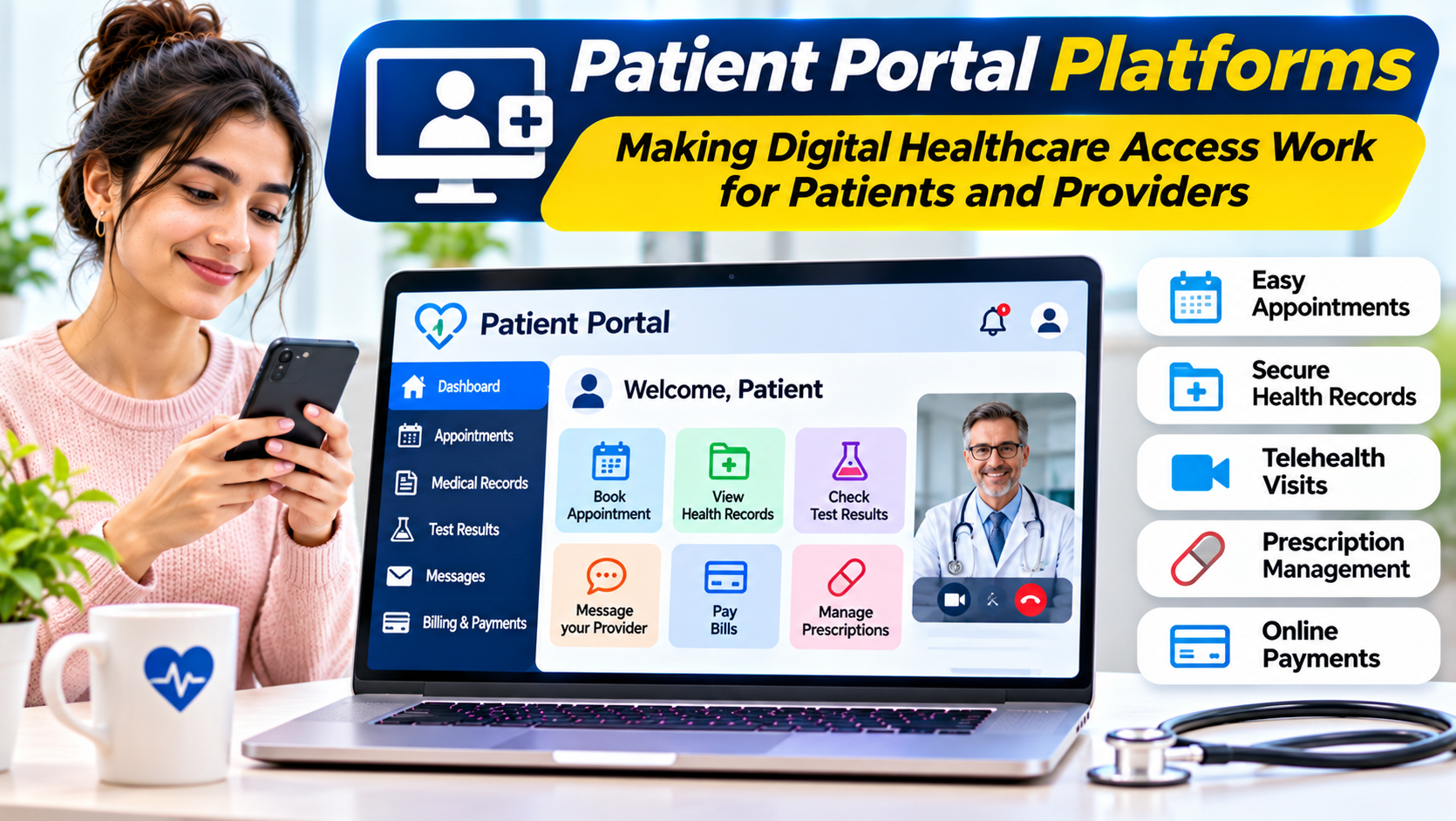
Common capabilities include:
- Viewing selected medical records
- Reviewing laboratory and diagnostic results
- Accessing medication information
- Requesting prescription renewals
- Scheduling or requesting appointments
- Sending secure messages
- Completing forms before visits
- Viewing billing statements
- Making payments
- Receiving care instructions
- Managing authorized family or caregiver access
Not every portal provides every function.
The available information and actions depend on the healthcare organization’s systems, configuration, clinical policies, and applicable laws.
A patient portal is also different from a personal health record maintained independently by a patient. Most provider portals are connected to records controlled by the healthcare organization.
The Three Decisions That Determine Portal Success
Patient portal procurement often begins with feature comparisons.
A better starting point is to resolve three questions.
What Can Patients Actually Accomplish?
A portal should help patients complete meaningful tasks.
Reading a medical record is useful, but patients may also need to clarify instructions, request a follow-up appointment, or understand the next step in their care.
The organization should identify which actions are most important for its patient population.
How Does the Portal Connect to Clinical Operations?
Digital access creates expectations.
If a patient sends a message, someone must receive and handle it.
If a patient requests an appointment, the request must reach the correct scheduling workflow.
If a laboratory result appears in the portal, clinical teams need clear procedures for reviewing and communicating important findings.
A portal cannot compensate for undefined operational responsibilities.
Who Might Be Excluded?
Not every patient has reliable internet access, a suitable device, or confidence using digital services.
Some patients require language assistance, accessibility features, or help from an authorized caregiver.
A successful portal strategy preserves appropriate alternative access channels.
Digital convenience should not become a barrier to care.
The Patient Portal Experience From Registration to Follow-Up
The most effective way to evaluate a portal is to follow a realistic patient journey.
Account Registration and Identity Verification
Patients need a practical way to activate their accounts.
The process may involve identity verification, invitation codes, or other security checks.
Strong identity verification protects health information.
However, a confusing activation process can prevent legitimate patients from accessing their records.
Organizations should evaluate both security and completion rates.
Appointment Preparation
Before a visit, a patient may need to confirm contact details, complete questionnaires, or review instructions.
Digital forms can reduce repetitive data entry.
However, the organization should verify that submitted information reaches the correct clinical or administrative workflow.
Accessing Test Results
A portal may allow patients to view laboratory findings and diagnostic reports.
This can improve access to information, but results may contain unfamiliar terminology.
Healthcare organizations should consider how patients receive explanations and follow-up guidance.
A portal should not imply that an abnormal result can always be interpreted safely without professional context.
Secure Communication
Messaging can help patients ask nonurgent questions and clarify care instructions.
However, messaging requires triage, routing, response expectations, and escalation procedures.
The organization should explain that portal messages are not an emergency service.
Ongoing Care
After a visit, patients may use the portal to review instructions, request renewals, manage appointments, and view billing information.
These functions are valuable when they reduce confusion rather than merely transfer administrative work to the patient.
Patient Portal Platforms Worth Evaluating
The following products illustrate different approaches to patient access. They are not interchangeable standalone applications, and their availability depends on the healthcare organization’s technology environment.
Epic MyChart
MyChart is Epic’s patient-facing application and portal experience.
It allows participating healthcare organizations to provide patients with access to selected health information and digital services.
Depending on organizational configuration, patients may use it for results, messaging, appointments, and other care-related activities.
Where it fits: Healthcare organizations using Epic or evaluating patient access within the Epic ecosystem.
Key trade-off: The experience and available functions depend on the participating provider’s implementation. MyChart is not a universal portal that any organization can deploy independently of its underlying arrangements.
Oracle Health Patient Portal Capabilities
Oracle Health offers patient-facing capabilities associated with its healthcare information systems.
These can support digital access and communication within participating healthcare environments.
Where it fits: Organizations evaluating patient access alongside Oracle Health clinical technology.
Key trade-off: Buyers should confirm the exact portal product, supported workflows, interfaces, and capabilities available for their specific deployment.
MEDITECH Patient and Consumer Health Solutions
MEDITECH provides patient-facing technology associated with its healthcare information platform.
These capabilities can support patient access to information and interaction with healthcare organizations.
Where it fits: Hospitals and health systems evaluating patient engagement within the MEDITECH ecosystem.
Key trade-off: The precise functionality depends on the deployed products, modules, and organizational configuration.
athenahealth Patient Portal
athenahealth offers patient portal capabilities connected with its ambulatory healthcare technology.
These are relevant to practices seeking digital patient access within a clinical and practice-management environment.
Where it fits: Outpatient organizations using or considering athenahealth systems.
Key trade-off: Practices should assess messaging workflows, patient registration, appointment functions, and the exact services included.
OpenEMR Patient Portal Capabilities
OpenEMR includes patient-facing functionality within its open-source electronic medical records ecosystem.
It may be relevant to organizations that want greater control over deployment and customization.
Where it fits: Technically capable organizations using OpenEMR.
Key trade-off: Hosting, security, accessibility, updates, support, and regulatory responsibilities require active management.
Comparing Patient Portal Approaches
| Portal approach | Main advantage | Important limitation |
|---|---|---|
| EHR-native portal | Close connection with existing clinical workflows | Tied to the capabilities and configuration of the EHR |
| Third-party integrated portal | Potential flexibility in patient experience | Requires dependable integration and data governance |
| Open-source patient portal | Customization and deployment control | Greater technical and operational responsibility |
| Custom-built patient application | Tailored patient workflows | Development, maintenance, security, and integration burden |
For many organizations, the first decision is whether the existing EHR-native portal meets patient needs.
Replacing it with another application may introduce integration complexity without solving the underlying workflow problem.
EHR Integration Is More Important Than a Long Feature List
A patient portal depends on accurate clinical and administrative information.
If a patient changes contact details, the organization must understand whether the update reaches its registration system.
If a clinician changes a medication, the portal should reflect the appropriate current information according to the system’s data-sharing rules.
If a patient requests an appointment, the request must not become disconnected from the scheduling system.
These dependencies should be examined before procurement.
Data Synchronization
Determine which information updates automatically and which requires manual review.
A portal should not display outdated information as though it were current.
Clinical Context
Laboratory results, diagnoses, and medications may require contextual explanations.
The portal should preserve relevant information without creating misleading summaries.
Messaging Integration
Patient messages need to reach appropriate work queues.
Organizations should test routing for primary care, specialty services, medication requests, and administrative questions.
Appointment Integration
Scheduling capabilities may range from simple requests to direct booking.
Buyers should confirm which approach the portal supports and whether scheduling rules are enforced.
Healthcare Interoperability Standards
Patient portals may rely on established healthcare data exchange standards.
HL7 FHIR provides structured resources and interfaces for exchanging healthcare information.
Organizations may also use other integration methods depending on their existing clinical systems.
However, a claim of FHIR support does not establish that all desired data can be retrieved or updated.
Buyers should examine supported resources, authentication arrangements, access permissions, and implementation guides.
In the United States, patient access requirements may also be influenced by applicable health information regulations.
Requirements differ across jurisdictions.
A portal should be evaluated against the organization’s specific obligations rather than a generic compliance checklist.
Proxy Access and Family Caregiving
Many patients need assistance managing healthcare information.
Parents may need authorized access to a child’s records.
Adults may authorize caregivers or representatives to help coordinate care.
Proxy access is more complex than sharing a username and password.
Different information may require different permissions.
For example, confidentiality requirements can change according to patient age, clinical context, and jurisdiction.
A portal should support appropriate authorization and revocation procedures.
Healthcare organizations should verify that access rules align with applicable laws and clinical policies.
Privacy and Security
Patient portals provide access to sensitive health information over networks and personal devices.
Security planning should consider:
- Account identity verification
- Strong authentication
- Session management
- Encryption
- Role-based permissions
- Proxy access controls
- Audit records
- Account recovery
- Device and browser security
- Incident response
Security must also account for usability.
An account recovery process that is too weak may expose records.
One that is unnecessarily difficult may prevent patients from receiving important information.
Organizations need a defensible balance.
Accessibility and Digital Inclusion
A portal should work for patients with different abilities and levels of digital confidence.
Accessibility evaluation should consider screen readers, keyboard navigation, text contrast, clear labels, and understandable error messages.
Organizations can use relevant accessibility standards, including WCAG, as part of evaluation.
Language support also matters.
Translated interface elements do not necessarily mean clinical content has been translated accurately.
Patients may still require professional language assistance.
A portal strategy should include support for people who cannot or do not want to use digital channels.
The Risk of Unmanaged Patient Messaging
Messaging is often promoted as a convenient portal feature.
For patients, it can reduce the need for telephone calls.
For healthcare teams, it can create new demand.
Messages may involve medication questions, administrative requests, symptoms, and requests for test explanations.
Without clear routing, clinicians may receive work that should be handled elsewhere.
Organizations should define message categories, responsible teams, response expectations, and escalation procedures.
They should also monitor workload.
A successful portal is not one that generates the most messages. It is one that supports useful communication without overwhelming care teams.
Measuring Portal Adoption and Value
Login counts are easy to measure but provide an incomplete picture.
A patient may log in repeatedly because a task is confusing.
More useful measures include:
- Account activation success
- Appointment task completion
- Form completion
- Message routing accuracy
- Patient-reported ease of use
- Accessibility issues
- Support requests
- Staff workload
- Unresolved patient requests
Metrics should be interpreted in context.
Low adoption may reflect barriers involving access, language, or account setup rather than a lack of patient interest.
Healthcare organizations should examine outcomes for different patient groups where appropriate and lawful.
How to Evaluate a Patient Portal
A meaningful evaluation should use representative patient scenarios.
Ask a patient to register, review a result, request an appointment, and send a nonurgent message.
Then follow each action into the provider’s operational system.
Observe where the process succeeds and where it requires manual intervention.
Include patients with different levels of digital experience.
Test accessibility and mobile usability.
The evaluation should also examine account recovery, proxy access, and security controls.
A visually appealing demonstration is not enough.
Common Patient Portal Implementation Mistakes
Treating the Portal as a Website Project
Patient portals are part of clinical operations.
Technology teams cannot implement them successfully without clinical and administrative participation.
Assuming Every Patient Can Use the Same Digital Workflow
Patients differ in language, ability, access, and preferences.
Alternative communication channels remain important.
Enabling Messaging Without Staffing It
Patient communication requires defined responsibilities.
Unmanaged messaging can create delays and confusion.
Overlooking Caregiver Access
Proxy access requires careful authorization and privacy controls.
Shared credentials are not an adequate substitute.
Measuring Success by Registrations Alone
An activated account does not prove that the portal helps patients complete meaningful tasks.
Making the Final Decision
Healthcare organizations should choose patient portal platforms according to patient needs, clinical workflows, and existing technology.
An EHR-native portal may be the most practical option when it supports the required experience.
A third-party or customized application may be justified when it solves specific unmet needs and the organization can manage the integration responsibilities.
In every case, the evaluation should address patient identity, accessibility, data accuracy, communication workflows, privacy, and ongoing support.
The best patient portal is not the one that offers the most digital features.
It is the one that helps patients take appropriate action while keeping healthcare information accurate, secure, and connected to the people responsible for care.