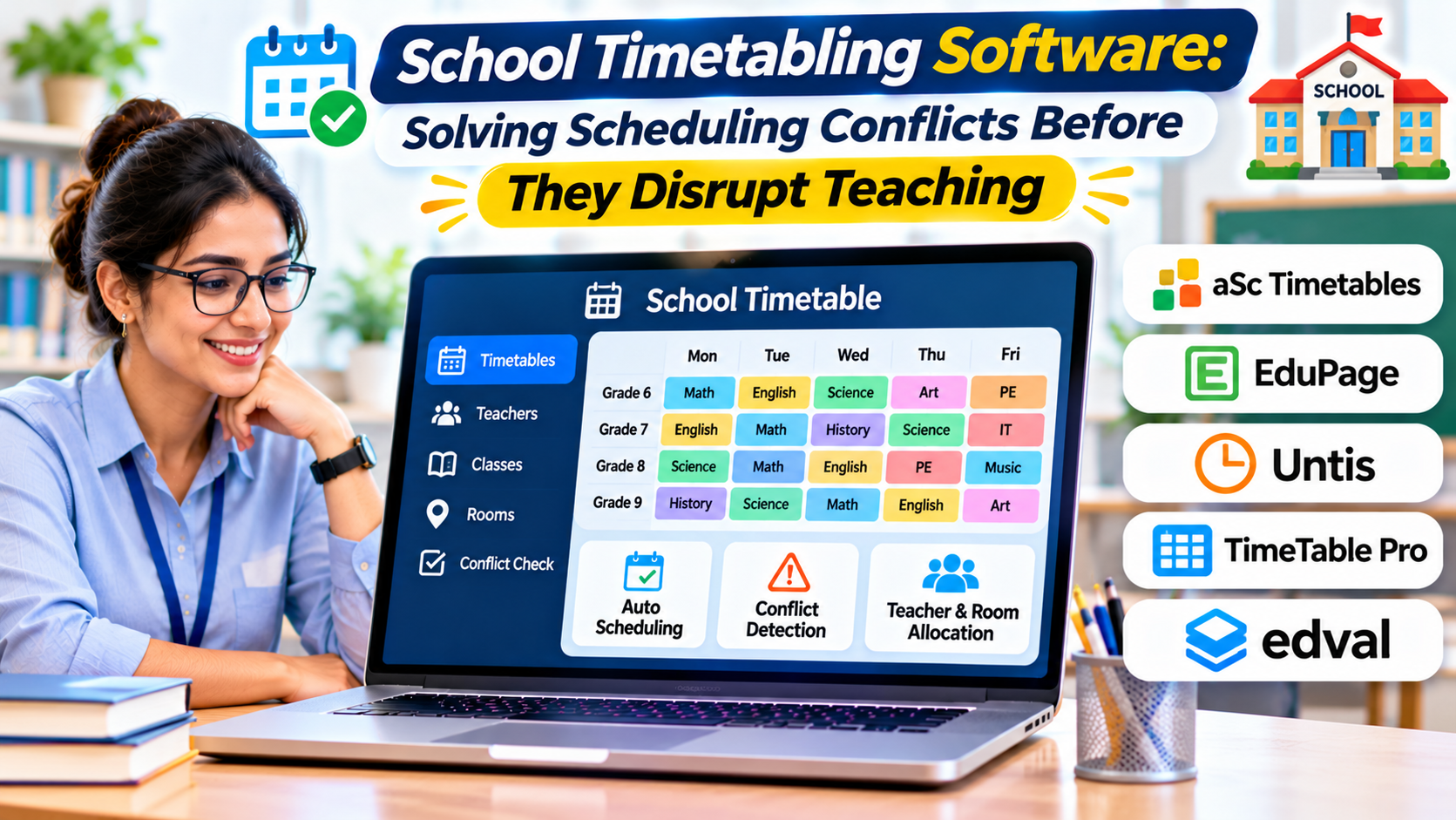
Introduction
A school timetable may look like a simple grid of classes, teachers, rooms, and periods. Behind that grid lies a complicated planning problem.
One teacher works only four days a week. A science laboratory can accommodate only one class at a time. Certain subjects require consecutive periods. Some students choose electives that must not overlap.
Changing a single lesson can affect several teachers, rooms, and student groups.
School timetabling software helps administrators organize these competing requirements and develop workable schedules. More advanced systems use automated optimization to search for arrangements that satisfy mandatory rules while improving scheduling preferences.
The real value of timetabling software is not producing a visually attractive timetable. It is reducing conflicts, exposing impossible requirements, and making necessary changes manageable.
What Is School Timetabling Software?
School timetabling software is designed to plan and organize when classes take place, which teachers deliver them, where lessons occur, and which student groups attend.
Its central task is allocating limited resources across available time periods.
These resources commonly include teachers, classrooms, laboratories, equipment, and student groups.
A basic application may provide a digital interface for manually constructing schedules.
More sophisticated systems use constraint-solving algorithms to generate schedules automatically.
A constraint is a rule that determines whether a timetable arrangement is acceptable.
For example, a teacher cannot teach two classes at the same time. This is a mandatory constraint.
A preference that mathematics should take place earlier in the day may be desirable but negotiable.
The distinction between mandatory constraints and preferences is fundamental to effective timetable generation.
Why Timetable Planning Is a Constraint Problem
Scheduling becomes difficult because many requirements interact.
Suppose a school has 30 teachers, 20 classrooms, several specialist laboratories, and multiple year groups.
The administration team must assign lessons without placing teachers or student groups in conflicting sessions.
Each additional restriction reduces the number of possible schedules.
A school may also need to accommodate part-time teachers, shared facilities, subject requirements, and extracurricular activities.
The difficulty is not simply finding an empty period.
It is finding a period that satisfies every relevant requirement without creating unnecessary problems elsewhere.
Hard constraints
Hard constraints represent conditions that must not be violated.
Typical examples include:
- A teacher cannot teach two lessons simultaneously.
- A student group cannot attend overlapping compulsory classes.
- A classroom cannot host multiple classes at once.
- Room capacity must accommodate the assigned group.
- Lessons must respect required teacher availability.
- Specialist subjects must use appropriate facilities.
A scheduling engine should identify violations rather than quietly produce an unusable timetable.
Soft constraints
Soft constraints represent preferences that improve timetable quality.
Examples include reducing unnecessary gaps between lessons, distributing demanding subjects across the week, and limiting repeated room changes.
A school may prefer to avoid scheduling difficult subjects during the final period.
However, that preference might be relaxed if it prevents a more serious conflict.
Software that supports weighted constraints can prioritize different preferences.
Administrators should understand how these weights influence the generated timetable.
The Difference Between Timetable Generation and Timetable Management
These functions are related but distinct.
Timetable generation involves creating an initial schedule from requirements and constraints.
Timetable management involves maintaining that schedule after it has been published.
A school may generate a satisfactory timetable before the academic year begins.
Then a teacher becomes unavailable, a new class is introduced, or a room closes for maintenance.
The school needs a way to manage these changes without unnecessarily disrupting unrelated lessons.
Some applications specialize in initial optimization. Others provide extensive substitution planning, communication, and timetable publication features.
Institutions should determine which responsibility creates the greatest workload.
Essential Capabilities for School Timetabling Software
Teacher availability management
The system should record when teachers are available and which subjects or classes they can teach.
Part-time arrangements, shared appointments, and unavailable periods must be represented accurately.
Schools should test whether teacher availability changes can be applied without rebuilding the entire timetable.
Room and facility allocation
Classrooms differ in capacity and suitability.
Science laboratories, computer rooms, workshops, and sports facilities may have specialized requirements.
A scheduling system should prevent incompatible assignments.
Room planning becomes particularly important when facilities are shared across departments or campuses.
Subject and lesson requirements
Administrators need to specify the number and type of lessons required for each class.
Some subjects may require double periods or particular weekly distributions.
Others may depend on specific teachers or facilities.
A useful system should represent these requirements without forcing administrators into awkward workarounds.
Automatic conflict detection
Conflict detection is essential even when timetables are constructed manually.
The software should identify overlapping teacher assignments, room conflicts, and student group clashes.
Ideally, administrators should understand why a conflict occurs and which conditions prevent a solution.
Automated schedule generation
Automatic generation can reduce repetitive manual planning.
However, administrators should not assume that every optimization engine can satisfy every scheduling model.
The quality of results depends on accurate inputs, supported constraint types, and available scheduling flexibility.
A school with contradictory requirements may have no feasible timetable.
Software should help identify that situation rather than conceal it.
Timetable publication and distribution
Once a schedule is approved, teachers, students, and administrators need access to the correct version.
Publication features may include printable timetables, web portals, mobile access, and exports to other systems.
Version control is important.
A teacher should not unknowingly work from an outdated schedule after a room change.
School Timetabling Tools Worth Investigating
Different products approach scheduling from different directions.
aSc Timetables
aSc Timetables is a dedicated school timetable planning product.
It is relevant to institutions that need to organize teacher assignments, classes, rooms, and lesson requirements within a specialized scheduling environment.
Schools evaluating it should test their actual timetable constraints, especially unusual lesson patterns and staff availability rules.
The purchasing decision should also consider timetable publication, collaboration, and compatibility with the institution’s existing systems.
Untis
Untis provides school timetable planning and related scheduling functions.
Its published product documentation describes timetable optimization, diagnosis tools, and additional modules for requirements such as multi-week scheduling and substitution planning.
This makes it relevant to schools where schedules change across terms or where managing teacher substitutions is an important responsibility.
The key consideration is selecting the appropriate modules and confirming how they work together.
Schools should also evaluate the operational complexity of maintaining detailed scheduling rules.
FET
FET is a free, open-source timetabling application designed to generate educational timetables using defined constraints.
It can appeal to institutions seeking a dedicated scheduling engine without adopting a large commercial administration suite.
The practical trade-off is the responsibility for configuration, technical understanding, deployment, and ongoing support.
Schools should examine whether their particular scheduling requirements are supported and whether staff can manage the application effectively.
Integrated school administration platforms
Some student information and school management systems offer timetable-related features.
These may be sufficient for straightforward scheduling and class assignments.
However, maintaining a timetable is not equivalent to solving a complex optimization problem.
Schools with difficult constraints should test whether their existing platform can generate feasible schedules before purchasing another application.
Comparing Timetabling Approaches
| Approach | Main strength | Potential limitation |
|---|---|---|
| Dedicated commercial timetabling software | Specialized scheduling workflows | Additional licensing and integration |
| Open-source timetable generator | Control and flexibility for suitable requirements | Greater configuration and support responsibility |
| Timetabling within an SIS | Connected student and class records | Optimization capabilities may be limited |
| Manual spreadsheet scheduling | Familiar and inexpensive to begin | Difficult conflict management as complexity grows |
The right approach depends on scheduling complexity rather than school size alone.
A relatively small school with many specialist subjects may face more difficult scheduling requirements than a larger institution with predictable class structures.
How Timetable Optimization Works
A scheduling engine begins with a collection of activities and constraints.
Each activity represents a lesson or teaching requirement.
The system then searches for assignments of times, teachers, and rooms that satisfy the mandatory conditions.
Different products may use different optimization techniques.
Some rely on heuristic search, which explores promising arrangements rather than exhaustively checking every possible combination.
Others use constraint programming or related optimization methods.
The specific algorithm matters less to most schools than the behavior of the system when requirements become difficult.
Administrators should investigate whether the software can identify unresolved constraints, preserve selected assignments, and explain why a schedule cannot be completed.
A practical scheduling example
Imagine a school that requires three weekly science lessons for each class.
One lesson must use a laboratory. The laboratory is available only during certain periods, and the science teacher works four days a week.
The scheduling engine must place all three lessons while respecting those conditions.
Now suppose the school also prefers to distribute science lessons across different days.
That preference may improve the timetable, but it must not override mandatory room or teacher restrictions.
A suitable application should make this distinction understandable.
What Happens When No Valid Timetable Exists?
An important test of scheduling software is how it handles impossible requirements.
Consider a school that requires six laboratory sessions during a period when the laboratory is available for only five.
No optimization algorithm can satisfy those conditions without changing an assumption.
A trustworthy scheduling process identifies the conflict and helps administrators decide what to relax.
Possible responses include changing lesson periods, using another suitable room, revising teacher availability, or adjusting a nonessential preference.
Administrators should avoid repeatedly running the generator without understanding the underlying problem.
The objective is not to force the software to produce a timetable at any cost.
It is to establish a feasible set of requirements.
Integrating Timetabling With School Information Systems
A timetable depends on accurate student, teacher, and course information.
If the scheduling system receives outdated enrollment data, it may allocate the wrong number of students to a room.
If teacher assignments change without synchronization, the timetable may become inaccurate.
Integration should therefore address both data import and ongoing updates.
Important questions include which system owns course information, how student groups are defined, and how approved timetable changes reach other applications.
Schools should also examine whether timetable exports support the formats required by their existing systems.
An export file may technically exist but still require substantial manual cleanup.
Managing Teacher Substitutions and Unexpected Changes
Daily timetable changes can be as important as annual planning.
Teacher absence, examination activities, school events, and facility problems can disrupt published schedules.
A substitution workflow should help administrators identify available qualified staff and communicate changes promptly.
However, substitution management may be a separate module or product.
Schools should confirm its availability rather than assuming it is included in every timetable generator.
The same applies to timetable notifications.
A scheduling application may produce an updated file without automatically notifying teachers or students.
How to Test Timetabling Software Before Purchase
A useful evaluation begins with a representative scheduling dataset.
Include actual teacher availability, classroom capacities, lesson requirements, and student group structures.
Then introduce several difficult constraints.
For example, assign a teacher to multiple year groups, require shared laboratory access, and include a class with unusual elective combinations.
Ask the vendor or implementation team to generate a timetable and explain any unresolved conflicts.
Next, change one important condition.
Make a teacher unavailable for a day and examine how the software responds.
A strong demonstration should show not only the revised schedule but also the consequences of the change.
Evaluate timetable quality
A timetable can be technically valid but operationally inconvenient.
Schools should assess teacher gaps, student waiting periods, room changes, lesson distribution, and other relevant preferences.
They should also review how much manual adjustment remains necessary after generation.
Evaluate administrative effort
Software that requires extensive technical configuration may not suit a school with limited administrative capacity.
Ask how long it takes to enter requirements, make corrections, and publish the final timetable.
The answer should reflect realistic school conditions rather than a simplified demonstration dataset.
Common Mistakes in Timetable Software Selection
One mistake is selecting a product solely because it can generate a timetable.
Generation is only part of the workflow.
Schools also need conflict diagnosis, manual adjustments, publication, and change management.
Another mistake is entering inaccurate constraints.
An automated system cannot compensate for incorrect teacher availability or incomplete room information.
A third mistake is treating every preference as mandatory.
Excessive hard constraints can make an otherwise manageable timetable impossible.
Finally, institutions may overlook training.
Experienced timetable coordinators understand scheduling relationships that other staff may not recognize.
The software should support transferring this knowledge rather than depending entirely on one individual.
Building a Sustainable Timetabling Process
The strongest approach combines reliable software with clear administrative ownership.
Schools should maintain accurate scheduling inputs, document important rules, and establish a process for approving changes.
They should preserve timetable versions and communicate updates through consistent channels.
After each scheduling cycle, administrators can review recurring conflicts and determine whether the school’s requirements need adjustment.
This process improves scheduling quality over time.
School timetabling software is most valuable when it makes complexity visible and manageable.
The best choice is the system that can represent the school’s real constraints, produce workable schedules, and help administrators respond intelligently when circumstances change.