Introduction
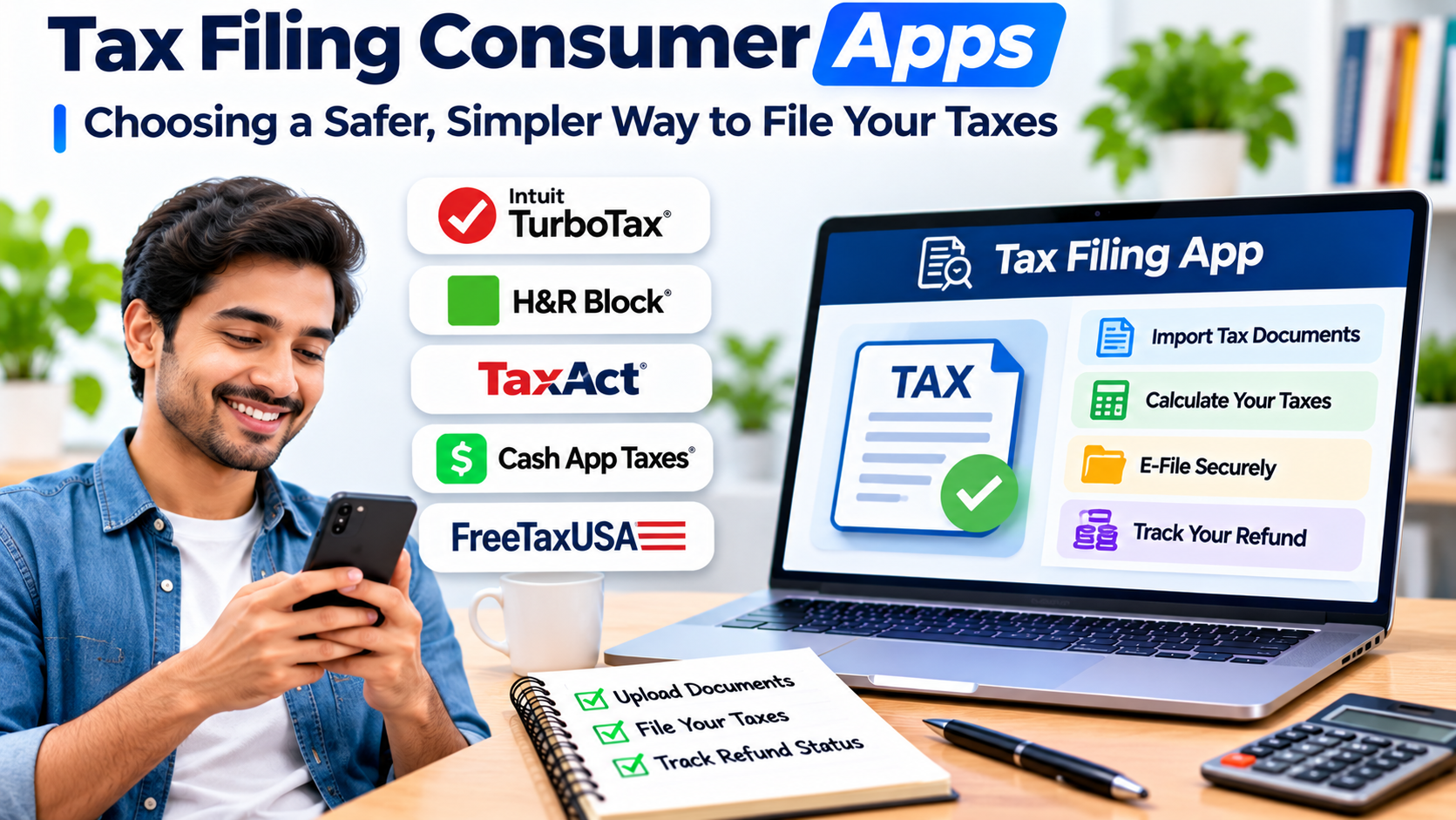
Filing an income tax return can feel straightforward until a missing document, unfamiliar deduction, or unexpected software charge complicates the process. Tax filing consumer apps aim to make that work easier by guiding individuals through income reporting, tax calculations, deductions, and electronic submission.
However, an attractive interface does not guarantee that an app supports your particular tax situation. Someone with one employer and a standard deduction has very different needs from a freelancer managing business expenses, investment transactions, and several income sources.
The most useful tax filing app is not necessarily the one advertising the largest refund or the lowest starting price. It is the one that correctly handles your income, explains important decisions, protects your financial information, and makes the final cost clear before you submit your return.
This guide focuses primarily on US individual income tax filing. Tax software is jurisdiction-specific, so taxpayers elsewhere should choose products designed for their country’s tax authority and reporting rules.
What Tax Filing Consumer Apps Actually Do
Tax filing consumer apps help individuals prepare income tax returns without manually completing every tax form.
Most guided applications turn complicated tax questions into a sequence of simpler steps. Instead of asking users to calculate every amount independently, they collect information about income, household circumstances, eligible expenses, and other relevant details.
The software then uses that information to prepare tax forms and, where supported, transmit returns electronically.
Common capabilities include:
- Guided income and deduction entry
- Importing supported tax documents
- Automatic tax calculations
- Eligibility questions for credits and deductions
- Error and consistency checks
- Federal and state return preparation
- Electronic filing
- Return-status information
- Secure document storage
- Access to tax professionals on selected plans
These features reduce manual work, but they do not eliminate the taxpayer’s responsibility to provide accurate information.
A tax app can calculate the wrong result when the underlying information is incomplete or incorrectly classified.
The Most Important Decision: Match the App to Your Tax Situation
Tax software categories become easier to understand when organized around the complexity of the return.
Straightforward Employment Income
A taxpayer with wages from one employer, limited additional income, and relatively simple deductions may only need a basic guided filing service.
The main priorities are clear instructions, reliable form entry, reasonable pricing, and support for any required state return.
Paying for advanced business-income features offers little benefit when those features are unnecessary.
Freelance and Self-Employment Income
Independent workers often face additional reporting responsibilities.
Their software may need to accommodate:
- Self-employment income
- Business expenses
- Estimated tax payments
- Relevant deductions
- Multiple clients and income sources
- Supporting records
An app that handles ordinary wages well may still be unsuitable for complicated business expenses.
Investments and Property Income
Investment activity can introduce capital gains, losses, dividends, and other reporting requirements.
Rental property can add further complexity, including expense allocation and depreciation.
Before choosing software, confirm that it supports the specific tax forms and transaction types you need.
Multiple States or Unusual Circumstances
Moving between states, earning income in several jurisdictions, or dealing with uncommon tax situations can increase both cost and complexity.
The availability of a state-return feature does not automatically mean every multistate situation is supported.
Tax Filing Apps and Services Worth Understanding
Several established products and filing approaches serve different consumer needs.
| Product or service | Main approach | Important consideration |
|---|---|---|
| TurboTax | Guided consumer tax preparation | Review paid tiers and assistance costs |
| H&R Block | Online filing with professional assistance options | Compare online and assisted-service pricing |
| TaxAct | Guided tax preparation | Confirm form coverage and state-return costs |
| FreeTaxUSA | Online federal and state tax preparation | Review eligibility, add-ons, and state charges |
| TaxSlayer | Guided filing across different tax situations | Match the plan to the required forms |
| IRS Free File | Eligible free guided filing through participating providers | Provider eligibility rules apply |
| IRS Free File Fillable Forms | Electronic forms for taxpayers comfortable preparing returns | Less guidance than interview-based software |
These options are not interchangeable. They differ in how much assistance they provide, which forms they support, and how they charge for additional services.
TurboTax
TurboTax emphasizes an interview-based filing experience.
Its guided workflow can appeal to taxpayers who prefer questions and explanations rather than working directly with tax forms.
The important buying decision is whether the required return can be completed within the selected product tier.
Taxpayer assistance, more complicated income situations, and state filing may affect the total price.
H&R Block
H&R Block combines digital tax preparation with options for professional assistance.
That approach may appeal to people who want to start online but value access to human help.
Consumers should distinguish between self-service software and services involving a tax professional because the experience and pricing can differ substantially.
FreeTaxUSA
FreeTaxUSA offers a different value proposition, emphasizing affordable online preparation.
It is worth considering for taxpayers who are comfortable reviewing their own information and do not require extensive hands-on guidance.
As with any provider, users should check current charges for state filing and optional services.
IRS Free File
IRS Free File is a particularly important option for eligible US taxpayers.
The IRS works with participating tax software providers to offer free guided federal preparation and filing to qualifying individuals.
Eligibility depends on the program’s current rules and may also depend on requirements set by individual providers.
The official starting point is IRS Free File.
Free File Fillable Forms provide another option for people who are comfortable preparing their returns without a guided interview.
Why Free Filing Is Not Always Free
One of the most frustrating experiences in consumer tax software occurs when a user starts a return believing it will cost nothing, only to encounter charges near completion.
This can happen because free offers have eligibility limits or exclude certain services.
Possible additional costs include state returns, upgraded software tiers, professional assistance, and optional payment services.
Before entering extensive personal information, answer three questions:
- Does the advertised free offer support every form I need?
- Does it include the state return I must file?
- Will I need to pay for assistance or additional services?
The final amount matters more than the advertised entry price.
A low-cost product that requires an expensive upgrade may be less attractive than a service with a clear upfront price.
Accuracy Depends on More Than Automatic Calculations
Tax apps can perform complex calculations quickly, but calculation accuracy is only one part of filing correctly.
The software also needs complete and properly categorized information.
Consider a freelancer who receives income through several payment platforms.
If the taxpayer imports a payment report and separately enters the same earnings as business income, the return may count that income twice.
The software might calculate the tax correctly based on the entries while still producing an inaccurate return.
For this reason, taxpayers should reconcile reported income with their own records.
They should also review important figures before submission, including taxable income, withholding, estimated payments, credits, and refund or payment amounts.
Security and Privacy Deserve Serious Attention
Tax returns contain unusually sensitive information.
Depending on the filing situation, an application may process identification numbers, addresses, banking details, employment information, dependent records, and business income.
Consumers should evaluate the provider’s approach to protecting this information.
Useful safeguards include multifactor authentication, encrypted connections, account recovery controls, and clear privacy policies.
It is also important to understand how long records remain available and how users can retrieve or delete stored information.
Avoid Tax Filing Scams
Fraudulent tax websites and messages often imitate legitimate services.
A convincing logo or professional-looking interface does not prove that a website is trustworthy.
Visit the provider’s official website directly, avoid unfamiliar links in unsolicited messages, and verify the destination before entering financial information.
Be particularly cautious when a message creates urgency around refunds, account suspension, or identity verification.
Mobile Filing Versus Desktop Filing
Mobile tax apps are convenient, but the best device depends on the complexity of the return.
A phone may work well for a straightforward filing process involving a small number of documents.
The camera can help capture forms, and guided questions can be completed without a computer.
However, a desktop interface may be more practical when comparing several documents, reviewing complex schedules, or reconciling investment transactions.
The right choice is not necessarily mobile or desktop. It is the interface that allows you to review the return carefully.
How to Evaluate a Tax Filing App Before Paying
A useful evaluation starts with the return itself rather than a software feature list.
Step 1: Identify Required Tax Forms
Collect your income documents and identify special reporting needs.
Do not assume that a product supports a tax situation simply because it advertises support for individuals or small businesses.
Step 2: Check the Complete Filing Cost
Estimate the total amount for federal preparation, state returns, assistance, and optional services.
Avoid comparing only starting prices.
Step 3: Examine the Guidance
Good tax software should explain unfamiliar terms in plain language.
It should help users understand why a question matters rather than merely requesting information.
Step 4: Review Error Handling
Look for checks that identify missing information, inconsistent entries, and incomplete forms.
No error-checking system can guarantee that a return is correct.
Step 5: Consider Future Access
Tax records may be needed long after the original filing.
Check whether completed returns and supporting documents can be downloaded in a usable format.
Step 6: Understand Support Limitations
Customer support for software problems is not necessarily equivalent to professional tax advice.
Determine which types of help are included and which require payment.
When a Tax Professional Is the Better Choice
Consumer tax software is not always the most appropriate option.
Complex business arrangements, significant international income, unusual property transactions, and unresolved tax disputes may justify professional assistance.
A qualified professional can help interpret complicated circumstances and explain how applicable rules affect the return.
The decision should reflect both the complexity of the filing and the potential consequences of an error.
Common Questions About Tax Filing Apps
Can tax filing apps prepare both federal and state returns?
Many support both, but state coverage and charges vary. Confirm that the application handles the required jurisdiction and return type.
Are free tax filing apps reliable?
Free software can be a legitimate option. Reliability depends on the provider, supported forms, security practices, and the accuracy of the information entered.
Can I file taxes entirely from my phone?
Many providers support mobile filing. Complex returns may still be easier to review on a larger screen.
Will using an app guarantee a larger refund?
No. A refund depends on the taxpayer’s actual financial and tax circumstances. Software cannot legitimately create deductions or credits that do not apply.
Should I save copies of my completed return?
Yes. Keep copies of submitted returns and relevant supporting records according to applicable record-retention guidance.
Final Thoughts
The best tax filing consumer app is the one that makes your particular return easier to complete correctly.
Start by identifying the forms you need, then compare total filing costs, available guidance, security controls, and support options.
For simple returns, a free or low-cost filing service may be sufficient. More complicated situations may benefit from advanced software or professional assistance.
Above all, treat the app as a tool for preparing and reviewing a tax return, not as a substitute for understanding the information being submitted.