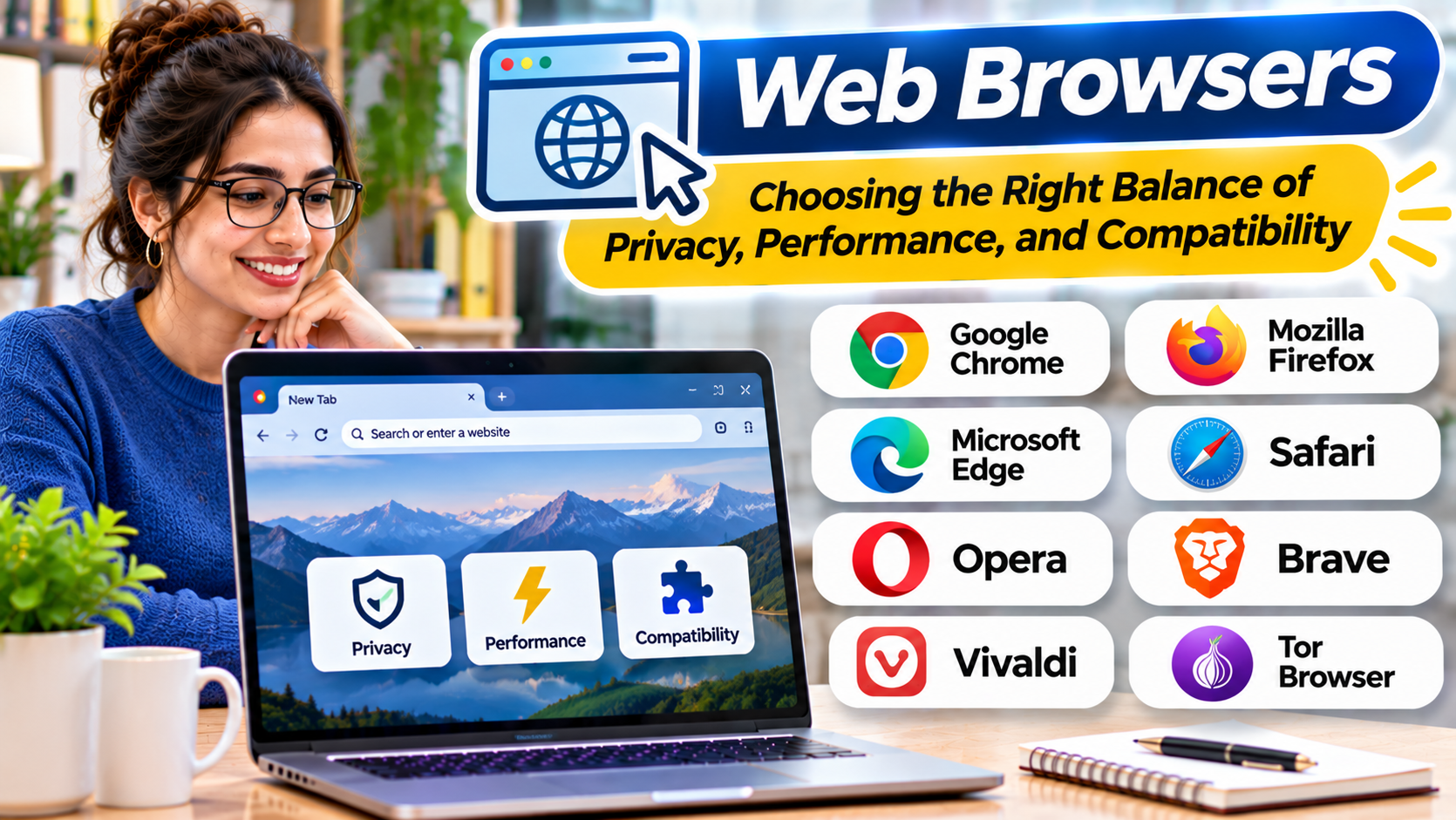
Introduction
Two people can open the same website in different browsers and have noticeably different experiences.
One may encounter a tracking consent prompt, while another benefits from stronger default tracking restrictions. A business application might work perfectly in one browser but experience problems in another. A laptop user may prioritize battery life, while a developer needs dependable debugging tools.
These differences explain why choosing a web browser involves more than comparing loading speeds.
A browser is the application through which users access websites, online services, and increasingly complex web applications. It also plays an important role in security, privacy, account management, and daily productivity.
The right choice depends on how the browser handles modern websites, protects sensitive information, supports extensions, and integrates with the user’s devices.
Why Browser Choice Still Matters
Modern browsers support many of the same web standards, but they differ in implementation and design.
The most important distinctions involve:
- Rendering engines and website compatibility
- Privacy protections and tracking controls
- Security architecture and update delivery
- Memory and energy consumption
- Extension availability
- Synchronization between devices
- Enterprise management
- Developer tools and accessibility
A browser that performs well on one computer may behave differently on another.
Similarly, a browser with strong privacy defaults may require adjustments for websites that depend on cross-site authentication or third-party services.
There is no universally superior browser for every user.
Understanding Browser Engines
The browser engine influences how websites are displayed and how web technologies behave.
Several major engines shape the modern browser landscape.
Blink
Blink is the rendering engine used by Chromium-based browsers, including Google Chrome, Microsoft Edge, Brave, and Opera.
A shared engine provides substantial compatibility benefits.
However, browsers using Blink can still differ in privacy settings, interface design, extension policies, security features, and integrated services.
Gecko
Mozilla Firefox uses the Gecko engine.
This provides an important alternative to the Chromium ecosystem.
For developers, testing in Firefox can reveal compatibility issues that might not appear when testing only Chromium-based browsers.
WebKit
Safari uses WebKit.
WebKit is particularly important within Apple’s ecosystem and is associated with Safari’s web rendering and privacy technologies.
Platform rules and browser-engine availability can vary by operating system and jurisdiction.
Why Engine Diversity Matters
When many browsers rely on the same engine, a website may appear compatible across several products while still depending on engine-specific behavior.
Testing across independent engines helps developers identify standards and accessibility problems.
For ordinary users, engine differences become relevant when websites fail to display or behave correctly.
Comparing Major Web Browsers
| Browser | Main distinction | Important consideration |
|---|---|---|
| Google Chrome | Broad Chromium ecosystem and Google integration | Review privacy and resource-use preferences |
| Mozilla Firefox | Independent engine and configurable privacy controls | Test essential website and extension compatibility |
| Microsoft Edge | Chromium compatibility and Microsoft integration | Evaluate enterprise and account settings |
| Apple Safari | Apple ecosystem integration and WebKit | Best suited to supported Apple environments |
| Brave | Privacy-oriented Chromium browser | Some websites may need protection adjustments |
| Opera | Chromium-based browser with integrated features | Review built-in services and privacy settings |
| Vivaldi | Extensive interface customization | Greater configuration complexity |
| Tor Browser | Privacy-focused browsing through the Tor network | Performance and website compatibility trade-offs |
These products are organized by their practical differences rather than an unsupported overall ranking.
Google Chrome: Compatibility and Ecosystem Integration
Google Chrome is a widely used browser built around the Chromium project.
Its appeal includes broad website compatibility, extensive extension availability, developer tools, and integration with Google services.
For users already working with Google accounts and applications, synchronization can make it convenient to move between devices.
However, account integration and privacy are separate considerations.
Users should review synchronization settings, browsing data controls, and the extensions they install.
Chrome can be a practical default when compatibility is the main priority, but that does not mean every user needs its broader ecosystem features.
Mozilla Firefox: An Independent Browser Alternative
Firefox is especially relevant for users who value browser-engine diversity and configurable privacy controls.
Its Enhanced Tracking Protection features help restrict certain tracking technologies.
Firefox also supports extensions and offers developer tools for inspecting websites and debugging applications.
The independent Gecko engine makes Firefox useful for developers who want to test beyond Chromium.
A potential trade-off is that some websites or browser extensions may receive more attention from developers targeting Chromium.
Users who depend on specialized web applications should test them before making Firefox their only browser.
Microsoft Edge: Integration With Windows and Microsoft Services
Microsoft Edge uses Chromium technology while adding features associated with Microsoft’s software ecosystem.
It is relevant to Windows users and organizations relying on Microsoft accounts, Microsoft 365, and centrally managed devices.
Enterprise administrators may value policy controls and integration with existing management systems.
For personal use, the main decision is whether these integrated features improve productivity or add unnecessary complexity.
Users should examine default settings, synchronization, and optional services rather than assuming that all Chromium browsers behave identically.
Apple Safari: Integration and Privacy Within Apple’s Ecosystem
Safari is closely integrated with Apple’s operating systems and services.
It uses WebKit and includes privacy technologies such as Intelligent Tracking Prevention.
These controls aim to limit certain forms of cross-site tracking.
Safari can be a sensible choice for people whose browsing takes place mainly on supported Apple devices.
However, users who need identical browser experiences across several operating systems may find its platform availability restrictive.
Developers should also test Safari separately because WebKit behavior can differ from Chromium and Gecko.
Brave: Privacy-Focused Browsing With Chromium Compatibility
Brave combines a Chromium foundation with privacy-oriented features.
Its built-in protections can reduce certain tracking and advertising-related requests without requiring users to install several extensions.
This approach may appeal to people who want stronger privacy defaults while retaining much of Chromium’s website compatibility.
The trade-off is that aggressive blocking can occasionally interfere with website functionality.
Users may need to adjust protections for particular websites.
Brave also includes optional services that users should evaluate according to their preferences.
Vivaldi and Opera: Different Approaches to Browser Productivity
Vivaldi emphasizes customization.
Its interface options can appeal to users who manage many tabs, want flexible layouts, or prefer extensive control over browser behavior.
The downside is that numerous settings can increase the learning curve.
Opera takes a different approach by offering a collection of integrated browsing features.
Users should decide whether those features replace tools they already use or introduce unnecessary duplication.
Both browsers demonstrate that interface design and workflow can matter as much as the underlying engine.
Tor Browser: Privacy With Important Trade-Offs
Tor Browser is designed for privacy-focused browsing through the Tor network.
Its purpose differs from conventional browsers optimized primarily for convenience and direct website access.
Tor Browser can help reduce certain forms of network-level identification and tracking.
However, it does not provide complete anonymity under every circumstance.
Logging into identifying accounts, sharing personal information, or installing unsupported modifications can undermine privacy goals.
Some websites also restrict Tor traffic or require additional verification.
Tor Browser is best evaluated according to its particular privacy model rather than treated as a faster or more convenient replacement for every everyday browser.
Browser Privacy Is More Than Private Browsing Mode
Private or incognito windows are frequently misunderstood.
They generally reduce the amount of browsing history and related information retained locally after the private session ends.
They do not automatically hide activity from websites, network operators, employers, or internet service providers.
Private browsing is therefore different from anonymity.
Tracking Protection
Tracking protection can restrict selected third-party scripts, cookies, and other tracking mechanisms.
The effectiveness of these controls depends on the browser and its configuration.
Cookie Management
Cookies support useful functions such as maintaining signed-in sessions.
They can also contribute to tracking across websites.
Browsers differ in how they partition, restrict, or delete cookies.
Fingerprinting
Browser fingerprinting attempts to recognize users through combinations of device and browser characteristics.
Privacy protections may reduce some fingerprinting signals, but preventing every form of identification is difficult.
Account Synchronization
Synchronization can make browsing convenient across devices.
However, users should understand which information is synchronized and how account access is secured.
Security Features That Deserve Attention
A secure browser needs more than a visible warning when a website appears dangerous.
Important protections include sandboxing, process isolation, timely security updates, safe handling of certificates, and defenses against malicious downloads.
The effectiveness of these features depends on implementation and configuration.
Automatic Updates
Browsers regularly receive security fixes.
Delaying updates can leave known vulnerabilities unpatched.
Extension Permissions
Extensions may request access to website content, browsing activity, or other sensitive information.
Install only necessary extensions from trustworthy sources.
Review permissions and remove extensions that are no longer needed.
Password Management
Many browsers include password-saving and autofill features.
These can improve convenience, but users should protect the underlying device and account with strong authentication.
Dedicated password managers may be appropriate when advanced sharing, cross-platform access, or organizational controls are required.
Browser Performance: What Should Actually Be Measured?
Browser speed is not a single number.
A meaningful evaluation includes page responsiveness, memory consumption, startup behavior, battery usage, and stability under realistic workloads.
A browser that loads a simple website quickly may still consume substantial memory when dozens of tabs remain open.
Performance also depends on extensions, operating system, hardware, network conditions, and the websites being used.
Test Your Real Workload
Open the websites and applications you use most often.
Try the same number of tabs in each browser.
Observe responsiveness when switching between applications.
Check whether video calls, document editors, and media-heavy websites behave correctly.
On laptops, compare battery behavior under similar conditions.
Avoid drawing conclusions from a single synthetic benchmark.
Choosing a Browser for Business
Organizations have additional requirements beyond individual browsing preferences.
Administrators may need centralized configuration, extension restrictions, identity integration, certificate management, and security policy enforcement.
Managed browsers can help standardize settings across employees.
However, browser management must account for personal devices, remote workers, and web applications with unusual compatibility requirements.
A business should test its critical applications before enforcing a browser-wide migration.
Choosing a Browser for Web Development
Developers benefit from using multiple browsers.
A practical testing environment should include at least one Chromium-based browser, Firefox, and Safari when Apple platform compatibility matters.
Developer tools are important, but standards compliance and real-world rendering differences matter just as much.
Testing should cover:
- Responsive layouts
- Keyboard navigation
- Form behavior
- Authentication flows
- Media playback
- JavaScript functionality
- Accessibility
- Performance under realistic conditions
Using multiple browsers helps reveal problems that would remain hidden in a single-engine testing workflow.
How to Switch Browsers Without Losing Important Data
Changing browsers should be treated as a small migration.
Start by reviewing bookmarks, saved passwords, extensions, and open tabs.
Use supported import tools where appropriate.
Before removing the old browser, verify that essential websites work and important data has transferred successfully.
Check synchronization and default browser settings.
Avoid deleting the previous browser immediately.
Keeping it temporarily provides a fallback if an important application behaves unexpectedly.
Frequently Asked Questions
Which web browser is the fastest?
Performance depends on the device, operating system, extensions, and workload. Testing frequently used websites is more meaningful than relying on a universal ranking.
Which browser offers the strongest privacy?
Different browsers provide different privacy models. Firefox, Brave, Safari, and Tor Browser emphasize distinct protections and trade-offs.
Are Chromium browsers identical?
No. They share important underlying technology but differ in interface design, integrated services, privacy controls, and management features.
Is private browsing anonymous?
No. Private browsing mainly changes local data retention. It does not guarantee anonymity from websites or network operators.
Should developers test websites in multiple browsers?
Yes. Testing different rendering engines can reveal compatibility and accessibility problems.
Final Thoughts
A good web browser should support the websites you need, protect your information appropriately, and fit your daily workflow.
Chrome and Edge offer broad Chromium-based compatibility. Firefox provides an independent engine and configurable privacy controls. Safari is closely integrated with Apple’s ecosystem, while Brave emphasizes privacy-oriented defaults.
Vivaldi and Opera offer alternative productivity experiences, and Tor Browser serves more specialized privacy needs.
Instead of choosing based on brand popularity alone, test the browsers that match your priorities.
The best browser is the one that delivers dependable compatibility, understandable privacy settings, timely security updates, and comfortable everyday use.