Introduction
A salesperson calls a prospect without realizing that another colleague spoke to the same person yesterday. A customer changes companies, but the old employer remains in the database. Meanwhile, an important contact exists in three separate applications with different phone numbers.
These problems rarely begin with a shortage of contact information. They happen because information becomes scattered, outdated, or disconnected from the people who need it.
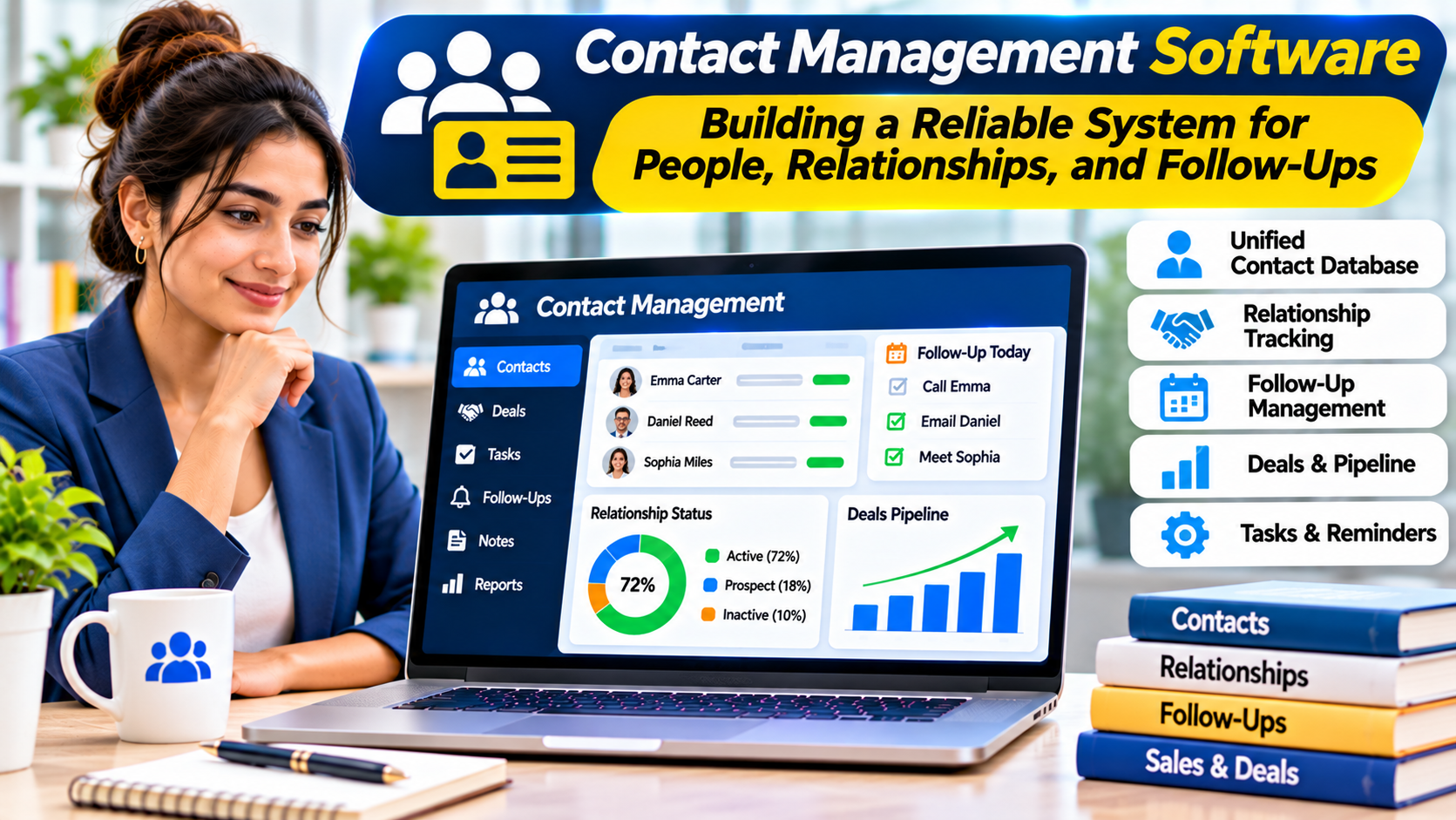
Contact management software helps individuals and organizations organize names, communication details, relationships, and relevant interaction history.
Some applications function as digital address books. Others support sales pipelines, shared business records, contact enrichment, and automated follow-ups.
The right choice depends on what users need to do with their contacts after saving them.
Why a Contact List Is Not Always a Contact Management System
A spreadsheet can store thousands of names and email addresses. It may even support filters, sorting, and basic reporting.
However, storing information is only one part of managing relationships.
A useful contact management system helps users answer practical questions:
- Who is responsible for this relationship?
- When did someone last communicate with this person?
- Which company does the contact currently represent?
- Are there duplicate or outdated records?
- What follow-up action is required?
- Who can access or modify the information?
For a freelancer, a simple address book may answer most of these questions.
For a growing sales organization, the same approach may become difficult to maintain.
The goal is to choose the simplest system that reliably supports the required workflow.
Contact Management Software vs. CRM
Contact management software and customer relationship management software overlap, but they are not identical.
A contact manager focuses primarily on storing, organizing, and retrieving information about people and organizations.
A CRM system typically extends this foundation with sales opportunities, customer interactions, pipelines, forecasting, and other relationship workflows.
| Capability | Basic contact manager | Sales-oriented CRM |
|---|---|---|
| Contact details | Core function | Core function |
| Groups and labels | Common | Common |
| Contact search | Common | Common |
| Interaction history | Varies | Often central |
| Follow-up reminders | Varies | Common |
| Sales pipelines | Usually limited | Core feature |
| Revenue forecasting | Generally absent | Available in many systems |
| Workflow automation | Limited or optional | Often available |
The distinction matters because buying a full CRM for a simple address book can introduce unnecessary complexity.
Conversely, a basic contact manager may become restrictive when teams need to coordinate sales activities.
The Main Types of Contact Management Software
Personal Contact Managers
Personal tools organize names, phone numbers, email addresses, birthdays, and other individual details.
Their value comes from simplicity and synchronization across devices.
Shared Business Contact Databases
These systems allow multiple employees to access and maintain common records.
Permissions, ownership, duplicate detection, and change history become important.
CRM-Based Contact Management
CRM platforms connect contact records with customer interactions, sales opportunities, and service activities.
They are appropriate when managing relationships requires more than storing information.
Relationship Intelligence Tools
Some specialized products help users understand professional networks and relationship activity.
These systems may connect contacts with communication history and other contextual information.
Their usefulness depends on the accuracy of integrations and the organization’s privacy requirements.
Contact Management Software Worth Evaluating
| Software | Primary use | Key consideration |
|---|---|---|
| Google Contacts | Personal and Google Workspace contacts | Sharing and advanced business workflows |
| Apple Contacts | Personal contacts across Apple devices | Cross-platform requirements |
| Microsoft Outlook People | Contacts within Microsoft environments | Account and directory integration |
| HubSpot CRM | Contacts connected to sales and marketing workflows | Feature limits and paid capabilities |
| Zoho CRM | Business contacts and sales processes | Configuration complexity |
| Pipedrive | Sales-oriented contact and deal management | Limited relevance without a sales pipeline |
| Capsule CRM | Relationship management for smaller teams | Workflow and integration requirements |
| Contacts+ | Personal contact organization and synchronization | Supported accounts and subscription features |
| Nextcloud Contacts | Self-hosted contact management | Maintenance and synchronization setup |
These products serve different needs. A personal address book should not be evaluated using the same criteria as a sales CRM.
Google Contacts: Simple Organization Across Google Services
Google Contacts is a natural option for users who already rely on Gmail and other Google services.
It supports ordinary contact records, labels, and synchronization through compatible Google accounts.
For individuals, this may be enough to maintain an organized address book.
The main limitation appears when contact management becomes a shared business process.
A team may need record ownership, detailed interaction history, or approval workflows that are outside the scope of a basic personal contact manager.
Organizations should also distinguish between personal contacts and managed directory information.
Apple Contacts: An Integrated Personal Address Book
Apple Contacts works closely with Apple’s device ecosystem.
It provides a familiar way to maintain contact information across supported Apple devices and connected accounts.
Its strongest advantage is convenience.
Users can maintain contact details without adopting a separate business application.
However, Apple Contacts is not designed to replace a sales CRM or complex shared relationship database.
It is best suited to personal and straightforward professional contact needs.
Microsoft Outlook People: Contacts Within Microsoft Workflows
Outlook People is relevant to individuals and organizations using Microsoft email and productivity services.
It allows users to manage contacts within an environment already connected to communication and scheduling.
For business users, this can reduce switching between applications.
However, personal contact records, organizational directories, and CRM records serve different purposes.
Companies should verify how contacts synchronize and which records employees are authorized to edit.
HubSpot CRM: Contacts Connected to Customer Activity
HubSpot CRM is useful when contact management needs to support sales, marketing, or customer relationship workflows.
Contact records can become part of a broader system involving companies, activities, deals, and other business information.
This creates context that ordinary address books generally lack.
For example, a sales representative can work from a contact record associated with an opportunity rather than maintaining separate notes.
However, organizations should evaluate which features are included in their chosen subscription.
A small business may benefit from basic CRM functionality without needing advanced automation.
Zoho CRM: Configurable Relationship Management
Zoho CRM is relevant to organizations that want contact management integrated with sales processes.
Its flexibility can support businesses with different customer data structures and workflows.
However, customization requires planning.
Adding too many fields, layouts, or automated processes can make the system difficult to use.
A successful implementation should begin with a clear definition of the contact information employees genuinely need.
Pipedrive: Contact Management Around Sales Activity
Pipedrive focuses on sales workflows.
Its contact management capabilities are valuable when people and organizations need to be associated with deals and follow-up activities.
For a team that manages an active sales pipeline, this context can improve coordination.
However, a business seeking only a shared address book may not need a pipeline-centered platform.
The product should be evaluated against the work users actually perform.
Capsule CRM: Relationship Management Without Excessive Complexity
Capsule CRM is worth considering for smaller organizations that want contacts, companies, activities, and sales opportunities in one environment.
Its appeal lies in combining relationship records with practical business workflows.
Teams should test how easily users can retrieve information, record interactions, and assign follow-ups.
The most useful CRM is not necessarily the most customizable.
It is the one employees can maintain consistently.
Contacts+ and Nextcloud Contacts: Different Paths to Contact Control
Contacts+ focuses on organizing and synchronizing personal contact information across supported sources.
It can be useful when an individual’s address book is distributed across several accounts.
Nextcloud Contacts takes a different approach.
It provides contact management within the Nextcloud ecosystem, commonly using CardDAV-compatible synchronization.
This can appeal to organizations seeking greater infrastructure control.
However, self-hosting requires maintenance, backups, access management, and reliable synchronization.
Neither approach automatically replaces a full CRM.
The Most Important Feature: Data Quality
Contact databases become less useful when records are incomplete or inaccurate.
Consider a company with two records for the same customer.
One contains the correct email address, while the other contains the latest interaction notes.
Employees may contact the wrong address or overlook important context.
Duplicate detection and merging can help, but automated matching is not perfect.
Two people may share the same name.
A person may have multiple legitimate email addresses.
An organization should establish clear rules for identifying unique records before performing bulk merges.
Designing a Useful Contact Record
A contact record should contain information that supports a real business need.
For a sales team, this might include name, company, role, business email, relationship owner, and relevant activity history.
For a personal address book, name and preferred contact methods may be sufficient.
Avoid collecting information simply because the software provides a field for it.
Unnecessary personal data increases maintenance work and privacy exposure.
Field definitions should also be consistent.
For example, employees should understand whether a company field represents the current employer, a former employer, or the organization associated with a particular transaction.
Contact Import and Migration
Moving contacts between systems requires careful preparation.
Common sources include CSV files, vCard files, email accounts, and existing CRM platforms.
Before importing, inspect the source data.
Check for duplicate records, missing fields, inconsistent country codes, and outdated information.
Then map source fields to destination fields.
A small test import can reveal problems before thousands of records are affected.
After migration, verify that contact relationships, labels, notes, and ownership information remain accurate.
Keep a recoverable copy of the original dataset until the migration has been validated.
Synchronization and Conflict Management
Contact synchronization is convenient, but it can introduce unexpected changes.
A user may edit a phone number on one device while another system still holds an older value.
Depending on the integration, one change may overwrite another.
Organizations should identify the authoritative source for each type of contact information.
For example, an employee directory may be controlled by an identity management system, while customer relationship details belong in the CRM.
Without clear ownership, synchronization can spread errors across applications.
Privacy, Permissions, and Consent
Contact databases contain personal information.
Organizations should control who can view, export, modify, and delete records.
Access permissions should reflect job responsibilities.
A salesperson may need access to assigned customer records without requiring permission to export the entire database.
Businesses should also evaluate applicable privacy and marketing communication requirements.
Storing a person’s email address does not automatically establish permission to send promotional messages.
Contact management and marketing consent are separate responsibilities.
Measuring Whether the Software Helps
The value of contact management software should be measured through operational improvements.
Useful indicators may include duplicate record rates, missing information, time required to find a contact, and overdue follow-up activities.
Sales teams may also examine whether relationship owners consistently record meaningful interactions.
Avoid measuring success only by the number of contacts stored.
A smaller, accurate database can be more useful than a large collection of outdated records.
How to Choose Contact Management Software
Begin by identifying the primary workflow.
If the goal is maintaining personal contact details, use a straightforward address book.
If several employees need shared visibility and follow-up coordination, evaluate a business contact manager or lightweight CRM.
If contacts must connect to opportunities, sales activities, and reporting, a CRM becomes more appropriate.
Before purchasing, test importing records, searching contacts, merging duplicates, assigning ownership, and exporting data.
Also confirm that users can leave the platform without losing access to their information.
Frequently Asked Questions
Is contact management software the same as CRM software?
No. Contact management focuses on organizing relationship information. CRM software generally adds broader sales and customer workflows.
Can contact management software remove duplicates?
Many products offer duplicate detection or merging, but results require review to avoid combining unrelated records.
Can contacts synchronize between different devices?
Often, yes. Compatibility depends on the supported accounts, protocols, and applications.
Is a spreadsheet enough for managing contacts?
It may be sufficient for simple requirements. Shared workflows, permissions, and interaction history often justify dedicated software.
What is the biggest risk during contact migration?
Incorrect field mapping, accidental merging, missing data, and synchronization conflicts can damage record quality.
Final Thoughts
Contact management software creates value when people can find accurate information and understand the relationships behind it.
The right product depends on whether contacts are personal records, shared business assets, or part of a larger sales process.
Start with data quality and ownership. Then evaluate synchronization, search, permissions, and workflow integration.
A reliable contact system should make relationships easier to maintain, not simply provide another place to store names.