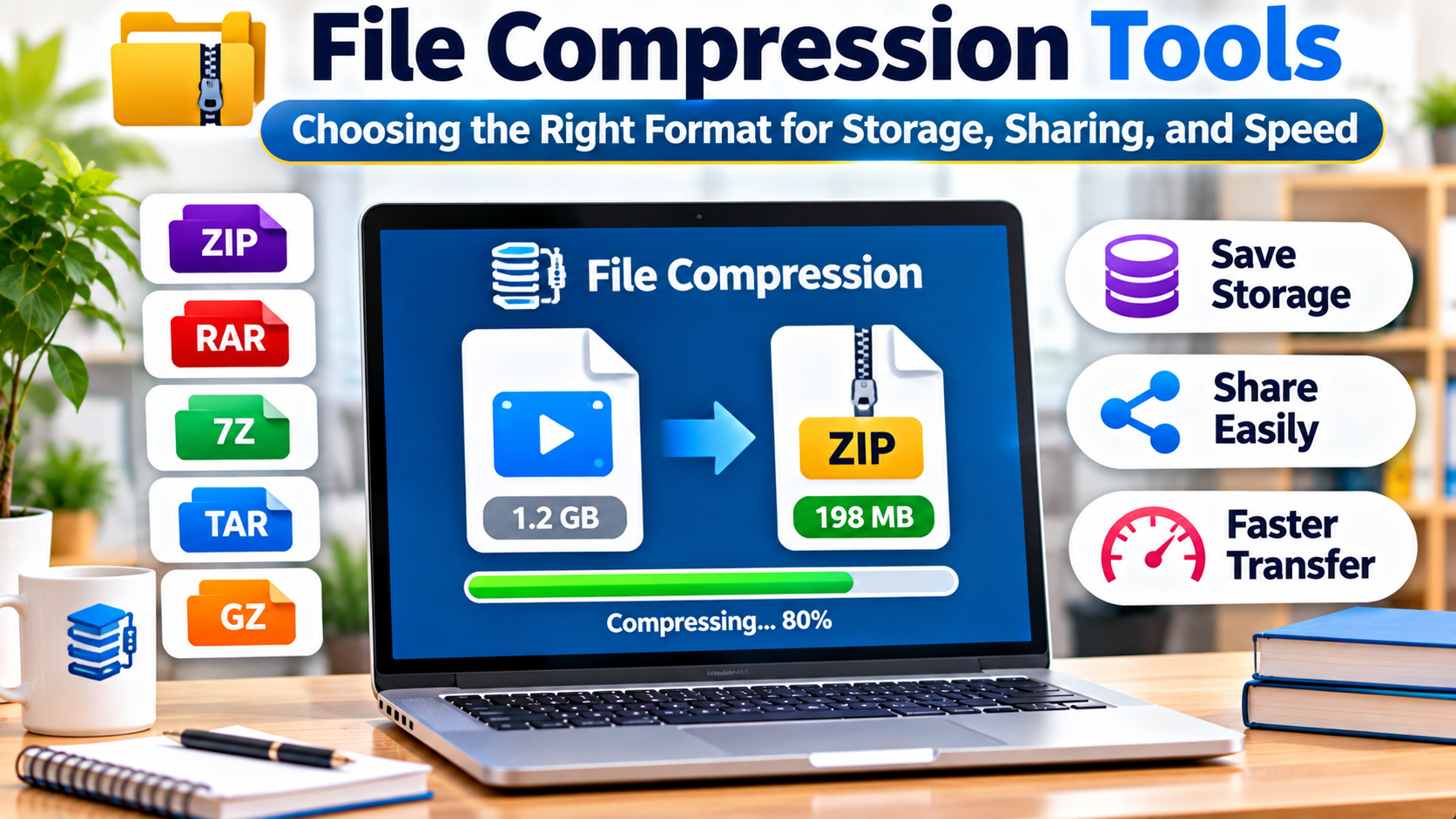
Introduction
A designer needs to send a folder containing hundreds of images. A developer wants to package application logs before uploading them. A system administrator needs to compress backups without slowing down a production server.
All three tasks involve file compression, but they do not require the same solution.
For the designer, compatibility may matter most. The developer may prefer a command-line format that integrates with scripts. The administrator may need a balance between compression ratio, CPU usage, and decompression speed.
File compression tools reduce the space required to store or transfer data. Some also combine multiple files into a single archive and support encryption, integrity checks, or recovery features.
Choosing the right tool requires understanding how compression works, which formats are appropriate, and why the smallest archive is not always the best result.
File Compression and Archiving Are Different Operations
Compression reduces the amount of data needed to represent information.
Archiving combines multiple files and directories into a single container.
Some formats perform both operations.
ZIP, for example, can store multiple files in one archive and compress their contents.
The TAR format primarily combines files and preserves relevant filesystem information. Compression can then be applied separately.
This is why Unix-like systems commonly use combinations such as .tar.gz or .tar.zst.
Understanding this distinction helps explain why different tools produce different file extensions.
Lossless and Lossy Compression
File compression can be divided into two broad categories.
Lossless Compression
Lossless compression preserves the original data exactly.
After decompression, the recovered content should match the original.
This is essential for source code, documents, databases, executables, and most general-purpose archives.
ZIP, 7z, gzip, and Zstandard are commonly associated with lossless compression.
Lossy Compression
Lossy compression removes some information to reduce file size.
It is commonly used in image, audio, and video formats.
JPEG images and many media codecs use lossy techniques.
These formats can achieve substantial size reductions, but the original data cannot always be reconstructed exactly.
A general-purpose archive tool usually cannot significantly reduce a file that is already efficiently compressed.
Why Compression Results Vary
The amount of compression possible depends on the data.
Plain text often contains repeated patterns that compression algorithms can represent efficiently.
Source code and structured logs may also compress well.
By contrast, many photographs, videos, and compressed archives already use compact representations.
Compressing them again may produce little benefit.
In some cases, the output may even become slightly larger because the archive adds metadata.
Therefore, comparing tools using only one sample file can be misleading.
A meaningful test should include the types of data users actually need to store or transfer.
Common Compression Formats Compared
| Format | Main characteristics | Typical use |
|---|---|---|
| ZIP | Broad compatibility and multi-file archives | Everyday file sharing |
| 7z | Flexible archive format with strong compression options | High-compression archives |
| RAR | Proprietary archive format with advanced archive features | Workflows requiring RAR |
| TAR | Combines files without necessarily compressing them | Unix-like packaging |
| gzip | Widely supported stream compression | Logs and Unix workflows |
| bzip2 | Lossless compression with established tooling | Legacy and specialized workflows |
| xz | High-compression format with potentially significant resource use | Distribution and archival packaging |
| Zstandard | Tunable compression with emphasis on speed | Modern data pipelines and backups |
| Brotli | Compression used in web content delivery | HTTP content and web assets |
Format selection should reflect compatibility, performance, and operational requirements.
7-Zip: Flexible Compression for Everyday and Technical Use
7-Zip is an open-source file archiver widely associated with the 7z format.
It supports creating and extracting archives in several formats.
The 7z format can use strong compression methods, making it relevant when reducing archive size is important.
7-Zip also supports encrypted archives.
However, users should understand the encryption settings and ensure recipients have compatible software.
A highly compressed archive is not automatically the best option for routine file sharing.
If the recipient cannot easily extract it, a standard ZIP archive may be more practical.
WinRAR: RAR Archives and Recovery Features
WinRAR is a commercial archive utility associated with the RAR format.
It provides archive creation and extraction features, including options relevant to splitting archives and recovery workflows.
This can be useful when organizations already exchange RAR files or rely on particular archive capabilities.
However, the RAR format is proprietary, and creating RAR archives generally depends on licensed software.
Organizations should verify licensing requirements and cross-platform compatibility.
For ordinary document sharing, a more universally supported format may reduce friction.
PeaZip: An Open-Source Archive Manager
PeaZip is an open-source file archiver with support for numerous archive formats.
It provides a graphical interface for common compression and extraction tasks.
This can appeal to users who want broad format support without relying on a single proprietary archive ecosystem.
PeaZip is particularly relevant when users frequently receive archives in different formats.
However, format support does not mean every format can be created and extracted with identical capabilities.
Users should verify the exact operations they need.
Bandizip and Built-In Operating System Tools
Bandizip is another graphical archive utility that supports common compression workflows.
Its relevance depends on the operating system, supported formats, and licensing requirements.
For simpler tasks, built-in operating system tools may be sufficient.
Windows, macOS, and many Linux desktop environments provide ways to create or extract common archives.
The main advantage of built-in functionality is convenience.
Users do not need to install additional software merely to open a standard archive.
Dedicated tools become more valuable when users need advanced format support, encryption options, archive splitting, or automation.
gzip: A Standard Tool for Unix Workflows
gzip is widely used in Unix-like environments.
It compresses data streams and is commonly paired with TAR for packaging directories.
For example, a .tar.gz file typically contains a TAR archive compressed using gzip.
gzip remains useful because of its broad availability and compatibility.
It is commonly found in scripts, log processing, and software distribution workflows.
However, gzip is not always the best choice when maximum compression ratio or modern high-speed decompression is the primary goal.
xz: When Smaller Files Matter More Than Speed
xz is commonly used for distributing software and other files where compression ratio matters.
It can achieve strong compression on suitable data.
However, high-compression settings may require substantial CPU time and memory.
This creates a trade-off.
A smaller archive may save bandwidth or storage, but creating it can take longer.
For frequently generated backups or latency-sensitive pipelines, that additional processing cost may be undesirable.
Zstandard: A Practical Balance Between Speed and Compression
Zstandard, often called zstd, is a lossless compression algorithm designed to provide a flexible balance between compression speed and ratio.
It supports multiple compression levels.
Lower levels can favor speed, while higher levels may improve compression at additional computational cost.
This flexibility makes Zstandard relevant to modern data processing and backup workflows.
For example, a service generating large volumes of logs may benefit from fast compression that reduces storage and transfer requirements.
However, compatibility must still be considered.
A recipient or downstream system needs software capable of decompressing the chosen format.
Brotli: Compression for Web Content
Brotli is particularly relevant to web content delivery.
It is used to compress suitable resources transferred over HTTP.
Text-based assets such as HTML, CSS, and JavaScript can benefit from compression when supported by the server and client.
Brotli is not primarily a replacement for graphical desktop archive managers.
Its value comes from efficient content delivery in supported web environments.
The choice between Brotli and other HTTP compression methods should consider server configuration, compression overhead, caching, and client compatibility.
Compression Ratio vs. Compression Speed
Compression tools are often compared using archive size alone.
This ignores several important costs.
A stronger compression setting may produce a smaller file but require more CPU time.
It may also consume more memory.
For an occasional archive, that trade-off may be acceptable.
For a service processing thousands of files continuously, the same setting could create operational bottlenecks.
A useful evaluation should consider:
- Original file size
- Compressed file size
- Compression time
- Decompression time
- Peak memory consumption
- CPU usage
- Compatibility with destination systems
These measurements reveal whether a tool is suitable for the actual workload.
Decompression Performance Is Often More Important
Some archives are compressed once but extracted thousands of times.
Software packages and distributed application artifacts are examples.
In these situations, spending additional time during compression may be reasonable if decompression remains fast.
Other workloads compress and decompress data repeatedly.
For those systems, both operations matter.
The correct optimization target depends on how frequently data is written, transferred, and read.
Compression for Backups
Backup workflows have requirements beyond minimizing file size.
They may need reliable recovery, incremental processing, encryption, deduplication, and integrity verification.
A general-purpose archive utility can package backup files, but it does not automatically provide a complete backup system.
Organizations should also consider how compression interacts with deduplication.
Compressing data before a deduplication process can sometimes reduce the effectiveness of detecting repeated content.
Backup architecture should therefore determine where compression belongs in the workflow.
Most importantly, backups must be tested through actual restoration.
A successfully created archive is not proof that a recovery process will work.
Compression for Developers
Developers commonly use compression in source distribution, build pipelines, container workflows, and artifact storage.
Command-line tools are particularly useful because they can be integrated into scripts.
However, automation introduces risks.
Scripts should handle unexpected filenames, failed commands, and corrupted archives.
Archive extraction should also be performed carefully when files come from untrusted sources.
Malicious archives may contain dangerous paths, symbolic links, or unexpected file structures.
Extraction processes should prevent files from being written outside their intended destination.
Encryption and Password Protection
Compression and encryption solve different problems.
Compression reduces data size.
Encryption protects information from unauthorized access.
Some archive formats support encryption, but the security depends on the specific format and encryption method.
A password-protected archive is not necessarily secure simply because a password is required to open it.
Users should verify the encryption algorithm and whether filenames or other metadata remain visible.
Passwords should be strong and communicated through an appropriate separate channel.
For sensitive organizational information, approved encryption and file-sharing systems may be preferable to ad hoc password-protected archives.
Archive Integrity and Corruption
Compressed archives can become corrupted through storage failures, incomplete transfers, or other errors.
Some formats include checksums or other integrity mechanisms.
These can help detect accidental corruption.
However, a checksum alone does not prove that a file came from a trusted source.
Cryptographic signatures and authenticated distribution processes address different security requirements.
When distributing important software artifacts, integrity checking should be part of a broader verification process.
Security Risks When Extracting Archives
Compressed files are sometimes used to distribute malicious content.
An archive may contain executable files, scripts, or deceptive filenames.
Another concern is the decompression bomb.
This is an archive designed to expand into an unexpectedly large amount of data or consume excessive processing resources.
Systems handling untrusted archives should enforce limits on extraction size, file counts, and resource consumption.
Automated extraction should also validate file paths and permissions.
Security depends on how archives are processed, not simply on the compression format.
How to Compare Compression Tools Fairly
A useful benchmark should use representative files.
For example, an organization might test a folder containing documents, source code, logs, and already-compressed images.
Each tool should be configured with documented settings.
Measure archive size and processing time.
Then extract the archive and verify that the recovered files match the originals.
For sensitive data, test encryption and password handling.
Finally, confirm that recipients can open the archive using their available software.
This approach produces a more useful result than selecting a tool based on advertised compression ratios.
Choosing the Right Tool for Different Needs
For everyday file sharing: ZIP is often the practical starting point because of its broad compatibility.
For high-compression desktop archives: 7-Zip is worth evaluating.
For existing RAR workflows: WinRAR may be appropriate.
For broad graphical archive support: PeaZip offers an open-source option.
For Unix scripting and compatibility: gzip remains useful.
For distribution where compression ratio matters: xz may be suitable.
For high-throughput data processing: Zstandard deserves consideration.
For web content delivery: Brotli can be relevant when supported by the delivery environment.
The right answer depends on the data, the destination, and the cost of processing it.
Frequently Asked Questions
Which file compression tool creates the smallest archives?
There is no universal winner. Results depend on file content, compression settings, memory availability, and the algorithm used.
Is 7z better than ZIP?
7z can provide strong compression, while ZIP often offers broader compatibility. The better format depends on the intended workflow.
Can compression reduce the size of JPEG or MP4 files?
Usually not by much. These formats already use compression, so general-purpose archiving may offer limited additional savings.
Is a password-protected ZIP file secure?
Security depends on the encryption method and password strength. Not all ZIP encryption methods provide equivalent protection.
Can compressed archives replace backup software?
They can be part of a backup workflow, but they do not automatically provide scheduling, retention, deduplication, or tested recovery.
Why does a compressed file sometimes become larger?
Archive metadata and compression overhead can outweigh savings when the original data is already efficiently compressed.
Final Thoughts
File compression tools should be selected according to the work they need to perform.
For ordinary sharing, compatibility may matter more than achieving the smallest possible archive.
For backups and automated pipelines, processing speed, memory consumption, and recovery reliability become more important.
For sensitive information, encryption and secure handling require separate attention.
A practical choice begins with the file types, the systems receiving them, and the performance requirements.
Test representative data, verify extraction, and choose the simplest format that meets the real need.