Introduction
An employee books a desk for Tuesday to work beside a colleague. Both reservations are confirmed. On arrival, they discover the desks are on opposite floors and one lacks the monitor the employee needs. The booking worked as configured. The workday it was meant to support still needs rearranging.
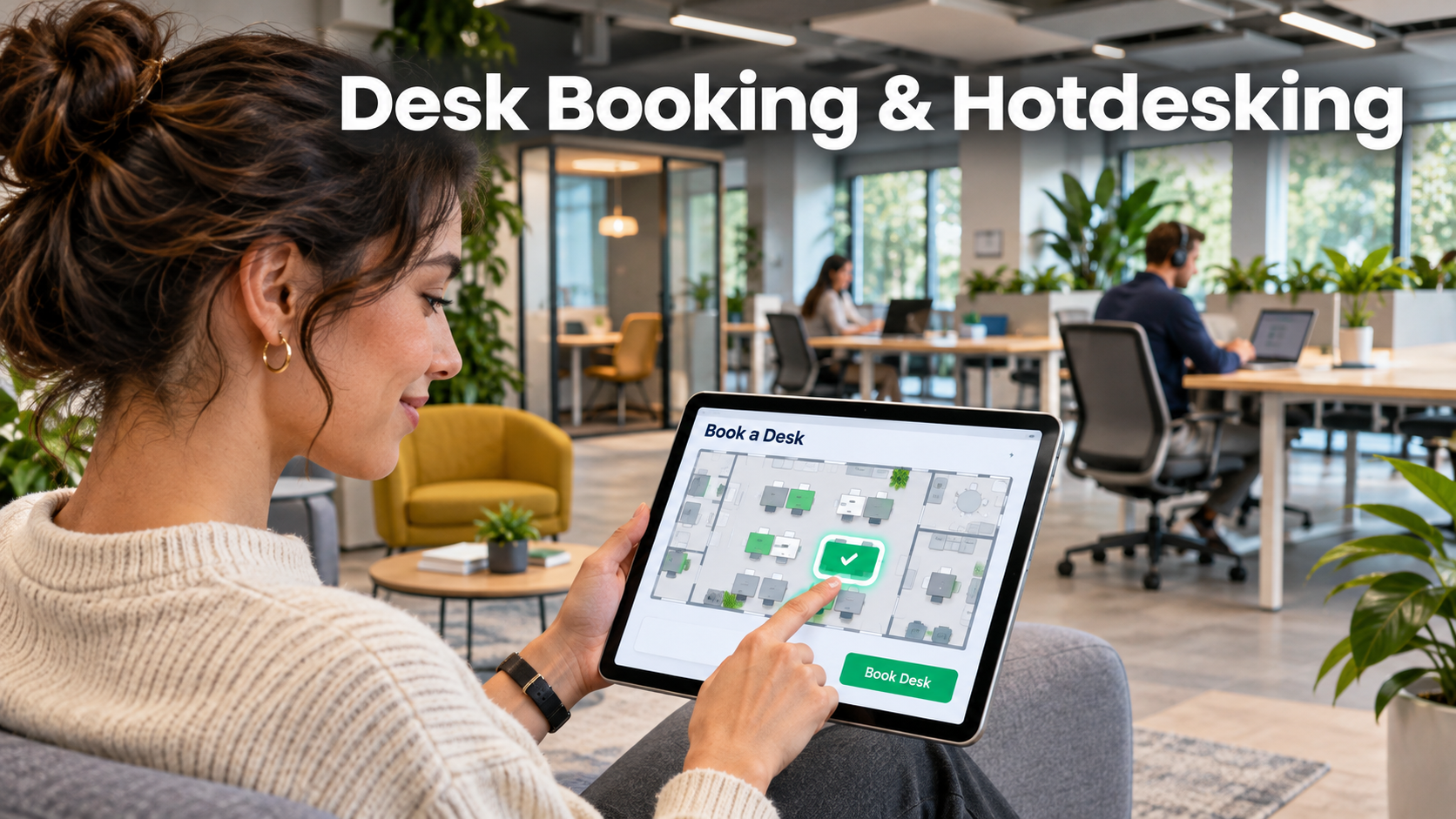
Desk booking software lets employees reserve shared workstations or a place in a designated area. Hotdesking can also run on a walk-up basis, with people choosing from available desks when they arrive. Before adopting software, decide how much certainty employees need and how much choice the workplace can realistically offer.
Set the promise each reservation makes
An individual reservation promises a particular seat. A pooled reservation promises a place somewhere within a defined group of desks. A walk-up area offers immediate choice subject to availability. Assigned seating provides a stable workstation for someone who needs it regularly. A single office can use all four approaches.
Microsoft Places documents both individual desk reservations and shared desk pools. That distinction is useful even when comparing other systems. A pool gives an employee confidence that space exists while leaving the specific seat open until arrival. Individual booking makes more sense when particular equipment, a particular location, or predictable adjacency matters.
| Seating model | Example use | What to validate |
|---|---|---|
| Assigned desk | A workstation that needs a stable setup | Access and accurate representation on maps |
| Bookable desk | A specific seat with equipment an employee needs | The reservation guarantees that seat |
| Desk pool | An area with interchangeable workstations | Capacity reflects the number of usable seats |
| Walk-up space | Drop-in work or short visits | Employees can recognize the area and its rules |
Start with the floor plan and actual workstation inventory. A map is useful only when the desk labels, entrances, and floor information match the building. Walk the pilot floor with a copy of the map. Confirm which desks can be reserved, which are unavailable, and which features an employee can rely on. Give a local workplace coordinator authority to correct errors and publish changes.
Make it possible to plan a day with other people
Ask what employees are trying to achieve when they book. An analyst may need two screens and a quiet spot. A visiting project team may need several nearby seats. A new employee may want to know which neighborhood their team generally uses. The app should help them make those choices without requiring an office expert to translate the floor plan.
Test a team day with a real group size. Let one person book first, then see how easily the rest can reserve nearby seats. If the platform supports group booking, find out who can reserve for others and who receives updates when plans change. A booking rule that lets managers hold large blocks indefinitely can create artificial scarcity. A narrow window for group holds or a simple release deadline may fit the office better.
Colleague location visibility calls for deliberate choices. Some teams may want to share planned office days or a general area. An employee may have reasons to limit who can see their exact desk. Try the experience from a teammate’s view and from a person outside the group. Match what each can see to the workplace’s stated purpose and access rules.
Treat check-in as a capacity tool
Desk check-in can release unused reservations, but it creates another task for each employee. Choose it when unused bookings materially affect availability. During the pilot, compare several options, such as manual confirmation or a clearly marked local check-in point. Review how the system handles late arrivals, forgotten phones, and employees who spend the first hour in a meeting room.
An automatically released desk may be claimed by another employee. Make the result visible to the original booker and the new occupant. Define how a coordinator handles disputes, especially when someone already has belongings at the seat. The software should support the policy the office can enforce, and signage should tell walk-up users how to confirm that a desk is genuinely free.
Review the daily reservation window. Opening bookings too far in advance may favor people with predictable schedules. A short window may make planning visits difficult. Try a booking horizon that lets employees coordinate trips and team days without encouraging speculative reservations. Check whether recurring bookings make sense in your setting and what happens when one person holds the same seat every week.
Test a stressful week and measure the work employees can do
A quiet pilot proves little about a flexible office. Choose a week with a known team gathering or a busy midweek pattern. Include visitors, employees with specific workstation requirements, and staff who travel between sites. Have people find a seat, move it, cancel it, and locate it after they arrive.
Collect search failures and support requests. A site can show modest overall utilization and still run out of suitably equipped desks. Compare demand by desk type, area, and day. Ask employees who gave up booking where they worked instead. If some users routinely bypass the app, investigate whether the tool is slow, whether the map is wrong, or whether they expect to find space without reserving.
Price the full deployment, including mapping, signage, administration, and any integration with directories or calendars. Ask who updates locations when teams move and who removes a workstation when its equipment fails. Those daily changes determine how long employees trust the booking inventory after launch.
The best test is whether employees can predict what they will find when they arrive. A clear promise of a seat in the right neighborhood may serve an interchangeable desk pool. Where equipment or location matters, an individual reservation should deliver the exact place and setup the employee chose.