Teams often struggle not because they have too little work, but because they are attempting too much simultaneously.
Tasks accumulate, priorities shift, and partially completed work remains scattered across different people and systems.
Kanban offers a practical approach to managing this problem.
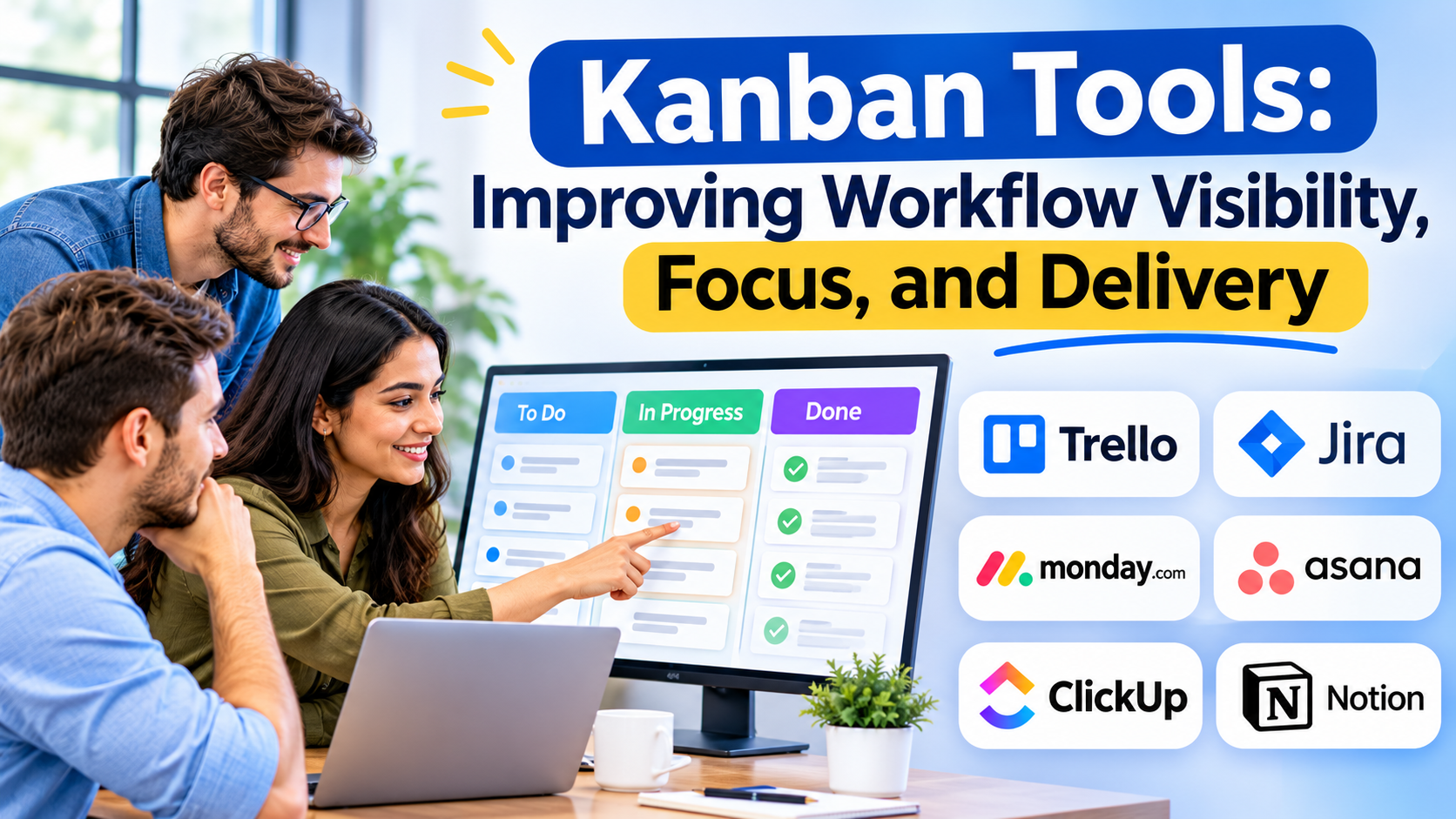
Kanban tools visualize work, expose bottlenecks, and help teams improve how tasks move from request to completion.
The value of Kanban lies in managing flow—not simply arranging colorful cards on a board.
What Is Kanban?
Kanban is a method for managing and improving the flow of work.
It emphasizes visualizing work, limiting work in progress, managing flow, making policies explicit, and improving collaboratively.
A typical Kanban board displays work across columns representing different stages.
For example:
| To Do | In Progress | Review | Done |
|---|---|---|---|
| Draft article | Design graphics | Approve campaign | Publish update |
| Review request | Fix issue | Check changes | Close ticket |
Each card represents a work item.
As work progresses, the card moves through the relevant stages.
Why Kanban Works
It makes work visible
A shared board helps team members understand what is waiting, active, blocked, or completed.
It reveals bottlenecks
When work repeatedly accumulates in one stage, the team can investigate the underlying cause.
It encourages focus
Limiting work in progress reduces the tendency to start new activities before completing existing commitments.
It supports continuous improvement
Teams can adjust their process based on observed flow and delivery performance.
Kanban Tools Worth Evaluating
Trello
Trello provides boards, lists, and cards for visual task management.
It is a straightforward option for teams that want a familiar Kanban-style interface.
Jira
Jira supports Kanban boards and configurable workflows.
It is particularly relevant to software teams managing technical work and issue tracking.
Kanbanize / Businessmap
Businessmap, formerly known as Kanbanize, focuses on Kanban-oriented work management and workflow visibility.
It is relevant to organizations seeking more structured flow management across teams.
Kanban Tool
Kanban Tool provides visual work management and related productivity capabilities.
It can be considered by teams seeking dedicated Kanban functionality.
Asana
Asana includes board views that can support Kanban-style workflows.
It is useful when teams want visual task management alongside broader collaboration capabilities.
monday.com
monday.com supports customizable workflows and visual work tracking.
It may appeal to organizations combining Kanban practices with broader operational management.
Kanban Boards vs. Kanban Systems
A board is a visual representation of work.
A Kanban system also includes explicit workflow policies, work-in-progress limits, and practices for managing flow.
A team can use a Kanban board without meaningfully applying the Kanban method.
For example, moving cards between columns provides visibility, but it does not automatically prevent excessive multitasking.
A mature implementation uses the board to support decisions about capacity, priorities, and process improvement.
Understanding Work-in-Progress Limits
Work-in-progress limits establish how many items can be active in a particular stage.
Suppose a team has three reviewers.
Allowing fifteen items to enter review simultaneously may create a large queue.
A work-in-progress limit can encourage the team to finish existing reviews before introducing more work.
The appropriate limit depends on team capacity, work variability, and workflow characteristics.
Limits should be reviewed and adjusted based on evidence.
Important Kanban Metrics
Cycle time
Cycle time measures how long a work item takes to move from a defined starting point to completion.
Lead time
Lead time commonly measures the elapsed time between a request entering the system and its completion.
Teams should define their measurement boundaries consistently.
Throughput
Throughput measures the number of work items completed during a period.
Work in progress
This represents the amount of work currently active within the workflow.
These metrics can help identify trends, but they should not be interpreted without considering work complexity and quality.
Choosing the Right Kanban Tool
Start by considering team size, workflow complexity, and reporting needs.
Small teams may prefer simple boards with minimal configuration.
Software teams may require issue tracking, development integrations, and advanced workflow controls.
Larger organizations may need multiple connected boards, dependency visibility, and portfolio-level reporting.
Evaluate usability, work-in-progress controls, analytics, automation, integrations, permissions, and total cost.
Common Kanban Mistakes
One mistake is creating too many columns.
Another is allowing unlimited work in progress while expecting the board alone to improve productivity.
Teams may also move cards to completed status without consistent definitions of what completion means.
Kanban should encourage better conversations about work, not simply more detailed status reporting.
Introducing Kanban to a Team
Begin by visualizing the existing workflow.
Identify where work enters the system, how it progresses, and what completion means.
Make important policies explicit.
Then observe how work moves and identify recurring bottlenecks.
Introduce work-in-progress limits gradually and review their impact.
Improvement should be collaborative rather than imposed through arbitrary targets.
Frequently Asked Questions
Is Kanban only for software development?
No. Kanban is used in marketing, customer support, operations, design, and many other environments.
Does Kanban require sprints?
No. Kanban generally supports continuous flow rather than requiring fixed-length iterations.
Can Kanban and Scrum work together?
Teams may combine compatible practices, but they should understand the purpose of each method.
Conclusion
Kanban tools are most useful when they help teams focus on finishing work rather than continually starting new tasks.
A well-designed Kanban system improves visibility, exposes bottlenecks, and supports better delivery decisions.
The best software is the one that makes flow easier to understand and improve without adding unnecessary complexity.