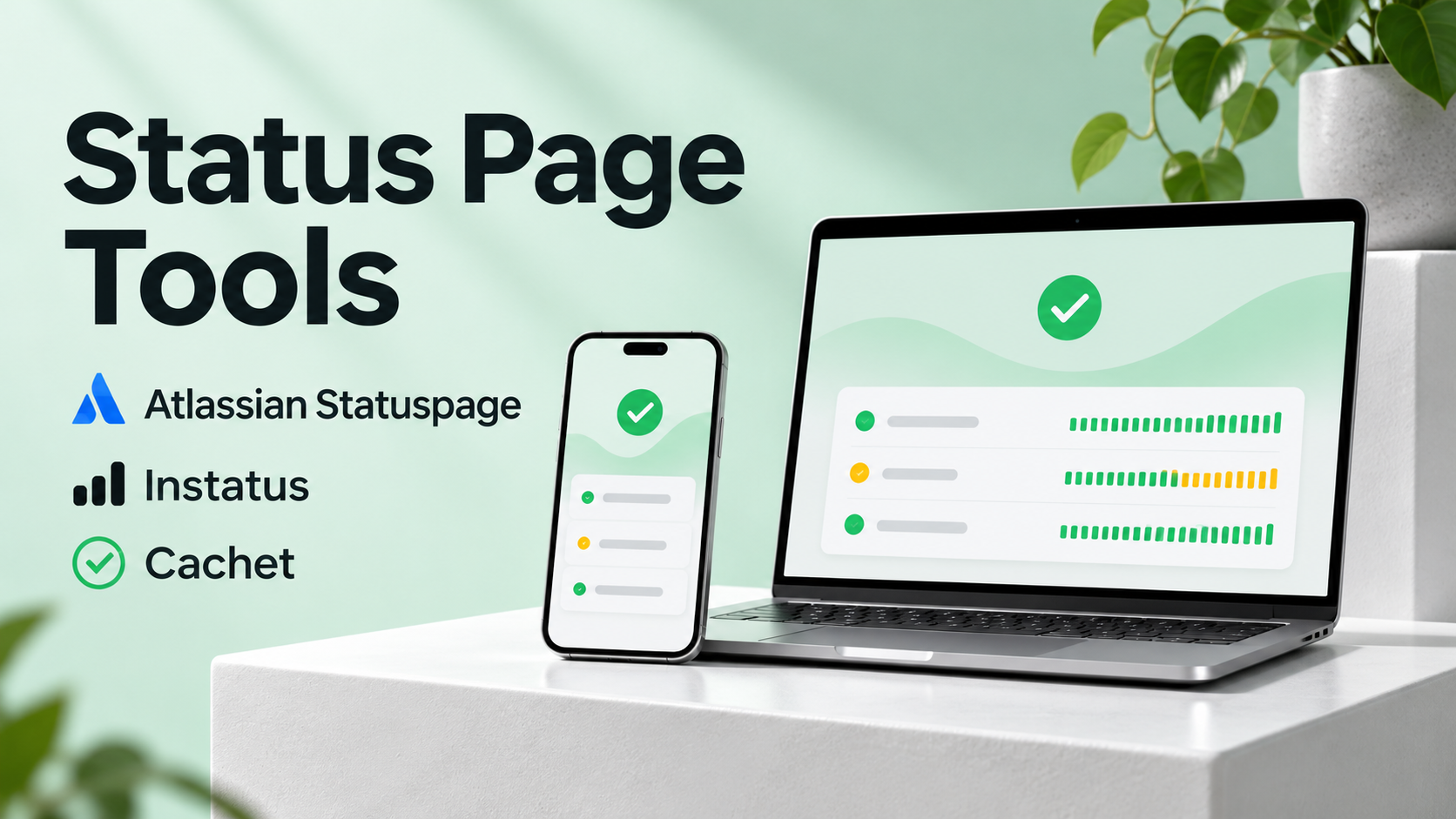
Customers opening a status page usually want to know whether their service is affected, what they can do, and when another update will arrive. The page should answer those questions even when the main application and its sign-in flow are unavailable.
Name components the way customers use them
Labels such as sign-in, payments, and API are easier to interpret than internal service names. Keep the list short enough for people to find their workflow. If one region or customer group is affected, describe that scope in the incident message and update it as the team learns more.
Decide who operates the publishing path
Atlassian Statuspage is a hosted option for teams that want a dedicated status publishing workflow. Test how component changes, subscriber notifications, and author permissions work on your intended plan.
Instatus is another hosted option. Check how individual component states affect the summary banner and how updates appear to subscribers.
Cachet is worth evaluating if you prefer to run the page yourself. Include hosting, access, backups, monitoring, and upgrade work in the decision. Deploy it so a failure of the main service does not also take away the page or its publishing access.
Write the first update before you know the cause
Start with the affected action and the symptoms you can confirm. State whether the team is investigating or has begun recovery, and give a time for the next update. Build that commitment into the incident workflow so someone owns it.
Rehearse publishing while the main application and normal sign-in are unavailable. A second responder should be able to post and amend an update, and a subscriber should receive the expected message. Test the page as an affected customer would, from a phone without access to internal tools.